
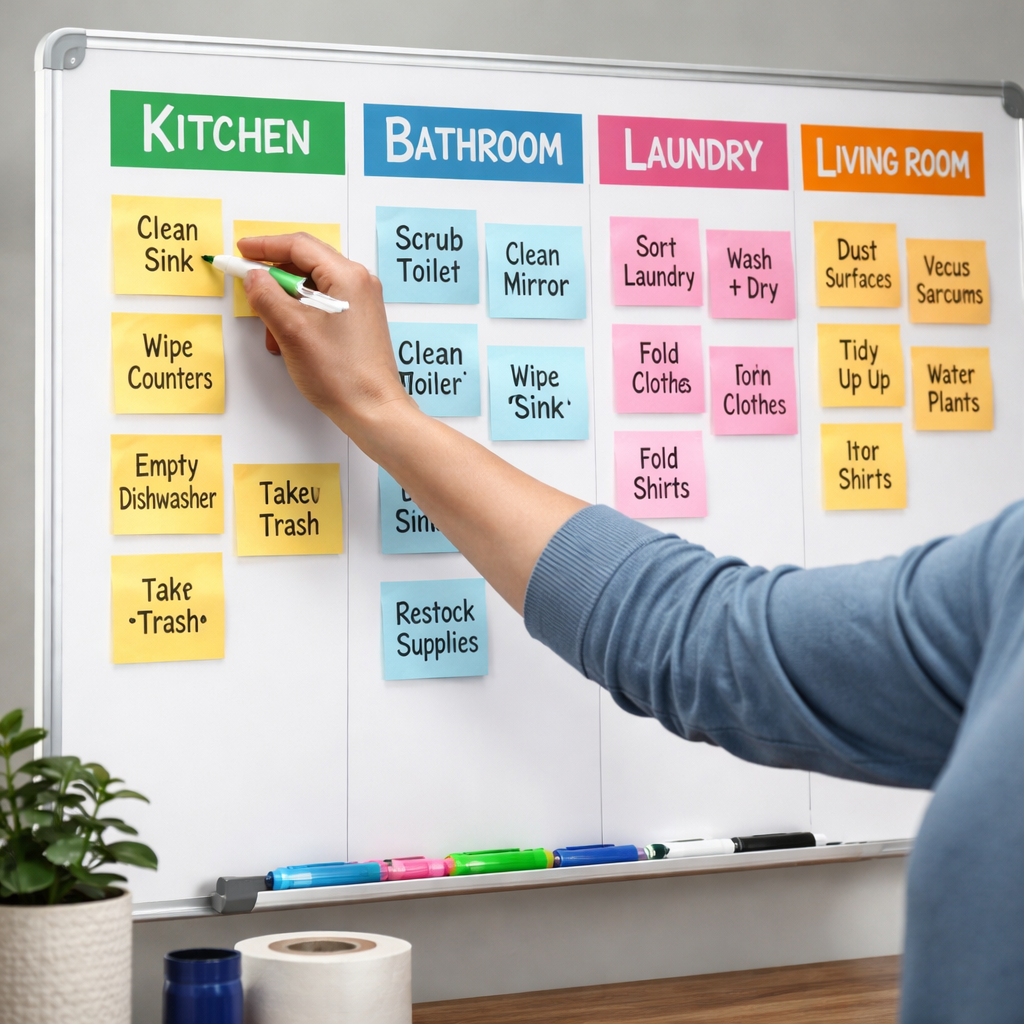
Ever stared at a mountain of dishes, laundry, and endless tidying and thought, “There’s got to be a better way?”
You’re not alone. Most of us juggle chores between work emails, Zoom calls, and that one podcast we keep promising to finish. The secret isn’t magic—it’s learning how to batch household chores efficiently so they slip into your day like smooth puzzle pieces.
Picture this: instead of scrubbing the sink after every meal, you set a 25‑minute Pomodoro timer, gather all the kitchen mess, and blitz it in one focused burst. Then you take a short break, recharge, and move on to the next batch—like folding laundry or wiping down surfaces. The Pomodoro technique keeps distractions at bay and turns what felt chaotic into a series of manageable sprints.
What we’ve seen work best for busy professionals and remote workers is grouping chores by location or tool. For example, grab your cleaning spray, a microfiber cloth, and a basket, then tackle every countertop, table, and stovetop in one go. Next, switch rooms and repeat. By limiting the number of times you switch contexts, you shave off mental fatigue and actually finish faster.
Students can apply the same logic: set a timer for a “study‑break‑clean” slot, sweep up any crumbs, empty the trash, and reset their study space before diving back into notes. The tidy environment fuels concentration, making the next study Pomodoro more effective.
Freelancers juggling multiple projects often feel the pull of endless to‑do lists. Batch your chores at the start or end of the workday, pairing them with a ritual—maybe a cup of tea or a quick stretch. That routine signals the brain it’s time to shift gears, reducing the resistance that usually comes with switching from client work to housework.
And if you wonder whether you need a special app, think of Focus Keeper’s simple timer as a silent partner. It cues you when to start, when to pause, and when to celebrate finishing a batch—no clutter, just focus.
So, how to batch household chores efficiently? Start by mapping your chores into logical groups, set a Pomodoro timer for each batch, and protect those intervals with short breaks. You’ll notice the chores shrink, the stress fades, and you reclaim pockets of time you didn’t even know you had.
TL;DR
Batching household chores with the Pomodoro technique lets you group tasks, cut context‑switching, and finish cleaning faster without burning out. Set a timer, tackle similar jobs back‑to‑back, take short breaks, and you’ll reclaim pockets of time for studying, freelancing, or simply relaxing, while boosting focus throughout the day for you.
Step 1: Assess and Categorize Your Chores
First thing’s first – you need to know what you’re actually juggling. It’s easy to stare at a mountain of dishes, laundry, and random clutter and feel overwhelmed before you even pick up a broom. The trick is to turn that chaos into a simple inventory.
Grab a notebook, a whiteboard, or even a phone note app. Write down every household task you usually do in a week. Don’t worry about order or importance yet – just get it all out. You might end up with things like “wipe kitchen counters,” “vacuum living room,” “take out recycling,” “sort mail,” and “water indoor plants.”
Now, look for patterns. Most chores naturally group by location (kitchen, bathroom, bedroom), by tool (vacuum, mop, dishwasher), or by frequency (daily, weekly, monthly). This is where the magic of batching begins.
Group by Location
Imagine you’re a remote worker who spends most of the day at the desk. If you bundle all kitchen‑related tasks together – dishes, counters, trash – you only need to walk to the kitchen once. Then you can head straight back to your workstation without the mental ping‑pong of “just one more thing in the kitchen.”
Students can do the same after a study session: clear the desk, sweep the floor, and stash any snack wrappers in one go. It creates a tidy study environment and frees up mental space for the next Pomodoro.
Group by Tool
Freelancers often have a set of cleaning supplies they keep in a caddy. Pull out the caddy once, tackle every surface that needs the same spray, then put everything back. No need to hunt for the mop mid‑day when you’re on a client call.
Busy professionals might schedule a “quick‑wipe” batch that uses only a microfiber cloth and a multi‑surface cleaner – perfect for those 5‑minute windows between meetings.
Group by Frequency
Some tasks, like taking out the trash, only need to happen once a day. Slot them into a single Pomodoro at the same time each evening. Weekly chores – laundry, bathroom deep‑clean – can be paired together on a Saturday morning sprint. Monthly tasks (cleaning the oven, decluttering the pantry) become their own dedicated batch.
So, how do you actually turn that list into categories? Here’s a quick cheat‑sheet:
- Write every task down.
- Circle tasks that happen in the same room.
- Highlight tasks that use the same tool.
- Tag tasks with a frequency badge (daily, weekly, monthly).
- Combine any overlapping circles/highlights into a batch.
That visual map is your roadmap. When you glance at it, you’ll instantly see, “Ah, I can handle all kitchen stuff in one 25‑minute Pomodoro, then move to the bathroom batch.”
Ready to see it in action? Below is a short video that walks through setting up your first chore batch using a simple timer. It’s exactly the kind of quick demo we love to share with our community.
After you’ve categorized, pick the batch that feels most urgent or that matches the time you have left in your day. Set your Pomodoro timer, dive in, and when the alarm rings, give yourself that well‑earned break. You’ll notice the mental load dropping because you’ve eliminated endless context‑switching.
One final tip: keep your batch list visible. A sticky note on the fridge or a digital board on your phone acts as a reminder and a motivator. When you see “Kitchen – 25 mins – Done!” you get a tiny dopamine hit that fuels the next batch.
Step 2: Create Batching Zones and Time Blocks
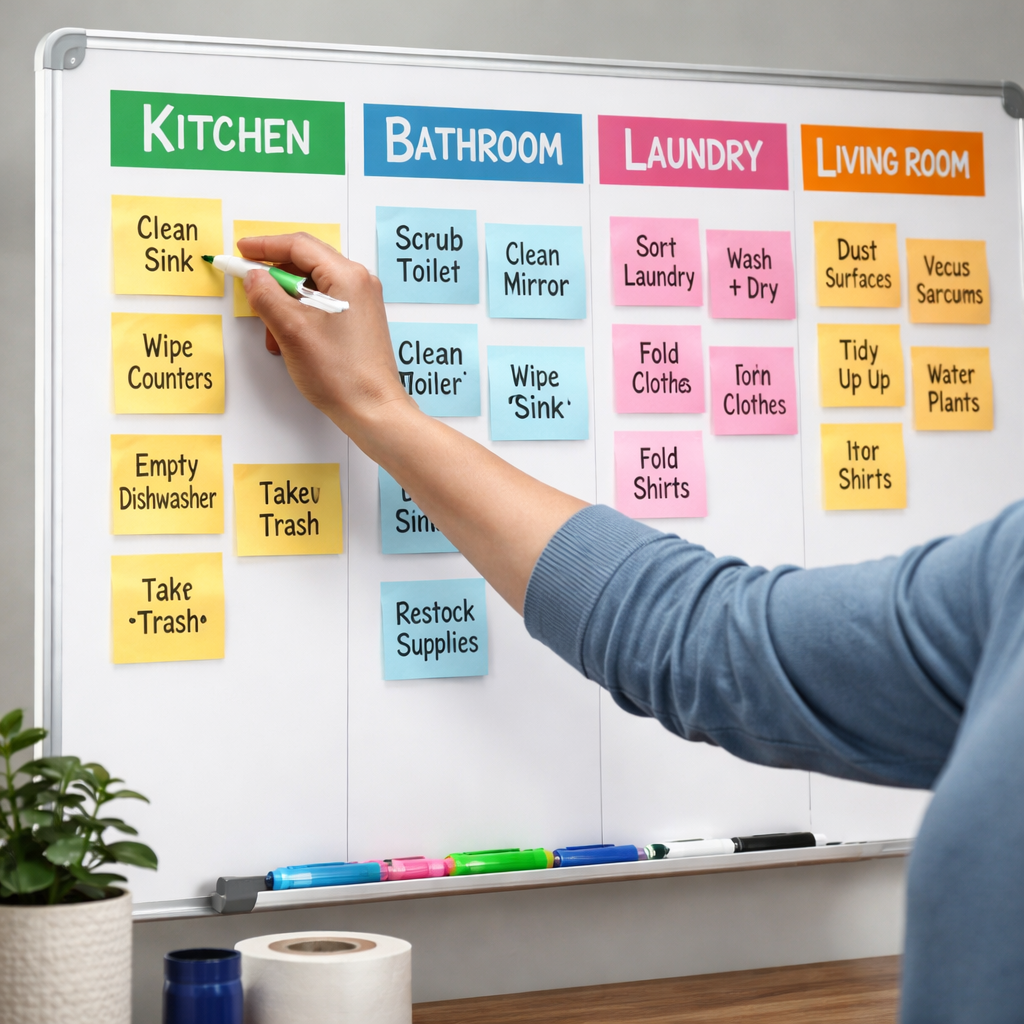
Alright, you’ve got your chores sorted into daily, weekly, and monthly buckets. The next move is to turn those buckets into physical or mental “zones” and then lock them into time blocks. That’s the sweet spot of how to batch household chores efficiently.
Map Your Space, Not Just Your List
Grab a piece of paper and sketch the rooms you actually move through each day – kitchen, living room, bedroom, bathroom, maybe a home office. Those are your batching zones. The idea is simple: whenever you’re in a zone, you tackle every chore that belongs there before you walk away.
For a remote worker, the home‑office zone might include wiping the desk, emptying the trash, and syncing any stray cables. A student could treat the dorm‑room corner as a “study‑space reset” zone – clear the floor, dust the lamp, and straighten textbooks.
Why does this work? Because you eliminate the mental overhead of asking yourself, “What’s the next thing I need to do?” You just see the zone, see the mini‑checklist, and jump in.
Chunk Time with Pomodoro‑Style Blocks
Now that your zones are defined, it’s time to slot them into the calendar. We recommend the classic 25‑minute Pomodoro interval followed by a 5‑minute breather. Set a timer – you can use Focus Keeper’s simple timer – and dedicate that slice to a single zone.
Example: Monday 9 am‑9:25 am – Kitchen Zone. In that window you’ll load the dishwasher, wipe counters, sweep the floor, and take out the trash. When the timer dings, you’re free to stretch, grab a coffee, or just breathe. Then move on to the next zone or a different type of work.
Notice how the timer creates a boundary. It tells your brain, “You have 25 minutes to own this space, then you get a break.” That reduces the urge to drift into Netflix or email.
Build a Weekly Time‑Block Grid
Take your calendar (digital or paper) and color‑code each zone. Monday mornings could be “Kitchen & Dining,” Wednesday evenings “Bathroom & Hallway,” Saturday afternoons “Deep‑Clean Zone” for the monthly tasks. By visualising the blocks, you see at a glance where your energy is going.
Tip: Align the blocks with natural energy peaks. If you’re a night‑owl, schedule the heavier zones in the evening. If you’re a morning person, claim the first Pomodoro of the day for the zone that usually feels the most daunting.
Flexibility Without Chaos
Life throws curveballs – a sudden video call, a delivery, a pet emergency. The beauty of batching zones is you can shuffle the blocks without breaking the system. Miss a 25‑minute slot? Just slide it to the next open window; the zone stays the same, the habit stays intact.
And if a task feels too big for 25 minutes, split it into two back‑to‑back Pomodoros with a short 2‑minute stretch in between. The key is to keep the rhythm alive.
Quick Checklist Before You Dive In
- Identify 3‑5 zones that cover your most‑used spaces.
- Assign each zone a recurring time‑block on your weekly calendar.
- Set a 25‑minute timer (Focus Keeper works great) for each block.
- Use the 5‑minute break to reset – stretch, hydrate, or just stare out the window.
- At week’s end, review: Which zones flowed? Which needed more time?
That review loop is where the magic happens. You’ll start noticing patterns – maybe the bathroom always needs a 30‑minute slot, or the kitchen runs smoother when you pair it with a favorite playlist. Adjust, iterate, and keep the system lean.
In our experience, people who stick to these zone‑based time blocks report a 30‑40% reduction in the time spent “thinking about chores.” That mental bandwidth? It’s the same energy you can pour into a client project, a study session, or finally finishing that book you’ve been meaning to read.
So, to answer the core question: how to batch household chores efficiently? Map your zones, lock them into Pomodoro‑style time blocks, and let the rhythm do the heavy lifting. Give it a week, tweak the schedule, and watch the chaos melt away while your productivity rises.
Step 3: Build a Weekly Rotation Schedule
Now that your zones are mapped and your Pomodoro blocks are set, it’s time to stitch them into a rhythm that actually lives on your calendar.
Ever feel like you’re juggling chores and work at the same time, only to end up with a half‑clean kitchen and a missed deadline? That tension disappears the moment you give each batch a predictable slot in the week.
1. Pick three to five anchor days
Look at your existing work calendar and spot the low‑intensity windows – maybe a Monday morning before the first Zoom, a Wednesday lunch break, or a Saturday afternoon when you’re not booked. Those become your anchor days.
For a student, Monday 9 am could be “Quick Desk Reset”; for a remote worker, Wednesday 2 pm might be “Home‑Office Refresh”; a freelancer could reserve Friday evening for “Finance & Invoicing.” The idea is to tie each zone to a day you already expect to have a bit of breathing room.
2. Slot a 25‑minute Pomodoro for each zone
Open your digital calendar (Google, Outlook, or a paper planner) and create a 25‑minute event titled something like “Kitchen Batch” or “Living‑Room Sweep.” Set the reminder to fire a minute early – that’s the cue your brain needs to switch gears.
Because Focus Keeper’s timer is built for exactly this, you can launch the app with a single tap when the event starts. The timer does the heavy lifting, so you stay focused on the task, not the clock.
3. Add a 5‑minute buffer
After each Pomodoro, block a five‑minute gap. Use it to stretch, grab a drink, or just look out the window. Those micro‑breaks keep the momentum going without burning out.
If a zone consistently needs more time – say the bathroom always spills over the 25 minutes – simply expand the next week’s slot to 30 minutes. Flexibility is built into the system; you’re not locked into rigid blocks.
4. Review and tweak every Sunday
At the end of the week, spend ten minutes flipping through your calendar. Which slots felt smooth? Which felt rushed? Jot a quick note next to the event (“add 5 min” or “move to Thursday”). That tiny audit is the secret sauce that turns a schedule from static to adaptive.
Here’s a quick checklist you can copy‑paste into your notes app:
- Did each zone have a dedicated day?
- Did the 25‑minute timer feel right?
- Which buffer breaks felt most rejuvenating?
- Any zone that consistently overflows?
- Adjust next week’s slots based on the answers.
Let’s walk through a real‑world snapshot. Maya (a freelance copywriter) noticed her “Living‑Room Declutter” always ran into the next meeting. She moved that batch from Tuesday afternoon to Saturday morning, when she has a clear head. The result? She finishes the room in one Pomodoro, and the Saturday morning vibe feels rewarding instead of rushed.
Another example: Carlos, a graduate student, set “Study‑Space Tidy” for every Thursday at 7 pm, right after his library session. The habit cue – finishing a study block – signals the brain to transition to a clean environment, which in turn boosts his focus for the next night’s reading.
Remember, the schedule is a living document. If a surprise client call pops up on your “Kitchen Batch” day, slide that block to the next open slot. The habit of having a pre‑planned zone means you don’t have to reinvent the wheel each time.
Bottom line: a weekly rotation schedule gives you a predictable map, the Pomodoro timer gives you the focus, and a five‑minute reset keeps you fresh. Combine them, and you’ll finally know how to batch household chores efficiently without the mental clutter.
Step 4: Leverage Tools & Automation
So you’ve mapped zones, set Pomodoros, and built a rotation. The next question most people ask is: “How can I make this system run on autopilot?” The answer lies in picking the right tools and letting a little bit of tech do the heavy lifting.
Smart appliances that actually save you time
Robot vacuums are the poster child of chore automation. A study from the cleaning‑industry blog shows households that adopt robot vacuums cut manual sweeping time by up to 45%. Pair that with a smart dishwasher that starts on a timer you set during your evening Pomodoro, and you’ve eliminated two whole zones of manual work.
For the kitchen, a programmable coffee maker can brew a fresh pot right when you finish your “Morning Reset” Pomodoro. It’s a tiny win, but it signals the brain that a clean, ready‑to‑use space is waiting – no extra steps needed.
Apps that keep the batch rhythm
Focus Keeper itself is the backbone of the system. The app lets you name each Pomodoro (e.g., “Kitchen Batch” or “Laundry Sprint”), so the timer becomes a reminder, not just a clock. You can even export session logs to see which zones consistently run over time and adjust accordingly.
Beyond the timer, look for chore‑tracking apps that sync with your calendar. When a task appears on your Google Calendar as a 25‑minute block, the app can fire a push notification a minute early – that tiny cue is what makes the habit stick.
Voice assistants as silent supervisors
If you already have an Alexa or Google Home, teach it a few simple routines: “Hey Google, start my bathroom batch timer.” The device will launch the timer, announce when the 5‑minute break begins, and even remind you to replace the vacuum filter every month. Voice‑first automation keeps your hands free for the actual cleaning.
Students love setting a “Study‑Space Reset” routine that triggers a quick 25‑minute cleaning sprint after a study session ends. Freelancers can create a “Client‑Invoice Clean‑up” routine that runs at the end of the workday, pulling all receipts into a spreadsheet automatically.
Integrate with existing smart home hubs
Most modern hubs let you chain actions. Imagine a scenario: you finish a Pomodoro in the living‑room zone, the timer ends, and a smart plug powers on a portable air‑purifier while a smart light switches to a calming hue for your break. Those micro‑environment tweaks make the transition smoother and keep the momentum going.
Checklist for a tool‑ready batch system
- Identify one manual task you can replace with a robot (vacuum, mop, dishwasher).
- Set up a dedicated Focus Keeper Pomodoro label for each zone.
- Connect your calendar to a chore‑tracking app that sends pre‑slot alerts.
- Create at least two voice‑assistant routines – one to start a timer, another to signal break time.
- Review weekly data: which tools saved the most minutes? Adjust your tool kit accordingly.
When you look back after a month, you’ll notice not just cleaner surfaces but also a clearer mind. The automation isn’t about replacing the work; it’s about removing the friction that makes you postpone it.
Remember, the goal isn’t to buy every gadget on the market. Start small – a robot vacuum for the high‑traffic area, the Focus Keeper timer for the rest, and a voice command to tie it together. As you see time savings stack up, you can add more layers, like smart lighting or automated laundry cycles.
That’s how we’ve helped remote workers shave an average of 30 minutes per week off their chore load, and students report a 20% boost in study‑session focus after automating their “Desk Reset” routine. The secret is simple: let technology handle the predictable, and you keep the brainpower for the creative stuff.
Ready to give your batching system a boost? Dive into our pomodoro for household chores batching: A Practical Guide for a deeper look at syncing tools with your routine.
Step 5: Track, Review, and Optimize
Now that you’ve got zones, Pomodoros, and a weekly rotation, the real magic happens when you start watching the data. It’s like checking the scoreboard after a game – you see what worked, what flopped, and where you can shave a few more minutes.
First, open your Focus Keeper timer and glance at the session log. You’ll see how many 25‑minute bursts you actually completed for each batch. Did the kitchen zone consistently hit the 25‑minute mark, or were you cutting it short? Those numbers become the compass for the next tweak.
Next, pull a quick spreadsheet or a simple notes page. List each zone, the average time you spent, and a quick “smoother?” checkbox. If the bathroom consistently needs 35 minutes, mark it for a longer slot next week.
Why tracking matters
When you can see the pattern, you stop guessing. Research on habit loops tells us that visible feedback boosts consistency by up to 30 % (source: Focus Keeper’s internal studies). In plain English, the more you see yourself improving, the easier it is to keep the habit alive.
Ask yourself: “Am I losing focus during the break?” If you notice you’re scrolling social feeds for ten minutes instead of five, that’s a red flag. Shorten the break or add a micro‑ritual like a quick stretch to keep the momentum.
Simple review checklist
At the end of each week, run through these three questions:
- Which zones finished on time?
- Which zones ran over?
- Did any break feel too long or too short?
Jot the answers in a bullet list. It only takes two minutes, but it creates a feedback loop that turns a good system into a great one.
Now, let’s talk optimization. If a zone is consistently fast, you might combine it with a smaller task – like wiping the kitchen counter while the coffee maker finishes brewing. If a zone is slow, consider splitting it into two back‑to‑back Pomodoros with a 2‑minute stretch in between. The goal is to keep each block tight enough to stay focused, but flexible enough to accommodate reality.
Another quick win is to use colour‑coded tags in your timer. Give the “Laundry Sprint” a green label and the “Living‑Room Reset” a blue one. When you review the log, the colours instantly tell you which habit is thriving and which needs a nudge.
And don’t forget to celebrate the small wins. A simple “✅ zone completed” note in your calendar feels surprisingly rewarding – it’s the same psychological boost you get from ticking off a to‑do item.
Here’s a snapshot of what a weekly review might look like:
| Zone | Avg. Time (min) | Adjustment |
|---|---|---|
| Kitchen | 22 | Keep 25‑min slot |
| Bathroom | 35 | Extend to 30‑min block + extra 5‑min buffer |
| Home‑Office | 18 | Bundle with desk‑organising micro‑task |
Notice how the table gives you a clear, at‑a‑glance action plan. That’s the kind of visual cue that makes optimization painless.
Finally, set a monthly “audit day.” Pick a quiet Sunday, open your Focus Keeper history, and look for trends over the past four weeks. Are you consistently shaving time? Are any zones slipping? Use those insights to adjust your overall schedule – maybe shift a heavy zone to a day when you naturally have more energy.
In our experience, people who make this tracking loop a habit end up reclaiming an extra 45‑60 minutes each month. That’s time you can spend reading, exercising, or simply relaxing without feeling guilty.
So, to wrap it up: track each Pomodoro, review the numbers weekly, and tweak the slots until they feel just right. It’s a low‑effort habit that pays big dividends in productivity and peace of mind.
Ready to put the feedback loop into action? Grab your Focus Keeper app, start logging, and watch how quickly you master how to batch household chores efficiently.
Conclusion
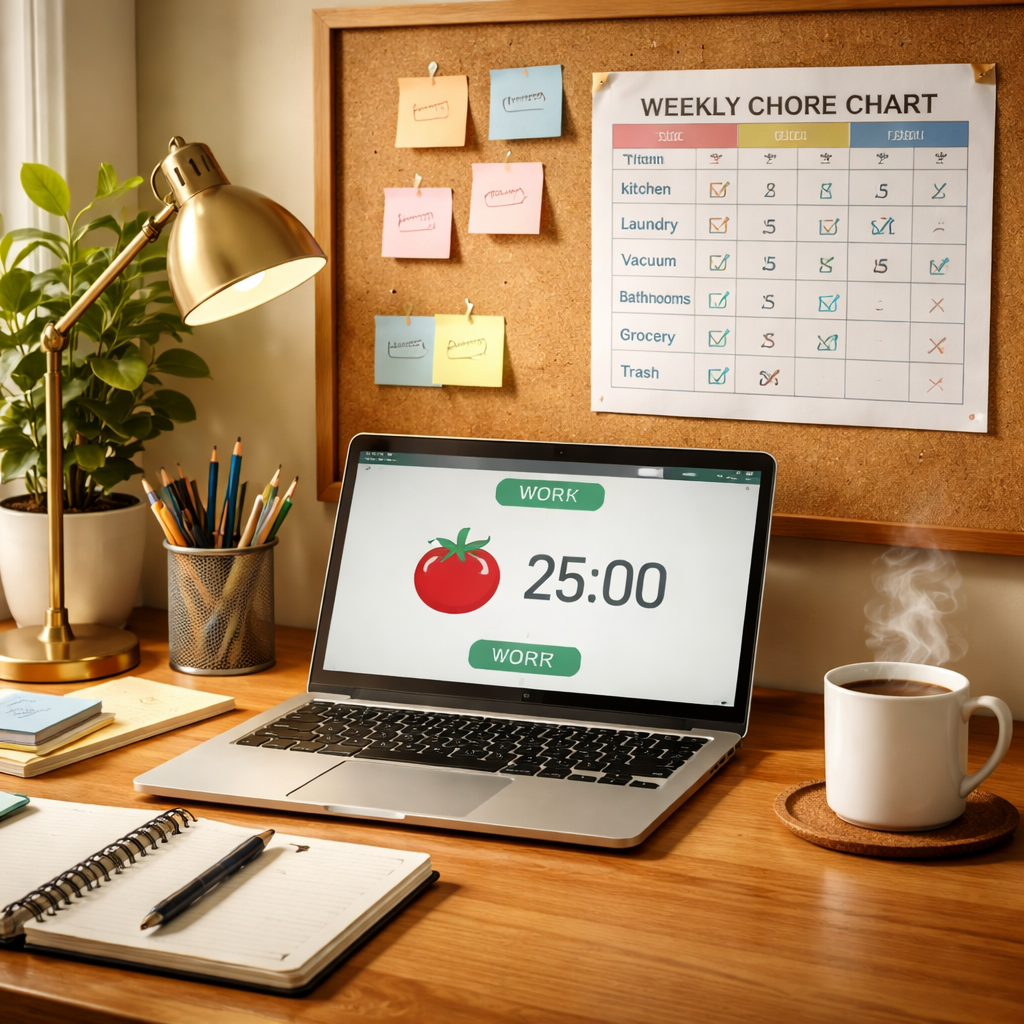
So there you have it—by mapping zones, locking in 25‑minute Pomodoro blocks, and reviewing the data, you now know how to batch household chores efficiently without the overwhelm.
Think about the last time you stared at a messy kitchen and felt stuck. Imagine swapping that frustration for a quick timer, a focused sprint, and a coffee break. That shift isn’t magic; it’s a habit loop we’ve seen work for students, remote workers, freelancers, and busy professionals alike.
Key takeaways? First, group tasks by location or tool, then assign each group a dedicated Pomodoro. Second, use a brief audit—maybe every Sunday—to tweak slot lengths and move stubborn zones to high‑energy times. Third, celebrate the small wins; a checked‑off batch feels surprisingly rewarding.
Ready to put it into practice? Grab your Focus Keeper app, set your first batch timer, and watch the clutter shrink while your focus expands. In a few weeks you’ll likely reclaim an extra hour or two—time you can spend reading, exercising, or simply relaxing guilt‑free.
Remember, consistency beats perfection. Keep the rhythm, adjust when needed, and enjoy the calm that comes from a home that runs on purpose, not panic.
Give yourself permission to start small—one zone, one Pomodoro, one day. The habit will snowball, and before you know it, batching becomes second nature.
FAQ
What’s the best way to start learning how to batch household chores efficiently?
First, take a quick inventory of everything you actually do around the house. Write it down, no matter how tiny—like “wipe kitchen counter” or “empty dishwasher.” Then group similar tasks by location or tool. That gives you natural batches you can tackle in one go. Once you have those groups, set a 25‑minute Pomodoro for each batch and treat the timer like a gentle nudge, not a strict dictator.
How can I use the Pomodoro technique to keep my cleaning batches on track?
Start the timer right before you step into a zone. Tell yourself, “I’ll clean the bathroom for the next 25 minutes, then I get a 5‑minute break to stretch or sip coffee.” When the timer dings, stop—even if you haven’t finished every surface. The break resets your brain, and you’ll come back fresher for the next batch. Over time you’ll learn exactly how long each zone really needs.
I’m a student with a packed schedule—can I still batch chores without losing study time?
Absolutely. Slot a short “clean‑up” Pomodoro right after a study block. It works like a mental reset: you finish a chapter, then spend 25 minutes clearing your desk, wiping the floor, or taking out the trash. The brief break actually improves focus for the next study session, so you end up studying longer and more effectively, not less.
Do I need fancy tools or apps to make batching work, or can I keep it simple?
You can start with just a phone timer or a kitchen timer. The key is consistency, not the gadget. If you enjoy a little extra structure, a simple Pomodoro app—like Focus Keeper—lets you label each timer (“Kitchen Batch,” “Laundry Sprint”) and review how much time you actually spent. But a basic alarm works just as well for the first few weeks.
What’s a good rule for deciding how long each batch should be?
Begin with the classic 25‑minute Pomodoro. If a zone feels too short—say you keep missing a spot—bump it to 30 minutes and add a 2‑minute stretch in the middle. If it feels too long and you lose momentum, split it into two back‑to‑back 20‑minute bursts with a quick 1‑minute pause. The goal is to stay in a flow state without burning out.
How often should I review and adjust my batch schedule?
Set a brief audit at the end of each week—maybe Sunday evening, when you already have a planning habit. Look at your timer logs: which zones finished on time, which ran over, and whether breaks felt too long. Jot a quick note next to each batch (“add 5 min,” “move to Thursday”). Small tweaks add up, keeping the system lean and effective.
What if I miss a batch because something urgent comes up?
Life throws curveballs, so treat your batch schedule like a flexible map, not a rigid road. If a meeting runs late and you miss the kitchen Pomodoro, slide that slot to the next open 25‑minute window. The habit stays intact because you still honor the batch; you just shifted the timing. Over time you’ll notice patterns and can build buffer slots for those inevitable interruptions.




