
What is priority management tool?

What is priority management tool?
In today’s fast-paced world, managing priorities can feel like an uphill battle. Between work deadlines, personal commitments, and unexpected tasks, it’s easy to get overwhelmed. This is where a priority management tool comes into play. These tools help streamline your tasks, making it easier to focus on what truly matters. By integrating a priority management tool into your daily routine, you can enhance productivity and achieve a better work-life balance.
Understanding Priority Management Tools
A priority management tool is designed to help individuals and teams organize tasks based on their importance and urgency. The primary purpose of these tools is to ensure that the most critical tasks are tackled first, minimizing stress and maximizing efficiency. They can take various forms, from digital applications to traditional paper planners.
Key Features of Priority Management Tools
Effective priority management tools typically include several essential features:
- Task List Creation: Allows users to compile and categorize tasks quickly.
- Prioritization System: Features like drag-and-drop functionality or color-coding help distinguish between high, medium, and low-priority tasks.
- Deadline Tracking: Keeps reminders for upcoming deadlines to ensure nothing falls through the cracks.
- Collaboration Options: Many tools allow team members to work together, assigning tasks and sharing updates in real-time.
- Progress Tracking: Users can monitor their progress on various tasks, helping to maintain motivation.
These features make priority management tools indispensable for anyone looking to optimize their workflow.
Types of Priority Management Tools
Priority management tools come in various formats, catering to different preferences:
-
Digital Tools and Apps: Applications like Priority Matrix or ClickUp offer advanced features for managing tasks digitally. They often include collaborative functionalities and integration with other platforms.
-
Traditional Methods: Some people prefer pen and paper. Techniques like the Eisenhower Matrix or simple to-do lists can efficiently prioritize tasks without the distractions of digital devices.
-
Hybrid Solutions: Combining digital and analog approaches can also be effective. For instance, you might maintain a physical planner for daily tasks but use an app for long-term projects.
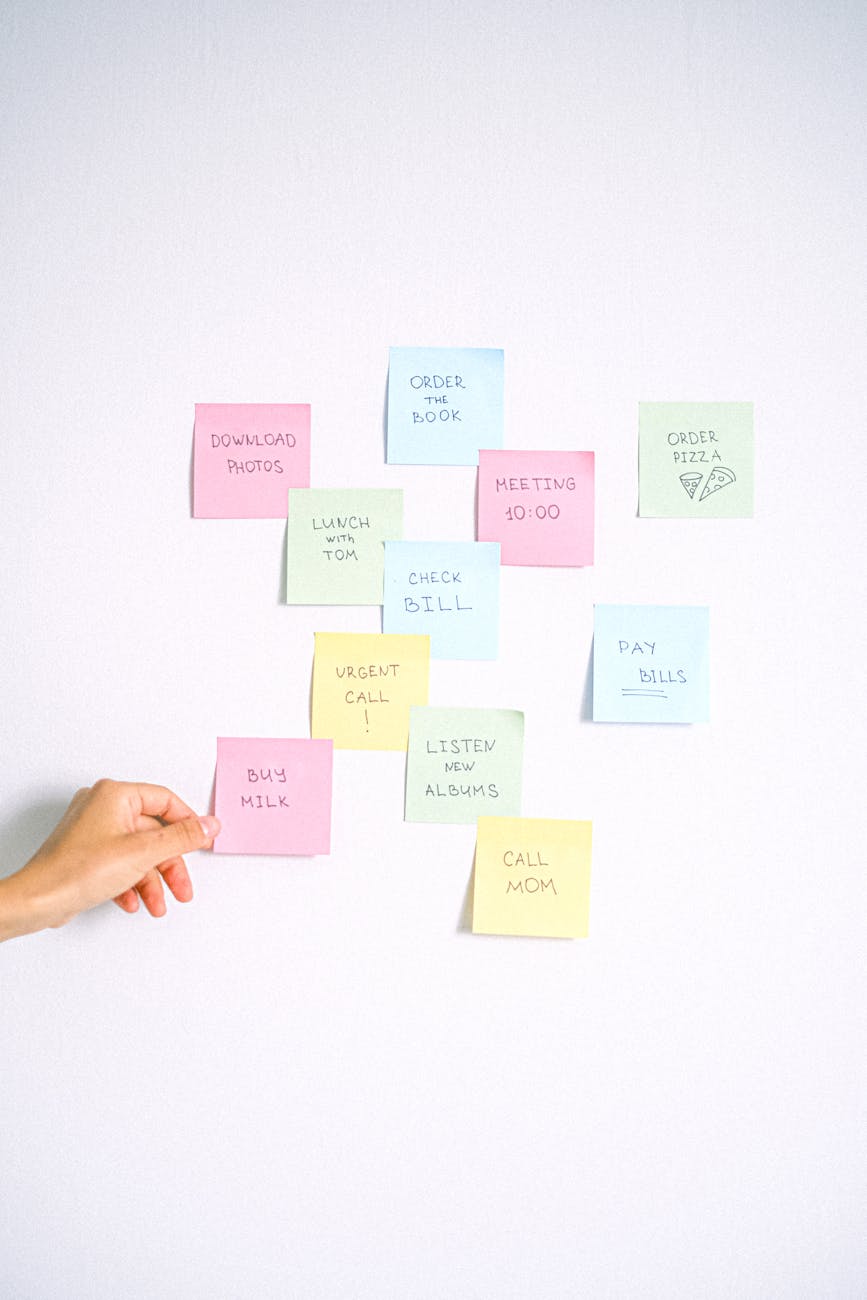
Photo by Anna Shvets
Benefits of Using Priority Management Tools
Integrating a priority management tool into your routine offers numerous benefits:
Improved Productivity
Imagine having a clear outline of what needs to be done without the chaos of forgotten tasks. Priority management tools help you focus on high-priority tasks first, ensuring that you’re spending your time effectively. By tackling the most important work first, you can often complete projects more quickly and with higher quality.
Enhanced Work-Life Balance
Using these tools also allows for improved work-life balance. When you organize your tasks efficiently, you’re less likely to work late into the evening or on weekends. This balance is crucial for maintaining mental well-being and preventing burnout. In fact, research shows that those who adopt effective prioritization strategies experience significantly less stress and are more fulfilled in their personal lives (LinkedIn).
Better Decision-Making
When you’re overwhelmed, decision-making can become muddled. A priority management tool clarifies what tasks should take precedence, enabling you to make informed choices quickly. With a visual representation of your priorities, you can assess the impact of each task on your overall goals, allowing for better strategic decisions.
How to Choose the Right Priority Management Tool
With so many options available, selecting the right priority management tool can feel daunting. Here’s how to make an informed choice:
Assessing Personal Needs
Before diving into the world of priority management tools, take a moment to reflect on your unique needs. Consider the following questions:
- What type of tasks do you typically manage?
- Do you need collaboration features or a solo solution?
- How do you prefer to visualize your tasks?
Understanding your workflow and priorities will guide you to the best tool for your situation.
Comparative Analysis of Popular Tools
Several popular priority management tools are available, each with its strengths. Here’s a quick comparison:
- Trello: Great for visual task management, using boards and cards to organize work.
- Asana: Offers robust collaboration features, making it ideal for team projects.
- Todoist: A simple and straightforward task manager that prioritizes user-friendly design.
- ClickUp: Combines many features, offering versatility for both personal and professional use (ClickUp).
Conclusion
Incorporating a priority management tool into your routine can significantly improve productivity and help you maintain a healthier work-life balance. By clearly defining your tasks and focusing on what truly matters, you set yourself up for success. If you haven’t yet started using one, consider exploring some options and find the perfect fit for your needs. Remember, the key to managing your time effectively lies in prioritizing wisely.