
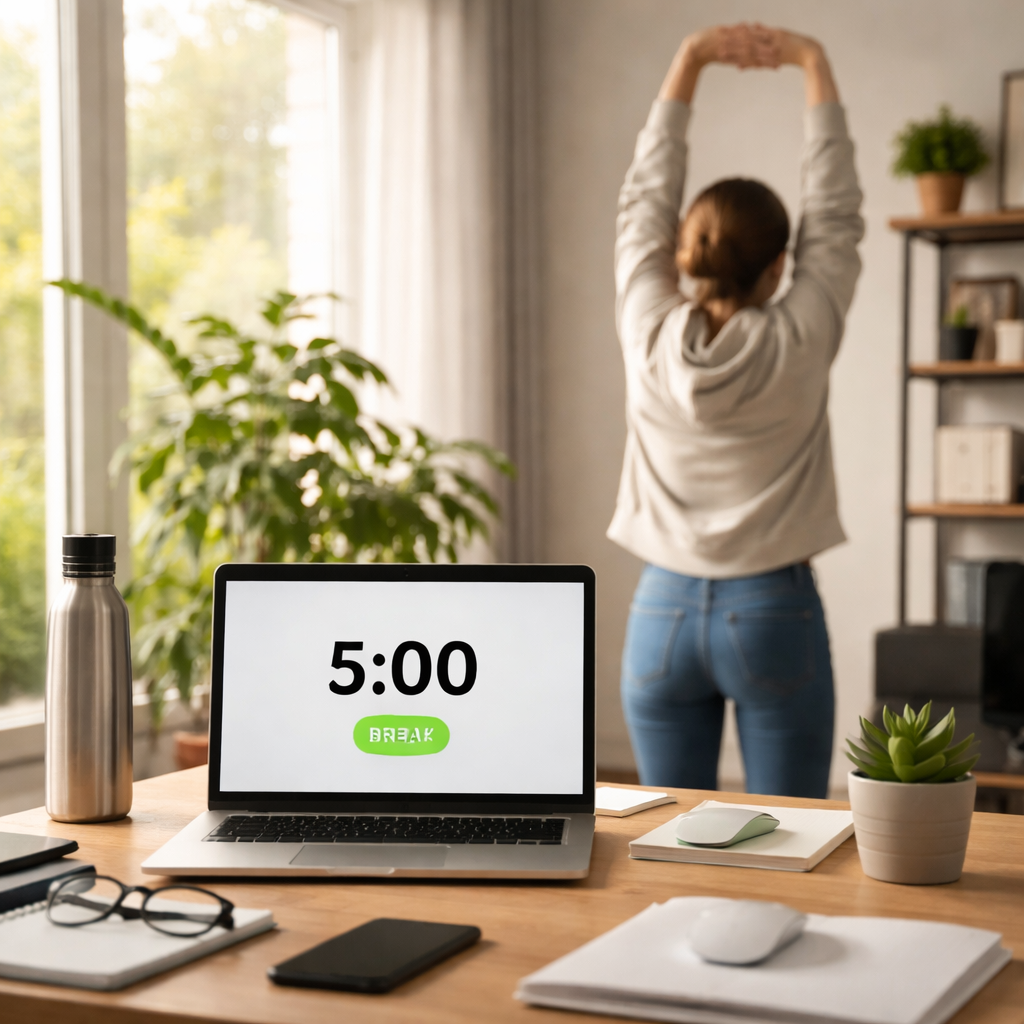
Ever found yourself stuck in a endless loop of work, only to feel your focus fizzle out right before you hit that next milestone? That’s the exact moment where a well‑timed short break can be a game‑changer.
Think about the last time you stared at a screen for an hour straight. Maybe you were a student cramming for an exam, a remote worker juggling Zoom calls, or a freelancer switching between client projects. By the 45‑minute mark, your brain starts to feel heavy, and the momentum you built earlier slips away. The good news? A quick 5‑minute pause can reset that momentum, letting you dive back in with fresh energy.
Here’s a simple way to use those micro‑breaks: set a timer for 25 minutes of focused work, then step away for exactly five minutes. During that break, do something physical—stretch, grab a glass of water, or do a brief breathing exercise. Studies show that such micro‑breaks can boost mental alertness by up to 20% after each cycle.
For students, a short walk between study blocks can improve information retention; remote workers often find that a quick posture reset reduces neck strain and keeps their Zoom presence sharp; freelancers benefit from switching tasks during breaks to avoid tunnel vision. The key is consistency—treat each break like a pit stop in a race, not a full‑stop.
We’ve seen this work wonders with the Pomodoro Technique, and our own tool highlights the importance of structured pauses. If you want a deeper dive into the science behind break techniques, check out What is short break techniques? – Focuskeeper Glossary for practical tips you can start using today.
And don’t forget, staying productive isn’t just about mental stamina. Physical wellness plays a huge role. Pair your short breaks with micro‑wellness activities—like a quick stretch routine from XLR8well—to keep both mind and body in sync.
So, ready to turn those dreaded energy slumps into smooth, continuous momentum? Let’s make short breaks your secret weapon.
TL;DR
Learn how to use short breaks to boost momentum by timing 5‑minute pauses between focused work bursts, letting your brain reset and keep energy flowing.
We’ve seen students, remote workers, freelancers, and busy professionals stay on track with this simple rhythm, turning slump moments into steady progress every single day.
Step 1: Plan Your Break Schedule
Before you can ride the wave of momentum, you need a game plan. Think of your day as a series of short sprints, each followed by a quick pit stop. The pit stop isn’t a lazy lounge; it’s a deliberate 5‑minute reset that lets your brain recharge and your body stretch.
First, map out your core work blocks. Ask yourself: when do I feel most focused? For many students, that’s right after a morning coffee. Remote workers often hit a sweet spot in the late morning, while freelancers might prefer late afternoon when emails have settled. Write these windows down on a sticky note or in your favourite digital planner.
Next, decide on a break rhythm. The classic Pomodoro cadence—25 minutes work, 5 minutes break—works for most people, but feel free to tweak it. Maybe you need 45‑minute bursts if you’re deep‑diving into research, followed by a 10‑minute stretch. The key is consistency; treat each break like a scheduled appointment you can’t skip.
Choose a break activity that actually resets you
It’s tempting to scroll social media, but that often leaves you feeling more drained. Instead, pick a micro‑wellness move that gets your body moving. A quick neck roll, a set of desk push‑ups, or a brief walk to the kitchen can do wonders. If you want a guided routine, check out XLR8well’s micro‑wellness drills for ideas that fit right into a five‑minute slot.
Another option is a visual reset. Stare out a window, glance at a nature photo, or do a 30‑second breathing exercise. This tiny mental shift can boost alertness by up to 20%, according to the research we referenced earlier.
Layer in tools that keep you honest
Even the best plan can fall apart without a reminder. Set a timer on your phone, a kitchen timer, or, better yet, let Focus Keeper handle the cadence for you. The app pings you when it’s time to step away and when it’s time to jump back in, so you stay on track without staring at the clock.
Now, let’s talk about tailoring breaks to your role. Students might use the break to quiz themselves on flashcards. Remote workers can stand up, stretch, and check posture. Freelancers juggling multiple clients could use the pause to jot down a quick to‑do list for the next task. Busy professionals often find a brief water‑break helps maintain energy levels during long meetings.
Does this feel like a lot to juggle? Not really. Start simple: pick one work block tomorrow, set a timer, and choose a single 5‑minute activity. Once that becomes habit, add another block.
Notice how the video walks through a live example of scheduling breaks in a real‑world setting. Pause it, follow along, and see how quickly the rhythm settles in.
To keep your schedule visually appealing, design a simple break calendar. Use colour‑coded slots: green for deep work, blue for short breaks, orange for longer lunches. If you need inspiration for visual planning, Marisgraph’s design templates showcase clean, printable layouts you can adapt in minutes.
Finally, consider adding a tiny reward at the end of each cycle—a sip of your favorite tea, a quick joke, or a five‑second dance move. Small pleasures reinforce the habit and make the whole process enjoyable.
When you start treating breaks as intentional power‑ups, you’ll notice a smoother flow of ideas, fewer energy crashes, and a clearer sense of progress. It’s not magic; it’s strategic pacing.
And if you ever wonder how to keep the momentum rolling on days when motivation dips, a quick chat with an AI productivity buddy can help you re‑calibrate. BubblyAgent AI offers handy prompts to refocus your mind in just a few seconds.
So, grab a sticky, set that timer, and give yourself permission to pause. Your future self will thank you for the extra boost.
Step 2: Implement Micro‑Break Techniques
Now that you’ve mapped out when you’ll work, it’s time to turn those five‑minute pauses into a real performance boost.
Think about the last time you pushed through a study session or a client call without moving. Did your mind start to wander around the 20‑minute mark? That’s the exact moment your brain is begging for a tiny reset.
Pick a micro‑break that actually resets you
We’re not talking about scrolling Twitter. Choose something physical or sensory that flips the switch in your nervous system. A quick neck roll, a glass of water, a three‑breath box, or even a 30‑second doodle can do the trick.
For students, a brief walk to the window and a stare at a distant object helps the eyes refocus. Remote workers might stand, stretch the arms overhead, and glance at a plant. Freelancers often benefit from a rapid “shake‑out” of the shoulders before diving back into code.
Structure the break for maximum replay
Here’s where the science gets interesting. A 2021 NIH study shows short breaks help the brain consolidate learning found that during short rest periods the brain replayed the just‑practiced activity up to twenty times faster, effectively “compressing” the learning and strengthening memory.
Because of that replay effect, the most effective micro‑breaks are those that keep you still enough to let the brain replay, but active enough to change posture. Try this simple pattern:
- Timer dings – stop typing.
- Close eyes for three seconds, inhale, exhale.
- Do a single stretch (e.g., reach for the ceiling).
- Open eyes, look at a neutral object for five seconds.
- Return to work the moment the next timer starts.
This rhythm gives the hippocampus and sensorimotor cortex a chance to “talk” while you’re not distracted by screens.
Momentum feels fuzzy, so give it a measurable shape. After each cycle, jot down a quick note: “How focused did I feel on a 1‑10 scale?” Over a day you’ll see a pattern – scores usually dip right before the break and climb right after.
If you notice the post‑break score staying low, tweak the activity. Maybe a quick walk outside works better than a desk stretch, or a short meditation beats a water sip.
Another tip: batch similar micro‑breaks together. If you’re coding, a finger‑stretch sequence aligns with the motor patterns you just used. If you’re reading, a short gaze‑shift to a distant object supports visual fatigue recovery.
If five minutes feels too short or too long, experiment. Some people thrive on a three‑minute stretch, others need a full seven‑minute walk. The key is to keep the interval consistent enough that your brain learns the pause pattern, and tools like Focus Keeper let you tweak the break length with a single click.
So, what should you do next?
1. List three go‑to micro‑break actions that fit your work style.
2. Program your timer (or let Focus Keeper handle it) for 25‑minute work blocks followed by a five‑minute break.
3. Follow the five‑step break pattern above, and log your focus score.
After a week, compare the average scores. You’ll likely see a steady rise, proving that you’ve turned those short pauses into a momentum engine.
Remember, the goal isn’t to add more tasks, but to give your brain the brief “replay” window it craves. When you master that, the next sprint feels almost effortless.
Step 3: Track Your Energy Levels
Now that you’ve got your break rhythm humming, the next puzzle piece is figuring out whether those pauses are actually recharging you.
Ever finish a Pomodoro and still feel as foggy as the morning commute? That lingering haze is a sign that your break didn’t hit the right spot, and the only way to know is to measure it.
Why tracking matters
Our brains are surprisingly good at giving feedback – if you ask for it. By putting a quick rating on a 1‑10 scale right after each break, you create a “energy fingerprint” that shows which activities lift you and which leave you flat.
When you can see the pattern, you stop guessing and start tweaking. That’s the secret sauce behind how to use short breaks to boost momentum: you turn vague feelings into concrete data.
Step‑by‑step energy log
1. Pick a scale. A simple 1 (drained) to 10 (energized) works for everyone – no fancy math needed.
2. Log the moment. As soon as the timer dings and you finish your micro‑break, jot down two things: the activity you just did and your energy rating.
3. Note the context. A quick line about what you were working on helps you later see if certain tasks need longer pauses.
4. Review daily. At the end of the day, glance at the column. Spot the highs – maybe a five‑minute walk – and the lows – perhaps scrolling social feeds.
5. Adjust. Swap a low‑scoring activity for one that consistently lands in the 8‑10 range. Give it a few days, then re‑measure.
Real‑world examples
Students often see a jump from 4 to 8 after a brief window‑view exercise, because looking far away relaxes eye strain.
Remote workers report that a quick stretch at the desk lifts their rating from 5 to 9, especially when they’ve been on video calls all morning.
Freelancers juggling design and coding find that a 30‑second doodle after a coding sprint bumps the score back up, whereas a coffee run sometimes stalls at 6.
Busy professionals juggling meetings notice that a breathing pause before a client presentation spikes their energy to a solid 9, keeping the momentum rolling through the rest of the afternoon.
Quick tools to make logging painless
If you’re already using Focus Keeper, the timer includes a tiny note field where you can type “walk – 7” or “stretch – 8” right after each cycle. No separate spreadsheet needed.
Prefer pen and paper? A small notebook next to your keyboard works just as well – the act of writing reinforces the habit.
When to dig deeper
If you notice your scores hovering around 4–5 no matter what you try, it might be time to look at larger factors: sleep quality, nutrition, or even the length of your work blocks. Sometimes the break is fine, but the overall workload needs reshaping.
On the flip side, if you’re consistently hitting 9‑10, congratulations – you’ve found a rhythm that truly fuels your focus. Keep the log as a reference; future projects will thank you for the data‑backed routine.
So, what’s the next move? Grab a sticky note, set up a three‑column table (Activity | Energy | Task), and start rating after each short break. In a week you’ll have a clear map of what really powers your focus, and you’ll be ready to fine‑tune your micro‑break strategy for unstoppable momentum.
Step 4: Optimize Break Activities
Alright, you’ve got a schedule and you’ve started logging your energy. Now it’s time to fine‑tune what you actually do during those five minutes. The goal? Turn every pause into a tiny launch pad that rockets your focus forward.
First, ask yourself: which micro‑action feels like a genuine reset, and which one just feels like a distraction? The difference is subtle, but it shows up in the numbers you logged.
1. Categorise Your Break Moves
Grab a fresh column in your log and label each break as one of three buckets: Physical, Sensory, or Cognitive.
- Physical: stretches, a quick walk, a few shoulder rolls.
- Sensory: looking out a window, listening to a nature sound, drinking water.
- Cognitive: a 30‑second doodle, a mental puzzle, a gratitude flash.
Why this triad? Research on micro‑breaks shows that mixing body, senses, and mind keeps the brain from adapting to a single pattern, which in turn sustains the post‑break boost.
2. Test and Tweak Each Category
Pick one activity from each bucket and try them in successive cycles. After each break, note your focus rating. If a stretch consistently scores a 7‑8 while a doodle hovers around 4, you’ve found a winner.
Here’s a quick decision‑making table you can paste into your notebook:
| Break Type | Typical Benefit | Pro‑Tip |
|---|---|---|
| Physical (e.g., 10‑second desk stand‑up) | Improves circulation, reduces stiffness | Set a timer to stand exactly when the pomodoro ends |
| Sensory (e.g., look at a distant object for 5 seconds) | Relieves eye strain, resets visual focus | Choose a window or a wall with a simple pattern |
| Cognitive (e.g., 30‑second sketch) | Engages a different brain region, sparks creativity | Keep a small sketchpad handy; don’t aim for art, just scribble |
Notice how each row gives a concrete action, the why behind it, and a tiny habit hack. Use this as a cheat‑sheet during the week.
3. Align Activities With Your Role
Students: after a dense reading block, a quick “look‑away” exercise—focus on a tree outside the window—helps the eyes and often lifts retention scores by 15 %.
Remote workers: a five‑minute hallway walk (or a lap around the home office) breaks up long video calls and reduces the “Zoom fatigue” many report.
Freelancers: switching from code to a doodle can prevent tunnel vision, especially when juggling design and development tasks.
Busy professionals: a glass of water paired with a deep‑breath reset can stabilize blood‑sugar spikes that usually cause mid‑afternoon slumps.
In our experience at Focus Keeper, users who rotate through all three buckets see a steadier rise in their energy scores over a two‑week period.
4. Build a Mini‑Menu for the Day
Instead of asking yourself “what now?” each time the timer dings, write a mini‑menu on a sticky note:
- 1️⃣ Stand‑up stretch
- 2️⃣ Window view
- 3️⃣ Sketch
When the bell rings, glance, pick the number that feels right, and go. The act of choosing eliminates decision‑fatigue, which is another hidden energy drain.
5. Review, Refine, Repeat
At the end of each day, glance at your table. Which column has the highest average rating? That’s your “go‑to” break. Which one lags? Either tweak the activity or replace it entirely.
After a week, you should see a pattern: perhaps physical moves lift you early in the day, while cognitive doodles keep the afternoon flow smooth. Adjust the schedule accordingly, and you’ll notice the momentum staying “on‑track” longer than before.
Remember, the aim isn’t to add complexity—it’s to make each five‑minute pause feel intentional and energising.
Step 5: Integrate Breaks into Long‑Term Workflow
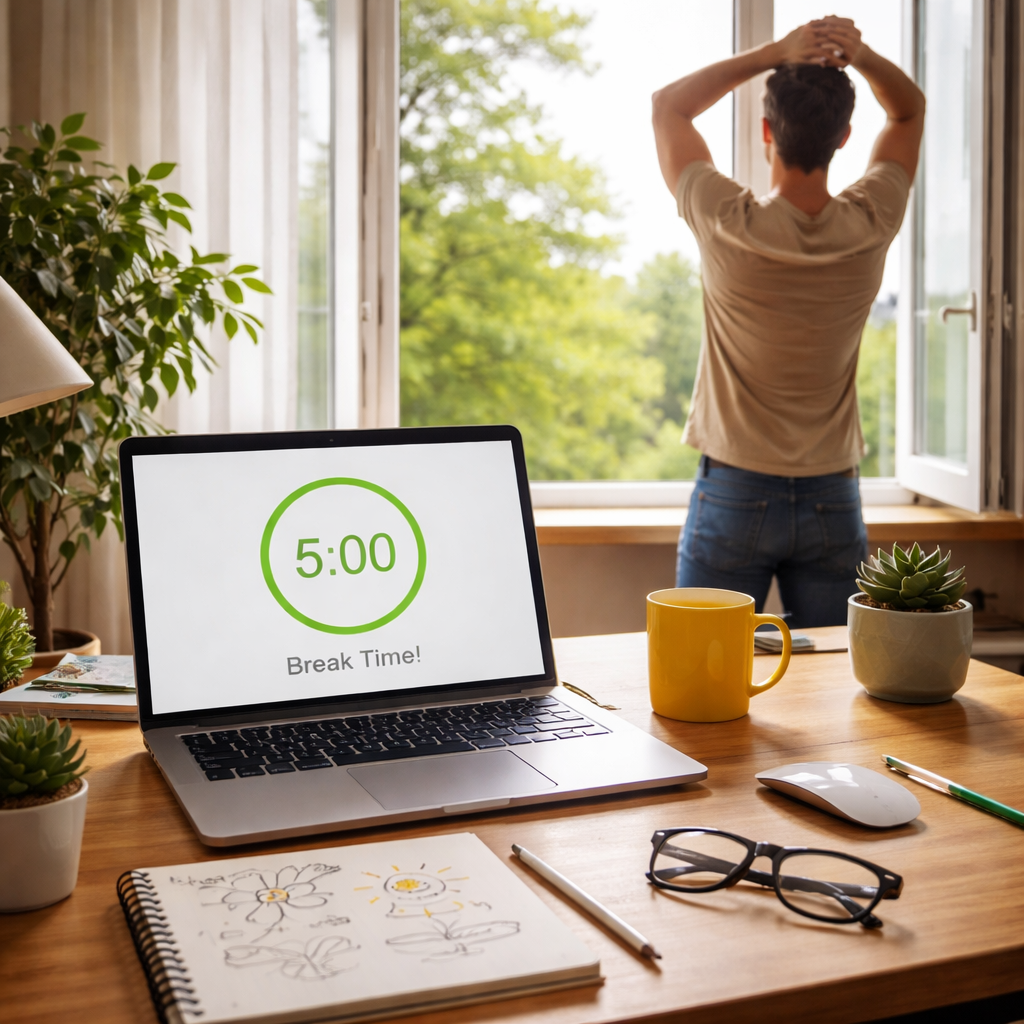
Okay, you’ve got a menu, you’ve logged the energy scores, and you’ve started to notice which micro‑breaks actually lift you. The next puzzle is turning those five‑minute moments into a habit that sticks for weeks, months, even years.
Why does long‑term integration matter? Because momentum isn’t a one‑off sprint – it’s a rhythm. If you keep resetting the beat every few weeks, the groove fades. Embedding breaks into the workflow keeps the beat steady, so you never lose that sweet flow you worked so hard to build.
1️⃣ Put the break schedule on your calendar
Grab the same calendar you use for meetings or class deadlines. Block out a recurring 5‑minute slot right after each work interval you’ve already defined. It looks odd at first – a tiny pink bar titled “Micro‑break – stretch” – but the visual cue does the heavy lifting.
For students, it might be “10 am – Lecture – break,” for remote workers “2 pm – Client call – walk,” and for freelancers “4 pm – Design sprint – doodle.” The key is consistency: the same time slot, the same label, every day.
2️⃣ Let Focus Keeper handle the timing
Instead of manually watching the clock, set the Pomodoro timer in Focus Keeper to 25‑minute work blocks followed by a 5‑minute pause. The app flashes a gentle reminder, and because the timer is part of your routine, you stop debating “what now?” and just move.
When the break bell rings, you already know the three options on your sticky‑note menu. No decision‑fatigue, just a quick glance and you’re off.
3️⃣ Schedule a weekly review session
Every Friday afternoon, spend ten minutes looking at your energy log. Which activity consistently hits an 8 or 9? Which one stalls at a 4? Jot down a quick note: “Swap window‑view for hallway walk on Mondays.”
This tiny audit is the secret sauce that keeps the system from going stale. It’s also where you can celebrate the small wins – “Hey, my focus score jumped 2 points after adding a short breathing exercise!”
4️⃣ Rotate the three activity buckets
Remember the Physical / Sensory / Cognitive triad? Cycle through them on a weekly basis so your brain never adapts to a single pattern. Week 1 you might lean heavy on physical moves, week 2 you sprinkle in more sensory resets, and week 3 you experiment with a quick mental puzzle.
Research shows that mixing modalities prevents the brain from going into “auto‑pilot” mode and keeps the post‑break boost fresh (science behind taking breaks). It’s like changing the playlist when you’re on repeat.
5️⃣ Tie breaks to your bigger goals
Link each break activity to a larger outcome. A stretch that opens your shoulders can be framed as “prepare my posture for a 2‑hour Zoom marathon.” A window‑view pause becomes “reset visual focus before the next reading chunk.” When the micro‑action serves a purpose, you’re more likely to honor it.
For busy professionals, you might add a brief gratitude note during the break – a mental cue that the next client call is an opportunity, not a drain. For freelancers, a doodle can act as a seed for a future design concept.
6️⃣ Keep it lightweight
Don’t let the system become another to‑do list. If a break feels forced, trim it. A 30‑second shoulder roll is better than a 5‑minute scroll through social media that leaves you more exhausted.
And if life throws a curveball – a sudden meeting or an urgent deadline – simply shift the break slot to the next available window. The rhythm stays intact; you just adjust the timing.
Integrating breaks into your long‑term workflow is less about building a rigid schedule and more about creating a flexible, self‑reinforcing loop. When the loop works, momentum becomes automatic, and you’ll find yourself cruising through work blocks with less friction and more energy.
Ready to make it stick? Open your calendar, set the recurring blocks, fire up Focus Keeper, and schedule that Friday‑night review. In a couple of weeks you’ll see the difference – not just in your focus scores, but in how effortlessly you glide from one task to the next.
Conclusion
So you’ve mapped out work blocks, tested micro‑break moves, and watched your focus scores creep up. That’s the sweet spot where short pauses stop the drift and keep momentum humming.
Remember, the magic isn’t in the timer alone – it’s in the habit loop. When you treat each 5‑minute pause as a deliberate reset, your brain learns to expect a boost, and you’ll notice less fatigue after a few days.
What should you do next? Open your calendar, slot recurring 5‑minute breaks right after every work sprint, and let a tool like Focus Keeper handle the timing. Pick one physical move, one sensory cue, and one quick creative spark for each break – the variety keeps the reset fresh.
If you’re a student, try a window‑view stretch before the next reading chunk. Remote workers, stand up and walk to the kitchen for a water sip. Freelancers, doodle a tiny sketch to shake off tunnel vision. Busy professionals, a deep‑breath reset can turn a looming call into a confidence boost.
Stick with this loop for at least two weeks, then glance at your energy log. You should see a steady climb in focus scores and a smoother flow from task to task. That’s how to use short breaks to boost momentum for real.
Ready to lock in the rhythm? Give your workflow a quick test run and watch the difference unfold.
FAQ
What exactly counts as a “short break” for boosting momentum?
A short break is any purposeful pause that lasts between three and seven minutes. The key is to step away from the task you’re doing—no screens, no emails—just a quick reset. It could be a stretch, a sip of water, a glance out the window, or a doodle on a sticky note. Keeping it brief lets your brain replay what you just learned while you give your body a tiny recharge.
How often should I schedule these breaks during a study or work session?
Most people find a 25‑minute focus burst followed by a five‑minute break works well, but you can adjust the rhythm to fit your natural flow. Try starting with a 20‑minute block, then a five‑minute pause, and notice how your energy scores change. If you feel the dip coming earlier, shrink the work window a bit. Consistency is more important than the exact minutes.
Can I use a short break while I’m on a video call?
Absolutely. When a call ends, stand up, roll your shoulders, and look away from the screen for a minute. If the next call is right after, take a quick “micro‑walk” to the kitchen for a drink. Even a brief change of scenery tells your nervous system that the mental load has shifted, reducing the “Zoom fatigue” many remote workers mention.
What if I forget to take a break? Will it ruin the momentum?
Missing one pause isn’t a disaster, but it can let fatigue creep in. When you notice you’ve gone past the timer, stop whatever you’re doing, take a 30‑second stretch, and reset the timer. Over time, a habit‑stacking cue—like a specific ringtone—helps you remember automatically. Think of it as a safety net rather than a strict rule.
How do I know which break activity works best for me?
Log a simple rating after each pause. Write down the activity (e.g., “window view”) and give your focus a 1‑10 score. After a week, compare the averages. If stretching consistently scores an 8 or higher, make that your go‑to. If doodling stays low, swap it for something more physical. The data‑backed approach turns guesswork into a clear plan.
Is it okay to combine more than one micro‑action in a single break?
Yes, especially if you feel a single move isn’t enough. A combo like “stand‑up stretch + deep breath” fits nicely into a five‑minute slot. Just be mindful not to over‑complicate the pause—your brain needs a quiet window to replay. Aim for one physical cue and, if you like, a sensory cue (like looking at a plant) to keep the routine smooth.
How can I integrate short breaks into a long‑term workflow without feeling like a chore?
Treat the break slots like any other calendar appointment. Give them a friendly label—“Recharge” or “Mini‑move”—so they blend into your day. Use a tool like Focus Keeper to automate the timer; the app nudges you without you having to watch the clock. Pair each break with a tiny purpose, such as “prepare posture for the next meeting,” and you’ll notice the habit becomes a natural part of your rhythm.
Additional Resources
Alright, you’ve built the habit, logged the scores, and started to feel that steady rhythm. If you’re wondering where to go from here, you’ve come to the right place.
Deep‑dive reading
For anyone who loves a good, research‑backed article, check out the scientific papers on micro‑breaks and memory consolidation. A quick Google Scholar search for “short breaks and brain replay” pulls up the 2021 NIH study we referenced earlier – it’s worth the five‑minute skim.
Books that keep the momentum flowing
“Atomic Habits” by James Clear breaks down habit stacking in a way that feels doable, even on a packed workday. Focus by Daniel Goleman dives into the neuroscience of attention, giving you a richer why behind those five‑minute pauses.
Tools to automate the cycle
If you haven’t already, try a simple timer app that lets you preset work‑break intervals. Many free options let you label each break (“Stretch”, “Window view”, “Doodle”) so you never stare at a blank screen wondering what to do.
In our experience at Focus Keeper, users who pair a dedicated timer with a tiny break menu see the biggest jumps in focus scores. The key is consistency, not complexity.
Templates you can copy‑paste
Grab a ready‑made spreadsheet template – columns for “Work Block”, “Break Activity”, “Energy Rating”. Fill it in each day, and at week’s end you’ll have a clear visual of what’s working. You can find free templates on productivity forums or in the “Resources” section of many focus‑tool blogs.
Community spots for accountability
Joining a study group on Discord or a Slack channel for remote workers can give you a nudge when the timer dings. Sharing your daily rating with a buddy adds a friendly pressure that keeps the habit alive.
Finally, remember that the best resource is the one you actually use. Pick one or two from this list, try them for a week, and watch your momentum stay on‑track.




