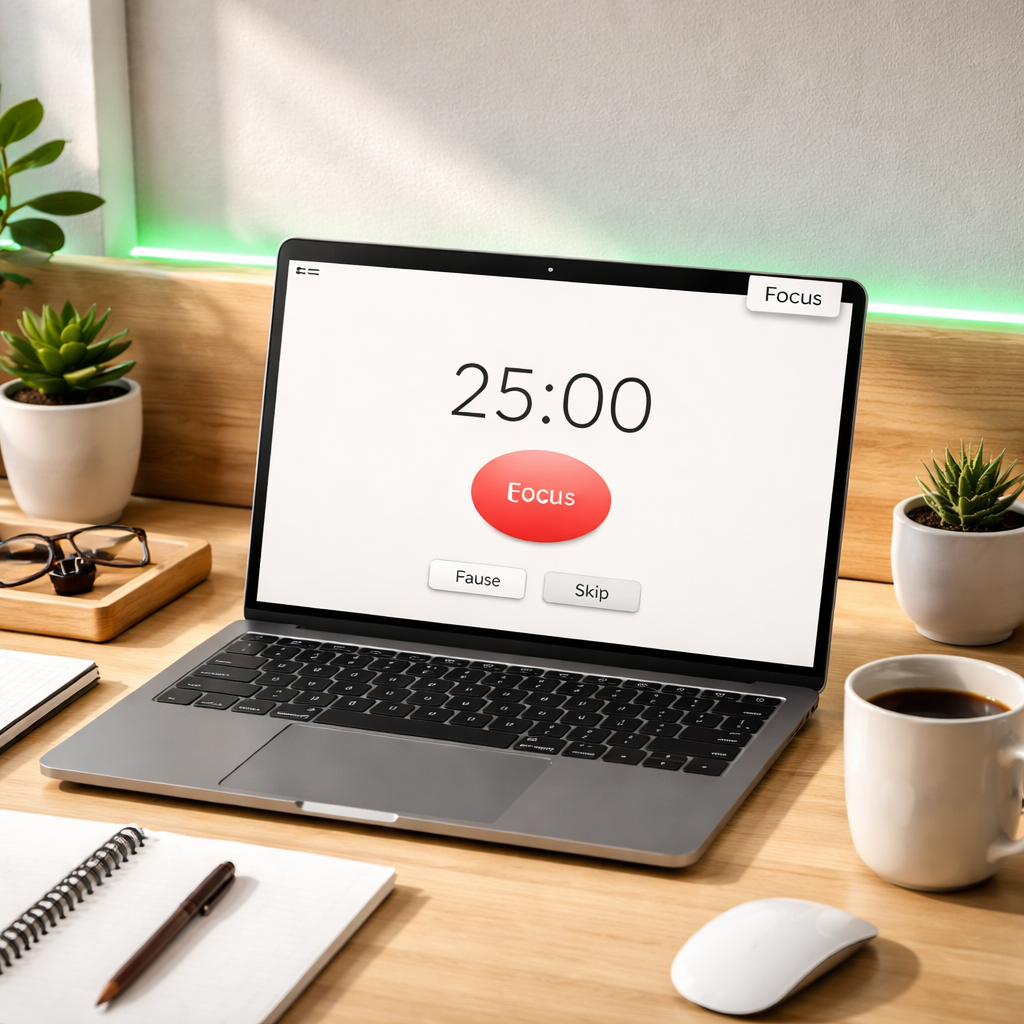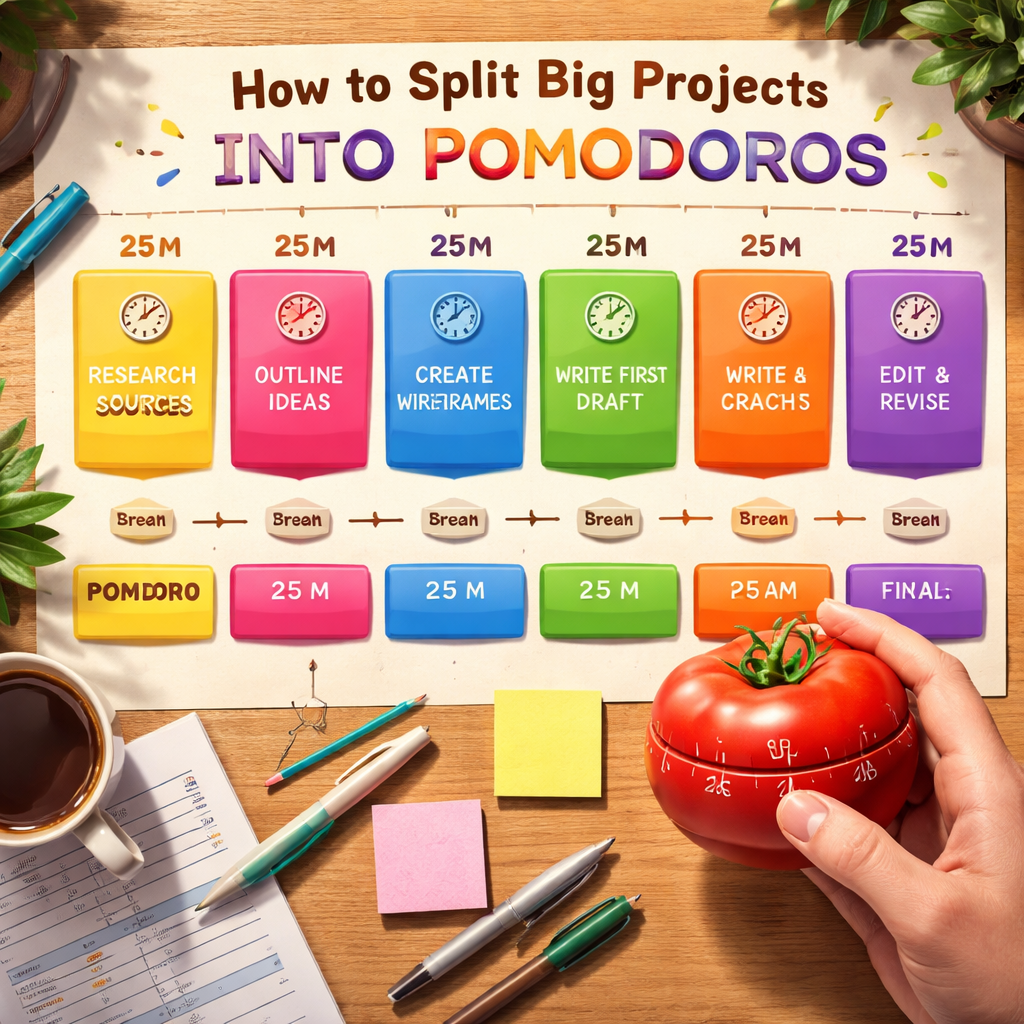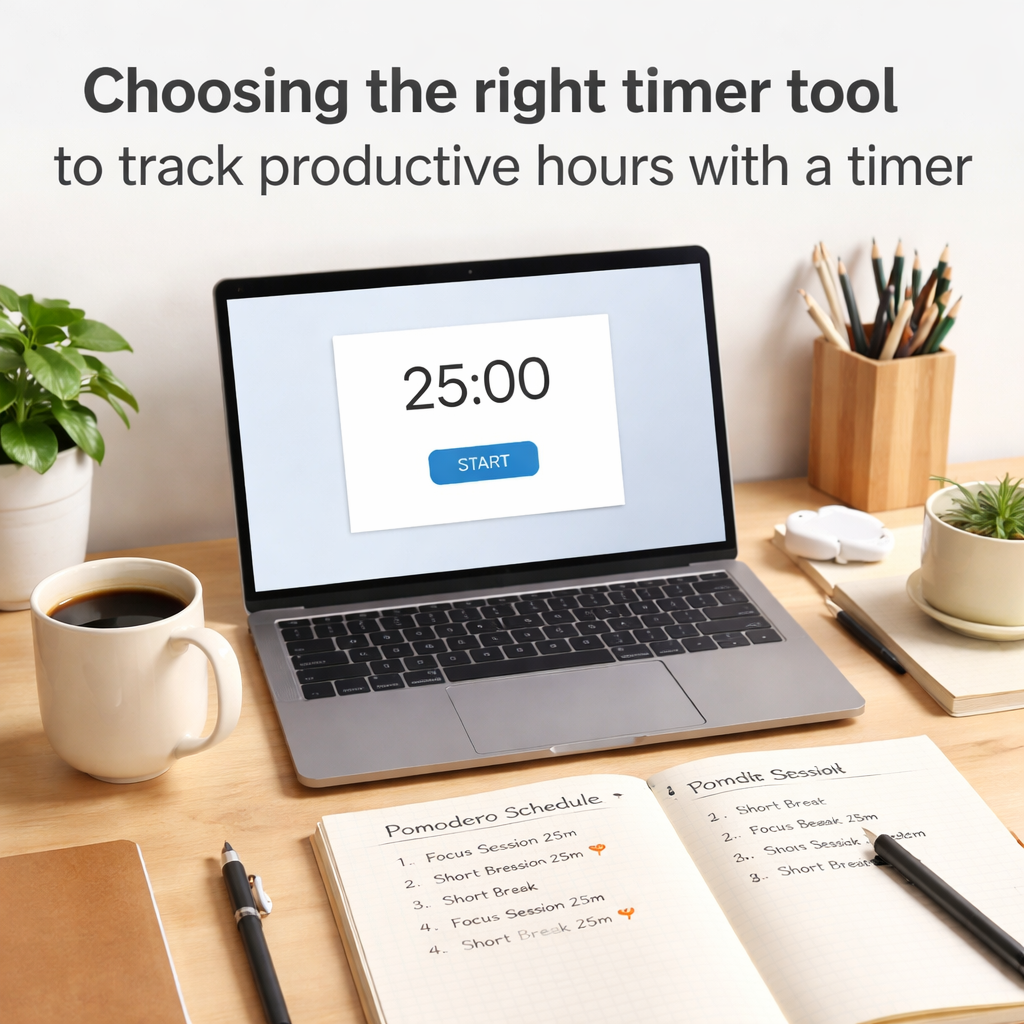
It feels like there are a million ways to try and get more done these days, right? One that keeps popping up is the Pomodoro technique. Basically, you work in short bursts, take breaks, and repeat. It sounds simple, but sometimes you need a little help to actually stick with it. That’s where a good pomodoro web timer comes in. We looked at a bunch of them to see which ones actually make it easy to focus and get stuff done. Here are some of the best pomodoro web timer options out there for 2026.
Key Takeaways
- Toggl Track is great if you want to track your work hours while using the Pomodoro method, making it easy to see where your time goes.
- Pomodor offers a really simple, no-frills pomodoro web timer that’s perfect if you just need the basics without any fuss.
- Marinara Timer lets you share your timer sessions, which can be handy for keeping track with others or just for your own reference.
- Forest turns focusing into a game, helping you stay on track by growing a virtual forest as you work.
- Pomofocus is a straightforward pomodoro web timer that lets you customize your work and break times and keep a simple task list.
1. Toggl Track
Toggl Track is a pretty solid option if you’re already using it for general time tracking and want to add the Pomodoro technique into the mix. It’s not a standalone Pomodoro app, but it has a built-in feature that works alongside its main time-tracking functions. You can set it up so that a Pomodoro timer automatically kicks in when you start logging time for a task. This is handy because you get the benefits of focused work sprints without having to switch between different apps.
What’s neat is that you can customize the length of your work intervals and breaks, which is important because not everyone’s workflow fits the standard 25-minute work, 5-minute break model. When a session ends, Toggl Track will ping you with a notification, and you can even choose if it should stop your current time entry. This makes it easy to keep track of how much focused time you’re spending on specific projects right within your timesheets.
- Automatic Pomodoro: Starts a timer with your time entries.
- Customizable Intervals: Adjust work and break times to fit your needs.
- Notifications: Get reminders when a session ends.
- Cross-Platform: Available on web, desktop, and mobile apps, plus browser extensions.
Toggl Track really shines when you want to see how your focused work time translates into actual billable hours or project progress. It bundles time tracking and Pomodoro into one system, which can simplify your toolset.
There’s a free plan that’s quite generous, especially for individuals or small teams of up to five people. Paid plans start around $9 per user per month, adding features like time estimates and more advanced reporting. The Pomodoro timer itself is available on all plans, which is a nice bonus.
2. Pomodor
Pomodor is a straightforward, no-frills option if you just want a simple Pomodoro timer. It lets you adjust how long your focus sessions are, how long your breaks last, and how many cycles you want before a longer break. You can easily skip or restart intervals with the buttons right under the timer.
Getting started is easy. Just sign in with your Google account to set things up how you like. It works as both a desktop and a web app, so you can use it wherever you are.
This tool is perfect for those who need a basic, free Pomodoro timer without any extra bells and whistles.
Here’s what you can do with Pomodor:
- Set custom lengths for focus times, breaks, and cycles.
- Use it as a web app or a desktop app for tracking on the go.
- See a countdown timer in your browser tab title when using the web app.
- Switch between dark and light modes to make it easier on your eyes.
Pomodor is completely free to use. The person who made it, Sasha Drmic, has put a link to her Buy Me A Coffee page if you feel like supporting the project. It’s a nice gesture for a tool that helps people focus.
While Pomodor is great for simple tracking, don’t expect advanced features, dashboards, or team tracking here. It’s purely about the core Pomodoro technique.
3. Marinara Timer
Marinara Timer is a pretty neat web-based tool that lets you pick your own "flavor" of timing, which is a fun nod to its name. It offers three distinct timer modes to suit different needs. You’ve got the classic Pomodoro mode with its standard 25-minute work intervals and 5-minute breaks. Then there’s a custom timer option, which is great because you can set your own work and break lengths, and even define cycles if you want something a bit different. Finally, there’s a straightforward kitchen timer mode for general timeboxing.
One of the standout features is its sharing capability. Marinara Timer provides two types of shareable links. One is a viewing link, perfect for letting others see your timer’s progress in real-time without giving them any control. The other is an admin link, which grants control over the intervals, useful for collaboration or if someone else needs to manage the timing for you. While it doesn’t have a central dashboard for teams, project managers can collect these links, maybe in a spreadsheet, to keep an eye on team activity. You can also see upcoming intervals and a history of your past sessions.
Marinara Timer is completely free to use, and you don’t even need to sign up. It’s a solid choice if you want flexibility without any cost.
This tool is especially handy if you find the standard 25/5 Pomodoro split a bit rigid. The ability to tweak work and break durations means you can really tailor it to your personal rhythm and the specific tasks you’re tackling on any given day. It’s about making the technique work for you, not the other way around.
Here’s a quick look at what it offers:
- Three Timer Modes: Pomodoro, Custom, and Kitchen timer.
- Customizable Intervals: Adjust focus times, break lengths, and cycles.
- Shareable Links: Options for viewing or admin control of your timer.
- Timer History: Review past work sessions.
Marinara Timer is a fantastic option for anyone looking for a free, adaptable Pomodoro timer without the need for registration.
4. Forest
Forest takes a slightly different approach to focus, turning it into a bit of a game. The idea is pretty simple: you start a timer, and while it’s running, a virtual tree starts to grow in your digital forest. If you manage to stick with it and don’t leave the app to get distracted, your tree thrives. But, if you give in to temptation and exit the timer, that little tree withers away. It’s a surprisingly effective way to keep you on track, especially if you’re someone who needs a visual nudge.
This gamified aspect is a big draw. Seeing your forest grow over time provides a sense of accomplishment and encourages you to keep coming back. Plus, Forest has partnered with an organization called Trees for the Future. When you earn virtual coins by staying focused, you can use them to plant real trees in the world. It’s a nice touch that adds a layer of real-world impact to your focus sessions.
Here’s a quick look at how it works:
- Start a focus session: Choose how long you want to concentrate (up to 180 minutes).
- Plant a virtual tree: Your tree begins to grow as soon as the timer starts.
- Stay focused: Avoid switching to other apps to keep your tree alive.
- Complete your session: Your tree is successfully planted in your forest.
- Give in? Your tree withers, and you lose it from your forest.
While Forest isn’t a strict Pomodoro timer (you usually have to start breaks manually), its unique motivational system makes it stand out. It’s particularly good for people who struggle with phone distractions and appreciate a more playful way to build focus habits. The free version is quite basic, though, so if you want the full experience, including the real tree planting and more advanced features, you’ll likely need to consider the paid version.
5. Session
Session is a timer app built specifically for Apple users, and it packs a lot of features into its design. If you’re someone who likes to have everything synced across your iPhone, Mac, and Apple Watch, this could be a good fit. It even integrates with your calendar, which is handy for blocking out focus time around meetings.
What’s pretty unique about Session is its focus on mindfulness. Before you even start a timer, it might prompt you to do a few deep breaths. After a session, it offers prompts to reflect on your work, which can help you figure out when you’re most productive. It also lets you add notes to your sessions and track your mood or progress, giving you a good overview of your work habits over time.
Here are some of the things Session offers:
- Syncs timers across all your Apple devices.
- Calendar integration to see your schedule.
- Automation options using Shortcuts and AppleScript.
- Mindfulness exercises and journaling prompts.
- App and website blocking (in the paid version).
- Slack status updates during focus time (in the paid version).
While Session is packed with features, especially for Apple users, it can feel a bit overwhelming to set up initially. If you prefer a super simple, no-fuss timer, this might be more than you need. The most advanced features, like blocking and detailed analytics, are also locked behind a subscription.
Session has a free version, but to get the most out of it, you’ll likely want to consider their Pro plan, which costs $4.99 per month or $39.99 per year. They do offer a 7-day free trial of the Pro features, so you can test them out.
6. Pomello
Pomello is an interesting option if you’re already deep into Trello for managing your projects. It connects directly to your Trello boards, turning each card into a potential Pomodoro session. This means you can start a timer right from a task you’ve already created, which is pretty neat for keeping things organized.
When a work interval wraps up, Pomello gives you a few choices for what to do with that Trello card. You can move it to a different list, mark it as done, or just continue with the next work session. It’s a smart way to keep your workflow moving without getting sidetracked by other tasks on your list. The integration with Trello is its main selling point.
However, getting Pomello set up might be a bit of a headache if you’re not comfortable tinkering with APIs and switching between different apps. It’s definitely geared more towards folks who are already pretty tech-savvy and use Trello regularly.
Here’s a quick look at what Pomello offers:
- Trello Integration: Start timers directly from Trello cards.
- Task Management: Move Trello cards or mark tasks complete after a session.
- Distraction Logging: Keep track of internal or external interruptions during your work intervals.
- Customizable Cycles: Adjust work and break times to fit your personal rhythm.
Pomello has a free tier that includes unlimited boards and lists, along with productivity and time tracking. If you want more advanced features like custom timer sounds and data exports, the Premium plan is available for $20 per year. It’s a solid choice for Trello users who want to streamline their Pomodoro Technique workflow.
7. Pomofocus
Pomofocus is a pretty straightforward web-based timer that’s been around for a while. It’s the kind of tool you might remember using back in college when you first started messing around with the Pomodoro Technique. It works right in your browser, so no need to download anything, which is nice. You can customize your work and break times, and it even lets you add tasks and estimate how many Pomodoros each might take. This makes it easy to keep track of what you’re supposed to be doing and how much progress you’re making.
It’s got some neat features for tracking your progress, showing you visual reports of your focus hours daily, weekly, and monthly. If you find yourself doing the same tasks often, you can save them as templates to add them back with just a click. They also have a premium version that lets you organize tasks into projects and get yearly reports you can download. It’s a solid choice if you want a simple, customizable timer that doesn’t get in your way. You can check out the PomoFocus Daily Planner if you’re looking for an app version.
Pomofocus is a good example of a tool that sticks to the core principles of the Pomodoro Technique without adding a bunch of unnecessary bells and whistles. It’s designed to help you focus, and it does that well.
Here’s a quick look at what you get:
- Customizable work and break timers
- Task management with estimated Pomodoros
- Progress tracking with visual reports
- Task templates for repetitive work
There’s a free plan available, and the premium version is pretty affordable at $3 a month, or you can get it for a one-time payment of $54.
8. Focus Mode By Geekbot
Focus Mode by Geekbot is an interesting option if your workday is heavily tied to Slack. The main idea here is to cut down on those constant pings and notifications that pull you away from what you’re trying to get done. When you activate Focus Mode, it automatically sets your Slack status to let your colleagues know you’re in a deep work session. This way, they can hold off on sending non-urgent messages.
It’s pretty straightforward to use. You just open the app, type in a quick note about what you’re working on, and set how long you want your focus session to be, along with a break time. Then, you hit submit, and your Pomodoro cycle kicks off. It’s a simple way to signal your availability (or lack thereof) to your team without having to manually change your status all the time.
- Integrates directly with Slack to minimize distractions.
- Sets your status automatically to inform teammates of your focus time.
- Allows you to specify your task and the duration of your focus session.
- Provides a clear indication to others when you’re unavailable for interruptions.
While it’s a neat tool for Slack users, it’s important to remember that its functionality is pretty much limited to that ecosystem. If you don’t use Slack much, this probably isn’t the tool for you. It’s also quite basic, so don’t expect a lot of fancy reporting or task management features.
Focus Mode by Geekbot is free to use, which is a big plus. It’s a good choice if you’re looking for a no-cost way to add a bit more structure to your work sessions, especially if you’re constantly battling Slack notifications.
9. Minimalist
If you’re someone who finds beauty in simplicity and wants a tool that gets out of your way, then Minimalist might be your jam. This app really leans into the ‘less is more’ philosophy, combining a straightforward to-do list with a Pomodoro timer. It’s designed to keep your attention right where it needs to be: on the task at hand.
The interface is super clean, almost zen-like, which is a big plus if you get easily distracted by a lot of buttons and options. It’s perfect for those who appreciate a calm digital space to get work done. You add your tasks, pick a time, and go. It’s that simple.
Here’s a quick look at what it offers:
- Simple Task Management: Add your to-dos and check them off as you complete them.
- Integrated Pomodoro Timer: Directly links your focus sessions to your tasks.
- Clean Design: A soothing, uncluttered interface that promotes focus.
- Daily Goal Setting: Helps you set and achieve small, manageable goals each day.
It’s not packed with tons of features like some other timers, but that’s kind of the point. It focuses on the core elements of task management and time blocking.
This app is a breath of fresh air for anyone tired of overly complicated productivity tools. It strips away the noise and gives you a clear path to getting things done, making the Pomodoro Technique feel less like a rigid system and more like a natural flow.
While it’s primarily an iOS app, there’s limited Android availability. The free version is quite capable, but a premium upgrade unlocks features like cross-device syncing and enhanced security options, usually for a small monthly or yearly fee.
10. Focus Keeper
Focus Keeper is a straightforward Pomodoro timer that aims to make productivity feel easy. It’s got this cool, colorful timer wheel that makes it feel less like a strict countdown and more like you’re just adjusting a dial. This visual approach is pretty neat, especially if you’re new to the whole Pomodoro thing or just want a simple way to build a routine.
One of the things I liked is how it automatically switches between work and break times. You don’t have to remember to start the next session, which is a lifesaver when you’re deep in thought or just need a moment to step away. It also keeps track of how many focus sessions you complete each day, giving you a little visual nudge to keep going. Plus, there are reminders to help you get back on track if you get sidetracked.
Focus Keeper is best for individuals who want a simple, visual tool to help them stick to the Pomodoro Technique. It’s not really built for teams, but for personal use, it does a solid job of keeping you on task.
While the free version is quite functional, offering most of the core features, you can opt for an ad-free experience if those pop-ups bother you. It’s a nice way to support the app if you find it helpful. You can customize things like themes and sounds, which adds a personal touch to your work sessions. For a simple, no-fuss timer that helps you visualize your progress, Focus Keeper is definitely worth checking out. You can find out more about its features on their web app.
It’s a great option for anyone looking for a basic yet customizable Pomodoro timer that helps you track your focus cycles and provides helpful reminders.
Wrapping Up Your Focus Journey
So, there you have it. We’ve looked at a bunch of Pomodoro timers, from the super simple ones that just do the job to the ones that try to make focusing feel like a game. The main thing is, the Pomodoro Technique itself is pretty solid for getting stuff done. It’s not some fancy new trick; it’s just a smart way to break up your work and give your brain a breather. Finding the right timer really just comes down to what works for you and your daily grind. Whether you need something that plugs into your existing project tools or just a plain old timer that won’t quit, there’s definitely an option out there. Give a few a try and see which one helps you get into that flow state. Happy focusing!
Frequently Asked Questions
What exactly is the Pomodoro Technique?
The Pomodoro Technique is a time management method. It involves working in focused bursts, usually 25 minutes long, followed by short breaks. After a few of these work-break cycles, you take a longer break. It’s named after the Italian word for tomato because the creator used a tomato-shaped timer.
Why is the Pomodoro Technique helpful?
It helps you focus by breaking down big tasks into smaller, manageable chunks. The timer creates a sense of urgency, and the regular breaks prevent burnout, making it easier to stay productive throughout the day.
Do I need a special timer to use this method?
Not at all! While the original method used a kitchen timer, there are many digital tools available now. Many websites and apps offer Pomodoro timers that you can use right on your computer or phone.
What’s the difference between a Pomodoro timer and a regular timer?
A regular timer just counts time. A Pomodoro timer is designed specifically for this technique, often including settings for work intervals, short breaks, and long breaks, and sometimes even tracking your progress through cycles.
Can I change the work and break times?
Yes, most Pomodoro timers allow you to customize the lengths of your work sessions and breaks. While 25 minutes of work and 5 minutes of break is standard, you can adjust these to fit your personal needs and focus style.
What if I get interrupted during a Pomodoro session?
If an interruption is unavoidable, it’s best to stop the timer and address the interruption. You can then restart the timer for a new session. Some apps allow you to note interruptions, helping you understand what breaks your focus.