
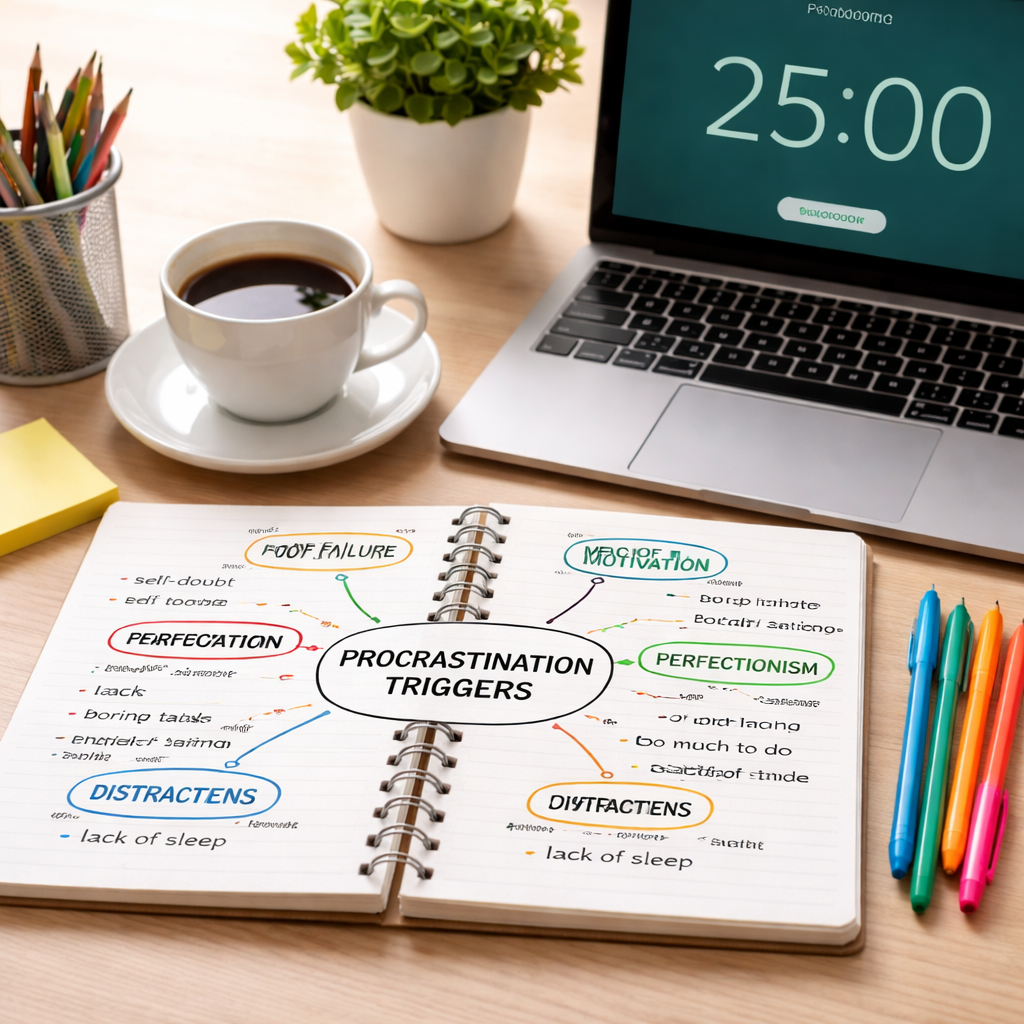
Ever caught yourself scrolling endlessly, promising you’ll start that report “in five minutes” only to realize the day’s gone? That moment of recognition—when you feel the weight of unfinished tasks pressing on your chest—is the first sign you’re stuck in a procrastination loop.
We’ve all been there: a student staring at a blank page, a freelancer juggling three client briefs, or a remote worker watching the clock tick while the inbox fills up. The good news? You don’t have to stay trapped. The key is to break the habit into bite‑size, actionable steps that feel doable, not overwhelming.
First, try the “two‑minute rule.” If a task can be started or finished in two minutes—like replying to a quick email or setting up your Pomodoro timer—do it immediately. This tiny win tricks your brain into thinking you’re already making progress, which reduces the mental resistance that fuels procrastination.
Next, set a clear, visual cue for your work blocks. Many of our users swear by a 25‑minute timer that signals a focused sprint followed by a short break. It creates a sense of urgency without the pressure of an all‑day marathon. For a deeper dive into why this works, check out our Pomodoro Technique Benefits: A Practical Guide to Boosting Productivity article.
Another powerful tactic is “task chunking.” Instead of writing “finish project,” break it down: research, outline, draft, edit. Assign each chunk a specific timer slot. When you finish a chunk, celebrate the micro‑victory—maybe a quick stretch or a sip of coffee. This keeps momentum and prevents the brain from feeling overloaded.
And don’t forget to align your environment with your goals. Clear the desk clutter, mute non‑essential notifications, and consider background focus music if it helps you stay in the zone. Small environmental tweaks can dramatically cut distractions that feed procrastination.
Finally, reflect at the end of each day. Ask yourself: “What did I accomplish? What held me back?” Jot down one improvement for tomorrow. Over time, these reflections build self‑awareness and gradually shrink the habit of delaying.
Ready to put these ideas into practice? Start by setting a 25‑minute timer right now, and see how quickly you can knock out a tiny task. For more writing tips, see How to Write SEO Friendly Blog Posts That Rank Higher.
TL;DR
If you’re stuck in the endless scroll, the two‑minute rule, 25‑minute Pomodoro sprints, and task chunking can turn vague dread into tiny wins that keep momentum flowing.
Try setting a timer right now, celebrate each micro‑victory, and reflect daily so you gradually shrink procrastination and boost focus, whether you’re a student, remote worker, freelancer, or busy professional.
Step 1: Identify Your Procrastination Triggers
Ever notice how the same little annoyance seems to pop up right before you sit down to work? Maybe it’s the notification buzz on your phone, the cluttered desk, or that vague feeling that the task is “too big” to start. Recognising those moments is the first real step in learning how to stop procrastinating.
So, what exactly are we looking for? In our experience, a procrastination trigger is any cue—physical, emotional, or mental—that nudges you toward the distraction zone. It could be as subtle as a chilly room that makes you want to pull the blanket over your head, or as obvious as an inbox full of unread emails screaming for attention.
Let’s break it down together. Grab a notebook, open a new note in your favourite app, or even pull out a sticky pad. We’re going to do a quick “trigger audit.”
Watch that short clip if you need a visual reminder of what a trigger looks like in real time. After the video, take a breath and think about the last time you stalled on a task. What was happening right before you hit pause?
Spot the Patterns
Start by writing down three recent moments when you chose to delay. For each moment, note:
- The time of day.
- What you were trying to do.
- Anything that felt uncomfortable—noise, fatigue, fear of failure, a looming deadline.
When you line those rows up, patterns often jump out. Maybe you always hit a wall right after lunch, or whenever you sit in a certain chair. Those are your trigger hotspots.
Ask the Right Questions
Now, interrogate each trigger. Ask yourself:
- Why does this particular cue make me want to avoid the work?
- Is it a fear of not being perfect, or simply a lack of clear next steps?
- Does this cue signal a deeper need—like a break, a snack, or a shift in focus?
Answering honestly helps you move from vague annoyance to concrete insight. You might discover that the “blank page” feeling isn’t about the task itself, but about not having a solid outline.
Map Your Triggers
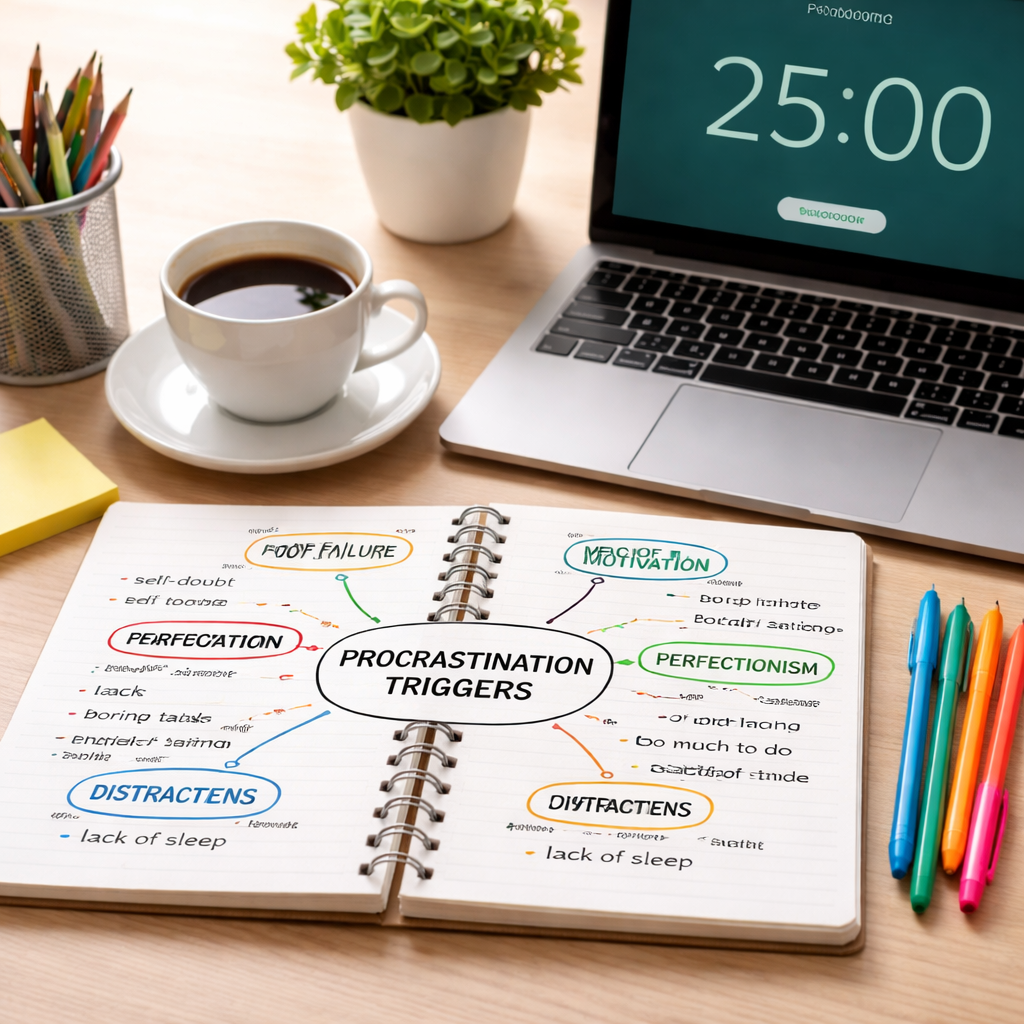
Take the insights and turn them into a simple visual map. Draw a column for each trigger and list the associated feeling and the quick fix you can apply. For example:
Trigger: Phone buzz at 10 am → Feeling: Anxiety about missed messages → Fix: Switch to Do‑Not‑Disturb for a 90‑minute block.
Having a cheat‑sheet on your desk makes the next time you feel that tug, you already have a plan instead of a panic reaction.
Students can use this map to pinpoint when the lecture slides feel overwhelming, remote workers can flag the moment a Slack ping pulls them off a deep‑work session, freelancers can spot the instant a new client email triggers “I’m not sure how to price this,” and busy professionals can recognise that a looming meeting makes them avoid the report they need to finish.
Once you’ve catalogued your triggers, the next step is to experiment with small tweaks—like a 25‑minute timer, a quick desk tidy, or a brief breathing exercise—to see which counter‑measure actually lowers the resistance.
Remember, the goal isn’t to eliminate every distraction forever; it’s to build awareness so you can choose the most effective response in the moment.
Ready to put this into practice? Spend the next 15 minutes doing the audit, then compare notes tomorrow. You’ll be surprised how much clearer the path becomes when you’ve turned vague dread into a list of actionable signals.
And if you ever feel stuck while mapping, just remember: every trigger you uncover is a win, because you’ve taken a step toward mastering your focus.
Now, let’s visualise that insight.
Step 2: Set Clear, Achievable Goals
Now that you’ve spotted the moments that pull you off track, the next move is to give your brain a reason to stay put. That reason? A goal that’s crystal‑clear and small enough to feel doable.
What makes a goal “clear”?
A clear goal tells you exactly what you’ll be doing, where, and when. Instead of “work on the report,” try “write the introduction of the report for 25 minutes on the 3 pm Pomodoro timer.” The specificity removes the “where do I start?” fog that often triggers procrastination.
Break it down to bite‑size wins
Big projects can feel like a mountain. Slice them into hills you can climb in a single work sprint. For a student, “read chapter 3” becomes “highlight three key points from chapter 3.” A freelancer might turn “draft client proposal” into “outline the proposal’s three sections.” Each slice should be something you can finish in one 25‑minute block.
When you finish a slice, you get that dopamine hit that tells your brain, “Hey, this is working!” It’s the same principle behind the Two‑Minute Rule – start with a tiny action and the rest often follows James Clear explains.
Write it down – the “goal sheet” trick
Grab a sticky note or a digital note and list today’s three most important goals. Next to each, write the exact start time and the timer length you’ll use. Example:
- 12:00 pm – 25 min – Outline blog intro (Focus Keeper timer)
- 2:30 pm – 25 min – Review client feedback email
- 4:00 pm – 25 min – Sketch wireframe for design mockup
Seeing the plan in black‑and‑white makes it harder to convince yourself that you “don’t have time.” It also creates a visual cue that nudges you back into work when the next block arrives.
Make goals measurable and time‑bound
“Write more” is vague. “Write 200 words of the conclusion before the timer ends” gives you a concrete target and a deadline. Measurable goals let you track progress without guesswork, and that tracking fuels momentum.
Pro tip: attach a small reward to each completed goal – a stretch, a coffee sip, or a 2‑minute scroll on a favourite site. The reward should be brief; otherwise you’ll slip back into a distraction loop.
Adjust on the fly
Sometimes a goal feels too big once you start the timer. That’s okay – shrink it. If “draft the full proposal” looks overwhelming after five minutes, pivot to “write the proposal’s opening paragraph.” The key is to keep the timer ticking; stopping the clock is what feeds procrastination.
And if a goal turns out too easy, expand it slightly. Maybe add a quick fact‑check or a visual element. The goal‑adjustment dance keeps you in the sweet spot of challenge without overwhelm.
Check your progress at the end of the day
Take two minutes to glance at your goal sheet. Tick off what you nailed, note what slipped, and write one tweak for tomorrow. Did you need a longer warm‑up? A different time of day? This tiny reflection loop turns each day into a learning experiment.
By setting goals that are crystal‑clear, bite‑sized, measurable, and flexible, you give yourself a roadmap that sidesteps the vague dread that fuels procrastination. The next step? Put a timer on the first goal right now and watch the momentum build.
Step 3: Implement Time‑Blocking (Video)
Okay, you’ve already scoped your goals and you’ve got a timer humming. Now it’s time to give those minutes a home on your calendar. That’s what we call time‑blocking, and it’s basically the art of telling your day, “You belong in this slot, and nothing else gets to crash the party.”
Why does it work? Because when you see a solid block of time reserved for a single task, your brain stops asking, “What else could I be doing?” and starts asking, “How do I make the most of this?” It’s the mental equivalent of closing the door on distractions.
Step 1: Map out your day in chunks
Grab a piece of paper, a digital planner, or the calendar view in your favorite app. Sketch the next 8‑10 hours and start carving out 25‑minute blocks for focused work. Between each block, drop a 5‑minute breather. After four blocks, give yourself a longer 15‑minute reset.
For a student, it might look like: 9:00‑9:25 read lecture slides, 9:30‑9:55 write summary notes, 10:00‑10:25 solve practice problems. For a remote worker, you could block 1‑hour “client email sprint” followed by a quick stretch, then a 25‑minute design mock‑up session.
Step 2: Pair each block with a concrete outcome
Don’t just write “study” or “work.” Be specific: “outline introduction paragraph” or “review quarterly budget spreadsheet.” When the timer hits zero, you’ll know exactly what you accomplished, and the next block can start without the “where do I begin?” hesitation.
Freelancers love this because you can line up multiple projects back‑to‑back without feeling like you’re juggling. One block for client A’s quote, the next for client B’s revision, then a quick admin block to invoice.
Step 3: Guard the blocks like appointments
Here’s the tricky part: treat every block as non‑negotiable. If a Slack ping pops up, ask yourself, “Is this urgent enough to break my block?” If not, note it in a quick “later” list and keep the timer running. In our experience, the simple act of writing the interruption down reduces the urge to act on it.
Busy professionals often find that the calendar is already full of meetings. The secret is to schedule “focus windows” first, then fit meetings around them. If a meeting tries to encroach, politely suggest a later slot or a shorter version.
Step 4: Use a timer that visualises the block
That’s where a tool like Focus Keeper shines. It flashes a gentle green when you’re in the zone and switches to orange for breaks. The visual cue reinforces the habit and makes it easier to say, “I’m in a block, I’ll get back to you after this.”
Even a phone’s built‑in timer works, but a dedicated app removes the temptation to scroll through social feeds while waiting for the alarm.
Step 5: Review and tweak daily
At the end of the day, glance at your block sheet. Which blocks felt too short? Which ones stretched you thin? Jot a quick note: “Add 5 min to research block tomorrow” or “Move design sprint to morning when I’m freshest.” This tiny reflection loop turns a static schedule into a living, breathing system.
Notice a pattern? Maybe you’re more alert after lunch, or perhaps your creative flow peaks early. Adjust the type of work you slot into each period accordingly.
Bonus: Batch similar tasks together
When you group alike activities—like answering all emails in one 25‑minute burst—you cut the mental cost of context‑switching. It’s the same principle we use when we batch content creation for our blog: write outlines, then write bodies, then edit. The result is smoother flow and fewer “I’m stuck” moments.
So, what’s the next move? Open your calendar, block three 25‑minute focus windows for today, and let the timer do the heavy lifting. You’ll be surprised how quickly the procrastination fog lifts when each minute has a purpose.
Remember, time‑blocking isn’t a rigid prison; it’s a flexible framework that adapts as you learn what rhythms work best for you. Keep experimenting, keep tweaking, and watch the habit of “just one more scroll” fade into the background.
Step 4: Use the Pomodoro Technique
So you’ve already mapped out what to work on and you’ve got a timer humming. The next natural move is to give those minutes a rhythm that your brain can trust. That’s where the Pomodoro technique steps in – four 25‑minute sprints separated by short breaks, all designed to keep procrastination at bay.
Why the Pomodoro works
Imagine telling yourself, “I’ll focus for just 25 minutes.” It feels doable, right? The limited window creates a sense of urgency without the pressure of an all‑day grind. Research on time‑boxing shows that short, bounded intervals reduce mental fatigue and make it easier to re‑enter deep work after a break.
For students, those 25‑minute bursts line up nicely with lecture slots or library study periods. Remote workers love the built‑in pause that lets them stretch, grab a coffee, or check Slack without derailing the whole day. Freelancers often juggle several clients; the Pomodoro gives each project its own slot, so nothing gets lost in the shuffle.
Set up your first Pomodoro
1. Choose a task from your goal sheet – something you can realistically finish in one sprint.
2. Set a 25‑minute timer. You can use the Focus Keeper app, a phone timer, or any simple countdown.
3. Work nonstop until the timer dings. No email checks, no social scrolls, just the task at hand.
4. When the alarm sounds, mark the Pomodoro as complete, then take a 5‑minute break. Stand up, stretch, or glance at a non‑work screen.
5. After four cycles, grant yourself a longer 15‑minute reset before you dive back in.
That structure sounds almost ritualistic, and that’s the point – habits thrive on repeatable patterns. The first few rounds may feel a little stiff, but soon you’ll notice the brain slipping into “focus mode” automatically as the timer starts.
Tips to keep the rhythm flowing
Batch similar tasks. If you have three quick email replies, bundle them into one Pomodoro rather than scattering them across the day. The mental cost of context‑switching drops dramatically.
Use a visual cue. A green progress bar or a simple ticking sound signals that you’re in a work window. When the color flips to orange, you know it’s break time.
Adjust the length if needed. Some people find 20‑minute sprints less intimidating; others stretch to 30 minutes for deep‑dive writing. The key is consistency – pick a length that feels sustainable and stick with it.
Common pitfalls and how to avoid them
Stopping mid‑Pomodoro to check a notification feels like a betrayal, but it happens. Keep a “later” list beside your timer; jot down the interruption and promise yourself you’ll address it during the next break.
Another trap is making the break too long or too tempting. A quick walk, a glass of water, or a 2‑minute stretch are ideal. Binge‑watching a sitcom defeats the purpose.
If you finish a task early, use the remaining minutes to review what you’ve done, add a polish, or plan the next step. That way the timer never feels like a punishment.
Quick reference table
| Pomodoro Phase | Duration | Purpose |
|---|---|---|
| Work Sprint | 25 minutes | Focused execution on a single task |
| Short Break | 5 minutes | Physical reset and mental refresh |
| Long Break | 15 minutes (after 4 sprints) | Deeper rest to prevent fatigue |
Give it a try right now: open your calendar, block three Pomodoros for today, and let the timer do the heavy lifting. You’ll notice the “just one more scroll” urge fading as each minute gains purpose. In our experience, the simple act of watching the countdown tick down turns vague dread into a concrete, doable step toward finishing whatever you’ve been putting off.
Remember, the Pomodoro isn’t a rigid prison; it’s a flexible framework that adapts as you learn your own rhythm. Keep tweaking the length, the break activities, and the task batches until it feels like a natural extension of your workflow. When you master that flow, you’ll find yourself asking, “What’s next?” instead of “Why am I still stuck?”
Step 5: Review, Adjust, and Celebrate Progress
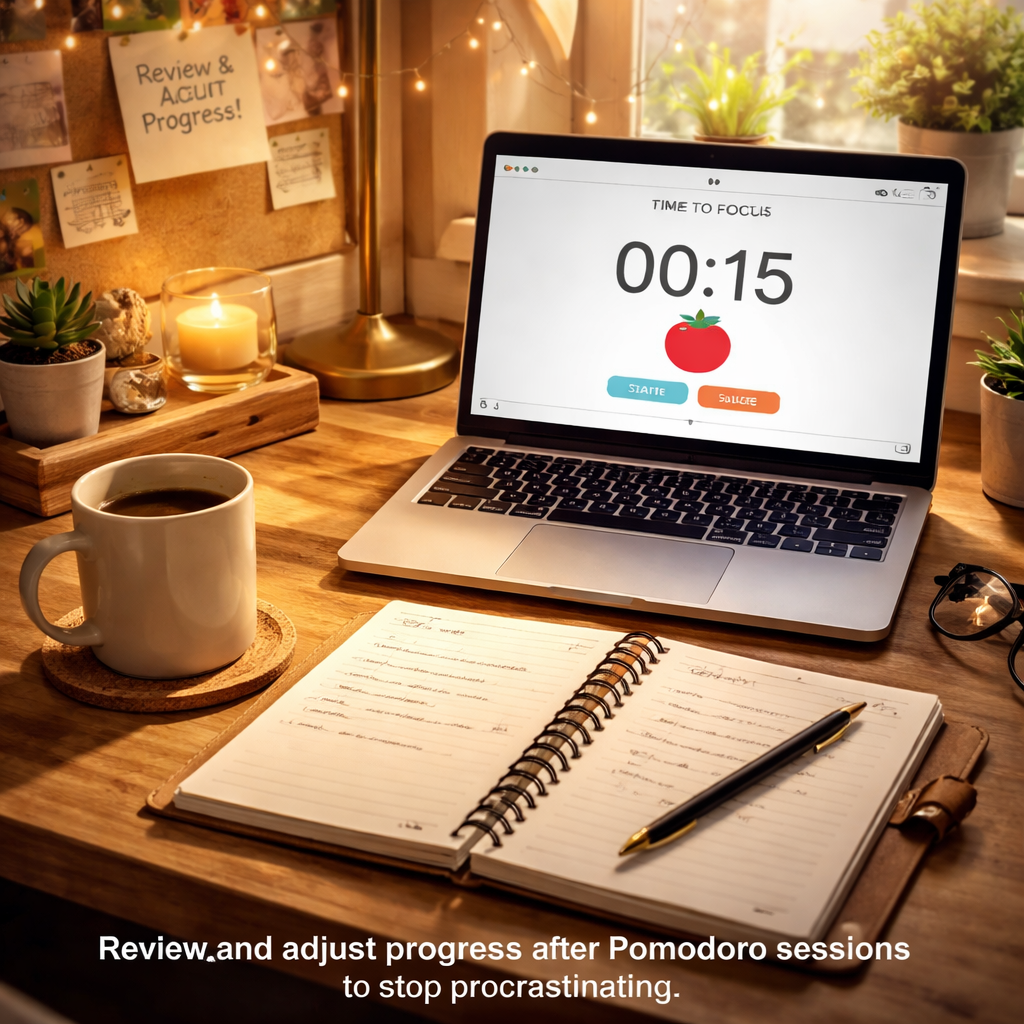
Alright, you’ve just powered through a Pomodoro sprint, maybe two, maybe a whole set. The timer’s gone quiet, and you’re wondering what comes next. This is the sweet spot where reflection turns into real momentum.
In our experience, the most stubborn procrastinators skip the review altogether. They treat each block like a one‑off and then move on, missing the chance to learn what actually worked. So, let’s slow down for a minute and ask: “What did I just accomplish, and what can I improve?”
Take a quick end‑of‑day scan
Grab the notebook or digital note you used for your trigger map. Jot down three bullet points:
- Which task(s) you completed during the last Pomodoro.
- How focused you felt on a scale of 1‑10.
- Any distraction that snuck in, however brief.
Keep it brief – two‑minute max. The goal is to capture the essence, not to write a dissertation. You’ll start noticing patterns: maybe you hit a 7 after lunch but dip to a 4 when you’re checking emails.
Tweak your Pomodoro settings
Now that you have a score, ask yourself if the 25‑minute block still feels right. Some students find a 20‑minute sprint less intimidating during heavy reading sessions, while busy professionals might need a 30‑minute stretch for deep‑dive reports.
Adjust the length for the next day, but keep the structure consistent: work interval, short break, repeat. The rhythm itself is the brain‑training part of how to stop procrastinating.
Reward the wins
Celebration isn’t just fluff – it reinforces the habit loop. After each completed Pomodoro, give yourself a micro‑reward: a sip of tea, a five‑second stretch, or a quick glance at a funny meme. The key is to keep the reward short enough that it doesn’t become a new distraction.
For freelancers juggling multiple projects, you might add a tiny “progress bar” on a sticky note. Every time you fill a segment, you get a tiny pat on the back. It’s a visual cue that says, “Hey, you’re actually moving forward.”
Build a mini‑dashboard
If you’re a remote worker, consider a simple spreadsheet that tracks:
- Date
- Number of Pomodoros completed
- Average focus rating
- Top distraction
Over a week, you’ll see a clear trend line. Maybe your focus rating climbs on days you start with a short 5‑minute warm‑up sprint. That insight tells you exactly what to repeat, and what to ditch – a concrete way to answer “how to stop procrastinating” for your own workflow.
And don’t forget to celebrate the bigger picture. At the end of the week, tally the total Pomodoros and compare it to the previous week. Even a modest increase of one or two sprints is a win worth acknowledging. It feels good, and that good feeling fuels the next round of focus.
So, what should you do right now? Open your notes, write the three‑point scan, tweak tomorrow’s timer length if needed, and set a tiny reward for the next sprint. By turning review into a habit, you close the feedback loop that keeps procrastination at bay.
Remember, the review stage isn’t a chore; it’s the moment where you turn “I tried” into “I’m getting better.” Keep it simple, keep it honest, and watch the habit of procrastination shrink day by day.
Conclusion
We’ve walked through the triggers, goals, time‑blocking, Pomodoro sprints, and the review loop – all the pieces that turn “I’m stuck” into a roadmap you can actually follow.
So, what’s the final step? Pick one tiny habit from today’s toolkit and try it right now. Maybe it’s setting a 25‑minute timer for that email draft, or jotting down three distractions you noticed during your last sprint.
When you stick with that habit for a week, you’ll start to see a pattern: the anxiety of starting fades, the focus spikes, and the little wins add up. That’s the real magic behind how to stop procrastinating – consistency beats motivation every time.
Remember, the process isn’t about perfection. If a Pomodoro gets interrupted, just note the interruption and jump back in during the next block. The review you do each evening is the safety net that keeps you honest and moving forward.
Ready to put it all together? Open Focus Keeper, fire up a timer, and give yourself a micro‑reward when the bell rings. One sprint today can spark a habit that shrinks procrastination for good.
Keep revisiting the checklist you built in the first step – the triggers, the tiny goals, the block schedule. Each review reinforces the new neural pathways that keep procrastination at bay.
FAQ
What’s the simplest way to actually start a work session when I keep putting it off?
The trick is to give yourself a micro‑commit that feels almost too small to refuse. Try the two‑minute rule: pick the very next step that takes under two minutes—like opening the document, writing a single sentence, or setting a 25‑minute timer. Once you’re moving, the brain often slides into momentum and the “I’m stuck” feeling fades.
If two minutes still feels intimidating, break the start action into an even tinier habit, like just turning on your focus music or clearing the desk surface. Those tiny cues act as a gateway, and before you know it you’re already in the zone.
How can I use the Pomodoro technique without feeling boxed in?
Think of each Pomodoro as a flexible experiment rather than a rigid rule. Choose a 25‑minute block for a specific outcome, but if you finish early, use the spare minutes to polish what you’ve done or plan the next sprint. If 25 feels too long, shrink it to 20 minutes—just keep the work‑break rhythm consistent.
What matters most is the habit loop: focus, short break, refocus. The timer is a cue, not a jailer. Over time your brain learns to treat the start of each block as a signal that you’re safe to concentrate.
Why does setting a timer actually help me stop procrastinating?
A timer creates a clear boundary that tricks the brain into treating the task as a game with a defined end point. When the clock ticks down, the sense of urgency rises, but the pressure stays limited to those few minutes, so anxiety doesn’t explode.
That psychological “time box” also reduces the mental cost of switching back to work after a break, because the start cue (the sound) is the same every cycle. It’s why many students and remote workers find a timer indispensable for breaking the procrastination loop.
What should I do when distractions keep slipping into my focus blocks?
First, acknowledge the interruption without acting on it. Keep a small “later” list right next to your timer and jot the distraction down—maybe a chat ping or a grocery thought. Then, gently bring your attention back to the task until the timer rings.
After the block, review your “later” list during the break. If the item is truly urgent, schedule a mini‑Pomodoro for it; if not, move it to tomorrow’s plan. This habit keeps interruptions from hijacking your flow while still giving them a place in your workflow.
How often should I review my progress to keep procrastination at bay?
We recommend a quick end‑of‑day scan that takes no more than two minutes. Jot three bullets: what you completed, how focused you felt on a 1‑10 scale, and any distraction that broke your rhythm. That short reflection creates a feedback loop you can act on tomorrow.
If you’re a freelancer juggling several clients, add a weekly dashboard—total Pomodoros, average focus rating, and top recurring distraction. Spotting patterns (like low focus after lunch) lets you tweak your schedule before the habit re‑solidifies.
Can tiny habits really make a difference in beating procrastination, and how should I start?
Absolutely. Tiny habits stack up into noticeable progress because each win reinforces the brain’s reward center. Start with one habit that aligns with your current routine—maybe a 25‑minute timer right after your morning coffee, or a quick five‑minute journal entry before the first sprint.
Track that habit for a full week. If it feels smooth, layer another—like a 5‑minute stretch during each break. The key is to keep the additions manageable; otherwise the very habit you’re trying to build can become another source of resistance.




