
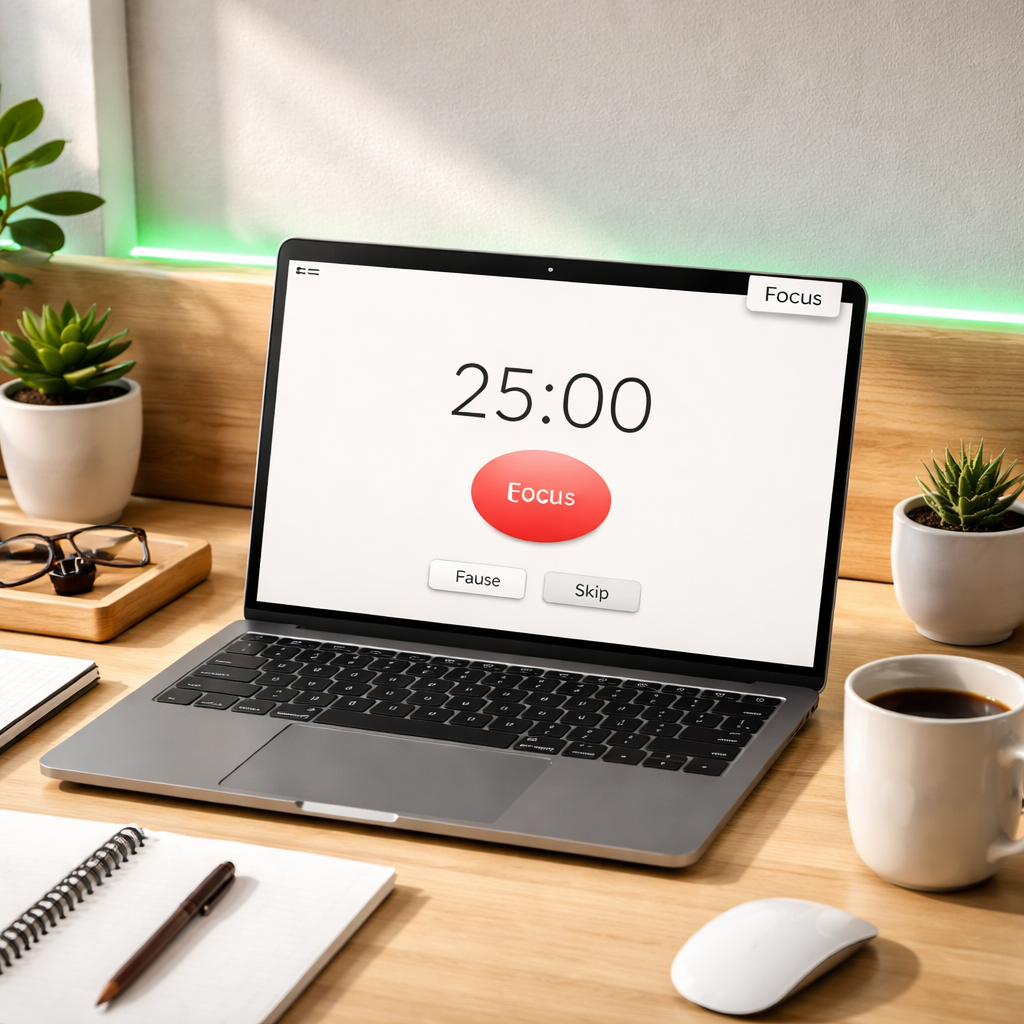
Ever felt like your to‑do list is a mountain and the day just slips away before you’ve crossed the first ridge?
We’ve all been there—students staring at a stack of lecture slides, remote workers juggling endless Zoom calls, freelancers juggling three client drafts, or busy professionals staring at an inbox that never empties. The frustration is real, and the solution can be as simple as a 25‑minute timer.
Building a daily Pomodoro habit doesn’t require a radical overhaul; it just needs a tiny, repeatable ritual that cues your brain to focus and then rest. Think of it as training a muscle: you start with a light weight, repeat, and gradually add more reps. The same principle applies when you schedule a single Pomodoro after breakfast and watch the momentum build.
Here’s a quick snapshot of what works for different folks:
- Students: set a Pomodoro for each chapter, then reward yourself with a short walk or a snack.
- Remote workers: pair a Pomodoro with a specific task block—like clearing emails—so you finish before the next meeting.
- Freelancers: break a client deliverable into 2‑3 Pomodoros, and use the break to sketch ideas or sip coffee.
- Busy professionals: treat the timer as a “focus shield” during high‑priority projects, and let the short breaks serve as micro‑reset moments.
Start by picking a consistent anchor point—maybe the moment you brew your morning coffee. When the mug is ready, launch the timer and commit to work until it rings. After the first session, jot down a quick note: what you accomplished, how you felt, and whether you need a longer break. Over a week, those notes become data you can use to tweak the length of work intervals or the type of break that recharges you best.
If you’re looking for a step‑by‑step guide that walks you through setting up the timer, choosing the right break activities, and tracking progress, check out our Mastering the Pomodoro Technique: A Beginner’s Guide. It’s packed with real‑world examples and printable worksheets.
Finally, keep the habit visible. Write “Pomodoro” on a sticky note, place the timer on your desk, or add a daily reminder in your calendar. When the cue is always there, pulling the trigger becomes automatic, and before you know it, you’ve turned a single 25‑minute burst into a reliable productivity engine.
TL;DR
If you’re tired of endless to‑do lists and need a simple, repeatable ritual, the TL;DR is to set a timer, focus for 25 minutes, then take a quick break—repeat and watch your focus grow. By consistently applying this loop you’ll easily build a daily pomodoro habit that turns scattered effort into steady progress, whether you’re a student, remote worker, freelancer, or busy professional.
Step 1: Choose Your Pomodoro Length and Tools
Okay, you’ve decided the timer idea sounds promising. The next question is: how long should each work burst be, and what tool will actually make you stick to it?
We’ve seen students start with the classic 25‑minute block, but honestly, that’s not a one‑size‑fits‑all. Some people thrive on 20‑minute sprints, especially when the task feels mentally heavy. Others—like freelancers juggling multiple client drafts—prefer a 30‑minute stretch so they can get deeper into the flow before the break pulls them out.
Test the waters
Here’s a quick experiment: pick three different lengths—20, 25, and 30 minutes. Do a single Pomodoro of each today, then note how focused you felt and how easy it was to restart after the break. The length that leaves you feeling “just‑right” is your starting point.
Don’t overthink it. The goal is to find a sweet spot that feels natural, not to obey a rigid rule.
Choosing the right timer
If you’re a student, a simple kitchen timer might actually do the trick—nothing fancy, just a loud ring that says, “Hey, time to switch gears.”
Remote workers, on the other hand, often benefit from a digital timer that integrates with their task board. A web‑based timer can sit in a corner of your screen, reminding you without pulling you away from Slack or Teams.
Freelancers love the flexibility of mobile apps. You can start a Pomodoro on your phone while you’re sketching ideas on a tablet, then pause it when a client calls.
Busy professionals usually need something that syncs with their calendar. When a Pomodoro slot appears on your Outlook or Google Calendar, you get a visual cue that the focus window is officially booked.
One tool we’ve heard praise for is the Focus Keeper app. It lets you set custom lengths, track completed sessions, and even offers a simple “focus shield” mode that silences notifications during the timer.
And if you’re a gadget lover, a smart speaker can be your timer buddy. Just say, “Hey, Alexa, start a 25‑minute Pomodoro,” and let the voice prompt handle the rest.
Pair your timer with a cue
Think of the timer as the engine, but you still need a trigger to turn it on. Many people tie the start of a Pomodoro to a daily habit—like the moment the coffee drips, or after you’ve logged into your project management tool.
Speaking of coffee, a specialty brew can become a ritual cue. Imagine sipping a dark‑roast from a subscription that arrives every month, then hitting “start” on your timer. The aroma itself becomes part of the focus signal.
For those who thrive on a physical reminder, a sticky note that says “Pomodoro” on your monitor can do the trick. Or place a small figurine on your desk that you move each time you start a new session—tiny, but oddly satisfying.
Now, let’s talk breaks. The classic 5‑minute pause works for most, but you can customize it too. A quick stretch, a glance at a favorite meme, or a brief walk to the kitchen for a snack can reset your brain.
Here’s a tip: keep your break activity low‑effort. If you find yourself scrolling social media for ten minutes, the break isn’t really a break—it’s a distraction.
After you’ve nailed down a length and a timer, the next step is tracking. A simple spreadsheet, a habit‑tracker notebook, or the built‑in stats in your Pomodoro app can show you trends over a week. When you see that you consistently nail 4‑5 sessions on Tuesdays, you’ve found a rhythm that will help you build a daily pomodoro habit.
So, what’s your first move? Pick a length, set up a timer that fits your workflow, and tie it to a cue you already love. Then watch how quickly the habit starts to feel automatic.
Step 2: Set Up Your Workspace and Visual Cues
Now that you’ve nailed the timer, the next thing that makes a daily pomodoro habit stick is the space you work in.
Do you ever notice how a cluttered desk steals minutes before you even hit start? A clean, intentional setup tells your brain, “It’s go‑time,” and cuts the mental friction that otherwise drags you into scrolling.
Clear the surface, keep the essentials
Start by removing anything that isn’t needed for the current sprint. A notebook, a pen, and the device running Focus Keeper are usually enough. If you’re a student, keep the textbook or lecture slides nearby; if you’re a freelancer, pull up the specific client file you’ll be editing.
Leave the coffee mug on the edge – not in the middle – so you can grab it without breaking your flow. The trick is to make the “start zone” as tiny as possible; fewer objects means fewer visual temptations.
Add visual cues that spark focus
One of the simplest cues is a dedicated Pomodoro sticker or a small sign that says “Focus” on the edge of your monitor. When you see it, your brain instantly associates that spot with work.
Another idea is a coloured light strip that you switch on when the timer starts. A soft green glow, for example, can become a signal that it’s time to dive in, while turning it off signals the break.
We’ve seen remote workers place a tiny flag on their laptop lid; the flag pops up at the beginning of each session and folds away when the break rings. It’s a tiny physical reminder that doesn’t cost a cent.
And what about the background? If you’re in a shared space, a small “Do Not Disturb” sign on the door or a folded “In Focus” paper on your chair can politely tell teammates you’re in a Pomodoro sprint.
Set up a “reset” corner for breaks
During the five‑minute pause, you want to step away from the work surface. Designate a spot a few feet away – maybe a standing mat, a water bottle, or a quick‑stretch area. Having a clear place to move to reinforces the break habit.
For students, a chair by the window works great for a breath of fresh air. For freelancers, a small doodle pad on a side table invites a quick sketch. Busy professionals can keep a posture‑corrector ball nearby to roll a few times and release tension.
When the break ends, simply glance back at your visual cue (the sticker or light) and you’ll know it’s time to sit down again. That tiny loop – cue, focus, break, cue – becomes the backbone of your daily pomodoro habit.
Tip: Keep a one‑page “Pomodoro cheat sheet” on your desk. List the steps in short bullet form – “1️⃣ Start timer 2️⃣ Close distractions 3️⃣ Work 4️⃣ Break – stretch”. Seeing it every session removes the guesswork.
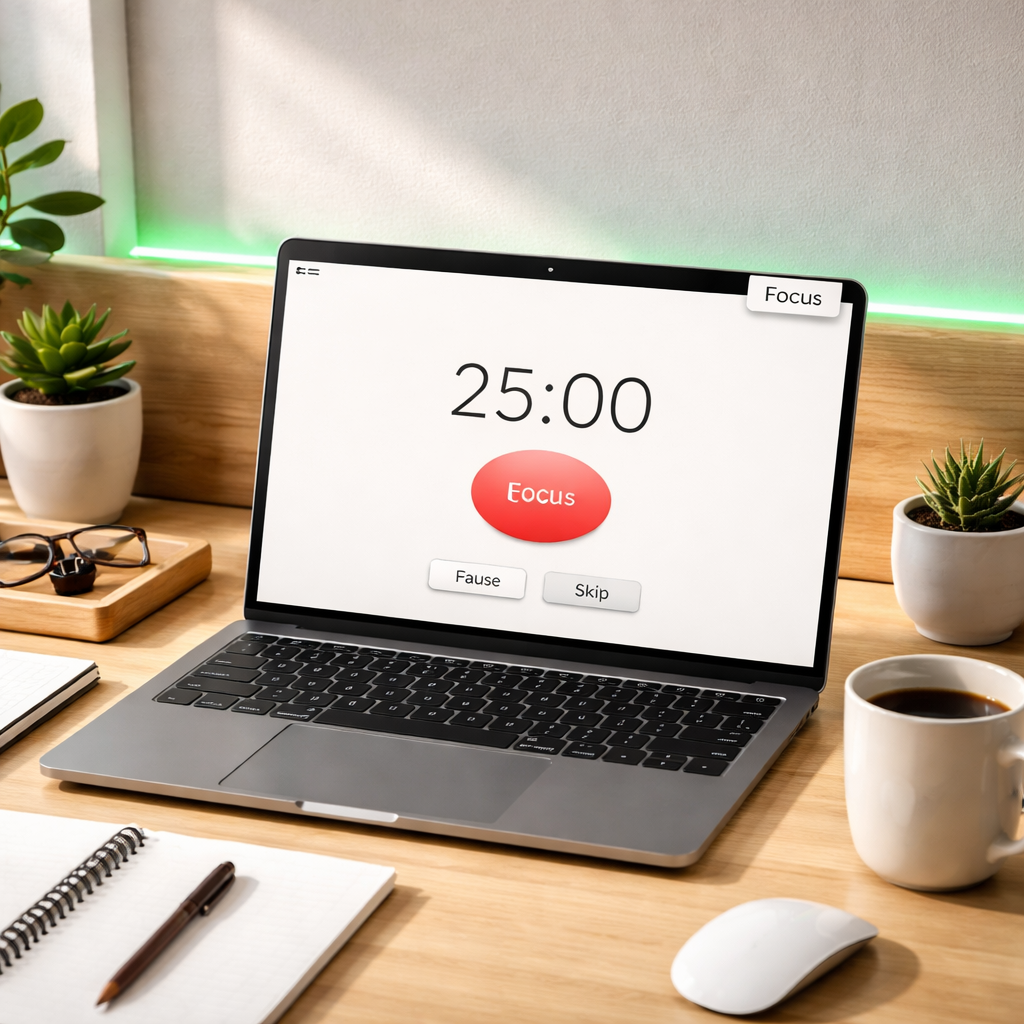
Finally, make the setup repeatable. Every morning, before you brew your coffee, do a quick “workspace sweep”: clear the surface, turn on the focus light, place the cue sticker, and sit in your break corner. After a week of doing this, the routine will feel as automatic as brushing your teeth, and you’ll notice how much faster you get into the flow.
Does it sound a bit much? Trust us – the more you simplify the environment, the less you have to decide each session, and the easier it is to build a daily pomodoro habit that lasts.
Step 3: Create a Simple Tracking System
Now that your timer and workspace are locked in, the last piece of the puzzle is knowing what actually happened during each sprint.
A tracking system doesn’t have to be fancy – it just needs to capture two things: the task you tackled and a quick note on how the session felt.
Why bother? Because without a record you’ll never spot the patterns that turn a haphazard routine into a reliable habit.
Pick a tracking method that matches your style
If you’re a student who loves pen‑and‑paper, a simple notebook works wonders. Write the date, the subject, the Pomodoro number, and a one‑word mood – “focused”, “distracted”, or “tired”.
Remote workers often prefer a digital log that lives on the same device they use for work. A quick note in a notes app or a dedicated column in a to‑do list is enough.
Freelancers juggling multiple clients might opt for a spreadsheet that can be filtered by project. And busy professionals usually appreciate a visual chart that shows weekly totals at a glance.
Use what you already have – or let the app do it for you
Platforms like Focus Keeper make this easier by automatically logging each session, showing you total Pomodoros per day and letting you add a brief comment.
But if you’d rather keep things manual, here’s a three‑column template you can copy into Google Sheets or an Excel file:
| Tracking Option | How to Use | Quick Tip |
|---|---|---|
| Paper notebook | Write date, task, Pomodoro #, mood. | Keep it on your desk for instant access. |
| Focus Keeper app | Tap “Log” after each timer, add a short comment. | Review the daily summary each evening. |
| Spreadsheet | Columns: Date, Project, Session Length, Mood, Notes. | Use conditional formatting to highlight “distracted” rows. |
And don’t stop at just logging – add a tiny reflection step. After you finish a set of four Pomodoros, flip to the back of your notebook or a new sheet tab and answer two quick prompts: “What got done?” and “What pulled me away?”
That five‑minute habit turns raw data into insight. You’ll start to see that 25‑minute sprints work best for deep‑focus tasks like writing code, while 20‑minute bursts feel lighter for reading or answering emails.
So, what should you do next? Pick the tracking method that feels least like work, set a reminder to log right after each break, and spend ten minutes each Sunday reviewing the week.
When you spot a trend – say, “I’m always exhausted after the third Pomodoro on Tuesdays” – you can tweak the schedule. Maybe shift the hardest task to Monday, or add a longer stretch break on Tuesday.
Remember, the goal isn’t to become a data‑obsessed perfectionist. It’s to give yourself a clear picture of what fuels your flow and what drags you down, so you can fine‑tune your daily Pomodoro habit.
Give it a try for one week. You’ll be surprised how a few lines of notes can make the difference between “I’m just getting by” and “I’m actually building a daily Pomodoro habit that sticks.”
If you prefer a more visual overview, consider using a habit‑tracker board like a whiteboard with sticky notes. Write each Pomodoro on a separate square, move the sticky to a “Completed” column when you’re done, and watch the board fill up. Over time the growing wall of squares becomes a satisfying proof of progress, especially for students who love to see their study streak, remote workers who need a quick status update, freelancers juggling multiple projects, or busy professionals who thrive on visual momentum.
Step 4: Implement the Routine with a Guided Video Walkthrough
Ever stared at a blank screen, timer set, and wondered if you’ll actually stick to the rhythm? That’s the exact spot where a quick video walkthrough can turn a fuzzy idea into a concrete habit.
Why a video walkthrough works
Seeing the whole process in motion does three things: it shows you exactly what to click, it lets you hear the same cue we use in the app, and it builds a visual anchor that your brain can replay later. In other words, the video becomes a “cheat sheet” you can pause, rewind, and follow step‑by‑step.
Preparing your own walk‑through
First, gather the basics: your phone or laptop, the Focus Keeper timer, and a quiet spot where you won’t be interrupted. You don’t need fancy equipment – a built‑in webcam or even a phone on a stable stack works fine.
1. Frame the workspace
Position the camera so it captures the timer screen, your hands, and a quick glimpse of the surrounding cue (like the “Focus” sticker on your monitor). A simple top‑down angle keeps everything in view without extra editing.
2. Record a 60‑second intro
Start with a short greeting: “Hey, I’m about to show you how I build a daily pomodoro habit using Focus Keeper.” Mention the length you’ve chosen – 25 minutes, 30 minutes, whatever feels right for you. This sets the expectation and reinforces the habit’s purpose.
3. Walk through the start‑up
Click the “Start” button, point out the silent chime setting, and explain how you label the session (e.g., “Chapter 3 reading” for a student or “Client brief draft” for a freelancer). Keep the narration casual, like you’d explain to a friend sitting across the table.
4. Show the break cue
When the timer dings, pause the video, stand up, and demonstrate a quick stretch or a sip of water. Capture the moment the light strip turns off or the “Break” banner appears. This visual cue helps you remember to truly step away, not just stare at the screen.
5. Wrap up with a quick reflection
After the break, hit “Start” again and close the segment with a one‑sentence note: “I felt focused, so I’ll log this as a successful pomodoro.” Viewers can see the exact place to add a comment in the app.
Embedding the video in your routine
Once you’ve recorded, upload the clip to a private YouTube link or your preferred cloud storage. Then, pin the link next to your workspace – maybe on a sticky note on the monitor or as a shortcut on your desktop. When it’s time for a new session, hit play, follow the visual steps, and you’ll be in motion before you even realize the timer started.
Does this feel like extra work? Think of it as front‑loading a few minutes now to save the mental friction later. The next time you sit down, you won’t have to ask, “What’s the first thing I should do?” because the video answers it for you.
Tips for making the walkthrough stick
- Keep the video under two minutes – shorter is easier to replay.
- Use natural language, not scripted corporate speak.
- Show at least one real‑world example that matches your audience: a student reviewing lecture notes, a remote worker clearing inbox, a freelancer sketching ideas, or a busy professional mapping a project milestone.
- Add captions or simple text overlays that highlight the timer length and break duration.
Finally, treat the video like a mini‑coach. Each time you hit play, you’re reminded of the rhythm you’ve built, reinforcing the habit loop: cue → action → break → cue. Over weeks, that loop becomes second nature, and you’ll find yourself reaching for the timer without even thinking about it.
Ready to give it a go? Grab your phone, hit record, and watch how quickly a visual guide can help you build a daily pomodoro habit that actually sticks.
Step 5: Review, Adjust, and Reinforce Your Habit
Okay, you’ve got the timer rolling, the workspace cleared, and a quick video cue to get you started. Now comes the part most people skip: looking back at what actually happened and tweaking the system so it keeps working for months, not just a week.
Why does the review matter? Because the Pomodoro method is a feedback loop. Each cycle gives you data – how long you stayed sharp, which tasks slipped, whether the break left you refreshed or hungry for another scroll. Without a quick pause to digest that data, you’ll never know if you’re truly building a daily pomodoro habit or just running a series of random sprints.
1️⃣ Capture the raw numbers
At the end of every session, jot down three things: the task you tackled, the Pomodoro count for that task, and a one‑word mood (e.g., “focused”, “distracted”, “tired”). If you’re already using the Focus Keeper app, it logs each interval automatically – just add a short comment.
For those who prefer pen and paper, a tiny notebook on your desk works fine. The key is consistency; a half‑filled column won’t give you the pattern you need.
2️⃣ Spot the patterns
After a few days, step back and look for trends. Do you hit a mental wall on the third Pomodoro of the afternoon? Does a 20‑minute sprint feel smoother than the classic 25 for creative brainstorming? The Pomodoro best‑practices guide notes that many people experience a dip in focus after 45‑60 minutes of total work, which is exactly what a short review can reveal.
Real‑world example: Maya, a remote graphic designer, noticed that after two consecutive Pomodoros her sketches started to look rushed. By logging her mood, she saw a clear drop in quality at the third interval. She responded by inserting a 10‑minute stretch break after the second Pomodoro, and her output quality jumped back up.
Action step: weekly snapshot
Set aside five minutes every Sunday. Pull your notes or open the app’s summary view. Answer two quick questions: (1) Which task categories consistently finish within one Pomodoro? (2) Which intervals leave you feeling drained?
Write down one concrete tweak for the coming week – maybe shorten the work block for email triage, or swap a coffee break for a quick walk.
3️⃣ Reinforce the habit with mini‑rituals
Once you’ve identified a tweak, embed a tiny ritual to remind you. For students, that could be placing a coloured sticky on the textbook after each review. For freelancers, a small “Done” stamp on a project board signals completion and cues the next sprint.
These physical cues act like a second cue in the habit loop, strengthening the pathway in your brain. Over time you’ll find yourself reaching for the timer without a second thought.
Pro tip: use a habit‑tracker board
Grab a whiteboard, draw a column for each day, and stick a square for every Pomodoro you complete. When the week ends, the visual wall of squares is a satisfying proof of consistency – the kind of visual reinforcement that keeps the habit alive.
Busy professionals love this because it turns abstract effort into a tangible metric they can show in a quick stand‑up meeting.
4️⃣ Adjust, don’t abandon
Adjustment isn’t a sign of failure; it’s the engine that keeps the habit flexible. If you find that a 25‑minute block still feels too long for deep‑reading, try a 15‑minute “micro‑Pomodoro” for those sessions and pair two of them with a slightly longer 10‑minute break.
Remember the rule of thumb from the research: start with shorter intervals if the classic length feels restrictive, then scale up as your focus stamina improves.
Action step: experiment log
Create a simple three‑column table – Interval Length, Break Length, Outcome. Run a new configuration for three days, then compare the outcome column. If productivity rises, lock that setting in; if not, revert and try another mix.
And don’t forget to celebrate the wins. A quick “nice work” note to yourself after a week of steady Pomodoros can boost motivation more than any external reward.
By reviewing, spotting trends, reinforcing cues, and iterating on the length of work and break periods, you turn a fleeting experiment into a solid, daily pomodoro habit that adapts to your life.
Ready to make the review a habit in itself? Grab that notebook, open your app’s stats, and give yourself five minutes tonight. The insight you gain will pay off in sharper focus tomorrow.
Conclusion
We’ve walked through every piece of the puzzle, from picking the right timer length to setting up visual cues, tracking your runs, and fine‑tuning the rhythm.
So, what does it all mean for you? It means that building a daily pomodoro habit is less about willpower and more about creating a tiny loop of cue, action, break, and reflection that your brain learns to love.
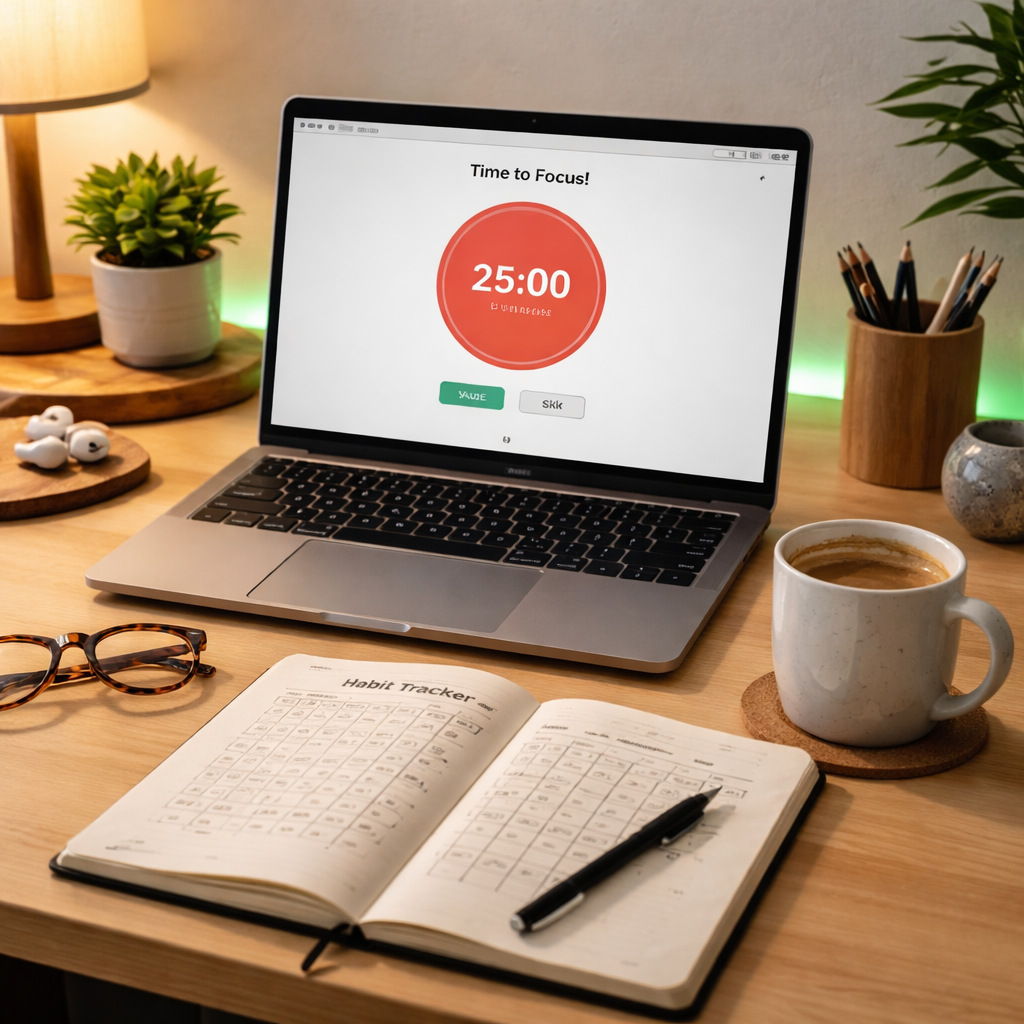
In our experience, the moments that stick are the ones where the cue is unmistakable – a green LED strip, a sticky “Focus” label, or the soft chime of the Focus Keeper app. When that cue fires, you hop into a 25‑minute sprint, step away for a genuine break, and then log a quick note. That three‑step habit becomes automatic, just like brushing your teeth.
Key takeaways
- Start with a clear, repeatable cue.
- Pick a work interval that feels sustainable for your role – student, remote worker, freelancer, or busy professional.
- Log the task and mood, then review weekly to spot patterns.
- Adjust length or break activities when you notice fatigue.
Does any part of this feel overwhelming? Remember, you don’t have to perfect everything at once. Try one change this week – maybe just the visual cue – and watch how quickly the rhythm falls into place.
When the habit clicks, the productivity boost is almost effortless. Grab your notebook, fire up your timer, and give yourself five minutes tonight to set the cue for tomorrow. That’s all it takes to truly build a daily pomodoro habit.
FAQ
I keep forgetting to start the timer—how can I actually build a daily pomodoro habit?
First, make the cue impossible to miss. Place your phone or the Focus Keeper app icon right next to your coffee mug, or stick a bright “Start” sticker on your monitor. When you sit down, that visual trigger reminds you to hit “Start” before you even open a document. Pair the cue with a micro‑ritual – like taking a deep breath – and the habit loop starts to run itself.
What Pomodoro length works best for students compared to busy professionals?
Students often juggle short bursts of reading or problem‑solving, so a 20‑ to 25‑minute interval keeps mental fatigue at bay while still feeling productive. Busy professionals, especially those handling meetings or deep‑work projects, may find 30‑minute sprints give enough runway to enter flow without constant interruptions. The trick is to experiment: start at 25 minutes, note how sharp you feel, then tweak up or down by five‑minute increments.
How should I choose break activities that actually recharge me?
Pick something physical and brief – a quick stretch, a glass of water, or a walk to the window. The goal is to shift your posture and give your eyes a rest, not to start a Netflix binge. For students, a flash‑card review of a different subject works well. Remote workers might do a 30‑second desk‑side yoga pose, while freelancers can doodle a tiny sketch to reset creative flow.
Can I use Pomodoro when my schedule is unpredictable, like with sudden meetings?
Absolutely. Treat the timer as a flexible framework, not a rigid rule. If a meeting pops up, pause the timer, note where you left off, and resume when you’re back at your desk. Some people set a “soft‑stop” at 20 minutes, so if a call interrupts, they’ve already completed a useful chunk. Over time you’ll learn to slot mini‑Pomodoros around the chaos without losing momentum.
What’s the simplest way to track my Pomodoros without feeling like I’m doing paperwork?
Keep it visual. A small sticky‑note board with a column for each day and a square for every completed Pomodoro works wonders. If you prefer digital, a single‑column note in the Focus Keeper app or a basic spreadsheet with Date, Task, and Mood does the job. The key is to log in the same place every time, then glance at the weekly total for a quick confidence boost.
I’m losing motivation because progress feels slow—what can I do?
Shift the focus from quantity to quality. Celebrate the first three Pomodoros you finish each day, then ask yourself what small win each session gave you – a cleared inbox, a paragraph written, or a design mock‑up refined. Add a tiny reward after a set of four, like a favourite snack or a 5‑minute social scroll. Seeing the pattern of small victories keeps the brain wired for consistency.
Is it okay to change the timer length over time, and how often should I review my setup?
Yes, the Pomodoro system is meant to evolve with you. Schedule a quick review every Sunday: glance at your logs, note where you felt sharp or drained, and adjust the interval by five minutes if needed. Some people switch from 25‑minute sprints to 35‑minute blocks for creative work, then back to shorter bursts for admin tasks. Regular tweaking keeps the habit fresh and prevents plateau.




