
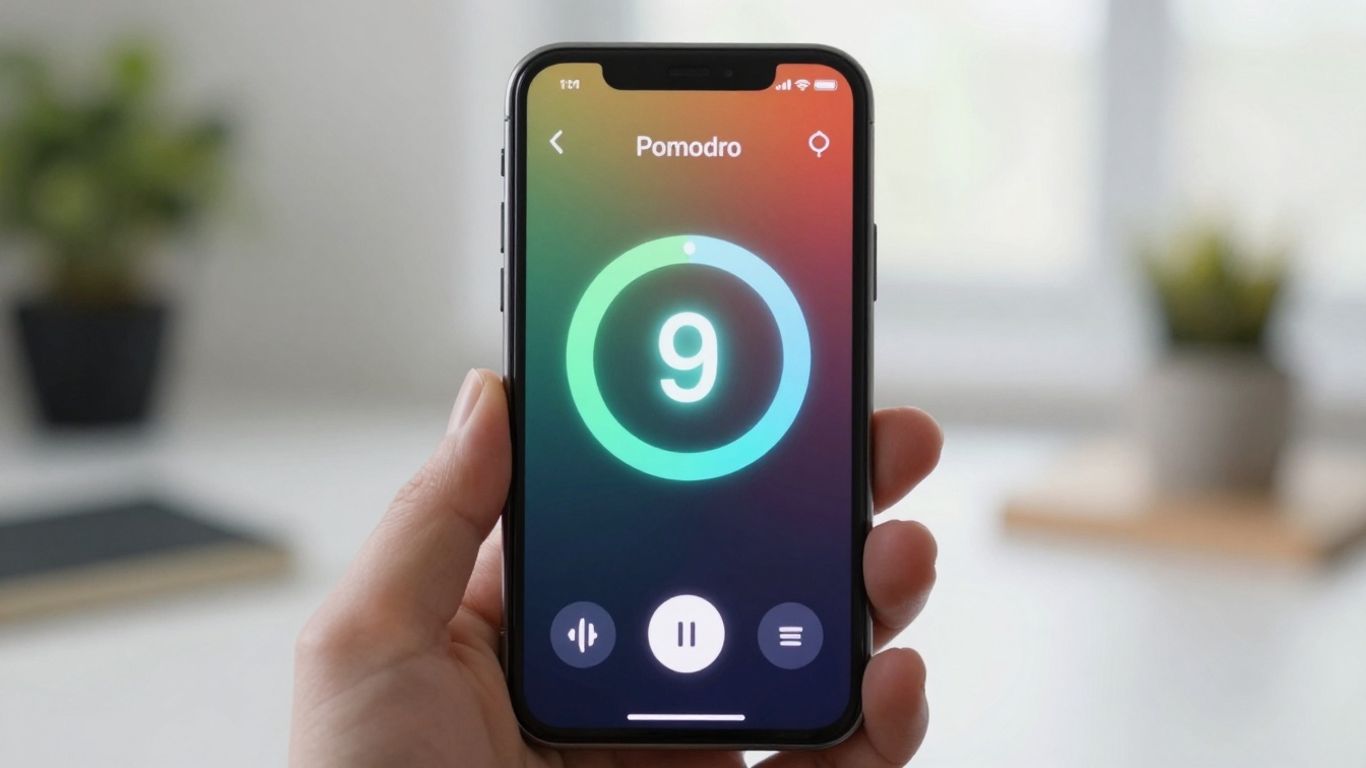
Finding focus in today’s world can feel like a real challenge. With so many things pulling at our attention, it’s easy to get sidetracked. That’s where the Pomodoro Technique comes in handy. It’s a simple method of breaking work into focused bursts, usually 25 minutes long, followed by short breaks. This helps you get more done without burning out. If you’re an Android user looking for the best Pomodoro app to boost your productivity, you’re in luck. We’ve checked out some of the top options to help you find your flow.
Key Takeaways
- Paymo Track offers a comprehensive approach, integrating Pomodoro timing within its project management tools.
- Focus Keeper provides a visually engaging experience, especially helpful for students, with customizable timers and progress tracking.
- Pomodor is a straightforward, web-based option for those who prefer a minimalist interface to avoid distractions.
- Focus Mode by Geekbot is a free choice with good Slack integration, suitable for teams.
- Pomofocus stands out for its customizable web timer, task management features, and reporting capabilities.
Paymo Track
Paymo Track isn’t strictly a Pomodoro app, but it has a solid Pomodoro feature built right in. Think of it as a full-blown time tracker that also happens to do Pomodoros really well. It’s part of a larger project management system, so if you’re already using Paymo or need something more than just a timer, this could be a good fit.
Getting started is pretty straightforward. You switch to the Pomodoro mode in the Stopwatch tab, pick a task, and hit start. The default is the classic 25-minute work session with short 5-minute breaks. It even shows you four Pomodoros lined up, so you know when that longer break is coming up after the fourth one.
One thing to note: if you stop the timer mid-session, it still logs the time you worked, which is handy for keeping records, but you lose that visual progress on the current Pomodoro cycle. It’s a small detail, but worth knowing.
Paymo Track’s Pomodoro timer is a functional part of a bigger system. It sticks to the standard work/break intervals and offers a clean interface. It’s a good option if you want time tracking and Pomodoro combined, rather than a standalone timer.
Here’s a quick look at its setup:
- Work Interval: Defaults to 25 minutes.
- Short Break: Defaults to 5 minutes.
- Long Break: Kicks in after four work intervals.
- Customization: You can adjust durations and notification sounds in the settings.
Paymo Track offers a free plan, with paid options starting around $5.99 per user per month, making it quite accessible for individuals and small teams.
Focus Keeper
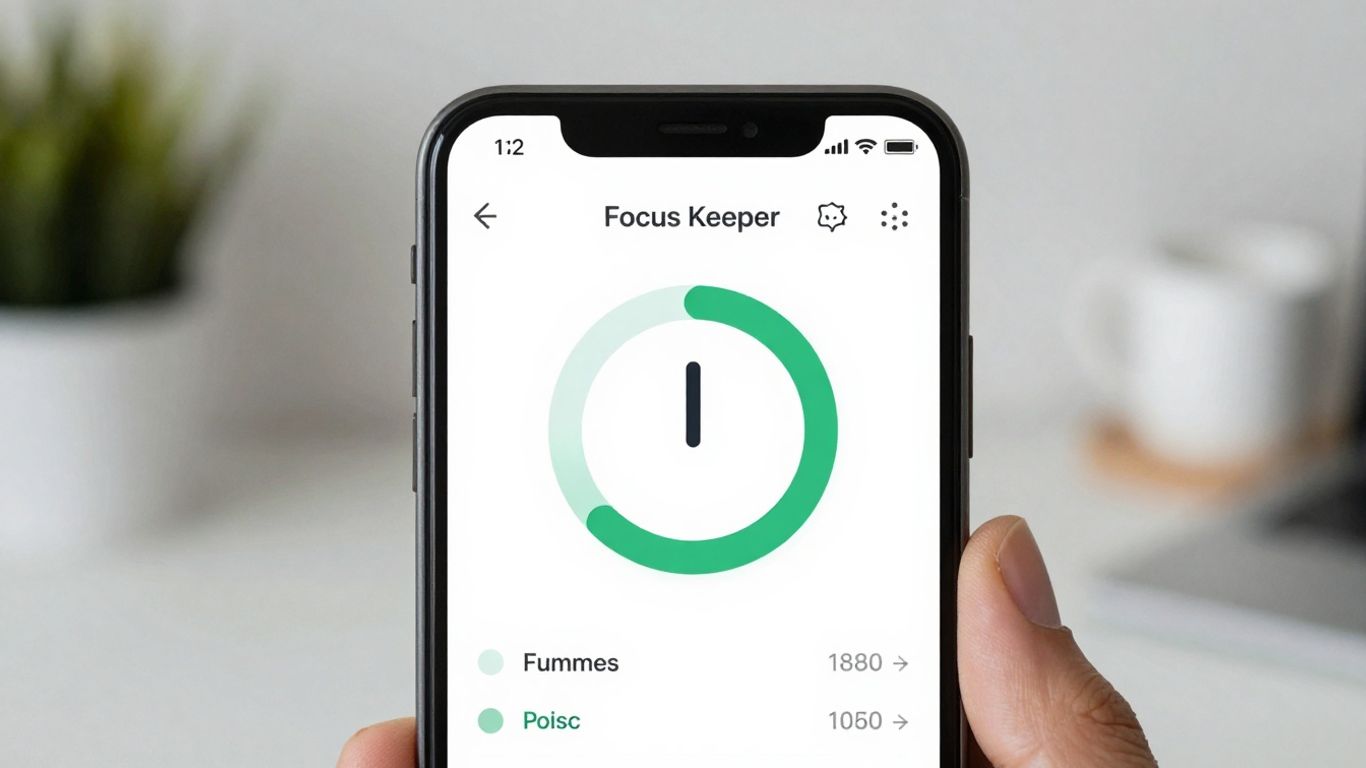
Focus Keeper is a pretty straightforward Pomodoro app that aims to make getting into your work sessions feel less like a chore and more like a game. It’s got this colorful background that changes, so you can see how much time is left, and breaks are a different color, which is a nice touch. It even makes a little ticking sound to remind you that it’s time to focus.
One thing I liked is that you can set a daily goal for how many work sessions you want to get done. It would be even better if you could name those sessions so you know what you were working on, but hey, it’s still helpful. If you get distracted and start browsing other apps, Focus Keeper has a notification center to pull you back in.
There’s a good amount of customization here. You can change themes, pick different sounds, and adjust alarm levels for your work periods and breaks. The app also shows charts of your productivity over the last 14 and 30 days, which is great for seeing trends. Just a heads-up, the free version only shows your stats for the past three days.
The app’s design makes productivity feel simple and approachable. It’s great for beginners or anyone who wants to build a consistent routine without getting lost in menus or settings. The timer wheel design gives you a quick sense of momentum, while optional reminders and streak tracking add just enough motivation to keep going.
If you decide to go for the Pro version, you get ten extra ticking sounds that are supposed to help you relax or get more done, depending on what you need. You also get a full view of all your stats. The free plan is available, but with those limited charts. Paid plans start at a pretty reasonable $1.99 a month.
Pomodor
Pomodor is a straightforward, web-based tool that really nails the basics of the Pomodoro Technique. If you’re just dipping your toes into time management or need a no-fuss timer for occasional use, this is a solid pick. Its minimalist design means you won’t get bogged down with a bunch of complicated features you don’t need. It’s just a timer, and it does its job well.
The beauty of Pomodor lies in its simplicity. You can customize your work and break intervals, which is great because not everyone’s focus flows the same way. It’s free to use, though they do accept donations if you find it helpful. This makes it super accessible for anyone wanting to try out the Pomodoro® Technique without any commitment.
Here’s a quick rundown of how it works:
- Set your focus interval: Typically 25 minutes, but adjust as needed.
- Work on a single task: No distractions allowed!
- Take a short break: Usually 5 minutes to stretch or grab some water.
- Repeat: After four focus sessions, take a longer break (20-30 minutes).
This kind of focused work, broken into manageable chunks, can really help you get through tasks that feel overwhelming. It’s all about building momentum and avoiding burnout by giving your brain regular rest periods.
Focus Mode By Geekbot
Focus Mode by Geekbot is an interesting option if your team lives and breathes Slack. It’s basically a Pomodoro timer that hooks directly into your Slack status. When you start a focus session, it automatically sets your status to ‘Do Not Disturb’ and lets your colleagues know you’re in a work block. This is pretty neat for reducing interruptions without having to manually update your status all the time.
It’s a straightforward tool, really. You set your work intervals and break times, and the app handles the rest within Slack.
- Integrates directly with Slack.
- Automatically updates your Slack status to ‘Do Not Disturb’.
- Notifies teammates about your focus sessions.
This app is best for teams already using Slack for communication. If you’re working solo or on a team that doesn’t use Slack heavily, this probably isn’t the best fit. It’s also quite basic; don’t expect fancy analytics or task management features here. It’s purely about the timer and the Slack integration.
The main draw here is the automatic status update in Slack. It’s a simple way to signal to your team that you need uninterrupted time without having to say anything.
Geekbot itself offers a broader suite of tools, but Focus Mode is their specific play in the Pomodoro space. It’s free to use as part of the integration, which is a nice bonus if you’re already in the Slack ecosystem.
Pomofocus
Pomofocus is a web-based Pomodoro timer that’s been around for a while, and honestly, it hasn’t changed much, which can be a good thing if you like simplicity. It’s the kind of tool I remember using back in college when I first started messing around with the Pomodoro Technique. It’s super straightforward: you set your work intervals, your break times, and you’re off. The real strength here is its customizability for tasks. You can add what you need to get done, estimate how many Pomodoros each task might take, and then watch your progress unfold. If you find yourself doing the same tasks repeatedly, Pomofocus lets you save them as templates, so you can just click and go. It also gives you visual reports, which is nice for seeing where your focus hours went each day, week, or month.
There’s a free plan, which is pretty solid for most people. If you want to get rid of ads and access yearly reports you can download as a CSV, there’s a premium option. It costs $3 a month or you can get it for $54 outright. It also integrates with things like Zapier, which is handy if you use a lot of other apps.
This app feels like a reliable old friend. It does what it says on the tin without a lot of fuss. It’s not trying to be a full project management suite, just a solid timer that helps you get into the zone.
Here’s a quick look at what you get:
- Add and manage your tasks.
- Estimate Pomodoros needed per task.
- Save repetitive tasks as templates.
- View daily, weekly, and monthly progress reports.
- Optional integration with Zapier.
While it doesn’t have the bells and whistles of some newer apps, Pomofocus remains a dependable choice for anyone who just wants a no-nonsense Pomodoro timer with good task management features.
ClickUp
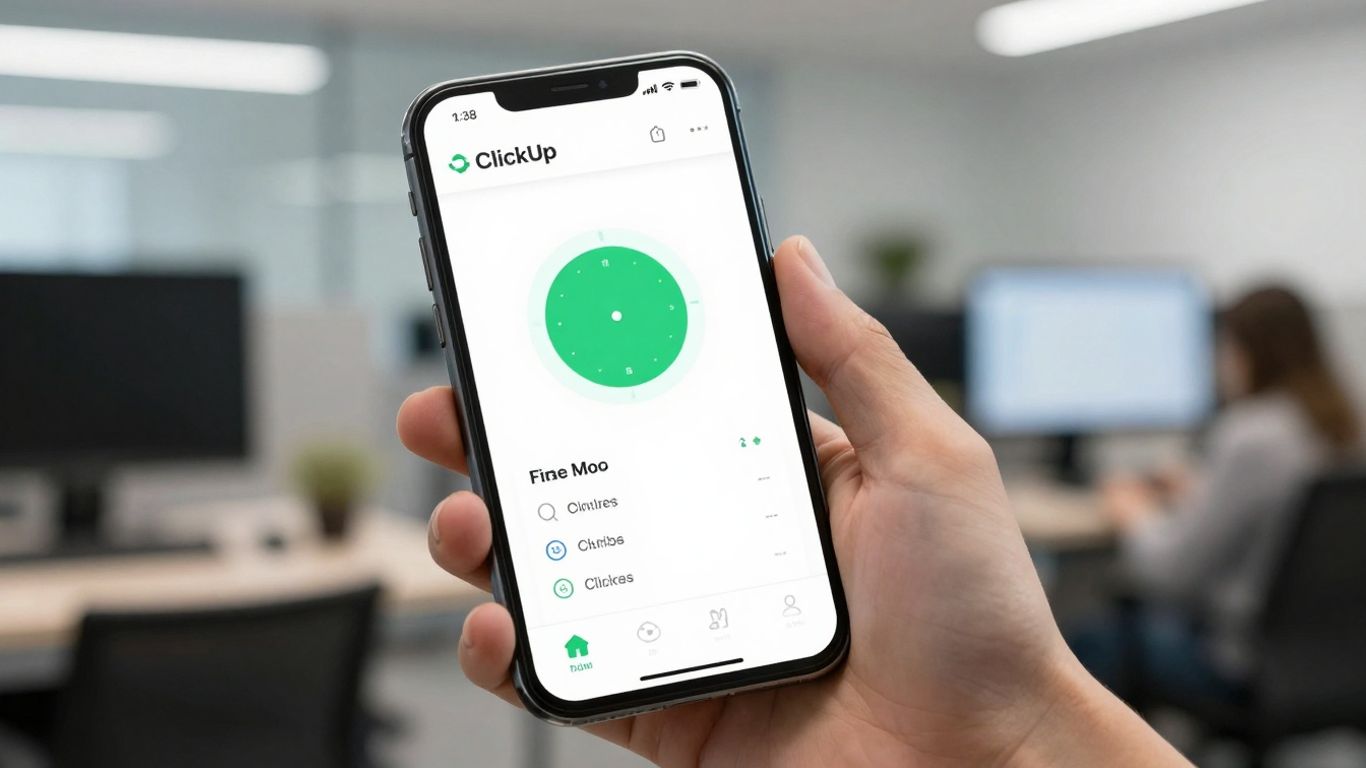
ClickUp is a pretty big deal in the project management world, and it’s got a way to handle the Pomodoro technique, even if it’s not a dedicated timer app. Think of it as a workhorse that can do a lot of things, including helping you focus.
It doesn’t have a built-in Pomodoro timer like some of the other apps we’re looking at. Instead, you can use its AI chat feature, called ‘Brain,’ to set up work intervals that mimic the Pomodoro method. So, you’re not just getting a timer; you’re getting a whole system that can help manage your tasks and projects.
Here’s a quick look at how it stacks up:
- Customizable: You can tweak it to fit how you work, whether you’re flying solo or part of a big team.
- All-in-One: It aims to be your central hub for tasks, time tracking, and more.
- AI Integration: Uses AI to help generate those focused work sessions.
- Cross-Platform: Available everywhere you might need it – web, desktop, and mobile.
While ClickUp doesn’t offer a traditional Pomodoro timer, its approach using AI to create structured work sessions is an interesting alternative for those who want to integrate focus time directly into their broader project management workflow. It’s a different path, but one that could work well if you’re already using ClickUp for everything else.
ClickUp offers a free plan, which is great for trying things out. Paid plans start at a reasonable $7 per user per month, making it accessible for many. If you’re already deep into ClickUp for your projects, using its AI to manage Pomodoro-style work sessions might be a smart move to keep everything in one place.
Toggl Track
Toggl Track is a bit of a powerhouse when it comes to keeping tabs on your time, and it’s got a Pomodoro mode tucked away inside. If you’re already using Toggl for tracking work hours, or if you’re a freelancer who needs to bill clients accurately, this app could be a really good fit. It’s not just a simple timer; it’s a full-on time-tracking system that can handle projects, billable hours, and all sorts of reporting.
What’s cool is that when you use the Pomodoro timer within Toggl, those focused work sessions automatically get logged into your timesheets. This makes it super easy to see exactly where your time is going, especially if you’re juggling multiple clients or projects. The reporting features are pretty detailed, which is great for understanding your productivity and for invoicing.
Here’s a quick look at what it offers:
- Pomodoro Timer Mode: A built-in timer to structure your work and break intervals.
- Time Tracking: Robust features for logging hours spent on specific tasks or projects.
- Reporting/Analytics: Detailed reports to analyze your time usage and productivity.
- Integrations: Connects with other popular productivity tools like Asana and Notion.
While Toggl Track is fantastic for detailed time management and professional use, it might feel like a bit much if you’re just looking for a super simple, standalone Pomodoro timer. The Pomodoro feature is integrated into a larger system, so if you don’t need all the time-tracking bells and whistles, it could seem a little overwhelming at first. But for those who need to track every minute, it’s a solid choice.
Momentum Pro
Momentum Pro is a bit different from the other apps on this list because it’s primarily a Chrome extension. When you open a new tab, instead of seeing a blank page or a search engine, you get a personalized dashboard. It’s got a to-do list, weather updates, and a spot to jot down your daily intention. I really like how it uses beautiful background images to make opening a new tab feel less like a chore and more like a fresh start.
It’s designed to help you stay focused by giving you a clear intention for the day right when you open your browser. While it doesn’t have super detailed task tracking like some dedicated time management tools, its simplicity is its strength. You can customize it with your own backgrounds and quotes, which makes it feel more personal and can help you stick with it.
Here’s a quick look at what it offers:
- Personalized dashboard for new tabs
- Integrated to-do list
- Daily intention setting
- Customizable backgrounds and quotes
- Weather updates
It’s a free extension, though there’s a paid version if you want more features. For anyone who spends a lot of time in Chrome and wants a more pleasant and focused browsing experience, Momentum Pro is definitely worth checking out. It’s a nice way to keep your goals front and center throughout the day, which is a big part of the Pomodoro Technique philosophy.
Focus Booster
Focus Booster is an app that seems to really aim at freelancers and agency owners. The main draw here is its ability to track your time specifically for different clients. So, when you’re working on a project, you can tag it to a particular client, and all those Pomodoro sessions get logged automatically into a timesheet.
This makes invoicing a lot simpler at the end of the month, especially since you can export everything to a CSV file. It also gives you a pretty clear picture of how you’re spending your time with its Reports Dashboard. You can see stats on profitability and what percentage of your time goes to each client, which is handy for knowing who’s bringing in the most business. It’s a solid choice if you need to keep detailed records for billing purposes.
One neat feature is the ability to save unfinished Pomodoro sessions and pick them up later. This is great for beginners or anyone who juggles tasks a lot. However, some users have noted that the app hasn’t seen many updates in a while, sticking to its older features while other apps have moved forward. It’s available on a bunch of platforms, including Android, so you can use it wherever you work.
Here’s a quick look at its plans:
- Free Plan: Limited to 20 sessions per month.
- Paid Plans: Start at $2.99/month, offering 200 sessions and more settings.
If you’re a freelancer looking to get a better handle on your billable hours, Focus Booster is definitely worth checking out for client time tracking.
RoundPie
RoundPie, which used to be called PomoDone, is a pretty solid choice if you’re deep into project management and want your Pomodoro timer to play nice with your existing tools. It’s not just a standalone timer; it actually connects with popular platforms like Trello, Asana, Todoist, and even ClickUp. This means you can start a focus session directly from a task you’re already working on. No more switching between apps and losing your train of thought.
This integration is where RoundPie really shines. It feels like it bridges the gap between just tracking time and actually getting focused work done. You can import your tasks, and the timer automatically links up, which is great for keeping track of where your time is actually going. Plus, the reports can break down your time by project, making it easier to see what’s taking up your day.
Here’s a quick look at what it offers:
- Deep Integrations: Connects with major project management software.
- Task Linking: Timers attach directly to specific tasks for better accountability.
- Reporting: Detailed breakdowns of time spent on tasks and projects.
- Customization: Adjust session lengths and auto-break settings.
It’s not all perfect, though. The interface can look a bit busy, especially if you’re new to this kind of app. And while it works on mobile, it’s not quite as polished as the desktop version. There’s a free plan, but if you want those key integrations and longer history, you’ll need to look at their paid options, which start around $4.96 a month.
If you’re someone who lives in a project management tool and wants to layer focused work sessions onto your existing workflow without a lot of fuss, RoundPie is definitely worth checking out. It’s built for people who need that connection between their to-do list and their focus time.
Wrapping Up Your Focus Journey
So, we’ve looked at a bunch of apps that can help you get more done using the Pomodoro Technique on your Android device. It’s pretty cool how a simple timer can make such a big difference, right? Whether you’re a student cramming for exams, a freelancer juggling clients, or just someone trying to get through their to-do list without getting sidetracked by cat videos, there’s an app out there for you. Don’t overthink it too much; pick one that looks decent and give it a whirl. The real magic happens when you actually start using it consistently. Happy focusing!
Frequently Asked Questions
What is the Pomodoro Technique?
The Pomodoro Technique is a way to manage your time by working in short bursts, usually 25 minutes, followed by a short break, like 5 minutes. After a few of these work periods, you take a longer break. It helps you focus better and avoid getting tired.
Why is it called the Pomodoro Technique?
It’s named after the Italian word for tomato, ‘pomodoro.’ The person who invented it used a tomato-shaped kitchen timer when he was a student trying to study without getting distracted.
How do Pomodoro apps help?
These apps act like digital timers that automatically switch between your work time and your break time. This makes it easier to stick to the technique without having to manually set timers all the time.
Can I change the work and break times?
Yes, many apps let you adjust the length of your work sessions and breaks. Some people find that longer work periods or different break times work better for them.
Are there free Pomodoro apps for Android?
Absolutely! Many great Pomodoro apps are available for free on Android. They offer basic timers and sometimes extra features to help you stay on track.
What’s the main benefit of using a Pomodoro app?
The biggest advantage is helping you stay focused and get more done by breaking down your work into manageable chunks. It also helps prevent burnout by making sure you take regular breaks.




