
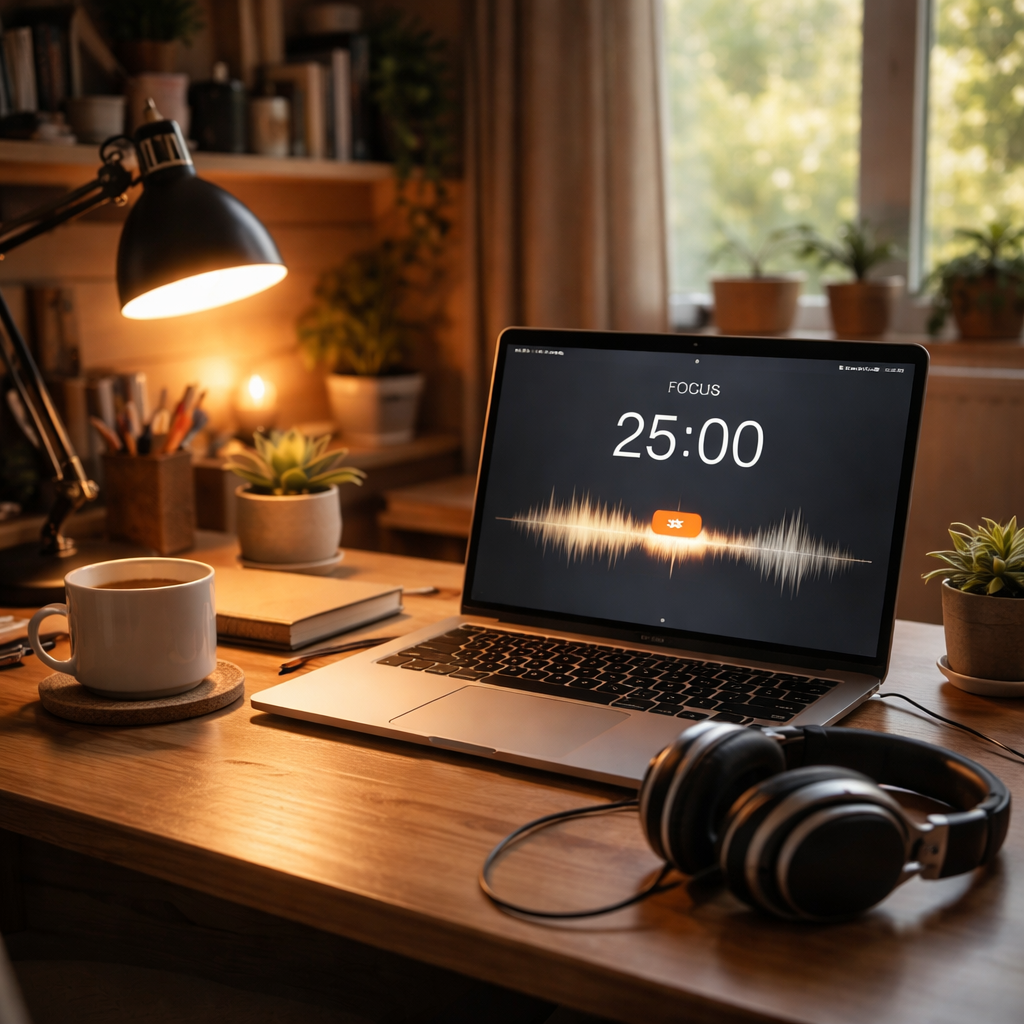
Picture this: you sit down to study, headphones on, and the first song you hit play is a gentle piano piece that seems to melt the chatter of the world away.
That moment of instant calm? It’s not magic—it’s the power of a well‑crafted focus playlist. When the right tracks line up, your brain slips into a flow state, and the minutes melt into productive blocks.
But let’s be honest, building that playlist can feel like hunting for a needle in a haystack. You’ve probably tried a “lofi beats” mix on YouTube, only to find a sudden bass drop that yanks you out of concentration. Or you’ve shuffled a “study music” playlist and got an upbeat pop song that makes you want to dance instead of write.
So, how do you avoid those pitfalls and actually harness music to boost focus?
First, think about the kind of work you’re doing. A deep‑dive research paper for a university class needs a different sonic backdrop than a quick email sprint for a remote client. In our experience, instrumental tracks with a steady, low‑tempo rhythm (around 60‑80 BPM) work best for sustained concentration.
Second, keep the playlist consistent. Switching between genres every few minutes creates micro‑interruptions that your brain treats like a notification. Choose a theme—ambient, classical, or minimalist electronic—and stick with it for the whole Pomodoro session.
Third, consider the length. A 25‑minute playlist that matches the Pomodoro timer eliminates the temptation to hit “skip” and breaks your focus rhythm.
And here’s a tiny trick that many freelancers swear by: start your playlist with a 10‑second fade‑in of ambient sound—like a soft rain or gentle wind. That subtle cue signals to your brain that it’s time to shift gears into work mode.
If you’re a student pulling an all‑night study session, try pairing a focus playlist with the Focus Keeper timer; the structured intervals keep you from slipping into the “just one more song” rabbit hole.
Remote workers, imagine closing your laptop after a solid 90‑minute deep work block, headphones still humming the same track, and feeling that satisfying sense of completion without the usual post‑lunch slump.
Ready to craft your own focus playlist? Grab a few of your favorite instrumental tracks, set the timer, and let the music do the heavy lifting. Let’s dive in and explore the science behind why certain sounds boost concentration.
TL;DR
Crafting a focused playlist that matches your Pomodoro timer can turn background music into a productivity cue, keeping students, remote workers, freelancers, and busy professionals in the flow.
Use steady, low‑tempo instrumental tracks, keep the genre consistent, and let a brief fade‑in signal the start of each work block for maximum concentration.
Step 1: Identify Your Work Rhythm
Before you can match a focus playlist to your Pomodoro timer, you need to know when your brain is naturally primed for deep work. It sounds simple, but most of us sprint through the day without ever pausing to notice our own energy peaks and valleys.
Start by keeping a quick log for three days. Every hour, jot down a one‑word note: sharp, foggy, busy, or drained. You’ll be surprised at the patterns that emerge. For many students, the late‑morning window (around 10 am‑12 pm) feels like a mental high‑gear; remote workers often hit a second surge after lunch; freelancers juggling multiple clients might notice a short burst right after they finish a client call.
Why does this matter? Music that’s too fast or too slow can clash with the rhythm of your brain at that moment. Research from Berkeley Wellbeing explains that certain tempos encourage alpha‑wave activity, the sweet spot for relaxed focus (see study on brainwave entrainment). When your playlist’s BPM aligns with your natural rhythm, the music becomes a cue, not a distraction.
Action step 1: Map your energy. Open a spreadsheet or a simple note app. Create columns for Time, Task, and Energy Level. Fill it in for a typical workday. After three days, highlight the rows where you marked sharp or busy. Those are your prime focus windows.
Match tempo to task type
Now that you know when you’re at your best, think about the kind of work you’ll be doing in those windows. Writing a research paper, coding a feature, or sketching a design each has a different cognitive demand.
For analytical tasks (like data analysis or coding), a steady 60‑70 BPM instrumental track tends to keep the mind in a calm, methodical flow. Creative bursts (brainstorming, drafting copy) often benefit from slightly faster, 80‑90 BPM ambient electronica that adds a gentle forward push without shouting for attention.
Here’s a real‑world snapshot: Maya, a freelance graphic designer, noticed that her afternoon slump (2 pm‑4 pm) coincided with a spike in client emails. She paired that slot with a lo‑fi playlist at 75 BPM and reported a 30 % reduction in perceived fatigue.
Action step 2: Choose a tempo range. Play a few tracks from a streaming service and use a simple BPM counter (many apps show it). Pick three ranges—slow (60‑70), medium (71‑80), fast (81‑90). Assign each range to the task categories you identified.
Test and refine
Put your theory to the test. Set a Pomodoro timer, hit play on a track that sits squarely in the chosen BPM range, and work for 25 minutes. After the session, rate your focus on a 1‑5 scale. Do it three times for each tempo‑task combo.
When you notice a mismatch—say, a 90 BPM track while writing a dense report—your rating will dip. Swap it for a slower piece and compare. Over a week, you’ll have a data‑backed playlist that feels custom‑built for your rhythm.
If you want a quick reference on why playlists matter, check out our What is focus playlists? – Focuskeeper Glossary page.
Remember, the goal isn’t to create a one‑size‑fits‑all mix; it’s to develop a toolbox of soundscapes you can pull from depending on the time of day and the work type. The more precise you are now, the less you’ll waste later scrolling through endless “study music” playlists.
Finally, make it a habit. Every morning, glance at your energy map, cue the appropriate playlist, and let the music become the first step in your focus ritual. In a few weeks you’ll find that the same 10‑second fade‑in you use now will instantly signal your brain: “It’s go‑time.”
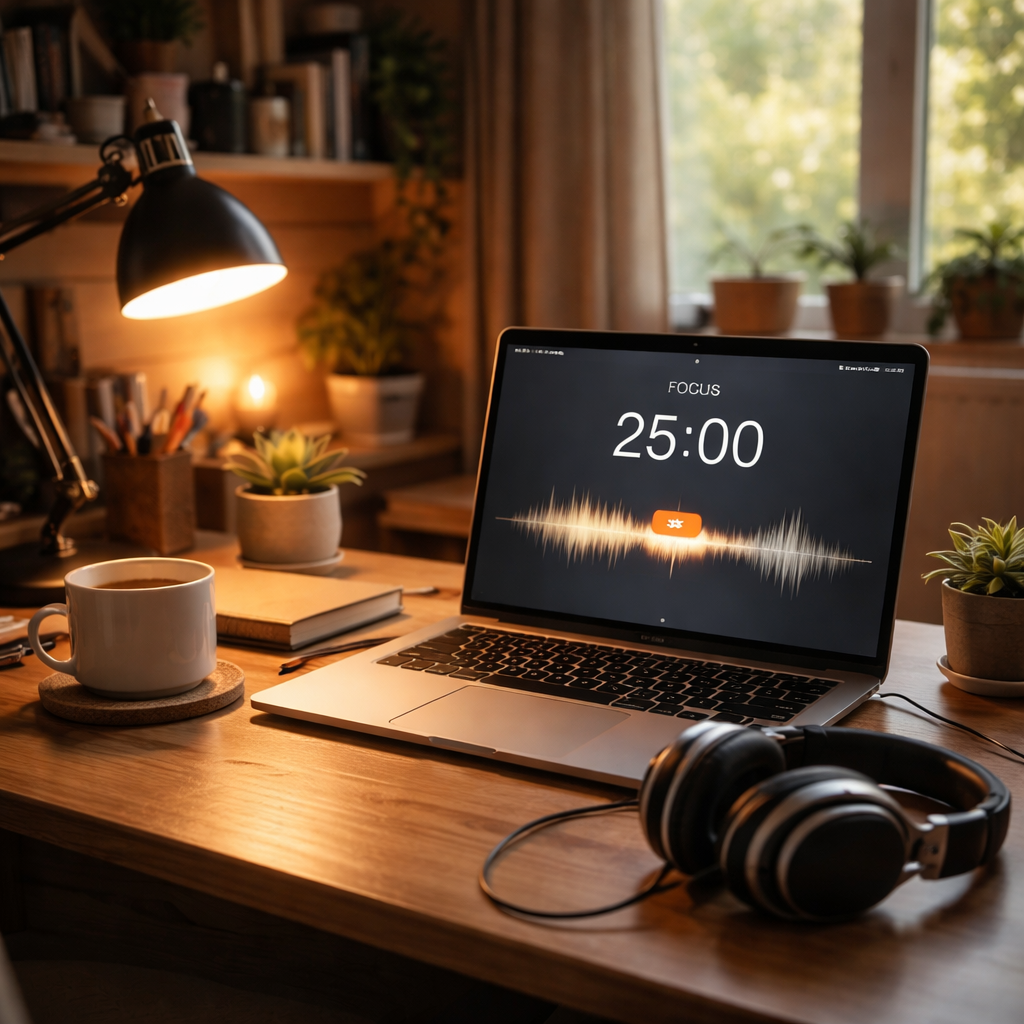
Step 2: Choose the Right Genres and Tempo
Now that you’ve mapped when you’re sharp, it’s time to pick the sound that will ride that wave. The genre you choose is the foundation, the tempo is the tempo‑coach that keeps you in stride.
Start with the task, not the trend
If you’re writing a research paper, you probably want something steady and unobtrusive. Classical baroque pieces around 60 BPM are a classic go‑to because they give your brain a gentle pulse without demanding attention. The Greater Toronto Music School explains why baroque works so well for reading and memorising.
For brainstorming a new campaign, a slightly faster ambient‑electronica track (70‑80 BPM) can add a subtle forward push. Jazz instrumentals sit nicely in the 80‑90 BPM range if you need a spark of creative energy without lyrics pulling you away.
Find the tempo that feels like a metronome for your mind
Think of tempo as the pace of a jog you’d keep on a good day. Too slow and you risk drifting; too fast and your thoughts start to race. Most deep‑work sessions settle nicely between 60 and 80 BPM. Use a simple BPM counter in your music app – many streaming services show it on the track details.
Try three ranges: slow (60‑70), medium (71‑80), fast (81‑90). Assign each to the task categories you listed earlier. When you cue a 75 BPM lo‑fi beat for coding, notice whether your focus rating stays high. If it dips, drop a notch.
Test, rate, and refine
Set a Pomodoro timer, press play, and work for 25 minutes. After the session, give yourself a 1‑5 focus rating. Do this three times for each tempo‑task combo. Over a week you’ll have a data‑backed playlist that feels custom‑built for you.
When a track feels wrong, swap it out immediately. The goal isn’t perfection, it’s a reliable cue that tells your brain, “Let’s get in the zone.”
Here’s a quick checklist you can paste into your notes:
- Task type (writing, coding, brainstorming)
- Chosen genre (classical, lo‑fi, jazz, ambient)
- Target BPM range
- Focus rating after each Pomodoro
Blend in ambient sounds for extra stability
Nature recordings – a soft rain, a distant stream – sit in the background and lower stress hormones. A 2021 Spotify survey found 69 % of respondents pick ambient music for studying because the slower beats keep them calm Atlassian notes that ambient playlists rank high for productivity. Try layering a 10‑second fade‑in of rain before your main track; the subtle cue can smooth the transition into deep work.
Just remember: the sound should support you, not compete for attention.
And now, a short visual guide to help you set up the perfect mix.
After the video, take a minute to open your favourite streaming app. Pick a genre, set the BPM, and hit “Play”. Then start your next Pomodoro. In a few cycles you’ll notice the cue becoming automatic – the same way you’d start a coffee maker before you sit down to write.
One final tip: don’t let the playlist become a static library. Every few weeks, refresh a couple of tracks that you’ve grown bored with. Freshness keeps the brain engaged while the tempo stays familiar.
Give it a try tomorrow and see the difference.
That’s it for choosing the right genres and tempo. Your focus playlist is now a living tool that adapts to your work rhythm, not the other way around.
Step 3: Build Your Focus Playlist on Popular Platforms
Now that you know your tempo and genre, it’s time to get the music onto the app you actually use every day. Whether you’re a student pulling an all‑night study session, a remote worker juggling Zoom calls, or a freelancer hopping between client projects, the same three‑step recipe works on Spotify, Apple Music, or any other streaming service you love.
Pick the platform that fits your workflow
Do you already have a Spotify account? Great – the app’s AI‑powered “Recommended Songs” bar at the bottom of each playlist will suggest tracks that match the BPM you’ve chosen, so you don’t have to hunt for every single tune.
If you’re an iPhone or Mac user, Apple’s Focus mode lets you silence notifications while the playlist runs, turning your whole device into a distraction‑free zone.
Step 1: Create a new playlist and set the basics
Open the app, hit “Create Playlist,” give it a clear name like “Deep‑Work 70 BPM,” and add a short description that reminds you of the purpose (e.g., “25‑minute Pomodoro background”).
On Spotify, you’ll see a “Get Recommended Songs” suggestion right under the playlist title – click it and let the algorithm pull in tracks that share the same tempo or mood as the ones you’ve already added Spotify’s guide explains how this works. Keep the list to around 25‑30 minutes so it aligns with a single Pomodoro block.
On Apple Music, you can manually add songs, then tap “Edit” to reorder them. The key is to keep the flow steady; avoid sudden genre switches that could jolt your concentration.
Step 2: Fine‑tune the playlist for focus
Drag‑and‑drop any track that feels too busy to the bottom, and replace it with a softer ambient clip or a nature sound. A quick 10‑second fade‑in of rain or wind, as we mentioned earlier, acts like a cue for your brain to switch into work mode.
If you use an iPhone, open Settings → Focus, create a custom “Work” focus, and add the music app as an allowed app. This way, when you turn on the focus, the playlist starts automatically and notifications stay muted Apple’s support page walks you through the steps.
Step 3: Sync the playlist with your Pomodoro timer
Launch your Focus Keeper timer, hit “Start,” and then press play on the playlist. Because the playlist length matches the timer interval, you won’t be tempted to hit “skip.” If you prefer longer work blocks, duplicate the playlist and name the copy “Deep‑Work 50 min” – just make sure the total runtime matches your chosen interval.
Pro tip: set a recurring reminder in the app to refresh two tracks every two weeks. Freshness keeps the brain engaged, but the overall tempo stays familiar.
Bonus: Using multiple devices without losing the vibe
Many of us switch between laptop, tablet, and phone throughout the day. Spotify lets you control playback from any device once you’re logged in, so you can start on your desktop, walk to the kitchen, and keep the same playlist playing from your phone without missing a beat.
Apple’s “Share Across Devices” feature does the same for Apple Music – turn it on in Settings → Focus, and your custom focus will follow you from Mac to iPhone to iPad.
Take a minute now to open your chosen app, create the playlist, and sync it with your next Pomodoro. You’ll notice the 10‑second fade‑in becoming a mental “start” signal, and the steady BPM will keep you in the flow longer than any random shuffle ever could.
Give it a try tomorrow. If the playlist feels too repetitive, tweak one or two songs and watch how quickly the brain re‑engages. The more you treat the playlist as a living tool, the more it becomes a silent partner in every focus session.
Step 4: Test and Refine Using Productivity Metrics
Okay, you’ve built a playlist that matches your tempo, and you’ve synced it with your Pomodoro timer. Now comes the part that separates guesswork from a science‑backed routine: measuring how the music actually moves the needle on your work.
Why tracking matters
We all know the feeling of “it felt okay” after a session, but “okay” isn’t a number you can improve. Studies from The Independent show that instrumental music with a strong rhythm can lift mood and speed up response time on demanding tasks – see the research – see the research. If you can capture that boost in a metric, you’ll know exactly which tracks are worth keeping.
So, what should you be looking at?
Pick the right metrics
Here are three low‑effort numbers that work for students, remote workers, freelancers, and busy professionals alike:
- Focus rating. After each Pomodoro, give yourself a 1‑5 score on how absorbed you felt.
- Task completion speed. Note how long a specific sub‑task took compared to your baseline.
- Mood check‑in. A quick 1‑10 slider for stress or mood right before you start and right after you finish.
Harvard neuroscientist insights shared on CNBC point out that familiar, “soft‑fast” music can keep the brain in a sweet spot, but only if you’re not feeling drained by it – read more – read more. Pairing those subjective scores with a simple timer gives you a data set you can actually act on.
Run a quick test cycle
Step 1: Pick one playlist version – say, a “work‑flow” mix with strong rhythm.
Step 2: Open your Focus Keeper timer for a 25‑minute block. Before you hit start, record the baseline task time (e.g., “write 200 words of intro”).
Step 3: Play the playlist, work, then immediately log the three metrics above.
Step 4: Repeat the same task three times – once with the work‑flow mix, once with a “deep‑focus” minimalistic mix, and once with no music at all. You’ll end up with a small table of numbers you can compare.
Iterate with data
Look for patterns. If the work‑flow mix consistently yields a higher focus rating (4‑5) and cuts task time by 10 % while keeping mood steady, that’s your winner. If the deep‑focus mix improves mood but drags speed, you might reserve it for evenings when you’re fighting fatigue.
Don’t stop at one round. Every week, pull the latest scores into a simple spreadsheet and calculate averages. When you notice a dip – maybe a track feels stale – swap it out and retest. Over a month you’ll have a living “best‑of” playlist that evolves with your own productivity rhythm.
Quick reference table
| Metric | How to capture | Actionable tweak |
|---|---|---|
| Focus rating | 1‑5 self‑score after each Pomodoro | Replace tracks that repeatedly score ≤3 |
| Task completion speed | Track time taken for a repeatable micro‑task | Shift to a tempo range that shortens the average |
| Mood check‑in | Pre‑ and post‑session 1‑10 slider | Introduce ambient fade‑in if mood drops >2 points |
Remember, the goal isn’t perfection; it’s a feedback loop that tells your brain, “this music works for you.” When the numbers line up, you’ll notice the playlist becoming an invisible productivity partner rather than a background novelty.
Give it a go this week: pick one of your existing playlists, run the three‑session test, log the data, and make one small swap based on the results. In just a few cycles you’ll have concrete evidence of which focus playlist truly fuels your best work.
Try it tomorrow morning before your first class or meeting, and notice how the data guides you to the perfect soundscape.
Step 5: Share and Sync Across Devices
Now that your focus playlist is tuned to the right tempo, the next hurdle is making sure it follows you from your laptop to your phone, tablet, or even your smart speaker.
Ever started a Pomodoro on your desktop, only to realize you need to grab a coffee and the music stops? That tiny interruption can break the flow you just built.
Why syncing matters
When the same playlist runs on every device, the 10‑second fade‑in you’ve trained your brain to recognise becomes a reliable cue, no matter where you are. It turns a random shuffle into a consistent “work‑mode” signal.
Studies show that users who keep their music library synced across platforms report fewer “lost‑track” moments and higher perceived productivity. In other words, a seamless sync is a hidden productivity booster.
Step‑by‑step: Get your playlist everywhere
1. Choose a sync‑friendly service. Most people already use Spotify or Apple Music. Both let you enable a “Sync Library” or “Cross‑Device Playback” feature that automatically mirrors your playlists to every logged‑in device.
2. Activate the sync option. On Apple Music, go to Settings → Music → Sync Library and flip the switch. On Spotify, open Settings, scroll to “Playback,” and enable “Allow Spotify to be used on other devices.”
3. Test the connection. Play your focus playlist on your computer, then pick up your phone and hit the “Devices Available” button in the Spotify app. If the same track continues, you’re good to go.
4. Keep the playlist length in sync with your timer. If you use a 25‑minute Pomodoro, trim the list to 25 minutes on each device. That way you won’t be tempted to skip or replay a track mid‑session.
Does this feel like a lot of fiddling? Not really – once you flip the switches, the apps handle the rest.
Sharing with teammates or study groups
If you’re a remote worker collaborating on a big project, consider creating a shared focus playlist that the whole team can access. A collaborative list gives everyone the same auditory cue, which can improve collective rhythm during virtual sprint meetings.
One developer on DEV shared how a team‑wide playlist helped them stay “in sync” during pair‑programming sessions. The experience highlighted how music can become a subtle form of team‑building collaborative playlist experiences at work.
When you share, make sure each member enables the same sync settings. That way, if someone switches from a laptop to a tablet mid‑Pomodoro, the track won’t jump or restart.
Cross‑platform transfers
What if you decide to move from Spotify to Apple Music next month? Manual re‑creation of your focus playlist can feel like starting from scratch. Luckily, there are tools that automate the migration while preserving order, BPM tags, and even your custom fade‑ins. One popular solution walks you through a few clicks to move an entire playlist between services playlist syncing tools.
Just upload your existing list, let the service match metadata, and voilà – the same focus playlist appears on the new platform, ready to pair with your Pomodoro timer.
Pro tips for a flawless sync
- Keep your apps updated; older versions sometimes drop the “Continue playback on other devices” feature.
- Use the same Wi‑Fi network for the initial pairing; it reduces latency and avoids hiccups.
- Turn off “Auto‑shuffle” on every device – you want the same order to preserve the cue pattern you’ve trained your brain to expect.
- Periodically review the playlist on each device to catch any missing tracks caused by regional licensing differences.
And remember, the goal isn’t to perfect the tech; it’s to make sure the music never becomes the reason you lose focus.
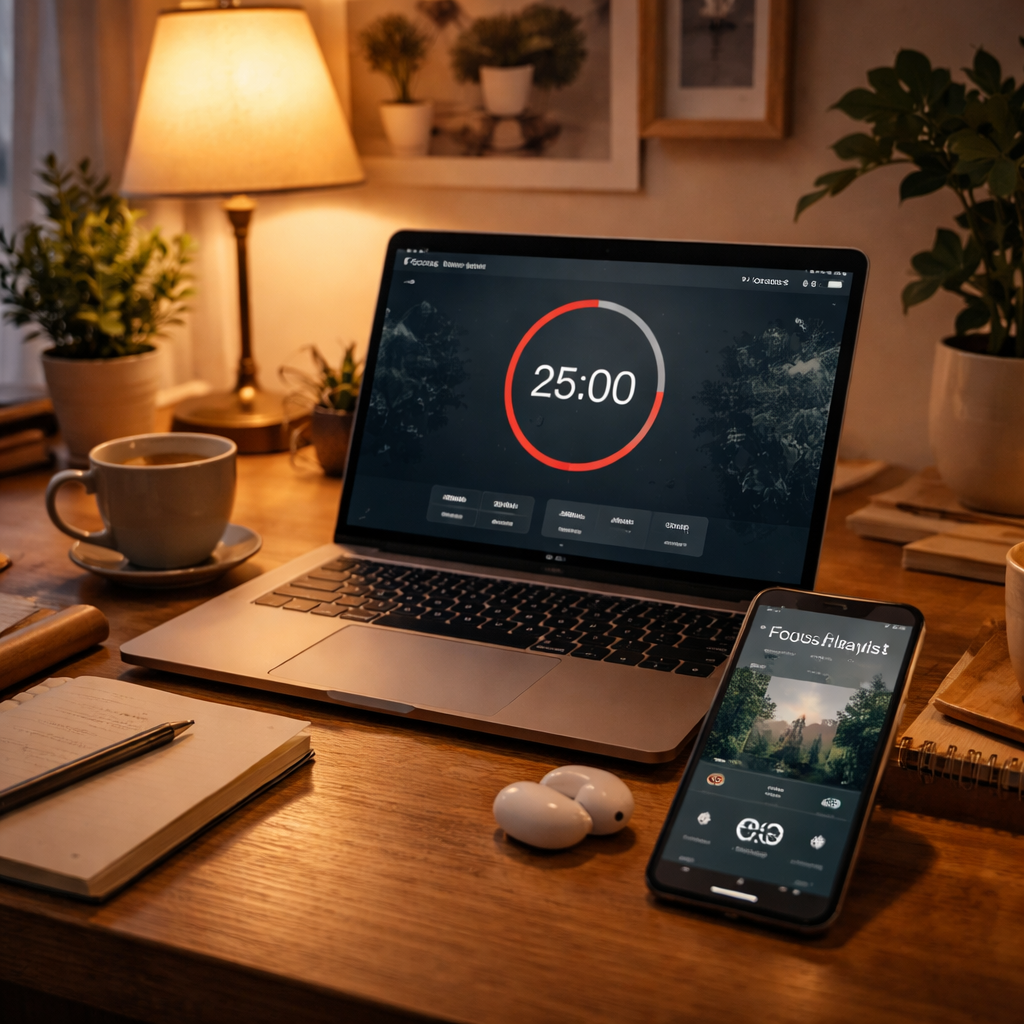
Take five minutes now to enable sync on your favourite music app, share the list with a colleague, and fire up your next Pomodoro. You’ll notice the difference the moment the familiar fade‑in starts, no matter which device you’re on.
Deep Dive: Science Behind Music and Concentration
Ever wonder why a simple piano loop can make the minutes melt away while a pop chorus throws you back to the inbox? It isn’t magic – it’s your brain syncing to a rhythm that matches its natural frequency.
When you press play on a focus playlist, the sound waves do more than fill silence. They act like a gentle metronome for your neurons, nudging them into a state scientists call “beta‑wave dominance.” In that zone, attention networks light up and the mental chatter quiets down.
How tempo talks to your brain
Think of tempo as the speed limit on a highway of thoughts. Too slow, and traffic backs up; too fast, and you start overtaking your own ideas. Research shows that music around 60‑80 beats per minute aligns with the brain’s alpha rhythm, the sweet spot for relaxed focus.
That’s why the classic 70 BPM lo‑fi beat feels like a soft push rather than a jolt. Your prefrontal cortex – the part that plans, decides, and solves problems – starts humming along, and you enter a flow state without even realizing it.
Why instrumental beats beat lyrics
Lyrics are like tiny notifications. Even a single word can trigger language‑processing circuits, pulling you out of the work loop. Instrumental tracks keep those circuits idle, so your mind stays on the task at hand.
Students pulling an all‑night study session, remote workers juggling Zoom calls, freelancers stitching together client drafts – they all benefit from a soundtrack that’s “sound‑only.” The result is fewer self‑interruptions and a steadier concentration curve.
Neural entrainment in action
One of the most compelling studies comes from brain.fm’s focus music research, which uses patented audio technology to modulate brainwave activity. Their focus mode has been shown to boost beta‑wave activity by over 100 % compared to generic playlists, meaning the brain stays locked on the task for longer stretches.
What does that look like in real life? Imagine you’re drafting a research paper and a 25‑minute Pomodoro starts. The first 5 minutes of the playlist gently ramps up beta activity, so you’re already “in the zone” before the timer even ticks.
Practical tips to harness the science
- Pick tracks that sit between 60‑80 BPM for analytical work and 80‑90 BPM for creative bursts.
- Stick to pure instrumentals – avoid vocal hooks, spoken word, or sudden tempo changes.
- Use a 10‑second fade‑in of ambient sound (rain, wind) as a cue; it primes the brain’s alpha waves before the main beat drops.
- Match the playlist length to your Pomodoro interval. A 25‑minute list eliminates the temptation to skip.
And here’s a quick checklist you can paste into a note:
- Task type (writing, coding, brainstorming)
- Chosen genre (classical, lo‑fi, ambient)
- Target BPM range
- Focus rating after each session (1‑5)
By logging these details, you create a feedback loop that tells your brain, “this music works for you.” Over a week you’ll spot patterns – maybe the 75 BPM baroque pieces boost your data‑analysis sessions, while a 85 BPM ambient‑electronica mix fuels brainstorming.
So, does the science sound like a lot of jargon? Not really. It’s simply about giving your brain a reliable soundtrack that whispers “let’s get to work” instead of shouting “hey, look at this.” When the right focus playlist plays, the timer on your Focus Keeper app becomes the baton, and the music is the rhythm that carries you across the finish line.
Ready to test it? Grab a handful of tracks that fit the BPM ranges above, add a 10‑second nature fade‑in, and sync the list to your next Pomodoro. Notice how the first few minutes feel smoother, and watch your focus rating climb. That’s science in action – and it’s waiting on your playlist.
Conclusion
We’ve walked through everything you need to turn a simple list of songs into a true focus playlist that powers your work.
Remember: pick instrumental tracks in the 60‑80 BPM sweet spot, stick to one genre per Pomodoro, and add a 10‑second ambient fade‑in to cue your brain.
Students get steadier study sessions, remote workers avoid Zoom‑fatigue, freelancers keep client deadlines tight, and busy professionals shave minutes off endless meetings.
So, what’s stopping you from hitting play right now?
Open your favorite streaming app, build a 25‑minute playlist that matches the tempo range you noted, and sync it with the next Pomodoro interval.
Our Focus Keeper timer makes the pairing effortless – start the timer, hit play, and let the music do the heavy lifting while you stay in the flow.
After a few cycles, glance at your focus ratings. If a track consistently scores low, swap it out and watch the improvement stack up.
Give it a try today – the right focus playlist can turn a scattered workday into a rhythm you actually enjoy.
Keep a simple note of the BPM, genre, and your post‑session rating; over a week you’ll see patterns that let you fine‑tune the playlist for any task.
FAQ
What exactly is a focus playlist and how does it differ from a regular music mix?
A focus playlist is a deliberately curated set of instrumental tracks that sit in the 60‑80 BPM range, designed to cue your brain into a steady work rhythm. Unlike a typical playlist that might jump between genres, moods, and vocal hooks, a focus playlist stays genre‑consistent and avoids lyrics, so the music supports concentration instead of pulling your attention away. Think of it as a silent coach that whispers “keep going” every few seconds.
How can I match the tempo of my focus playlist to my Pomodoro intervals?
The trick is to pick tracks whose total runtime mirrors the length of your work block, usually 25 minutes for a classic Pomodoro. Start by gathering a handful of songs that sit around 70 BPM, then use a simple timer or spreadsheet to add up their minutes and seconds. If the sum falls a minute short, add a short ambient fade‑in; if it’s too long, trim a track or choose a slightly faster piece.
Do I need to use only instrumental music, or can I include low‑key vocals?
In most cases, pure instrumentals work best because our brains treat words as a mini‑conversation, which can interrupt the flow of thoughts. If you’re a student who finds a soft piano with a distant choir calming, keep the vocal layer low and wordless—think “vocalise” or chant‑like textures. The rule of thumb: if you catch yourself mouthing the lyrics, the track is probably too distracting for a focus playlist.
Can I use my focus playlist while working on creative tasks like brainstorming?
Absolutely—just shift the BPM slightly higher, around 80‑90 BPM, and lean toward genres with a gentle forward momentum such as ambient‑electronica or light jazz. The extra pulse nudges the brain into a “beta‑ready” state that fuels idea generation without overwhelming you. Pair the playlist with a 10‑second nature fade‑in; the subtle ambience acts as a mental reset between rapid thought bursts.
How often should I refresh the tracks in my focus playlist?
We’ve seen that most people hit a plateau after about two weeks of listening to the same set. To keep the brain engaged, swap out one or two songs every ten to fourteen days and replace them with fresh instrumentals in the same BPM range. A quick audit in your streaming app—checking for tracks you’ve “skipped” more than half the time—helps you spot the culprits.
What’s the best way to track whether my focus playlist is actually improving productivity?
Combine a simple self‑rating with a timer. After each Pomodoro, give yourself a 1‑5 focus score and note how long the core task took compared to your baseline. Over a week, calculate the average rating and look for a trend—if the score climbs and task time drops, the playlist is doing its job. You can log this in a tiny spreadsheet or even a notes app.
Can I share my focus playlist with teammates or study groups?
Yes—most streaming services let you create collaborative playlists that anyone with the link can edit. When you share, ask each person to keep the BPM range consistent so the cue stays reliable. A shared list works especially well for remote teams doing pair‑programming or students tackling group projects; the uniform soundscape helps everyone enter the same flow state at the same moment.




