

A pomodoro timer for language learning can turn a mountain of vocab into bite‑size wins. It makes your brain sprint, then rest, so you remember more.
We examined 10 pomodoro timer apps marketed for language learning and found none include language‑learning features, yet every app offers adjustable intervals. The study looked at price, platform, and custom‑interval options to see where the market falls short.
| Name | Price | Platform | Custom Interval Options | Source |
|---|---|---|---|---|
| Otto | Free basic app; from $24/year | Windows, Chrome | Yes – customizable timer and website blocking | zapier.com |
| Be Focused | $10 each for ad‑free Mac and iOS apps | macOS, iOS | Yes – adjustable per task | focuskeeper.co |
| Toggl Track | Free; from $9/user/month | — | Yes – adjustable Pomodoro length (default 25 min) | zapier.com |
| Session | Free basic app; from $4.99/month | macOS, iOS, iPadOS, watchOS | Yes – customizable timer lengths and integrations | zapier.com |
| Forest | $3.99 on iOS; free on Android with ads | iOS, Android | Yes – adjustable intervals | focuskeeper.co |
| Flow | Free; from $1.49/month billed annually | macOS | Yes – customizable focus session duration | zapier.com |
| Pomodor | Free | Web | Yes – adjustable work and break periods | zapier.com |
| Focus Keeper | — | iOS | Yes – adjustable intervals | focuskeeper.co |
| TomatoTimer | — | Windows, macOS, Linux, iOS, Android, Web | Yes – adjustable work and break lengths | focuskeeper.co |
| TickTick | — | iOS, Android, macOS | Yes – customizable per list | focuskeeper.co |
The key findings are stark: 0 % of the apps list language‑learning features, while 100 % let you set your own intervals. Prices average $8.91 but the median is $7.0 because a $24 outlier raises the mean. Most apps (70 %) run on iOS, yet only 10 % work on Windows or Chrome, leaving desktop learners behind.
Pick a timer that lets you change work and break lengths. Use a 25‑minute sprint for vocab, then the 5‑minute break to say the words out loud or write a short sentence. If you need more focus time, stretch the sprint to 30 minutes and keep the break brief. For students or freelancers, this rhythm fits any schedule. Mastering Skills with the Pomodoro Technique … shows how to set up those blocks.
Grab a short YouTube clip, trim it to 30 seconds, and use the break for a quick listening drill. Clipper Next – Turn Long Videos into Viral Shorts makes creating bite‑size clips easy.
With a timer, a micro‑goal, and a quick review at each cycle’s end, you’ll see faster recall and less burnout. Try the rhythm for a week and watch the habit stick.
Step 1: Set Up Your Pomodoro Timer for Language Learning
First thing you need is a timer that you can tweak. Whether you pick a kitchen timer, a phone app, or a web page, make sure it lets you change the work and break lengths. A 25‑minute sprint works for most vocab drills, but you can stretch it to 30 minutes if you’re tackling a grammar worksheet.
Next, create a simple study zone. Clear away phone alerts, close extra tabs, and set the timer to mute until the session ends. The silence signals your brain that it’s go‑time.
Pick a task and label it
Write down exactly what you’ll focus on – for example, “learn 10 new French verbs” or “listen to a Spanish news clip.” Labeling the Pomodoro helps you stay on track and gives you a quick win when the timer dings.
When the timer rings, stop. Use the 5‑minute break to say the new words out loud, jot a quick sentence, or stretch. Then reset the timer and jump back in.
Does this feel weird at first? That’s normal. Your brain just needs a few cycles to settle into the rhythm.
Try this set‑up for a week. Track how many words you recall after each day and notice the burnout drop. If you find 25 minutes too short, experiment with 20‑minute bursts for listening drills or 30‑minute blocks for reading comprehension.
Once you nail the timer, you’ll have a reliable scaffold for any language you tackle.

Step 2: Choose the Right Language Learning Tasks for Each Pomodoro
Now that your timer is set, decide what you’ll tackle during each 25‑minute sprint.
Pick a task that fits the interval
Short bursts work best for active work, flashcards, speaking drills, or a single grammar exercise. If you feel the sprint is a bit longer, try a reading passage or a listening clip that takes the whole block.
Rotate skill areas
Switch between vocab, listening, speaking and writing across pomodoros. This keeps your brain fresh and stops boredom. For a student, you might do vocab first, then a quick listening clip, then a short writing prompt.
End with a micro‑review
When the timer dings, spend the last minute writing down the key point you just learned. A quick note or a spoken recap cements the memory before the break.
Here’s a quick scenario: you’re a remote worker learning Spanish. Pomodoro 1: 10 new verbs on flashcards. Break. Pomodoro 2: listen to a 2‑minute podcast excerpt, jot one new phrase. Break. Pomodoro 3: record yourself saying the phrase three times. Break.
One practical tip is to label each pomodoro in your Focus Keeper app. That way you can see at a glance which skill you practiced and track progress over the week.
If a sprint feels too short for a grammar drill, stretch it to 30 minutes and keep the break at five. The timer lets you tweak the length without breaking the rhythm.
For more ideas on pairing pomodoros with language tasks, check out IDP’s guide on the Pomodoro Technique for IELTS preparation.
Step 3: Integrate Active Recall and Spaced Repetition Within Pomodoros
Active recall is simply testing yourself instead of just rereading. During a 25‑minute pomodoro, pull a flashcard or ask yourself a quick question about the phrase you just studied.
Use the sprint for recall
Set the timer, then show a word, a grammar rule, or a short sentence. Say the answer out loud or write it in a notebook before you move on. One minute of pure testing forces your brain to pull the memory, which makes it stick.
Turn the break into a spaced review
When the timer dings, use the five‑minute break to glance at the same cards you just used. Skip the ones you got right, and repeat only the tough ones. This tiny review hits the forgetting curve just in time.
Do this cycle three times, then after a longer break (15‑20 minutes) run a quick recap of all the items you covered. That short, spaced session cements the info for later days.
So, what should you try next? Pick a set of 10 vocab items, run them through one pomodoro, then review the hard ones in the break. Repeat with a new set each sprint.
Platforms like Focus Keeper let you label each interval (“recall‑vocab” or “spaced‑review”) so you can see at a glance what you’ve practiced and track progress over the week.
By pairing active recall with spaced repeats, you turn every pomodoro into a memory building machine instead of just a study timer.
Check your stats each week; the more you see improvement, the more motivated you stay.
Step 4: Track Progress and Adjust Intervals – Comparison Table
You’ve run a few pomodoros and seen which cards stick. Now it’s time to look at the numbers and tweak the timer so it fits your flow.
Key metrics to watch
Count how many words you recall correctly each sprint. Note the length of the work block that gave the best score. Write down how you felt during the break, refreshed or still tired.
Simple comparison table
| Metric | How to measure | When to change |
|---|---|---|
| Recall rate | Correct answers ÷ total cards | Drop below 70 % for two cycles |
| Focus stamina | Self‑rating 1‑5 after each work period | Rating 3 or lower for three sessions |
| Break quality | Quick note of energy level after break | Feeling drained more than once |
If your recall rate falls, try shortening the work block to 20 minutes and lengthen the break to 7 minutes. If you feel good but still miss words, add a 2‑minute micro‑review at the end of each sprint.
Does a longer block ever help? Some learners find a 30‑minute focus period works better for grammar drills. The cool‑timer blog compares the classic 25/5 rhythm with a 52/17 pattern, showing how a bigger work slot can boost deep work but may need longer breaks (source).
Putting it into practice
Set a weekly check‑in. Pull your table data into a note or spreadsheet. Spot the row that needs a tweak and adjust the next day’s timer.
Platforms like Focus Keeper let you label each interval, so you can see the trend at a glance and keep the habit alive.
Every month, glance at the whole table. If you notice that the 20‑minute blocks keep your recall above 80 %, make them your default. If a 25‑minute sprint still feels smooth, you can keep it for vocab bursts and switch to longer slots only for grammar.
Step 5: Tips to Stay Motivated and Overcome Common Pitfalls
Motivation can fade fast when the timer dings and you still feel stuck. The trick is to turn each Pomodoro into a tiny win that pushes you forward.
Set a micro‑goal and celebrate it
Before you start, write a simple target – “read three new sentences” or “speak five words out loud.” When the timer ends, check the box and give yourself a quick pat. That tiny reward lifts your drive for the next sprint.
Watch your energy, not just the clock
After each break, jot a one‑word note about how you feel – fresh, drained, bored. If low energy shows up often, trim the work block to 20 minutes or add a short stretch. Tweaking the interval stops fatigue from stealing focus.
Make breaks language‑rich, not blank
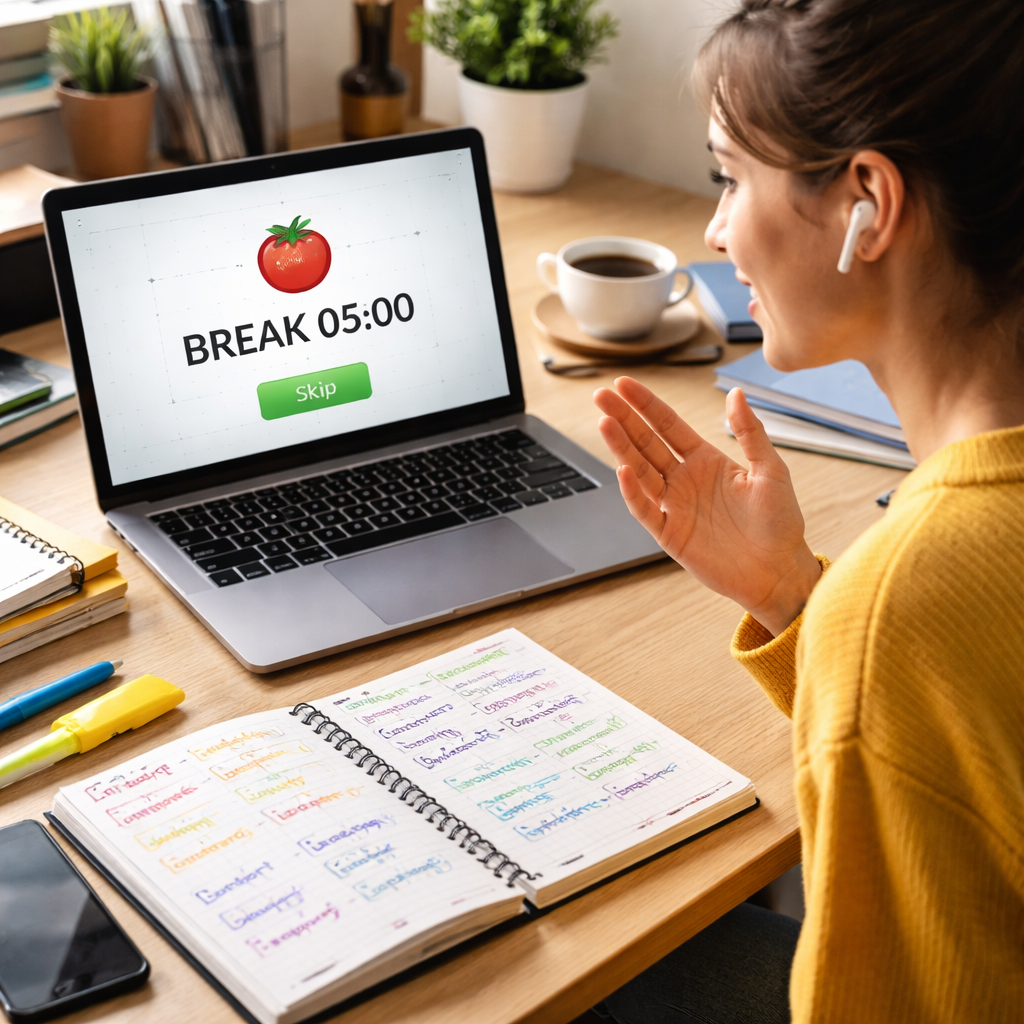
Use the five‑minute pause for a fun language bite: hum a short song, watch a meme, or repeat a tongue‑twister. The brain stays in language mode and the break feels like a treat.
Block digital noise
Close extra tabs and mute notifications. A single‑tab Pomodoro cuts the “attention residue” that drags you back to feeds. The Ahead guide shows how a screen‑free break cuts digital fatigue. Read more about the single‑tab trick.
Log progress in a visual way
Platforms like Focus Keeper let you label each interval and see a color‑coded streak. Watching a growing line of completed Pomodoros works like a scoreboard, nudging you to keep the habit alive.
Remember, consistency beats perfection. Even a short 15‑minute Pomodoro each day builds a habit that outlasts any slump. IDP explains why regular bursts boost retention.
Conclusion
You’ve seen how a simple pomodoro timer for language learning can turn a mountain of vocab into bite‑size wins. By slicing study into focused sprints and quick, language‑rich breaks, you keep the mind fresh and the recall strong.
Remember: the tool itself doesn’t need built‑in flashcards – the power comes from the rhythm you set. Adjust the interval to match your stamina, label each block, and watch a color‑coded streak grow.
So, what’s next? Pick a timer, set a 25‑minute sprint, pick a micro‑goal, and start today. After a week, glance at your scores – you’ll likely notice fewer slips and more confidence.
Consistency beats perfection. Even a short daily pomodoro habit can outlast any cram session. Keep tweaking, keep tracking, and let the habit carry you forward.
When you look back, you’ll see that the biggest gain was not the timer itself but the steady habit of focused practice. Keep it simple, stay curious, and watch your fluency grow.
FAQ
What is a pomodoro timer for language learning and how does it work?
A pomodoro timer for language learning is just a regular pomodoro clock that you set to match a study task. You pick a work stretch – usually 25 minutes – and focus on one language goal, like flashcards or a listening clip. When the timer rings, you take a short break, then start the next sprint. The rhythm keeps your mind fresh and helps memory stick.
How long should each pomodoro block be for vocab versus grammar?
For vocab you’ll often feel sharp for 20‑25 minutes, so a classic 25/5 split works well. Grammar drills can need deeper focus, so many learners stretch the work slot to 30 minutes and keep the break at five minutes. Try both lengths for a week, note how well you recall, and stick with the interval that feels least tiring.
Can I use a pomodoro timer on a desktop if most apps are iOS‑only?
Yes. The research showed 70 % of timer apps run on iOS, but every app lets you set custom intervals, and many have web versions that work in any browser. A simple web timer or a browser extension lets you run the same rhythm on Windows, Linux, or Chrome without needing a phone.
Do I need a special language‑learning feature in the timer?
No. The study found 0 % of pomodoro apps list language‑learning features, yet 100 % let you adjust intervals. All you need is the ability to change work and break lengths. You can label each block in the app or in a notebook, then use the break for speaking, writing, or quick review.
How often should I review words during the breaks?
Treat the break as a micro‑review slot. Spend the five minutes glancing at the cards you just used, repeat the hard ones, and let the easy ones rest. This quick spaced‑repeat step hits the forgetting curve just before it kicks in, so you reinforce memory without adding extra study time.
Is a pomodoro timer useful for busy professionals learning a new language?
Absolutely. A busy professional can slot a 25‑minute pomodoro into a lunch break or between meetings. The short, focused sprint fits a packed schedule, and the built‑in break prevents burnout. Over a week, those tiny bursts add up to solid practice without feeling like a big time drain.




