
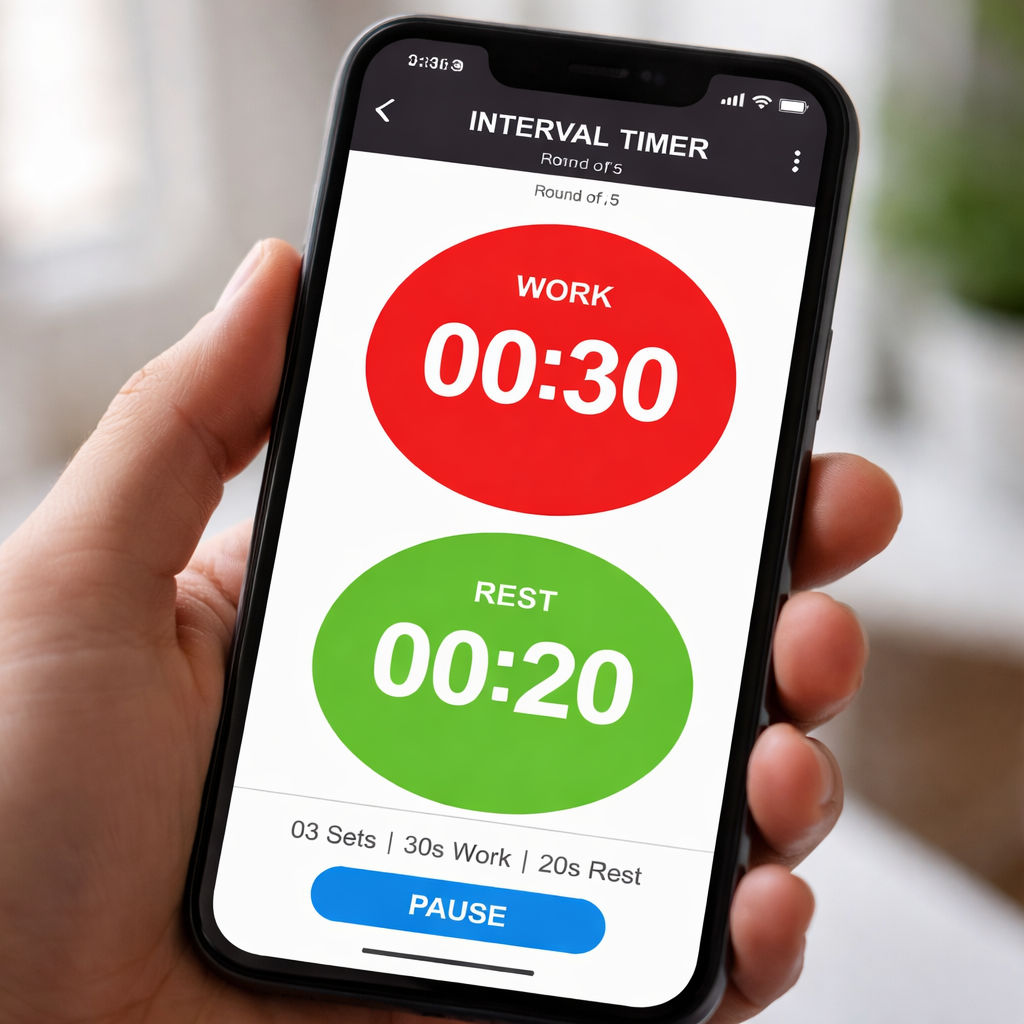
Ever stared at the clock during a HIIT session and thought, “When does this actually end?” You’re not alone – that nagging uncertainty is what drives many of us to search for an interval timer for workouts.
The truth is, a good timer does more than just beep every minute; it creates the rhythm that keeps your muscles firing, your heart rate in the sweet spot, and your mind focused instead of drifting.
Imagine you’re a remote worker trying to squeeze a quick cardio burst between client calls. You set a 30‑second sprint, 30‑second rest cycle, and suddenly that five‑minute gap feels like a mini‑bootcamp you actually look forward to.
Students pulling an all‑night study session can use the same principle: 45 seconds of intense focus on a problem, followed by a 15‑second stretch or breath pause. It tricks the brain into treating study blocks like interval training, boosting retention.
Freelancers juggling multiple projects often feel their energy dip after a couple of hours. By breaking the day into timed bursts – 25 minutes of deep work, 5 minutes of movement – you keep the creative spark alive without burning out.
Busy professionals might think, “I don’t have time for another app.” The good news? Most interval timers are built right into smartphones or can be a simple web page, so there’s no extra software to learn.
What we’ve seen work best at Focus Keeper is pairing the timer with a quick mental reset: a few deep breaths, a stretch, or a glance at a calming visual. It turns the beep into a cue, not a stress trigger.
So, why does an interval timer for workouts matter beyond fitness? Because it gives structure to any activity that benefits from alternating effort and recovery – whether that’s sprinting, studying, coding, or even cleaning the kitchen.
If you’ve never tried it, start simple. Pick a task, set a 20‑second high‑intensity burst, then a 10‑second pause. Do it three times, notice how your heart picks up, and keep a mental note of how focused you feel.
And don’t worry about perfect timing at first – the goal is to create a habit, not to win a gold medal. As the rhythm becomes familiar, you’ll naturally extend intervals or shorten rest periods to match your growing stamina.
Ready to give it a go? Grab your phone, open the clock, and set the first interval. You’ll be surprised how quickly a few minutes of structured effort can boost both your workout results and your overall productivity.
TL;DR
An interval timer for workouts turns any activity—whether sprinting, studying, or cleaning—into bite‑sized bursts that boost focus, energy, and results without any extra apps. Start with 20 seconds on, 10 seconds off, repeat three times, notice your heartbeat rise, and you’ll see productivity spike both in the gym and at your desk.
Step 1: Choose the Right Interval Timer App
Okay, you’ve already felt the buzz of a quick sprint between Zoom calls, so the next logical question is: which timer actually feels right in your pocket? It’s tempting to just download the first app that pops up, but the truth is a little more nuanced. The best interval timer for workouts should blend into your routine, not become another thing you have to remember.
First off, look at the interface. Does it feel like a plain clock you can glance at, or does it drown you in charts and color‑coded stats you’ll never use? For most of our remote‑worker friends, a clean, minimal design wins because they’re already juggling a dozen tabs. If you’re a student, you might appreciate a simple visual cue – a big red flash when it’s time to switch from problem‑solving to a quick stretch.
Next, think about customisation. Can you set work‑to‑rest ratios in seconds, minutes, or even hours? Can you create multiple presets for different activities – a 30‑second sprint, a 5‑minute study burst, a 2‑minute yoga flow? The flexibility to switch on the fly is a lifesaver when your schedule is as fluid as a coffee‑shop Wi‑Fi signal.
And what about notifications? Some apps stick to a gentle chime; others blast an alarm that could wake the whole office. If you’re in a shared space, opt for a subtle vibration or a soft tone that won’t startle your teammates. A good timer lets you tweak the sound, volume, and even add a short voice prompt if that helps you stay on track.
So, how do you actually test an app before committing? Here’s a quick three‑step sanity check:
1. Try the built‑in clock first
Most smartphones already ship with a basic timer that can be set to repeat. Open the clock, set a 20‑second high‑intensity burst, 10‑second rest, and hit start. If that feels smooth, you might not need a third‑party app at all.
2. Scan the app store for “interval timer for workouts” and filter by ratings
Read the latest reviews – look for comments about battery drain or glitches. A five‑star rating isn’t enough; the recent feedback tells you whether the developer is still supporting the app.
3. Run a mini‑pilot
Pick a low‑stakes activity – maybe a 5‑minute plank routine – and use the app for one session. Notice if the timer feels intuitive, if the UI clutters your view, and whether the beep actually cues you rather than distracts you.
One trick we’ve seen work wonders for freelancers juggling projects is to create a “project‑switch” preset: 25 minutes of focused work, 5 minutes of movement, then a quick note‑taking burst. When the timer rings, you know exactly what to do next without overthinking.
Remember, the goal isn’t to chase the flashiest app, but to find a tool that becomes an invisible metronome for your day.
Now that you’ve scoped the basics, take a moment to think about where you’ll actually use the timer. Is it on your desk while you code? In the park while you run intervals? The environment can shape which features matter most – for instance, a bright visual cue might be perfect for an outdoor run, while a silent vibration is better for a quiet library.
Once you’ve settled on an app that checks these boxes, you’re ready to move on to the next step: fine‑tuning the work‑rest ratios to match your fitness level and productivity goals.
Step 2: Set Up Your Workout Intervals
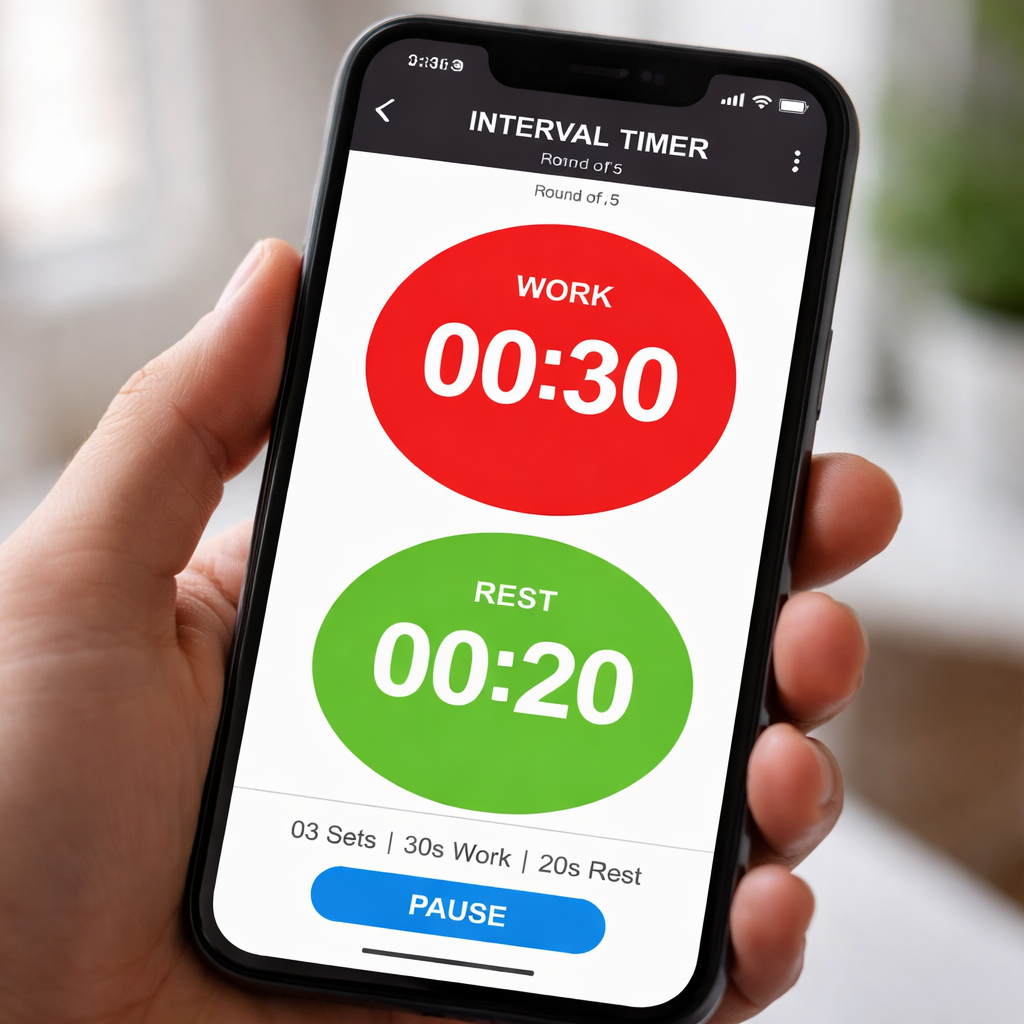
Alright, you’ve picked an app that feels comfortable. The next move is teaching that timer the rhythm you need. Think of it like programming a simple playlist – you just tell it when to crank up the music and when to pause for a breather.
First, jot down the exact work‑to‑rest ratio that matches your goal. For a classic HIIT sprint you might go 30 seconds on, 15 seconds off. If you’re a student doing study bursts, 45 seconds focus, 15 seconds stretch works wonders. Write those numbers on a sticky note; it keeps the setup process concrete.
Step‑by‑step timer configuration
1. Open your chosen interval timer app.
2. Tap “Add Interval” (or the plus sign) and enter the work duration.
3. Add a second interval for rest and type the rest length.
4. Use the “Repeat” or “Rounds” field to decide how many cycles you’ll run. A solid starter is 8‑10 rounds – enough to feel the burn without over‑extending.
5. Enable a subtle cue for the last three seconds of each phase. A soft beep or vibration gives you a heads‑up so you can transition without staring at the screen.
6. Save the whole setup as a preset. Naming it “Morning HIIT” or “Study Sprint” means you won’t have to re‑type numbers each time.
Does that feel like a lot? Not really. In our experience, the act of saving a preset turns a random experiment into a repeatable habit.
Real‑world examples
Remote worker scenario: Maria, a freelance designer, blocks a 5‑minute window between client calls. She sets a 20‑second high‑intensity squat burst, 10‑second rest, repeats six times. The quick spikes keep her blood flowing and stop the afternoon slump.
Student scenario: Alex, studying for a chemistry exam, uses a 45‑second focus interval followed by a 15‑second stretch. After three cycles, he feels his concentration reset, and his retention scores improve – a small but measurable boost.
Busy professional scenario: Priya, a project manager, integrates a 30‑second desk‑side plank into her morning email sweep. She programs 5 rounds with a 20‑second rest. The rhythm creates a mental cue that signals when it’s time to switch tasks, reducing decision fatigue.
Notice a pattern? Each example pairs a clear work‑rest ratio with a specific context, making the timer feel like a personal coach rather than a generic tool.
Tips to fine‑tune your intervals
- Start conservative. If 30 seconds feels too long, halve it. You can always lengthen once you’re comfortable.
- Match the intensity to the rest. Heavy lifts need longer recovery; bodyweight cardio can get away with shorter breaks.
- Track how you feel. After each session, note whether you finished the last round strong or if you were gasping. Adjust the ratio by 5‑second increments.
- Use visual cues. Many timers let you colour‑code work vs. rest – green for go, red for pause. This tiny visual cue reinforces the habit.
Want a deeper dive on configuring timers online? Check out How to Use an Interval Timer Online for Effective Workouts for a step‑by‑step walkthrough.
Once you’ve nailed the setup, sprinkle in a couple of health‑focused resources. XLR8well offers proactive health services that can complement your new workout rhythm, keeping your energy levels steady throughout the day. Likewise, if you’re training for a cycling adventure, Top Bike Tours Portugal showcases routes that benefit from interval training, giving you a real‑world goal to chase.
Finally, make a habit of reviewing your preset after a week. Ask yourself: Did the work intervals feel too easy? Did the rest feel rushed? Tweak the numbers, save the new version, and repeat. The small act of iterating turns a static timer into a living part of your productivity system.
Remember, an interval timer for workouts isn’t just a gadget; it’s a framework that bridges fitness and focus. By setting up precise intervals, you give your body and brain the structure they need to thrive – whether you’re sprinting, studying, or simply moving between Zoom calls.
Step 3: Customize Rest Periods and Alerts
Now that your intervals are set, the next secret sauce is how you shape the rest periods and the alerts that tell you when to switch.
Why does rest matter? As rest intervals research explains, the length of the pause controls the intensity of the whole session – short breaks keep your heart rate high, long breaks let you hit each sprint flat‑out.
So, what should you do? Grab your interval timer for workouts and start experimenting with three basic rest‑strategies: short, medium, and long. Each one serves a different training goal.
Short Rest – Keep the Heat On
If you’re chasing a quick cardio burst between Zoom calls, aim for a rest that’s 30‑50 % of the work time. For a 20‑second squat set, a 10‑second pause does the trick. The beep arrives just before you finish the last rep, nudging you to jump straight back in.
Short rests also boost your lactate threshold. Runner’s World notes that a 30‑second rest between 400 m repeats forces the body to clear lactate faster, which translates to a stronger finish on a 5K.
- Set work time (e.g., 20 s).
- Set rest time to roughly half that (10 s).
- Enable a “last‑3‑seconds” pre‑alert so you finish strong.
Medium Rest – Balance Quality and Volume
When you need a bit more recovery – say you’re doing 45‑second focus sprints while studying – set the rest to 50‑75 % of the work interval. That means 30 seconds of stretch or deep breathing after each burst.
Medium breaks let you rack up 8‑10 rounds without draining your nervous system. It’s the sweet spot for freelancers who want to stay in the zone but still feel fresh for the next client call.
- Work: 45 s, Rest: 30 s.
- Choose a softer tone for the rest cue.
- Track how many rounds you comfortably complete.
Long Rest – Preserve Pure Power
For heavy lifts or hill repeats, you’ll want the rest to equal or exceed the work time. A 60‑second rest after a 30‑second sprint gives your muscles a chance to rebuild ATP, so the next interval feels almost as easy as the first.
Long rests are also a mental reset. The pause is long enough to sip water, check a calendar, or jot a quick note, keeping the overall session purposeful.
- Work: 30 s, Rest: 60 s or more.
- Use a silent vibration if you’re in a shared space.
- After each set, note perceived effort and adjust by 5‑second increments.
Fine‑Tune Your Alerts
Most interval timers let you choose the sound, vibration, or even a spoken cue. Pick a gentle chime for the last three seconds of a work phase – that way you can wrap up the rep without glancing at the screen.
For the rest phase, switch to a softer tone or a brief voice prompt like “Rest” so the brain knows it’s downtime. If you’re in a shared office, a silent vibration can save you from embarrassing beeps.
A quick tip from our experience at Focus Keeper: enable the “pre‑alert” option (if available) so you get a subtle tap 2 seconds before the next round starts. It feels like a personal coach whispering, “Ready?” and you’re already moving.
Actionable Checklist
- Choose the rest length that matches your goal (short, medium, long).
- Set a pre‑alert for the final 3 seconds of work.
- Select a distinct tone for rest versus work.
- Test the pattern for at least three sessions.
- Adjust by 5‑second steps based on how you feel.
After a week of use, look at how you felt. Did the short rest leave you gasping? Did the long rest feel like wasted time? Adjust by 5‑second increments, save the new preset, and repeat. The habit of tweaking your rest and alerts turns a static interval timer for workouts into a responsive performance partner.
Remember, the goal isn’t perfection; it’s finding the rhythm that makes you want to hit “start” again tomorrow.
Step 4: Track Progress and Optimize Performance
Now that your intervals are humming, the real magic happens when you start looking at the numbers. It feels a bit like checking your phone after a long run – you want to see whether the effort you put in actually moved the needle.
Why does tracking matter? Because an interval timer for workouts is only as good as the feedback loop you build around it. Without data, you’re guessing whether a 20‑second sprint is truly improving your stamina or just draining your energy.
Pick three core metrics
Most of our users find that three simple signals give a clear picture:
- Average heart‑rate zone – tells you if you’re staying in the aerobic sweet spot or slipping into a burnout zone.
- Round completion rate – the % of reps you finish without hitting the pause button early.
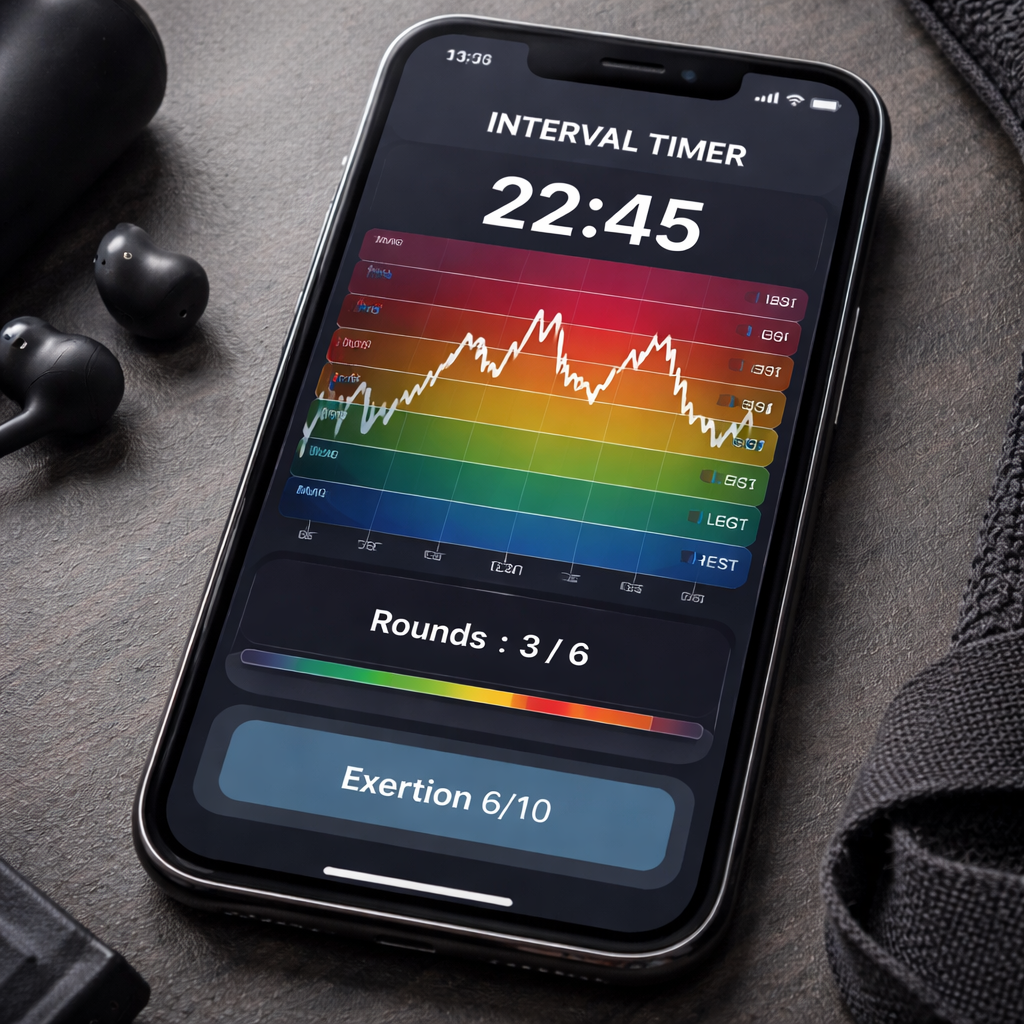
- Perceived exertion score – a quick 1‑10 rating you jot down right after each set.
Log them in a spreadsheet, a notes app, or – if you like visual dashboards – check out Intervals.icu, which lets you import timer data and instantly see trends across weeks.
Imagine Maya, a remote designer, who noticed her round completion rate fell from 95% to 78% after she started answering Slack messages mid‑workout. The dip showed up in the chart, and she immediately muted notifications for the next two weeks. By the end of the month her rate bounced back to 92% and her creative output rose.
Turn data into tweaks
Once you have numbers, ask yourself two quick questions after each session:
- Did my heart‑rate stay in the target zone for at least 80% of the work phase?
- Did I feel the exertion rating creeping higher than a 6/10?
If the answer is “yes” to either, it’s a cue to adjust. For example, shorten the rest by 5 seconds if heart‑rate stays low, or lengthen it by the same amount if the exertion rating spikes.
Short‑interval control isn’t just for factories; the same principle of “real‑time data → instant action” works for your body. The lean‑production article on short interval control explains how teams use five‑minute reviews to fix losses. Swap the whiteboard for a quick glance at your timer log, and you’ve got a personal performance board.
Here’s a quick visual that sums up the loop:
| Metric | How to Track | Optimization Tip |
|---|---|---|
| Heart‑rate zone | Bluetooth chest strap synced to the timer app | Adjust work length by 5 s if you spend < 70% in target zone |
| Round completion | Timer’s built‑in round counter | Reduce rest by 5 s when completion > 90% |
| Perceived exertion | Post‑session 1‑10 rating in a notes app | Increase rest by 5 s if rating > 7 |
Weekly review ritual
Set aside five minutes at the end of each week – maybe while you’re sipping your Friday coffee – and run through these steps:
- Pull the last seven days of data into a single view.
- Spot any pattern: are you consistently dropping rounds on Tuesdays? Is your heart‑rate spiking after lunch?
- Choose one tweak for the upcoming week (e.g., add a 10‑second dynamic stretch between rounds).
- Write the tweak down next to the metric you’ll watch.
That tiny habit turns a static timer into a living performance partner. You’ll start to feel the difference the moment you notice a smoother transition between work and rest.
So, what should you do next? Grab your interval timer, open a fresh spreadsheet, and record the three metrics for today’s session. Then, tomorrow, compare and make one small adjustment. Keep the loop tight, keep the data honest, and watch your workouts become both more efficient and more enjoyable.
Conclusion
We’ve taken you from picking the right app to tweaking rests, turning a simple interval timer for workouts into a habit that actually sticks.
Think about the last time you felt that mid‑day slump – now picture a 20‑second burst followed by a quick reset, and the energy you gain. That tiny rhythm is the same thing you just built, whether you’re a student cramming for exams, a remote worker squeezing a cardio break between meetings, a freelancer juggling projects, or a busy professional trying to stay sharp.
Remember the three metrics we keep an eye on: heart‑rate zone, round‑completion rate, and your own perceived exertion score. When those line up, you know the timer is doing its job.
So, what’s the next step? Grab your phone, open the timer you liked most, set a quick 20‑second work, 10‑second rest cycle, and run one round during your coffee break. Write down how you felt, and tweak the rest by five seconds tomorrow.
In our experience, the real power comes from that weekly five‑minute review – the moment you turn raw data into a concrete adjustment. Keep that loop tight, stay curious, and let the timer become a quiet coach you trust.
Ready to make every minute count? Give your interval timer for workouts a fresh spin today and watch productivity and fitness blend together.
FAQ
What exactly is an interval timer for workouts and how does it work?
An interval timer for workouts is a simple tool that alternates between work periods and rest periods. You set the length of each phase—say 30 seconds of high‑intensity effort followed by 15 seconds of recovery—and the timer cues you automatically. This back‑and‑forth rhythm keeps your heart rate in the right zone, helps you stay focused, and removes the mental load of watching a clock.
Do I need a special app, or can I use the timer on my phone?
You don’t need a fancy app; the built‑in clock on iOS or Android already offers a countdown timer that you can repeat manually. However, dedicated interval timer apps give you extra features like preset rounds, vibration alerts, and background operation, which can be handy when you’re juggling a video call and a quick cardio burst. Choose whatever feels least intrusive for your workflow.
How long should my work and rest intervals be for a beginner?
Start with a 20‑second work phase and a 10‑second rest. This 2:1 ratio is short enough to feel doable but long enough to get your blood pumping. After a few sessions, experiment by adding five seconds to the work segment or trimming the rest if you’re cruising. The key is to listen to your perceived exertion—aim for a 5‑7 on a 1‑10 scale.
Can an interval timer help with studying, not just exercising?
Absolutely. The same principle applies to focus sprints: 45 seconds of deep study followed by 15 seconds of stretch or eye‑rest. The timer signals a clear boundary, so you stop over‑thinking and simply switch modes. Students report better retention because the brain treats each burst like a sprint, forcing concentration during the “on” phase. Try pairing each 45‑second study sprint with a quick stand‑up or stretch to keep blood flowing and your mind refreshed.
What’s the best way to track progress with an interval timer?
Log three simple metrics after each session: the number of rounds you completed, your average heart‑rate zone (if you wear a strap), and a quick 1‑10 exertion rating. A tiny spreadsheet or notes app works fine. Over a week you’ll see patterns—maybe you’re dropping rounds on Tuesdays when meetings pile up—so you can tweak rest lengths or move the workout to a quieter slot. Seeing the data visualised, even as a simple bar chart, makes it easier to spot when you’re over‑training or under‑challenging yourself.
How often should I change my interval structure?
Treat your timer like a living document. Every 1‑2 weeks, review the three metrics above and ask yourself whether the work phase feels too easy or the rest feels too long. If you’re consistently hitting a 9‑10 exertion score, shave five seconds off the work or add a round. Conversely, if you’re missing rounds, add a few seconds of rest. Small adjustments keep the stimulus fresh without overwhelming you.
Is it okay to use the same timer for both cardio and strength workouts?
Yes, but you’ll want to customize the ratios. Cardio intervals thrive on shorter rests—30 seconds on, 10 seconds off—to keep the pulse high. Strength circuits benefit from longer recovery—30 seconds work, 60 seconds rest—so you can load the muscles properly. Most interval timer apps let you save multiple presets, so you can switch with a tap instead of re‑entering numbers each time.




