
Trying to get a handle on your goals can feel like a juggling act, right? Life throws a lot at you, and sometimes those personal projects or work ambitions just fall by the wayside. But what if you had a little digital helper to keep you on track? We’ve looked at a bunch of different tools to find the best habit tracker apps out there for 2026. These apps can make a real difference in helping you build routines and actually see your progress.
Key Takeaways
- Reclaim.ai is great for professional goals and managing work time.
- Strides focuses on building streaks and visualizing progress.
- ClickUp and Todoist are solid choices for tracking tasks within projects.
- TickTick offers a good mix for personal tasks and habit building.
- Habitica gamifies the process, making habit tracking more fun.
1. Reclaim.ai
Reclaim.ai is a pretty neat tool if your life feels like a constant juggling act between work and personal stuff. It uses AI to look at your calendar and then figures out the best times to slot in your habits, focus work, or even just a decent lunch break. You tell it what you want to achieve – like exercising three times a week or dedicating an hour to deep work daily – and Reclaim finds the space for it automatically. It’s like having a personal assistant who’s really good at scheduling.
Setting it up is straightforward. You just connect it to your Google or Outlook calendar, and it gets to work in the background. It’s pretty good at defending your time, too. If you set a goal to have a 30-minute lunch between 12 PM and 2 PM, Reclaim will find that slot for you, even if meetings pop up. It also syncs with other tools like Asana and Todoist, which is handy if you’re already using them.
Here’s a quick look at what it does:
- Habit Scheduling: Automatically finds time for your recurring habits based on your preferences.
- Task Management: Schedules your tasks by priority, making sure they get done before their deadlines.
- Focus Time: Blocks out uninterrupted time for deep work, protecting it from meetings.
- Time Tracking: Gives you insights into how you’re spending your time across different activities.
It even offers templates for all sorts of goals, from wellness routines to job-specific tasks. Plus, you get a weekly report in your email showing how you’re doing. It’s a solid option for anyone trying to make sure their personal goals don’t get lost in the shuffle of a busy schedule.
Reclaim.ai works by intelligently analyzing your existing calendar commitments and then finding flexible windows to schedule your defined habits and tasks. It aims to automate the process of time blocking for personal and professional objectives, reducing the mental load of constant rescheduling.
There’s a free version to get you started, and paid plans begin at $8 per month if you need more advanced features.
2. Strides
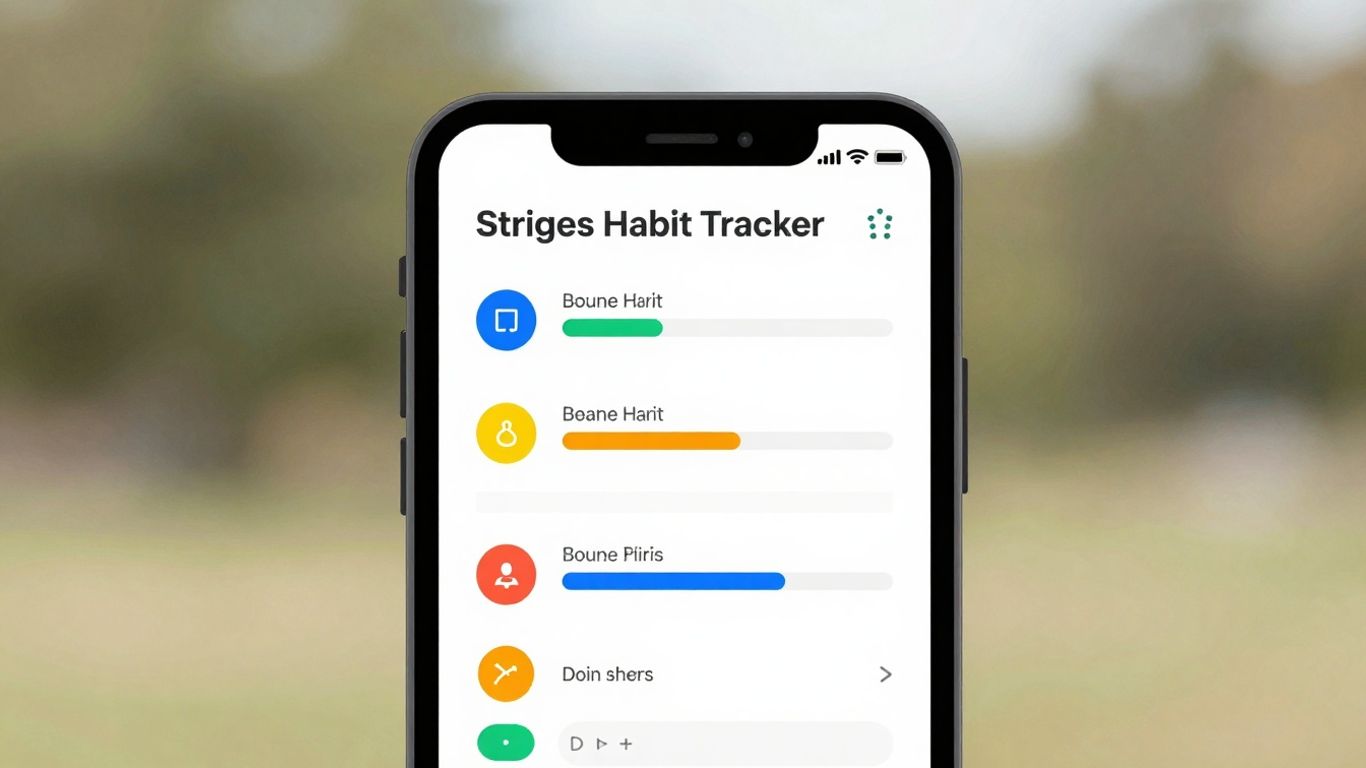
Strides is a pretty neat app if you’re all about seeing your progress laid out clearly. It’s designed for iOS and really focuses on making your goals and habits visual. You get different types of trackers, and you can set up your dashboard however you like, which is cool. It shows you your streaks – like how many days in a row you’ve done something – and also where you might have slipped up. This makes it easy to see what’s working and what’s not.
If you like looking at charts and graphs to understand how you’re doing over time, Strides is definitely worth a look. It feels flexible but also pretty straightforward to use. You can set up goals for all sorts of things, whether it’s hitting the gym, saving money, or learning a new skill. They have four different ways to track your progress, which is more than some other apps.
Here’s a quick look at what you can do:
- Set Specific Goals: Define what you want to achieve, like fitness targets or financial milestones.
- Track Habits: Set up daily, weekly, or custom schedules for your routines.
- See Your Progress: Analyze charts and graphs that show your success rates and trends.
- Get Reminders: Set up notifications so you don’t forget your habits.
Strides is really good at showing you the data of your progress. It’s less about managing a to-do list and more about sticking with the habits you want to build. It’s a straightforward tool for anyone who likes to see their efforts add up visually.
One thing to keep in mind is that Strides is only available on Apple devices right now. It’s also pretty focused on just tracking habits and goals, so don’t expect it to handle your project management or complex task lists. It’s a dedicated habit tracker, plain and simple.
3. ClickUp
ClickUp is a pretty powerful tool, and it can definitely be used for tracking habits, but it’s also way more than just that. Think of it as a whole productivity hub. You can set up goals, break them down into tasks, and even track how much time you’re spending on them. It’s got a lot of features, which is great if you want everything in one place, but it can also feel a bit overwhelming at first.
It’s especially good for people who are already using it for project management and want to integrate habit tracking into their workflow.
Here’s a quick look at what ClickUp offers for habit tracking:
- Goal Setting: You can create high-level objectives and then break them down into smaller, actionable tasks. This helps you see the big picture and the steps needed to get there.
- Habit Tracking: Use recurring tasks to build and monitor your daily or weekly habits. You can mark them as complete as you go.
- Task Management: Create, assign, and organize tasks with due dates, descriptions, and even subtasks. This is useful for habits that have multiple steps.
- Visual Progress: ClickUp offers various views like Gantt charts and Kanban boards, which can help you visualize how you’re progressing towards your goals and habits.
- Integrations: It connects with over 1,000 other tools, including things like Reclaim.ai for better calendar management.
The sheer number of features in ClickUp means there’s a bit of a learning curve. If you’re just looking for a simple way to tick off a few daily habits, this might be overkill. But if you want to connect your habits to larger projects and track progress in detail, it’s a solid choice.
4. Todoist
Todoist is a really solid choice if you’re looking for a straightforward yet powerful way to manage your daily tasks and build habits. It’s one of those apps that just works, without a lot of fuss. You can add tasks super quickly, and the app does a decent job of understanding what you mean, even if you type things out naturally. It’s great for keeping track of recurring tasks, which is basically how you build habits, right? The app has this ‘Karma’ system that gives you points for completing tasks, and seeing those points add up can be surprisingly motivating. Plus, there’s a little animation when you check something off – a small thing, but it adds a bit of fun to getting things done.
What I like most is how customizable it is without being overwhelming. You can use color-coding, set priorities, and create filters to sort your tasks exactly how you want them. It also plays nicely with other apps, which is always a plus. If you’re into methods like Getting Things Done (GTD), Todoist can definitely support that.
Here’s a quick look at how you might set up a habit:
- Create a Project: Start a new project for your habit, like "Morning Routine" or "Fitness Goals."
- Add Tasks: Break down your habit into smaller, actionable tasks. For example, under "Morning Routine," you might have "Drink Water," "Meditate 10 mins," and "Read 15 pages."
- Set Recurrence: For each task, set it to repeat daily, weekly, or however often you need to do it.
- Use Reminders: Add reminders so you don’t forget.
Todoist makes it easy to capture ideas and tasks on the go. The app syncs across all your devices, so your to-do list is always up-to-date, whether you’re on your phone, computer, or tablet. It’s reliable and doesn’t get in your way, which is exactly what you want from a productivity tool.
While it doesn’t have built-in time-blocking like some other apps, you can integrate it with tools like Reclaim.ai if that’s something you need. For most people, though, its core task management and habit-tracking features are more than enough to get things done.
5. TickTick
TickTick is a solid choice if you’re looking for an app that blends task management with habit tracking. It feels like a step up from a basic to-do list, offering a structured way to handle both your daily chores and your bigger goals. You can set up projects, add tasks with all the details you need, and even prioritize them. What’s cool is that it has a built-in habit tracker, so you can monitor things like drinking enough water or going for a walk right alongside your work tasks.
One of the standout features is the built-in Pomodoro timer, which is great for focused work sessions. Plus, the weekly calendar view is super helpful for seeing how your habits and tasks fit into your week. It also gives you these personalized summaries and achievement scores, which are a nice way to see how you’re doing over time.
Here’s a quick look at what makes it work:
- Goal Setting: You can define long-term and short-term goals within the app.
- Habit Monitoring: Track your daily habits alongside your regular to-do list.
- Task Management: Create tasks with due dates, descriptions, and even subtasks.
- Progress Reports: Get an overview of your completed tasks, habits, and goals.
- Reminders: Set up various types of reminders, including location-based ones.
TickTick also syncs across all your devices, so your lists are always up-to-date whether you’re on your phone or computer. It’s got a clean interface that’s pretty easy to get around.
While TickTick doesn’t have specific time-blocking features built-in, its integrations and flexible organization make it a strong contender for keeping your life on track. The free version is quite generous, but many of the more advanced features are behind the premium plan.
6. Trello
Trello is a super flexible tool that started out as a project management app, but honestly, it works pretty well for keeping track of personal goals too. Think of it like a digital whiteboard with sticky notes. You create a "board" for a big goal, then use "lists" to represent different stages, like "To Do," "Doing," or "Done." Each "card" on a list is a specific task or a habit you want to build.
The real magic of Trello for habit tracking is its visual nature and how easy it is to move things around. You can literally drag a card from "To Do" to "Doing" as you start working on it, which feels surprisingly satisfying. For habits, you can create recurring cards or use checklists within a card to tick off daily or weekly actions.
Here’s how you might set it up:
- Goal Board: Create a board for a major life goal, like "Learn Spanish."
- Stage Lists: Set up lists like "Learning Resources," "Daily Practice," "Weekly Review," and "Milestones Achieved."
- Task Cards: Each card could be a specific action, such as "Complete Duolingo lesson," "Watch a Spanish TV show," or "Practice speaking for 15 minutes."
- Habit Cards: You could have a card for "Daily Vocabulary Review" with a checklist for each day of the week.
It’s also great if you’re working on goals with others. You can invite people to your board, assign them tasks, and leave comments. Plus, Trello has "Power-Ups" that add extra features, like calendar views or integrations with other apps, and "Butler" for automating little tasks, like moving cards when they’re done.
While Trello doesn’t have fancy built-in analytics or time-blocking features like some dedicated apps, its strength is its simplicity and adaptability. If you like seeing your progress laid out visually and enjoy a drag-and-drop interface, Trello can be a surprisingly effective way to manage your personal goals and habits.
7. Way of Life
Way of Life is a pretty straightforward app for tracking habits, whether you’re trying to build good ones or ditch bad ones. It’s got this clean interface that makes logging your daily check-ins pretty simple. You can track things you want to do more of, like exercising, or things you want to avoid, like eating junk food. The real strength here is how it visualizes your progress.
It doesn’t try to be a full-blown task manager, which is fine because it does its main job really well. You get charts and graphs that show you how you’re doing over time. This is super helpful for spotting patterns – like maybe you always slip up on Fridays, or you’re crushing it on Tuesdays. It also lets you add short notes to your habit entries, which is great for remembering why you succeeded or failed on a particular day.
Here’s a quick look at what it offers:
- Goal Setting: Define specific habits you want to start or stop.
- Habit Tracking: Log daily progress, marking completion or avoidance.
- Analytics & Reporting: See detailed stats and weekly summaries.
- Reminders: Get custom alerts to keep you on track.
- Note-Taking: Add context to your habit entries.
It’s mobile-only, which might be a bummer for some, and it doesn’t have fancy integrations or pre-made templates. But if you just want a solid, visual way to monitor your habits and understand your own patterns, Way of Life is a solid choice.
This app focuses on the ‘what’ and ‘when’ of your habits, giving you the data to figure out the ‘why’ for yourself. It’s less about telling you what to do and more about showing you what you’re actually doing.
8. aTracker
aTracker is a pretty straightforward app if you’re looking to keep tabs on how you spend your time. It’s not trying to be fancy, which is kind of its charm. You can set up different categories for your activities – like work, personal stuff, or even just ‘downtime’ – and then just tap to start and stop timers. It’s really good for seeing where your hours are actually going.
This app is great for people who like to see things visually. It gives you these pie charts and graphs that break down your day. It’s helpful for figuring out if you’re spending enough time on the things that matter to you. You can also set goals within the app, which is a nice touch for keeping yourself accountable.
Here’s a quick look at what you can do:
- Time Tracking: Simple start/stop timers for any activity.
- Goal Setting: Define specific objectives to monitor your progress.
- Categorization: Organize your tracked time into custom groups.
- Visual Reports: See your time allocation with charts and graphs.
It’s not the most feature-rich app out there, and it relies pretty heavily on you remembering to log your time. There aren’t any pre-made templates for habits, so you have to set everything up yourself. But if you want a no-fuss way to understand your daily schedule and build better time management habits, aTracker is definitely worth a look.
The calendar view is also a neat way to compare your days and weeks, giving you a timeline of how your activities stack up over longer periods. It’s a simple feature, but it adds another layer to understanding your patterns.
9. Coach.me
Coach.me is an interesting option if you’re looking for more than just a place to tick off your daily habits. What really sets this app apart is its focus on personalized coaching. You can actually hire coaches right through the app, covering everything from fitness and productivity to mindfulness. It’s like having a personal guide for whatever goal you’re chasing.
Beyond the coaching, Coach.me lets you log your habits, set up reminders, and check out your progress with some decent analytics. They also have a community feature, which can be a good source of motivation and accountability. It’s nice to see how others are doing and get some encouragement.
Here’s a quick look at what it offers:
- Goal Setting: Define and monitor your personal goals across different life areas.
- Habit Tracking: Log your daily habits and aim for weekly targets.
- Community Support: Connect with other users for shared motivation.
- Certified Coaches: Access experts for tailored advice in specific areas.
The biggest draw here is definitely the human element. If you thrive with direct guidance and personalized feedback, Coach.me could be a game-changer. It’s not just about tracking; it’s about having someone in your corner. However, be aware that the most significant features, like the coaching, come with a price tag, and it can add up quickly. For those who just want a simple habit logger without the coaching aspect, there might be simpler, cheaper options out there. It’s worth checking out their coaching directory if you’re curious about finding an expert.
10. Habitica
Habitica takes a really different approach to habit tracking. Instead of just a list of things to do, it turns your life into a role-playing game. You create a character, and as you complete your daily tasks and habits, you earn experience points and in-game gold. This gamified system can make even mundane chores feel more engaging.
Think of it like this:
- Level Up Your Habits: Completing tasks makes your character stronger and unlocks new gear or abilities.
- Fight Monsters: If you miss a habit or fail a task, your character takes damage, adding a bit of consequence.
- Team Up: You can join parties with friends or other Habitica users. When you work together, everyone benefits from completed quests, which adds a social accountability layer.
It’s a pretty neat way to stay motivated, especially if you’re into games. You can customize your character, join guilds, and really get into the fantasy of building better habits. It’s not for everyone, of course. If you prefer a straightforward, no-frills tracker, this might feel a bit too playful. But for those who want to inject some fun into their productivity, Habitica is definitely worth checking out. You can find out more about how it works on their official website.
The core idea is that by making habit tracking feel like a game, you’re more likely to stick with it. The rewards, the character progression, and the social aspects all work together to keep you coming back.
11. Toodledo
Toodledo is a really solid option if you like to tweak things and have a lot of control over how your tasks and goals are organized. It’s not the prettiest app out there, I’ll admit, but it’s packed with features for folks who want to manage just about everything in one place. You can create detailed to-do lists, track habits, jot down notes, and even work with others.
What really sets Toodledo apart is its customizability. You can add custom fields and filters, which is super handy for sorting tasks in ways that make sense to you. Need to track the priority of a task or a specific context? Toodledo lets you do that. It also has built-in time tracking, so you can see where your hours are actually going.
Here’s a quick look at what it offers:
- Goal Setting: Link specific tasks to larger objectives to keep your progress clear.
- Habit Tracking: Set up daily, weekly, or monthly habits to build routines.
- Tasks: Organize tasks with due dates, subtasks, tags, and those all-important custom fields.
- Time Tracking: Monitor how much time you’re spending on different activities.
- Reminders: Get notified via push, email, or even SMS.
While Toodledo offers a lot of power, its interface can feel a bit dated compared to some of the newer apps. It’s definitely geared more towards users who prioritize function and deep customization over a slick, modern look. If you’re someone who likes to fine-tune every detail of your productivity system, Toodledo is worth a serious look.
12. GoalsonTrack
GoalsonTrack is a platform built with the SMART goal framework in mind, meaning it helps you set goals that are Specific, Measurable, Achievable, Relevant, and Time-bound. It’s a pretty solid choice if you like a structured approach to getting things done.
You can break down big goals into smaller milestones, and then even further into individual tasks. What’s neat is that you can link habits directly to these objectives, so you’re not just tracking tasks, but also the routines that support them. The app offers analytics and visualizations, like charts and even a vision board feature, to keep you motivated and show you how far you’ve come.
Here’s a quick look at what it offers:
- SMART Goal Setting: Define your objectives clearly and break them into manageable milestones.
- Habit Integration: Connect daily habits directly to your larger goals, reinforcing progress.
- Progress Visualization: Use charts and a vision board to see your achievements and stay inspired.
- Built-in Templates: Get started quickly with pre-made goal templates for various life areas.
GoalsonTrack really shines for people who appreciate a methodical way of managing their ambitions. It encourages planning and regular check-ins, making sure you’re always moving forward, even if it’s just a little bit each day.
13. Fabulous
Fabulous isn’t just another habit tracker; it’s more like a personal wellness coach in your pocket. This app really leans into behavioral science and mindfulness to help you build routines that stick. Instead of just ticking boxes, you go through guided "Journeys" that feel more like a supportive program. Think of it as a structured way to improve things like sleep, what you eat, how much you move, and even your focus.
It’s best for anyone looking to boost their overall well-being, not just productivity.
Here’s a peek at what makes Fabulous stand out:
- Journeys: These are structured programs with daily steps designed to build healthy habits over time. You can pick journeys for things like starting a morning routine or improving your sleep.
- Rituals: You can set up your own morning, afternoon, and evening routines to keep things consistent.
- Mindfulness and Meditation: The app includes guided exercises to help you relax and focus, which is a nice addition you don’t see in many trackers.
- Coaching: You get motivational messages and guidance throughout your chosen journeys.
It’s a really thoughtful approach, especially if you want a bit more support than just a simple checklist. The app aims to make lasting lifestyle changes feel more manageable. You can even find some great coaching experiences within the app to keep you motivated.
While it offers a lot, some users find the interface a bit busy at first. Also, be aware that canceling subscriptions has been a point of feedback for some. But if you’re after a holistic approach to self-improvement, Fabulous is definitely worth checking out.
14. ClockDiary
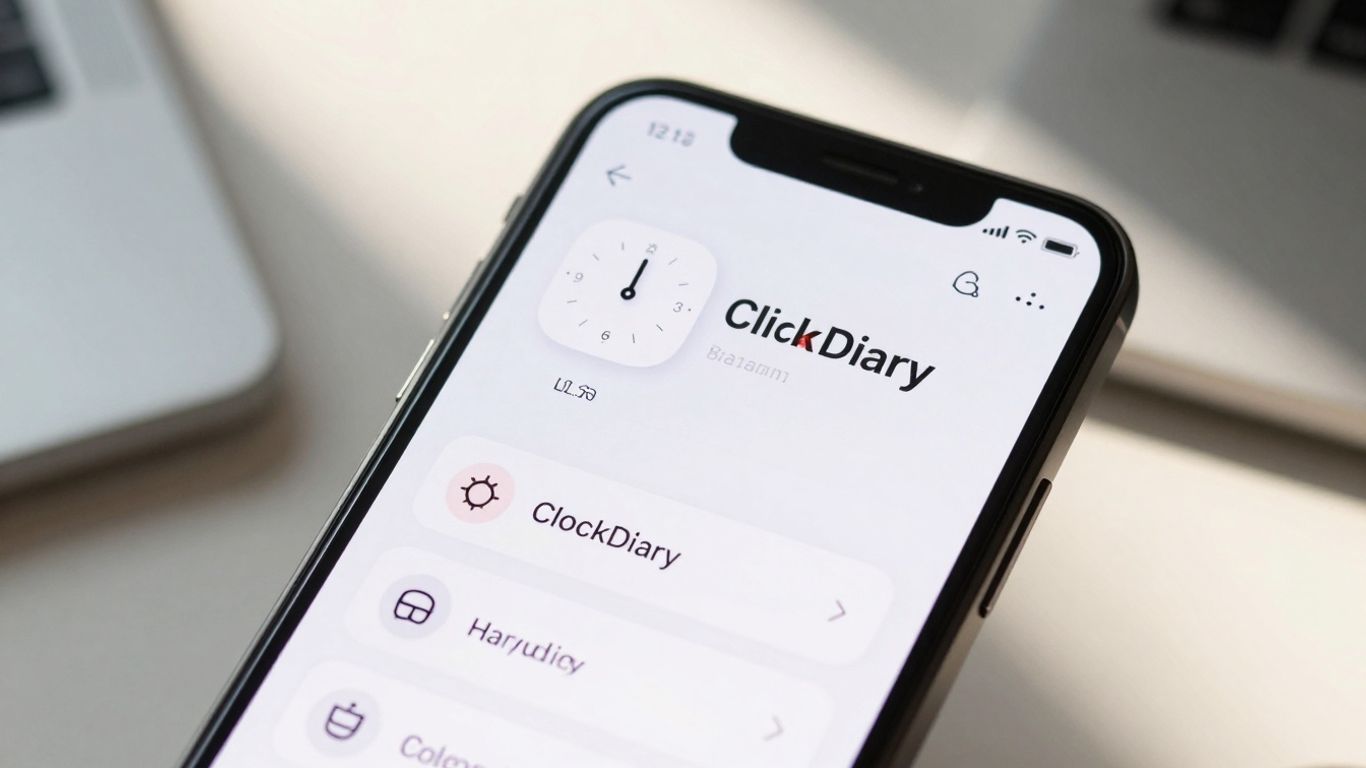
ClockDiary is a bit different from the other apps on this list. Instead of focusing on manually logging every single habit you do, it leans heavily into automatic time tracking. Think of it as a smart assistant that watches how you spend your day and then gives you the lowdown. It’s especially good if you’re not great at remembering to check in with your apps constantly.
This app uses AI to figure out when you’re actively working on something and when you’re just idling. It then sorts your activities into categories, giving you a clear picture of where your time actually goes. This can be pretty eye-opening, honestly. You might think you’re spending hours on important tasks, but ClockDiary might show you a different story.
Here’s a quick look at what it offers:
- AI-powered time detection: Automatically logs active vs. idle time.
- Activity categorization: Sorts your time into work, personal, breaks, etc.
- Productivity reports: Visual breakdowns of how your day is spent.
- Goal setting: Define weekly or monthly targets to keep you focused.
- Idle alerts: Gentle nudges when you might be wasting time.
While it’s not a traditional habit logger, ClockDiary’s insights can really help you understand your routines. Knowing where your time goes is the first step to making changes, and this app makes that part pretty easy. It’s a solid choice if you want to get a handle on your time management without a lot of manual input. You can check out their time management tools for more on how this approach works.
The real power of ClockDiary lies in its ability to reveal patterns you might not even notice yourself. It takes the guesswork out of understanding your daily flow, providing data-driven feedback to help you adjust your schedule and habits more effectively.
Wrapping It Up
So, we’ve looked at a bunch of apps that can help you get a handle on your goals. It’s pretty clear that whether you’re trying to build a new habit, break an old one, or just keep track of bigger life ambitions, there’s a tool out there for you. These apps aren’t magic wands, of course. They work best when you actually use them consistently. But having a good app in your corner can make a big difference in staying motivated and seeing real progress. Pick one that feels right, give it a shot, and start making those goals a reality.
Frequently Asked Questions
Why should I use a habit tracker app?
Habit tracker apps are super helpful if you need a clear plan to reach your goals. They give you reminders and show you how far you’ve come, which keeps you motivated. Plus, they’re great for building routines and sticking to them, making it easier to achieve what you set out to do.
Can these apps help if I lack motivation?
Absolutely! Many habit tracker apps have features like progress charts, reminders, and even rewards. These tools are designed to keep you going, especially when you feel like giving up. Seeing your progress visually can be a big boost.
Are these apps good for building new habits?
Yes, that’s one of their main strengths! Apps like these help you create positive daily routines and make sure you stick with them. They break down big goals into small, doable steps, making it less scary to start and easier to keep going.
What if I want to track different kinds of goals?
These apps are pretty flexible. Whether you want to exercise more, read a book each week, or drink more water, you can set them up. Some apps let you track habits with specific numbers, like ‘drink 8 glasses of water,’ instead of just a simple checkmark.
Can I use these apps with friends?
Some habit tracker apps let you share your goals or progress with friends or family. This can be a great way to get support and stay accountable. You can encourage each other and celebrate successes together.
How do I choose the best app for me?
The best app is the one you’ll actually use! Think about what’s most important to you. Do you want something simple, or do you like lots of features like charts and reminders? Look at the app’s design and see if it feels easy and fun to use. Many offer free versions to try out.




