
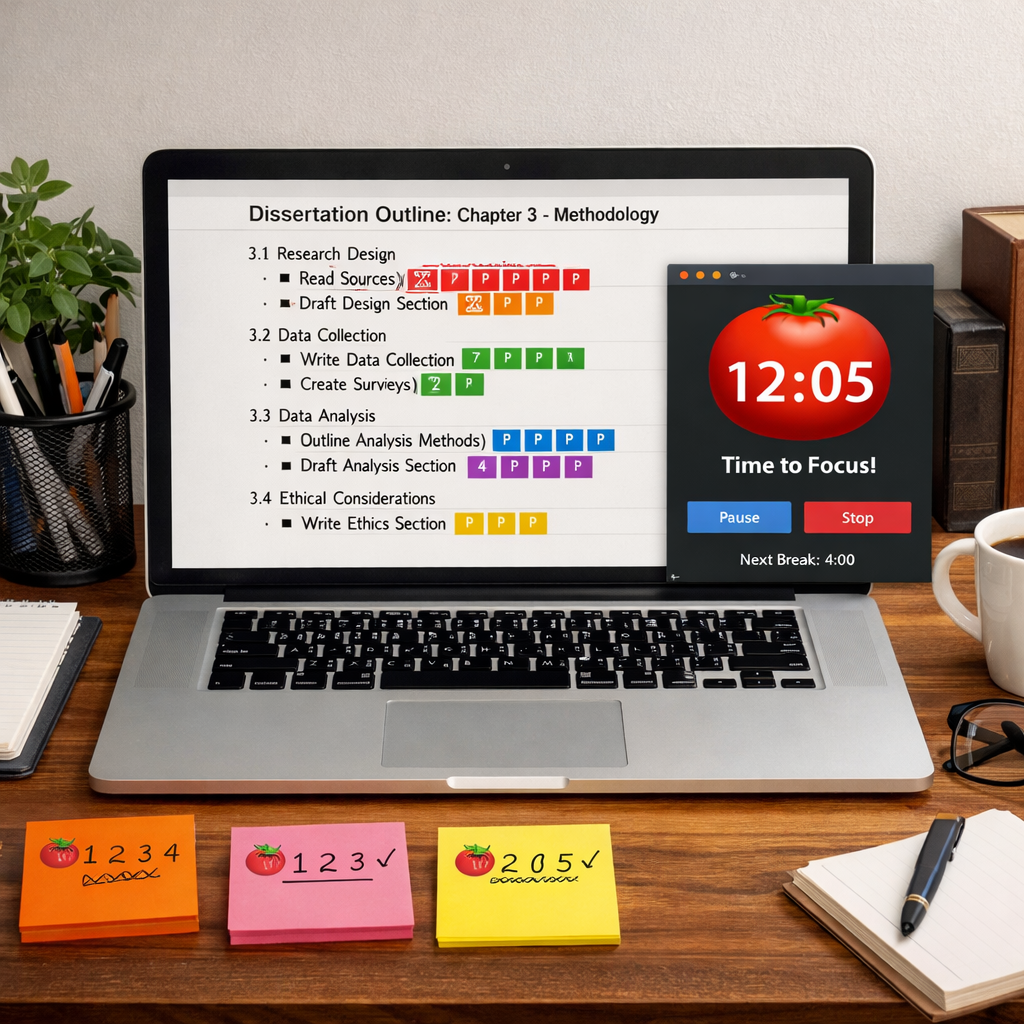
Stuck on that dissertation chapter? The pomodoro timer for dissertation writing can turn a mountain of work into bite‑size sprints that actually get done.
In this guide you’ll learn how to set up your timer, slice your chapters into pomodoro‑ready tasks, stay focused, use breaks wisely, and review your output with a simple table.
Researchers looked at seven pomodoro timer apps and found that only 57% let users tweak session lengths, yet the most integration‑rich tools still offer that flexibility , a surprise for dissertation writers who assume customization and integrations are mutually exclusive.
| Name | Session Customization | Analytics | Integrations | Best For | Source |
|---|---|---|---|---|---|
| Focus Keeper (Our Pick) | Yes | Yes | — | Best overall | focuskeeper.co |
| Pomofocus | Yes | Yes | Todoist, Slack, Toggl | Best for workflow automation | reclaim.ai |
| Pomodoro – Focus Timer | Yes | Yes | Apple Health, Apple Calendar, Reminders, Siri Shortcuts | Best for health tracking | thedigitalprojectmanager.com |
| Focus To-Do | Yes | Yes | — | Best for task management | routinery.app |
| RoundPie | — | Yes | Trello, Asana, Todoist, ClickUp, Jira | Best for project integration | reclaim.ai |
| Be Focused | — | — | iCloud | Best for Apple ecosystem | reclaim.ai |
| Pomodor | Yes | — | — | Best for minimalism | thedigitalprojectmanager.com |
Step 1: Set up your Pomodoro timer and workspace
First thing you need is a timer that actually works. You can use a phone timer, a kitchen timer, or a dedicated app. The Pomodoro Technique works best when the timer makes a clear sound that you can’t miss.
Pick an app that lets you change the work and break lengths. The Zapier roundup notes that Pomofocus and Focus Keeper both let you tweak session times, so you can match the length to your personal focus span.
Once you have the app, turn off notifications on your computer and phone. Silence email alerts, mute chat apps, and close extra browser tabs. A clean digital space means fewer temptations.
Next, set up a physical workspace that cues focus. Clear your desk of unrelated papers, keep only the sources you need for the chapter you’re writing, and have a water bottle within reach. A tidy desk reduces visual clutter and helps the brain stay on task.
And don’t forget lighting. A bright but not harsh lamp reduces eye strain during those 25‑minute bursts. If you work late, a blue‑light filter can keep your sleep cycle in check.
Finally, write down a short “session goal” for each pomodoro. For example, “write 300 words of literature review” or “format references for chapter 2.” Having a concrete target gives the timer purpose.
- Choose a timer app that supports custom intervals.
- Silence all notifications before you start.
- Keep only the materials you need on your desk.
- Set a clear goal for each pomodoro.
For a deeper dive on how a pomodoro timer works, see the What is pomodori timer? page.
Step 2: Break down dissertation chapters into Pomodoro‑friendly tasks
Imagine you have a chapter on methodology that’s 10 pages long. Trying to write it in one go will feel overwhelming. Instead, split it into bite‑size tasks that fit into a pomodoro.
Start by outlining the chapter. List each sub‑section , introduction, data collection, analysis plan, and so on. Then ask yourself how many 25‑minute blocks each sub‑section will need.
Here’s a quick way to do it: write the sub‑section name, then add an estimated pomodoro count next to it. For example, “Data collection , 2 pomodoros” or “Analysis plan , 3 pomodoros.” This creates a visual roadmap you can tick off as you go.
When you label each pomodoro, include a short description of the exact output you want. Instead of “write methodology,” try “draft the sampling strategy paragraph (150 words).” The more specific you are, the easier it is to stay on track.
And don’t forget to account for revision. After you finish the first draft of a sub‑section, schedule a separate pomodoro for a quick edit. That way you avoid a huge editing marathon later.
Use a simple spreadsheet or a notebook to track your tasks. Color‑code finished pomodoros in green, in‑progress in yellow, and pending in red. The visual cue helps you see progress at a glance.
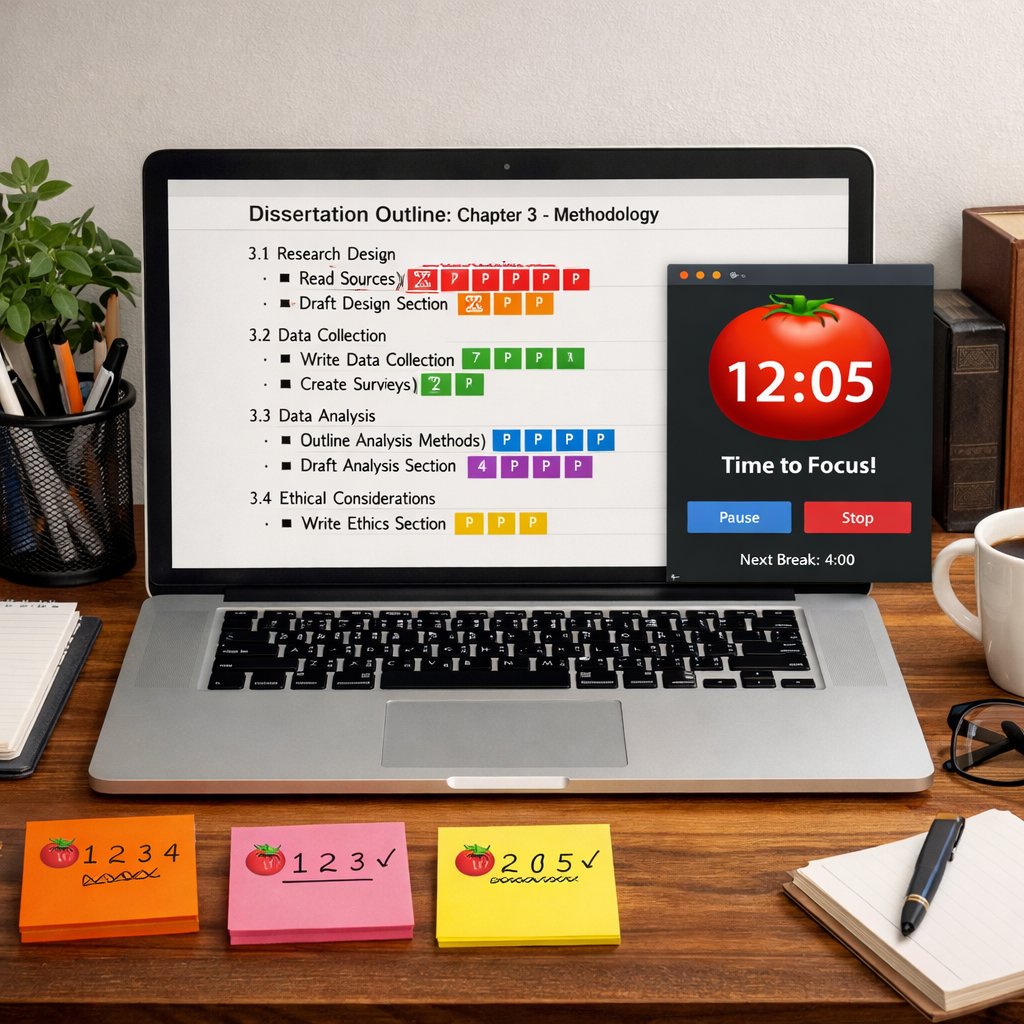
Pro tip: if a sub‑section feels too big for the estimated pomodoros, break it down further. A 25‑minute sprint should never feel like you’re racing against the clock; it should feel like a focused sprint.
- Outline each chapter before you start.
- Assign a pomodoro count to every sub‑section.
- Write a concrete output goal for each pomodoro.
- Track progress in a spreadsheet or notebook.
For more ideas on structuring dissertation time, the Thesis Editor blog offers practical advice on daily planning.
Step 3: Run the timer, stay focused, and log your sessions
Now that your workspace and task list are ready, it’s time to start the first pomodoro. Hit the start button, set the timer for 25 minutes, and begin working on the exact goal you wrote down.
During the work block, adopt a “no‑interrupt” mindset. If a thought pops up that isn’t related to the current task, jot it on a scrap paper and keep writing. This tiny habit keeps the brain from wandering.
When the timer rings, stop instantly. No lingering over the last sentence. Mark the pomodoro as done in your log and write a short note about what you achieved.
After the break, review your note. If you finished the goal early, use the extra minutes to add a sentence or polish a sentence. If you didn’t finish, adjust the next pomodoro’s goal to be a bit smaller.
Logging each session gives you data you can analyze later. The DIY MFA article explains that tracking pomodoros helps you see where you lose focus and which tasks take more time than expected.
Here’s a simple log template you can copy:
Date | Chapter | Sub‑section | Pomodoros Used | Goal Achieved | Focus Rating (1‑5)
Fill it in after each day. Over a week you’ll spot patterns , maybe you write faster in the mornings or struggle with data analysis sections.
- Start timer and work for 25 minutes.
- Write a one‑sentence note when the timer ends.
- Log the session in a spreadsheet.
- Adjust the next goal based on the outcome.
For a deeper look at why the Pomodoro Technique works, check the DIY MFA article on focus and multitasking.
Step 4: Optimize breaks with active recall and mini‑reviews
Breaks aren’t just coffee runs. They’re an opportunity to cement what you just wrote.
One powerful method is active recall. After a pomodoro ends, spend the five‑minute break writing down the key point you just covered, or answering a quick question about it. This forces your brain to retrieve the information, which strengthens memory.
Another tip is a mini‑review. Open the paragraph you just drafted, read it out loud, and underline any sentence that feels fuzzy. Jot a quick fix note, then move on. The mini‑review takes only a minute or two, leaving the rest of the break for a stretch or a snack.
And if you feel an energy dip, use the break to do a physical movement , stand up, stretch, walk to the window. Movement boosts blood flow and resets mental fatigue.
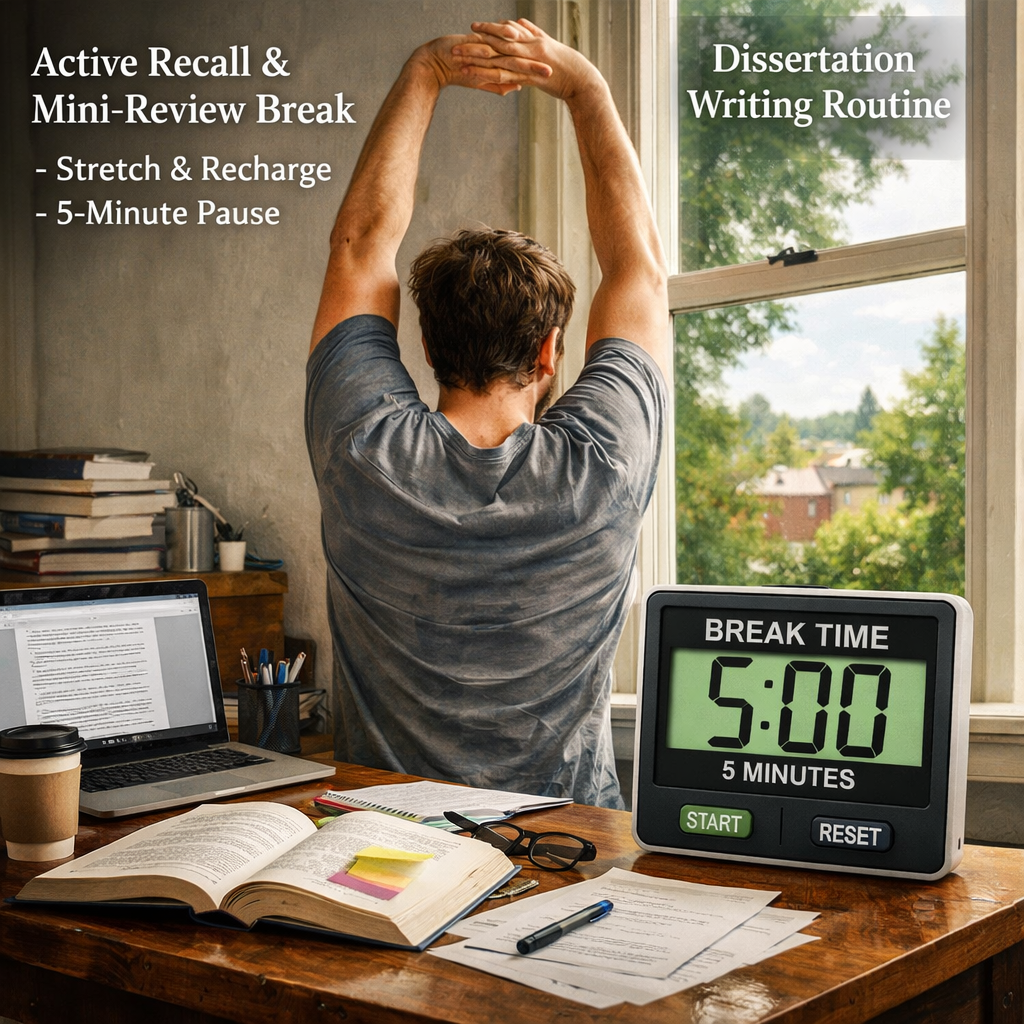
Combine active recall with a short breathing exercise. Inhale for four seconds, hold for four, exhale for four. This simple box breathing calms the mind and prepares you for the next sprint.
Keep a “break checklist” handy so you don’t waste time deciding what to do. Example:
- 1️⃣ Review key point in notebook.
- 2️⃣ Stretch neck and shoulders.
- 3️⃣ Grab a glass of water.
- 4️⃣ Take three deep breaths.
After four pomodoros, plan a longer break of 15‑30 minutes. Use that time for a walk, a quick snack, or a brief chat with a friend. Longer breaks let the brain consolidate the material you just created.
Research from sourcely.net shows that regular short breaks improve focus and reduce fatigue, especially during dense academic writing.
Step 5: Review your productivity with a comparison table
At the end of each week, pull your log data into a simple table. This table lets you compare how many pomodoros you spent on each chapter, which tasks took more time, and where your focus rating was highest.
| Chapter | Pomodoros Used | Avg. Focus Rating | Notes / Adjustments |
|---|---|---|---|
| Introduction | 4 | 4.2 | Goal too broad – split into two sections. |
| Literature Review | 9 | 3.8 | Take shorter pomodoros for dense reading. |
| Methodology | 7 | 4.5 | Good flow – keep 25‑minute blocks. |
| Results | 5 | 4.0 | Add a mini‑review after each data table. |
| Discussion | 6 | 3.6 | Break into bullet‑point drafts first. |
Look for patterns. If your focus rating drops below 4 on a certain chapter, try shorter sessions or add more active‑recall breaks. If a chapter consistently needs many pomodoros, consider whether you can combine sub‑sections or if the topic needs deeper research.
Our pick, Focus Keeper, shines here because it automatically logs each session and shows average focus scores. That built‑in analytics makes the weekly review quick and visual.
- Summarize pomodoros per chapter.
- Calculate average focus rating.
- Write one adjustment note per chapter.
- Use the data to tweak interval length next week.
Conclusion
Using a pomodoro timer for dissertation writing turns a daunting project into a series of clear, manageable sprints. You set up a distraction‑free workspace, break chapters into pomodoro‑friendly tasks, run the timer and log each session, use breaks for active recall, and then review your data with a simple table.
When you follow these steps, you’ll see steady progress, fewer writer’s blocks, and less fatigue. Focus Keeper, our top pick, gives you the customization and analytics you need without overwhelming you with extra features.
Give it a try on your next chapter. Set the timer, write, break, and track. In a few weeks you’ll have a full draft, a clear view of what works for you, and the confidence that you can finish your dissertation on time.
FAQ
How do I choose the right pomodoro length for dissertation writing?
Start with the classic 25‑minute work block and a five‑minute break. If you find yourself constantly finishing early, try 20 minutes. If you’re deep in analysis and feel the timer cuts you off, stretch to 30 or 35 minutes. Test each length for a week, note how focused you feel, and settle on the interval that lets you finish the goal without feeling rushed.
Can I use a physical kitchen timer instead of an app?
Yes. A simple kitchen timer works just as well as a digital app. The key is that the sound is loud enough to interrupt you and that you can easily reset it for the next pomodoro. Physical timers also keep your phone out of reach, which reduces the temptation to check notifications.
What if I get distracted during a pomodoro?
When a distraction pops up, quickly write the keyword on a scrap paper and return to your work. The act of noting it frees your brain from holding the thought, letting you stay focused. After the pomodoro ends, you can address the note during a break if it’s still relevant.
How many pomodoros should I aim for each day?
A realistic target for most dissertation writers is four to six pomodoros per day. That equals two to three hours of focused writing, plus breaks. If you have a lighter day, aim for three pomodoros. If you’re on a deadline, you can push to eight, but watch for fatigue and add longer breaks.
Should I track my pomodoros on paper or digitally?
Both work, but a digital log in a spreadsheet or the built‑in analytics of Focus Keeper makes it easy to calculate averages and spot trends. A paper log is simple and portable, but you’ll need to transfer the data later if you want charts.
How do I stay motivated when progress feels slow?
Focus on the micro‑wins. Each pomodoro you complete is a small victory. Use the quick‑review habit to see what you achieved in the last 25 minutes. Over time those small wins add up to a full chapter, and the visual progress in your table fuels motivation.
Can the pomodoro technique help with editing my dissertation?
Absolutely. Treat each editing task , fixing citations, polishing language, checking formatting , as its own pomodoro. Set a clear goal like “fix references in section 3” and log the session. The short bursts keep you from getting overwhelmed by the sheer amount of edits.
Is it okay to skip a break if I’m on a roll?
It’s tempting, but the break is what lets your brain reset. Even a quick five‑minute stretch or a glass of water can prevent mental fatigue later. If you absolutely need to finish a thought, note it, finish the sentence, then honor the break.




