
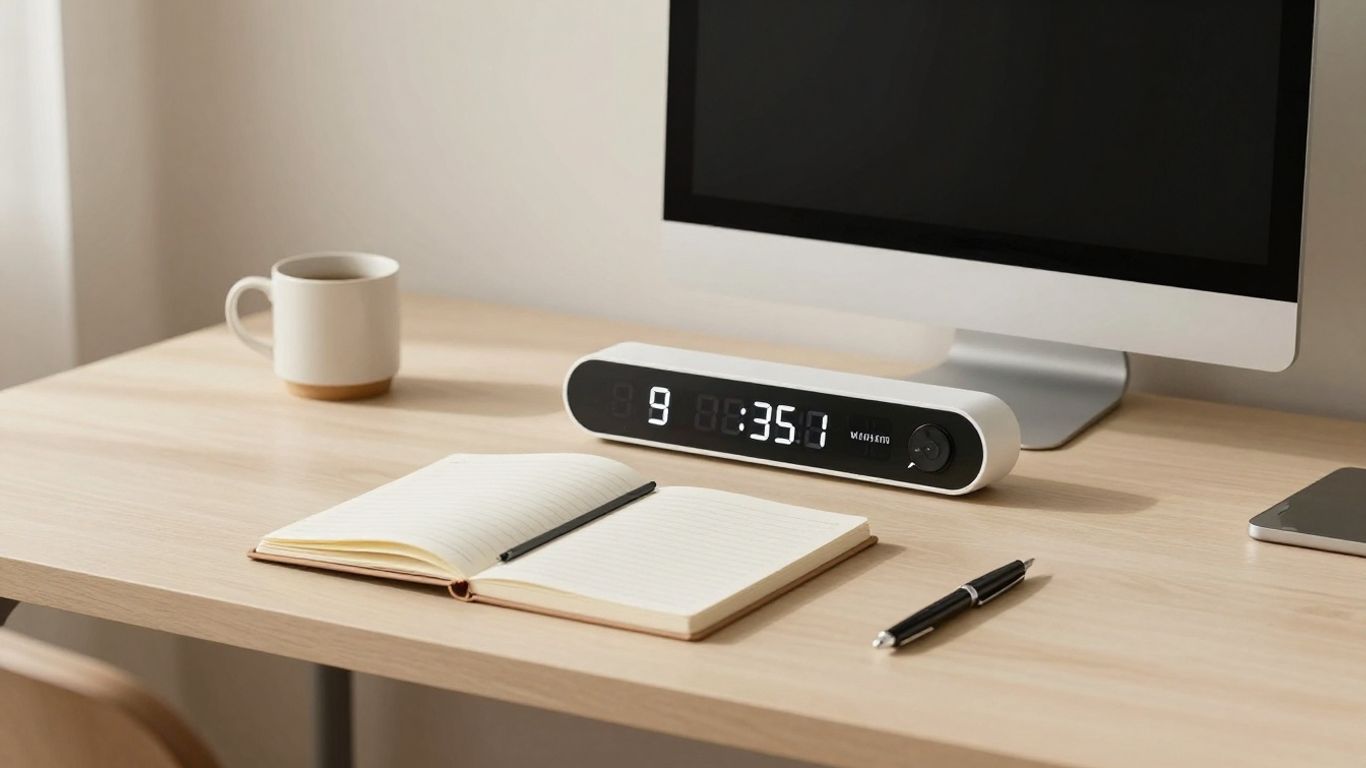
Feeling like your to-do list is a mile long and you’re just not getting through it? It’s a common problem, for sure. We live in a world that’s constantly throwing distractions our way, making it tough to really buckle down and get work done. That’s where the minimalist Pomodoro timer comes in. It’s a simple tool, but it can make a big difference in how you focus and finish tasks. Let’s talk about how this straightforward approach can help you get more done.
Key Takeaways
- The core idea of the minimalist Pomodoro timer is to work in focused bursts, usually 25 minutes, followed by short breaks. This helps keep your mind fresh.
- Minimalist design is key because it cuts down on visual clutter and distractions, making it easier to concentrate on the task at hand.
- Choosing the right timer means looking for simple features that don’t add to the noise, allowing you to customize your work intervals without fuss.
- Putting the minimalist Pomodoro timer into practice involves setting clear goals for each work session and sticking to a consistent routine of work and breaks.
- Using a minimalist approach reduces stress and mental load, leading to better focus, more tasks completed, and building habits that stick.
Understanding the Minimalist Pomodoro Timer
So, you’ve heard about the Pomodoro Technique, right? It’s this simple way to get stuff done by working in focused bursts. The whole idea is to break your day into manageable chunks, usually 25 minutes of work followed by a short break. It sounds almost too easy, but there’s actually some solid thinking behind it.
The Core Principles of the Pomodoro Technique
At its heart, the Pomodoro Technique is about managing your time and attention. It was invented back in the day by a student who was struggling to focus. He used a tomato-shaped kitchen timer (that’s where ‘Pomodoro’ comes from, it means tomato in Italian) to keep himself on track. The basic setup is pretty straightforward:
- Choose a task: Pick something specific you want to work on.
- Set the timer: Traditionally, this is 25 minutes. This is your ‘Pomodoro’.
- Work on the task: Focus only on that one thing until the timer rings. No checking emails, no social media scrolling.
- Take a short break: When the timer goes off, take a 5-minute break. Get up, stretch, grab some water.
- Repeat: Do this four times, and then take a longer break, maybe 15-30 minutes.
It’s all about creating a rhythm that works with your brain, not against it. You’re not trying to power through for hours on end, which is a recipe for burnout. Instead, you’re working with short, intense periods of focus.
Why Minimalist Design Enhances Focus
Now, why go minimalist with your timer? Think about it. Most apps and tools are loaded with features, notifications, and flashy graphics. That’s a lot of visual noise, right? A minimalist timer strips all that away. It’s just the timer, doing its job. No distracting pop-ups, no endless customization options that pull you away from your work. A clean interface means less mental clutter, allowing your brain to concentrate on the task at hand. It’s like clearing your desk before you start working – you can actually see what you need to do.
The Science Behind Focused Work Intervals
Our brains aren’t really built for sustained, deep focus for hours on end. We have natural cycles of attention. The Pomodoro Technique taps into this. Those 25-minute work intervals are short enough that most people can maintain a high level of concentration without getting too tired. The short breaks are just as important; they give your brain a chance to rest and reset, preventing that feeling of mental exhaustion. It’s a bit like interval training for your brain. You push hard for a short period, then recover, making you more effective overall. This structured approach helps combat procrastination and makes daunting tasks feel much more manageable because you’re only committing to a short burst of effort at a time.
Choosing Your Ideal Minimalist Pomodoro Timer
So, you’re ready to get serious about focus, and a minimalist Pomodoro timer seems like the way to go. But with so many options out there, how do you pick the one that actually works for you? It’s not just about a pretty interface; it’s about finding a tool that fits your brain and your workflow without adding more clutter.
Key Features for a Distraction-Free Experience
When you’re aiming for minimalism, the timer itself shouldn’t be a distraction. Look for timers that keep things simple. This means avoiding flashy animations or too many buttons you’ll never use. The core function – a clear timer for work and breaks – should be front and center. Some timers even offer features like blocking distracting websites or apps during your focus sessions, which can be a lifesaver if you tend to wander online.
- Clear Visual Countdown: You need to see how much time is left without straining your eyes or getting confused.
- Auditory Cues (Optional): Gentle sounds or vibrations to signal the end of a work or break period. Make sure you can turn these off or adjust the volume.
- Minimal Settings: The fewer options you have to fiddle with, the better. Focus on what matters: work duration and break duration.
- No Unnecessary Notifications: The timer should do its job and then get out of the way. It shouldn’t be pinging you with updates or asking you to rate its performance.
Customization Options for Personal Workflow
While minimalism is the goal, a little bit of personalization can go a long way. You don’t want a timer that feels alien to you. Think about what makes you feel calm and focused. Maybe it’s a specific color palette, a simple background, or even just the ability to adjust the standard 25/5 minute intervals to something that suits your energy levels better.
Here’s a quick look at common customization points:
| Feature | Standard Option | Customization Range |
|---|---|---|
| Work Interval | 25 minutes | 1 minute to 60 minutes |
| Short Break | 5 minutes | 1 minute to 30 minutes |
| Long Break | 15 minutes | 5 minutes to 60 minutes (often after 4 intervals) |
| Sound Alerts | Beep | Various gentle sounds, vibration, or silent |
| Theme/Appearance | Basic | Light/dark mode, color accents, simple backgrounds |
The best minimalist timers allow you to tweak the core timings without overwhelming you with choices. It’s about adapting the Pomodoro structure to your unique rhythm, not reinventing the wheel.
Visual Appeal and User Interface Considerations
Let’s be honest, if you don’t like looking at your timer, you’re less likely to use it. A clean, aesthetically pleasing interface can make the whole process feel less like a chore and more like a deliberate act of self-care for your productivity. Think about what kind of visual style helps you concentrate. Some people prefer a stark, black-and-white display, while others find soft colors or subtle animations more calming. The key is that the design supports your focus, rather than competing for your attention. A timer that feels good to interact with becomes a natural part of your productive routine.
Implementing the Minimalist Pomodoro Timer
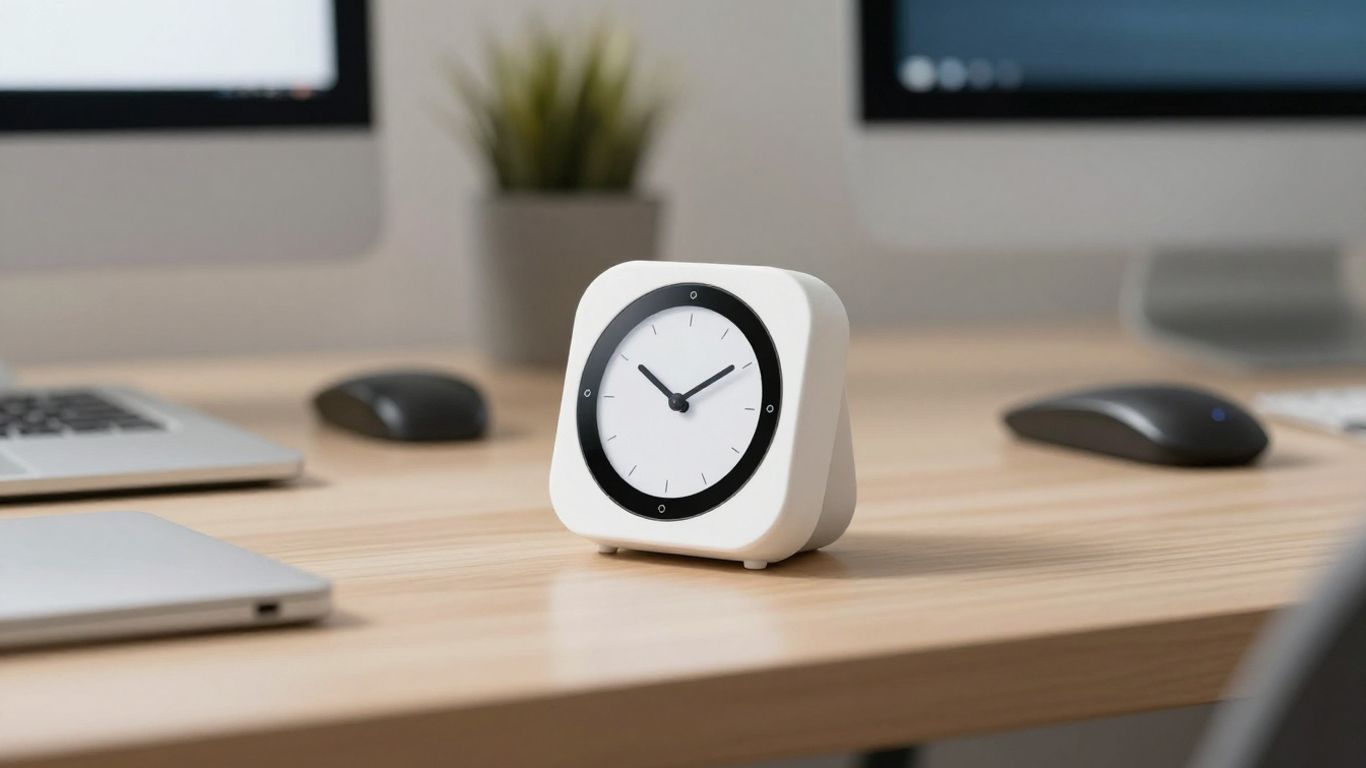
So, you’ve got your minimalist timer ready to go. That’s awesome! But how do you actually start using it without feeling overwhelmed? It’s simpler than you might think. The whole point is to make things easier, right? Let’s break down how to get this thing working for you.
Setting Up Your First Focused Work Session
Getting started is all about preparation and clear intention. Think of it like setting up a clean workspace before you begin a project. First, pick a task you want to focus on. It shouldn’t be too big, or you’ll feel discouraged. Something like "write the introduction" or "research three sources" is perfect. Then, set your minimalist timer for 25 minutes. During this time, your only job is to work on that one task. No checking emails, no scrolling social media, just pure focus. If a distracting thought pops up, quickly jot it down on a piece of paper nearby and get back to your task. It’s about training your brain to stay on track.
Integrating Breaks for Optimal Mental Recovery
Breaks are just as important as the work periods. When your timer goes off after 25 minutes, resist the urge to immediately jump into something else. Get up, stretch, walk around for a bit, grab some water, or just stare out the window. The key is to completely disengage from your work for those 5 minutes. This short reset helps prevent burnout and keeps your mind fresh for the next work interval. After about four work sessions, take a longer break, maybe 15-30 minutes. This longer pause is your chance to really recharge before diving back in. It’s a cycle that helps you maintain energy throughout the day.
Establishing Consistent Work Habits
Consistency is where the magic really happens with the Pomodoro Technique. Try to use your timer around the same times each day if possible. This helps build a routine. You might find that certain times of day work better for you than others. Pay attention to that. Also, don’t beat yourself up if you miss a session or get distracted. Just acknowledge it and get back on track with the next one. The goal is progress, not perfection. Over time, you’ll notice a pattern and build a habit of focused work that feels natural. Using a tool like Focus To-Do can help track these sessions and build that consistency.
Maximizing Productivity with Your Timer
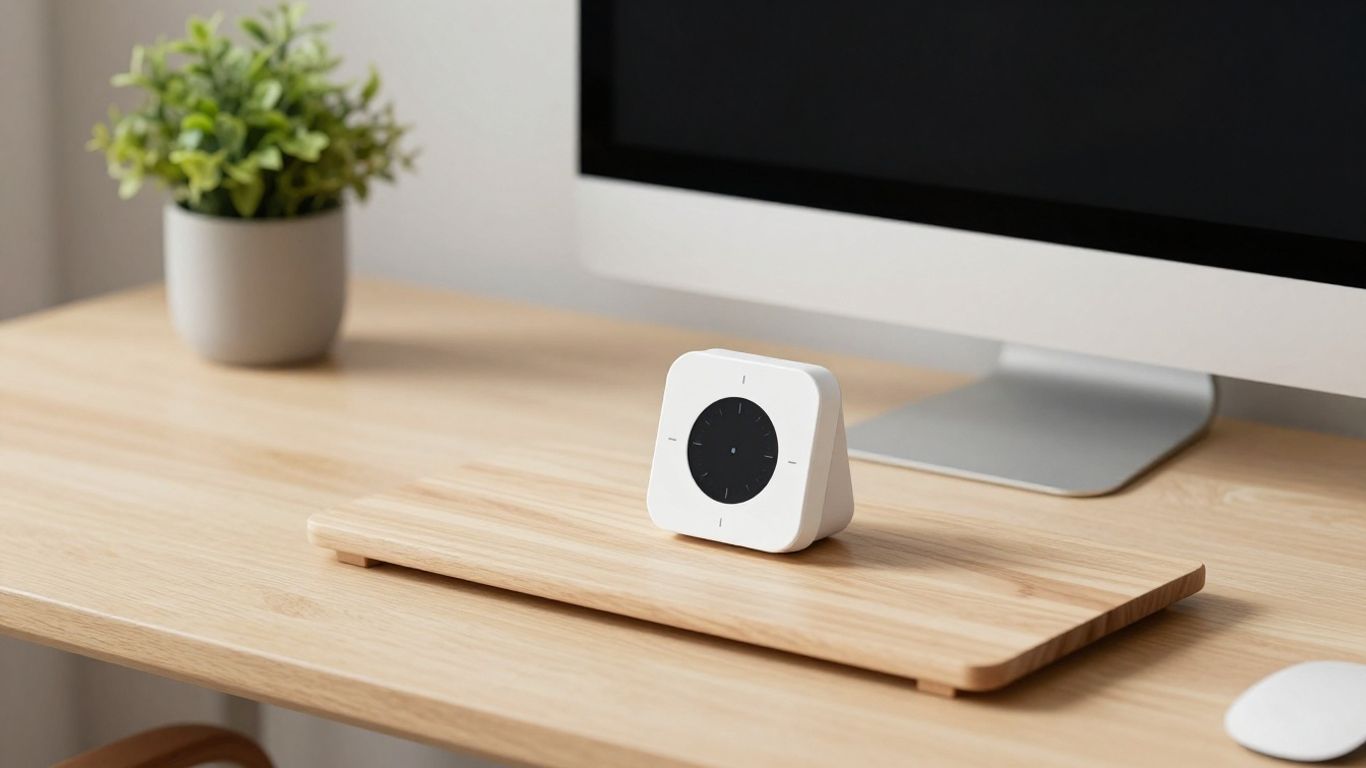
So you’ve got your minimalist Pomodoro timer set up, and you’ve done a few cycles. That’s great! But how do you really squeeze the most out of this simple tool? It’s not just about setting a timer; it’s about building a system that works for you. The real magic happens when you integrate the timer into your daily workflow consistently.
Tracking Progress and Building Momentum
It’s easy to get lost in the work cycles and forget to look up. But paying attention to your progress is key. Many minimalist timers offer subtle ways to show you how you’re doing. Maybe it’s a simple count of completed Pomodoros, or a visual indicator that fills up. Use these cues! Seeing that you’ve completed a few cycles can be a real motivator. It builds momentum, making it easier to start the next session.
- Note completed cycles: Keep a mental tally or a quick jot on a notepad.
- Review your day: At the end of your work period, glance back at how many cycles you managed.
- Celebrate small wins: Acknowledge your focus time; it’s a win!
Overcoming Distractions During Work Cycles
Distractions are the enemy of focused work, right? When that urge to check your phone hits, or an email pops up, what do you do? The minimalist timer is your anchor. Instead of immediately giving in, acknowledge the distraction. A quick jot on a piece of paper or a designated
Benefits of a Minimalist Approach
So, why go minimalist with your Pomodoro timer? It’s not just about looking sleek on your desk, though that’s a nice bonus. The real magic happens when you strip away the unnecessary bells and whistles. This simplicity directly impacts your brain, making it easier to get into that focused groove.
Reduced Cognitive Load and Stress
Think about it: a timer packed with features, notifications, and endless customization options can actually become a distraction itself. A minimalist timer, on the other hand, presents a clean slate. There’s less for your brain to process, less to get sidetracked by. This reduction in mental clutter translates to less stress and a calmer state of mind, which is pretty great when you’re trying to get work done. It’s like clearing your desk before you start a project; a tidy space leads to a tidy mind.
When you’re not constantly managing the tool you’re using to focus, you have more mental energy available for the actual task at hand. This is the core advantage of a minimalist design.
Enhanced Concentration and Task Completion
With fewer distractions from the timer itself, your ability to concentrate on your work naturally improves. The simple act of starting a timer becomes a clear signal to your brain: it’s time to focus. This consistent ritual, supported by a straightforward tool, helps build momentum. You’re more likely to stick with your work intervals and, consequently, complete more tasks. It’s about creating an environment where focus is the default, not a struggle. This approach can dramatically reduce task avoidance over time.
- Clearer intention: The timer’s simplicity reinforces the purpose of the work interval.
- Fewer interruptions: No pop-ups or complex menus to pull you away.
- Sustained attention: Easier to stay locked into your task for the duration.
Sustainable Productivity Habits
Ultimately, a minimalist Pomodoro timer helps build habits that last. By making the process of focused work less complicated and less stressful, you’re more likely to stick with it long-term. It’s not about intense bursts of productivity followed by burnout; it’s about creating a sustainable rhythm. This consistency is what turns focused work into a reliable part of your routine, rather than a chore you dread. You can even track your progress with tools designed for building long-term focus habits, making the journey more rewarding. The goal is to make productivity feel less like a battle and more like a natural flow, which is why exploring the Pomodoro Technique can be so beneficial for managing daily tasks.
Wrapping Up Your Focus Journey
So, there you have it. We’ve walked through how a simple, minimalist Pomodoro timer can really make a difference in your day. It’s not about fancy features; it’s about getting back to basics and focusing on what matters. By breaking your work into manageable chunks and taking those well-deserved breaks, you can tackle tasks without feeling overwhelmed. Give it a try, find a timer that feels right for you, and see how much more you can get done. You might be surprised at how effective this straightforward approach can be.
Frequently Asked Questions
What exactly is the Pomodoro Technique?
The Pomodoro Technique is a way to manage your time by working in focused bursts. You work hard for a set amount of time, usually 25 minutes, and then take a short break. It’s like using a kitchen timer shaped like a tomato – that’s where the name comes from!
Why is a ‘minimalist’ timer better for focus?
A minimalist timer has a simple design with no extra buttons or confusing menus. This means fewer distractions. When you’re trying to focus, having a clean screen helps your brain stay on task instead of getting sidetracked by fancy features.
How long should my work and break times be?
The classic setup is 25 minutes of work followed by a 5-minute break. After you’ve done this four times, you take a longer break, maybe 15 to 30 minutes. But you can totally change these times to fit what works best for you!
What if I get distracted during a work session?
That’s normal! If a thought pops into your head or something urgent comes up, quickly write it down on a piece of paper or in a note. Then, get right back to your work. You can deal with those notes during your break or after your work session.
Can I use this technique for any kind of task?
Yes! The Pomodoro Technique is super flexible. It works great for studying, writing, coding, cleaning, or even just planning your day. Breaking big tasks into smaller chunks makes them feel less scary and easier to start.
What are the main benefits of using a minimalist Pomodoro timer?
Using a simple timer helps you focus better because it’s not distracting. It also reduces stress by making work feel more manageable. Over time, it helps you build a habit of concentrating and getting things done more consistently.




