
Ever feel like the homeschool day stretches forever, and before you know it the afternoon is a blur of worksheets, snack breaks, and endless to‑do lists?
What if you could carve the chaos into bite‑size, focused bursts that actually make learning feel like a series of wins rather than a marathon?
That’s where the pomodoro technique for homeschooling steps in – a simple timer‑based rhythm that turns 25‑minute work sprints into clear, achievable milestones.
Imagine setting a kitchen timer (or the timer in our Focus Keeper app) and saying, “Okay, we’ll tackle math problems for the next quarter‑hour, then we get five minutes to stretch, grab a snack, or just breathe.”
Those short, intentional bursts give kids a built‑in sense of progress, and the breaks keep the brain from frying out. It’s the same reason athletes use interval training: you push hard, recover, then go again, stronger.
In our experience with families juggling multiple grades, the biggest breakthrough comes when you pair each pomodoro with a crystal‑clear goal – “complete five fraction worksheets” instead of the vague “do math.” The clarity removes the “where do I start?” freeze.
And the beauty is that the technique adapts to every learning style. Visual learners can sketch a quick mind map during the break; auditory kids might sing a short mnemonic; kinesthetic learners can do a quick stretch or a dance.
Got a day packed with science experiments, language arts reading, and a history project? Slice the day into blocks, label each pomodoro, and watch the schedule become a colorful puzzle rather than a dreaded wall of work.
But you might wonder: “Will five‑minute breaks become a distraction?” The key is structure – keep breaks purposeful, not screen‑marathon time. A quick walk to the backyard, a water‑bottle refill, or a 10‑second breathing exercise works wonders.
So, how do you get started without overcomplicating things? Grab a timer, write down today’s top three learning targets, set the timer for 25 minutes, and commit to one task. When it dings, celebrate the finish, then reset.
Ready to turn homeschool chaos into a rhythm that feels both productive and low‑stress? Let’s dive in and see how a few simple pomodoros can transform your family’s learning day.
TL;DR
The pomodoro technique for homeschooling turns chaotic lesson plans into bite‑size, focused bursts, giving kids clear targets and energizing five‑minute breaks that keep motivation high.
By setting a timer, defining one task per pomodoro, and celebrating each finish, families boost productivity, reduce overwhelm, and make learning feel rewarding every day.
Step 1: Set Up a Dedicated Study Space
Let me be completely honest: a dedicated study space isn’t a luxury—it’s the anchor that keeps your homeschooling day from wandering. When your kitchen table becomes a predictable base, starting a 25-minute sprint feels less like a gamble and more like stepping onto a track that’s already lined up. A calm, organized space lowers friction before you even begin. And yes, the right setup even helps shy kids articulate questions instead of bottling them up.
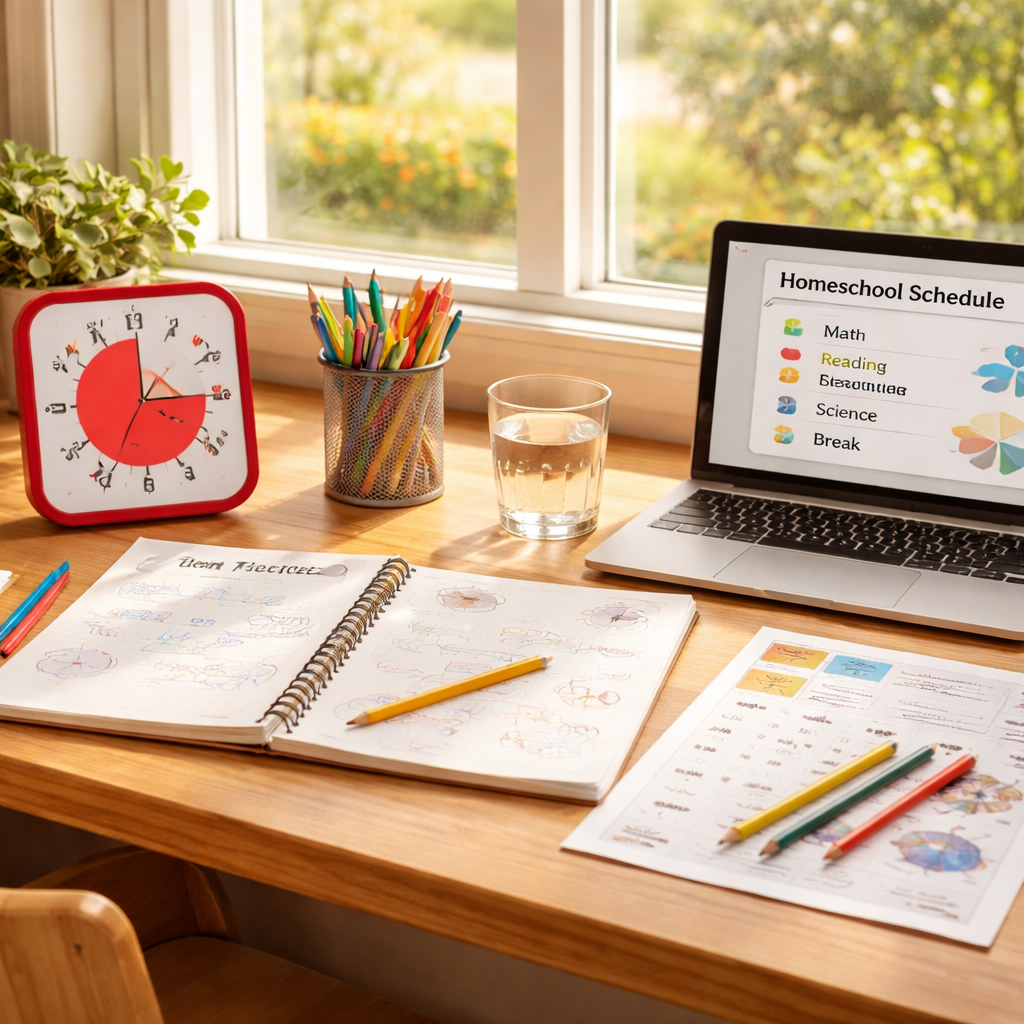
Choose a spot with quiet, consistent light, away from kitchen traffic and TV noise. If possible, a window nook or a small desk in a quiet corner helps your child focus. A sturdy chair, a real desk, and enough space for a notebook, water bottle, and a couple of pencils are non-negotiables.
Set up the essentials so everything you need is within arm’s reach. A reliable timer (we love the Focus Keeper timer for homeschool blocks), a notebook or math workbook, colored markers for quick notes, and a reusable water bottle. Keep cables tidy and label where each item lives so you don’t waste time hunting. For a deeper look, Pomodoro Technique for Homeschool Parents: A Practical How-To Guide.
Place a small whiteboard or sticky notes where you can jot the day’s top task, for example, “complete three fraction problems” or “read two pages and annotate.” That visibility makes the Pomodoro rhythm concrete and age appropriate for younger learners and helps teens stay accountable.
Set a boundary with people at home. Let siblings or roommates know that during focus blocks interruptions should wait for break time. A simple door sign helps, and a predictable space makes it easier to preserve the flow even on busy days. If you can, create a consistent arrival routine so your child steps into study mode the moment they sit down.
Lighting matters. Brighten the area with natural light when possible, and add a small desk lamp for mornings or cloudy days. An ergonomic chair and a tidy desk matter more than you think; if the seat is uncomfortable, your child will wander before the timer even starts. Small touches—a plant, a favorite pencil cup, a soft rug for breaks—can make the space feel inviting rather than clinical.
Limit digital distractions by keeping devices out of reach unless they’re used for the timer or learning apps. If a device must stay nearby, enable focus features during pomodoros to keep notifications at bay. For families juggling multiple grades, a dedicated space helps keep everyone on track without constant reorganizing.
In our experience, a solid space makes the timer feel like a teammate. When the environment is stable, kids slide from one sprint to the next with less hesitation and more momentum. It’s not fancy, but it works—and it scales as your homeschooling needs grow.
Here’s a quick visual cue: if you want a real-life walkthrough, this short video shows how to set up the space and start your first pomodoro.
Does this setup actually help? Absolutely. A dedicated space reduces decision fatigue, keeps work sessions punchy, and makes breaks genuinely restorative. Start with a single corner today, observe what works for your child, and adjust as needed. You’ll notice a calmer rhythm within a few days, and that momentum sticks.
Step 2: Create a Pomodoro Schedule Tailored for Homeschooling
Okay, you’ve got a dedicated nook set up, the timer’s ready, and the kids are buzzing with curiosity. The next puzzle is turning that buzz into a predictable rhythm that actually gets work done.
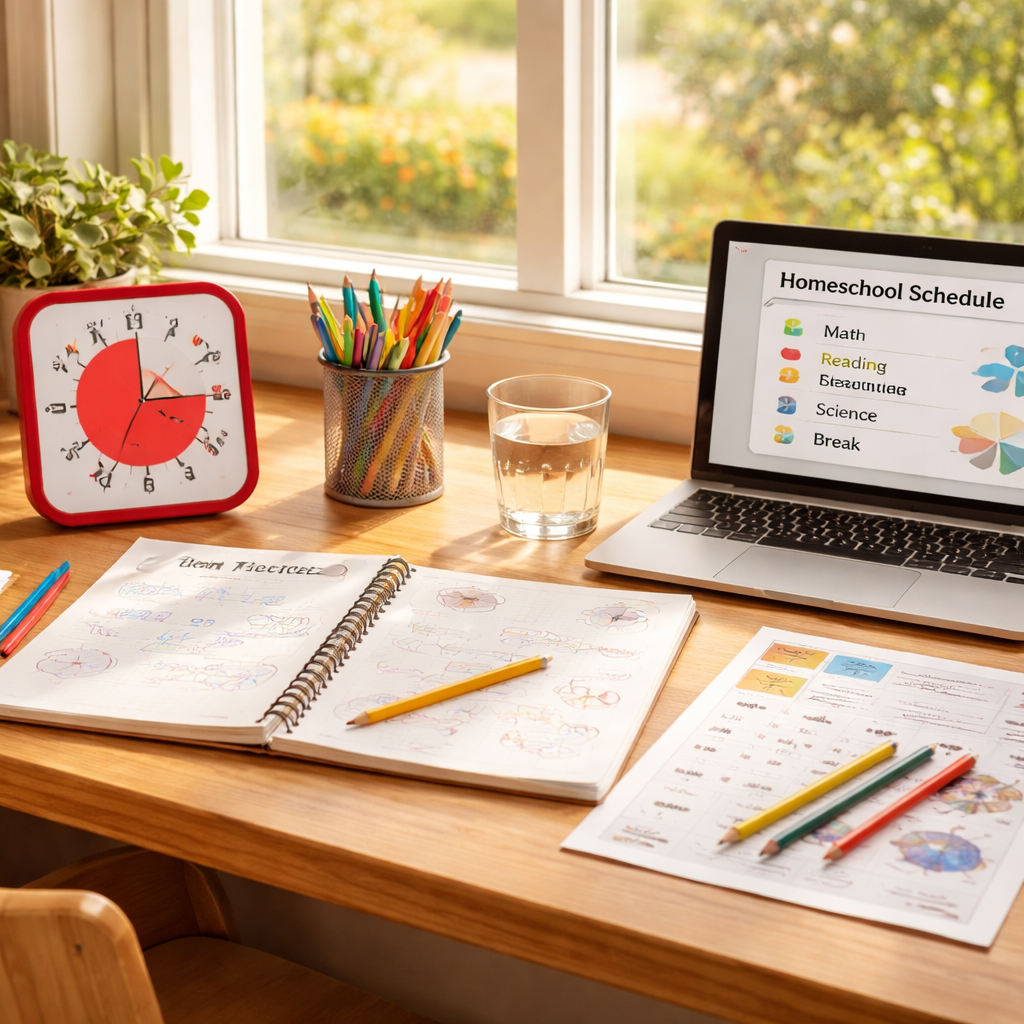
First, grab a blank sheet of paper or a simple spreadsheet and list every subject you need to cover that day. I like to break the list into three columns: subject, duration, and location. The location bit may sound odd, but as I’ve seen families swear by assigning math to the kitchen counter and reading to the living‑room couch – it keeps siblings from stepping on each other’s toes.
Pick the right interval length
Most homeschoolers start with the classic 25‑minute work block and a 5‑minute break. If your older teen can handle a bit more focus, bump it to 35 minutes and keep the 5‑minute pause. The key is to keep the break proportionate – you don’t want a 20‑minute break after a 25‑minute sprint, that just kills momentum.
Our own experience at Focus Keeper shows that families who stick to a consistent interval see a noticeable drop in “I don’t know what to do next” moments within the first week.
Map the day like a puzzle
Start at the top of the day when energy is highest. Slot in the toughest subject first – maybe algebra or a science experiment – for a 25‑minute pomodoro. Follow it with a 5‑minute break where kids can stretch, grab a sip of water, or do a quick doodle.
Then move to a lighter task, like spelling or a reading comprehension passage, for the next pomodoro. Alternating high‑focus and low‑focus blocks prevents burnout and keeps the day feeling varied.
Here’s a quick visual of what a morning could look like:
- 07:30‑08:00 – Breakfast & routine
- 08:00‑08:25 – Math (25 min)
- 08:25‑08:30 – Break (5 min)
- 08:30‑08:55 – Reading (25 min)
- 08:55‑09:00 – Break (5 min)
- 09:00‑09:35 – Science experiment (35 min)
- 09:35‑09:40 – Break (5 min)
After four pomodoros, give them a longer 15‑minute recharge – a snack, a quick walk outside, or a family stretch session.
Use a visual timer that kids can see
Instead of a phone alarm that disappears into a pocket, try a looping online timer like TomatoTimers. The colored countdown circle shrinks in real time, so kids can literally see the time slipping away without constantly checking a screen.
Because the timer is visible, you also get a natural cue for the next subject. When the red disk disappears, everyone knows it’s switch‑time.
Now, let’s watch a quick walkthrough of setting up a homeschool pomodoro schedule. The video walks through a real‑world example and shows how to adjust intervals on the fly:
Notice how the presenter writes the subjects on a fridge magnet board – that’s a trick I’ve seen families use on Homeschool Made Simple. It turns an abstract schedule into something tactile that kids can move around as they finish each block.
Fine‑tune the schedule each week
At the end of the day, take a minute to glance at the completed pomodoros. Ask yourself: which blocks felt too short? Which subjects needed a longer stretch? Jot a quick note on the fridge – “add 5 min to science” or “move art to after lunch.” Over a few weeks you’ll have a customized rhythm that matches your family’s natural energy peaks.
Don’t stress if a pomodoro overruns; just note it and adjust the next day. Flexibility is the secret sauce.
Quick checklist
- Write down every subject for the day.
- Assign a location to each subject.
- Choose 25‑ or 35‑minute work intervals.
- Set a visible timer (TomatoTimers works great).
- Schedule 5‑minute breaks and a longer 15‑minute recharge after four blocks.
- Review and tweak the schedule nightly.
When the schedule becomes a living part of your homeschool routine, the pomodoro technique for homeschooling stops feeling like a rigid system and starts feeling like a helpful rhythm that lets everyone breathe, focus, and actually finish the work.
Step 3: Choose the Right Pomodoro Timer Tools
Okay, you’ve nailed the space and the schedule – now it’s time to pick a timer that actually feels like a partner, not a nag.
Start simple: a web‑based timer works for most families
If you’re wary of installing apps on every device, try a browser timer. Pomofocus lets you set 25‑minute blocks, add custom tasks, and see a clean countdown right in the tab. No downloads, no notifications stealing your kids’ attention – just a sleek clock that you can drag onto a second monitor or a tablet.
Because it’s web‑based, you can pop it up on the fridge’s smart screen, a laptop, or even a cheap old tablet that lives on the study nook. The visual progress bar is great for younger learners who love watching the “red line” shrink.
When you need more features, look at dedicated apps
Some families want a little extra – automatic logging, break‑song playlists, or the ability to block distracting sites while the timer runs. The best Pomodoro timer apps roundup highlights a handful of free‑to‑try options like Pomodor (a minimalist web app) and Otto (a Chrome extension that can block sites). Both let you tweak interval lengths, which is handy if your older teen prefers 35‑minute sprints.
What we’ve seen work best in the homeschooling crowd is a tool that syncs across devices so a parent can see how many pomodoros each child has completed. That data becomes a low‑pressure way to celebrate consistency without turning it into a competition.
What to look for in a timer
- Visibility. The timer should be front‑and‑center – a big digital display or a physical kitchen timer that everyone can hear.
- Customizable intervals. Kids’ attention spans vary; being able to switch from 25‑minute blocks to 15‑minute bursts keeps the system flexible.
- Break cues. A gentle chime or visual cue signals it’s time to stretch, grab a snack, or do a quick dance.
- Simple logging. A built‑in count of completed pomodoros helps you spot patterns – maybe science always needs an extra block, or reading flies by.
And don’t forget the human element: the timer should feel like a friendly reminder, not a strict drill sergeant.
Our pick for homeschooling families
Platforms like Focus Keeper blend the simplicity of a timer with a dashboard that tracks each child’s pomodoros over the week. You can set separate profiles for a 7‑year‑old and a high‑schooler, assign colors to subjects, and even export a quick report for a parent‑teacher conference. Because it’s built around the Pomodoro Technique, the app automatically switches between work and break periods, so you spend less time fiddling with settings and more time watching the learning rhythm take shape.
If you’re on a tight budget, start with Pomofocus or the free version of Pomodor, then graduate to Focus Keeper once you see the need for deeper insights.
Quick checklist for choosing your tool
- Is the timer visible to the whole family?
- Can you change the work‑break lengths?
- Does it offer a way to log completed pomodoros?
- Is it easy to set up on the devices you already own?
- Do you need extra features like website blocking or cross‑device syncing?
Pick the one that checks most of these boxes, give it a test run for a week, and tweak the settings based on what feels natural for your household. The right timer turns the pomodoro technique for homeschooling from a concept into a daily habit that keeps everyone moving forward.
Step 4: Implement Break Activities that Boost Learning
Alright, you’ve just finished a pomodoro and the timer’s chirped. What do you do next? If you jump straight back into worksheets, you’re missing the whole point of the break.
A purposeful break is a mini‑reset for the brain. It’s not a free pass to scroll TikTok; it’s a chance to recharge mentally, emotionally, or physically so the next sprint feels fresh.
Pick a break that actually restores
Think about the kinds of activities that leave you feeling lighter. A quick stretch, a glass of water, or a 30‑second dance party works wonders. Research on break ideas suggests that non‑screen activities—like a short walk or a breathing exercise—restore focus better than a quick meme binge.
Does your child love music? Put on a five‑second favorite song and let them sway. Does the family have a pet? A quick cuddle can lower stress hormones in seconds.
Tailor breaks to learning styles
Visual learners might doodle a quick sketch of what they just studied. Kinesthetic kids can do a set of jumping jacks or a hallway race. Auditory learners could chant a mnemonic or hum a tune that ties to the lesson.
And if you’re the parent juggling a remote‑work call, use the break to step outside for fresh air. That tiny change in scenery resets your own focus, too.
Keep the timing tight
The classic pomodoro break is five minutes. Set a second timer for the break so you don’t drift into an hour‑long snack sesh. When it dings, you’re back on track.
After four pomodoros, lengthen the pause to 15‑30 minutes. This is the perfect window for a wholesome snack, a short yoga flow, or a quick family game.
Use simple cues to signal break time
Place a visual cue—like a small sign that says “Break!”—on the desk. When the timer ends, move the sign to the shelf. The physical act of moving something reinforces the mental shift.
In our experience, families who pair a visual cue with a timer notice fewer “I’m still working” moments during breaks.
Log what works
After each break, jot a one‑word note: “stretch,” “water,” “song,” or “nap.” Over a week you’ll see patterns—maybe the kids bounce back best after a quick dance, while you feel sharper after a glass of water.
Platforms like Focus Keeper let you add custom break tags, so you can track which activities give the biggest boost without adding extra paperwork.
So, what should a typical break look like?
- 5‑second deep breath
- Stand up, stretch arms overhead
- Drink a sip of water
- Do a 10‑second goofy movement (think “silly walk”)
- Return to the timer for the next pomodoro
It’s that simple rhythm that turns a chaotic homeschool day into a series of intentional, energizing cycles.
Remember, the goal isn’t to fill the break with endless activity—it’s to give the brain a genuine pause so it can come back stronger.
Want a quick visual reference? Print a small “break menu” and stick it on the study nook. Kids can point to the next activity, making the transition feel automatic.

Give one of these break ideas a try today, watch the focus level bounce back, and notice how much smoother the next learning sprint feels.
Step 5: Track Progress and Adjust Timing
Let’s be real: you can run a tidy pomodoro schedule, but if you don’t track what’s actually happening, you’re flying blind. This step is where you turn rhythm into evidence, and evidence into smarter days of homeschooling.
In our experience with families using Focus Keeper, progress visualization isn’t cosmetic fluff. It helps you see which kids are strongest in which subjects, how many pomodoros they’re actually finishing in a week, and where the schedule starts to feel sticky. You’ll notice patterns that aren’t obvious from a plain to‑do list.
So, what should you track first? Start with completed pomodoros per child, and note which subject each block covers. Then add a quick read on how the break felt—did it reset focus or did it drag on? Small details add up to big improvements over time. If you’re coordinating multiple kids, a clear dashboard becomes your best ally.
For context, sources on break restoration and executive functioning reinforce why this works. Rainbow Resource emphasizes that breaks should restore and recharge attention, not become extended screen time. See more about break restoration here. breaks should restore focus.
Meanwhile, research on Pomodoro and executive functioning explains how structured work cycles support learning control and planning, especially for students juggling several tasks. Learn more here. Pomodoro and executive functioning.
Now, how do you translate data into action? Start with a simple weekly review: what blocks overran, which stayed on target, and where did you see energy dips after a long stretch? Use that to adjust timing with confidence rather than guesswork.
Step-by-step plan to act on what you learn
1) Tally the average minutes you actually spend per subject across the week. If you see math consistently short of plan, consider a longer block or a short buffer between topics.
2) Compare planned blocks to actual outcomes. If a 25‑minute math block routinely runs to 32 minutes, you may want to adjust the interval to 30 minutes or keep 25 but trim the task set.
3) Use the fourth pomodoro of the day for a longer recharge if four blocks are your rhythm. If energy wavers earlier, try two shorter blocks back-to-back with a longer break in between.
4) After each day, jot one concrete tweak on the fridge note—this keeps momentum tangible and doable for busy mornings.
To make this easy, consider a lightweight template: track pomodoros completed, subject, any overrun, and the next adjustment you’ll try. That’s the kind of data-driven approach that keeps homeschooling moving forward without turning into a math problem itself.
Here’s a quick decision table to summarize options and decisions you can make this week.
| Feature | Option/Tool | Notes |
|---|---|---|
| Progress tracking | Individual dashboards per child | Shows weekly pomodoros and subjects; great for remote workers juggling schedules too |
| Break quality signals | Break tagging in the timer | Helps identify which break activities restore focus most effectively |
| Schedule adjustments | Weekly review + tweak cadence | Try 25/5, 35/5, or longer breaks after four blocks based on patterns |
Want a built‑in way to visualize all this? Focus Keeper makes it easy to track multiple children, log pomodoros, and export simple reports you can share with a teacher or coach. It’s not about turning you into a data nerd; it’s about giving you a compass for calmer, more focused homeschool days.
Ready to make progress visible and adjustments effortless? Start with a quick 10‑minute review tonight, then head into tomorrow with one concrete change. You’ll feel the difference in the first block, I promise.
Step 6: Involve the Whole Family for Support
You’ve got the timer set, the schedule mapped, and the breaks working. But what if the whole household became part of the rhythm instead of just the kids?
Why family matters
When one person is laser‑focused, the rest of the house can feel like a noisy backdrop. When everyone knows the pomodoro cadence, that backdrop turns into a cheer squad. Think about the moment when Mom walks by, sees the timer ticking, and says, “Great job, keep going!” That tiny acknowledgment can boost a child’s confidence more than any sticker.
Research shows that shared structure reduces the number of interruptions that pull a child out of a work sprint. Rainbow Resource’s guide on pomodoro for homeschoolers notes that families who adopt the technique together notice fewer “urgent” distractions and more smooth transitions.
Get everyone on board
Start with a quick family meeting. Explain the four‑work‑one‑break pattern in plain language: “We work for 25 minutes, then we all take five minutes to stretch, grab a snack, or do something fun. After four rounds we get a longer break.” Keep it under three minutes – the point is to model the same focus you expect from the kids.
Assign each person a simple role. One sibling can be the “timer keeper” who starts and stops the countdown. Another can be the “break captain” who suggests a quick activity – a hallway walk, a water‑fill, or a silly dance. Parents can act as the “checkpoint” by checking that the task goal was met before the next pomodoro begins.
Even pets can join the fun. A quick lap around the living room with a dog during a break gives kids movement and gives the pet a treat. It’s a win‑win that reinforces the idea that breaks are about reset, not screen time.
Turn support into a habit
Write the family pomodoro schedule on a shared whiteboard. Use colour‑coded magnets: green for work, yellow for short breaks, orange for the longer recharge. When the timer dings, move the magnet from work to break – a visual cue that everyone can see.
Log the day together. After the final pomodoro, gather for a five‑minute “debrief.” Ask, “What went well? What pulled us off track?” Jot one tweak on the fridge note – maybe “add a 2‑minute stretch after math” or “swap snack time with reading time.” Over a week you’ll see patterns and can adjust the rhythm.
In our experience, families who treat the pomodoro as a team sport see a drop in sibling squabbles because everyone knows when it’s okay to chat and when silence is golden.
Support for kids who need extra help
Kids with ADHD often need shorter work bursts and more movement. ADDitude’s tips for teens with ADHD recommend pairing a 15‑minute pomodoro with a high‑energy break – like jumping jacks or a quick backyard sprint. When the whole family knows the pattern, they can cue the break without being asked.
Use the timer app to label each block with a family‑wide goal, such as “Finish reading chapter together” or “Complete science experiment steps.” When the goal is shared, the child feels less isolated and more accountable.
Tech that makes it easy
Platforms like Focus Keeper let you create multiple profiles, so each child can see their own pomodoro count while the parent watches the household total. The visual dashboard turns individual progress into a collective scoreboard, encouraging gentle friendly competition.
Set a weekly family challenge: whoever logs the most pomodoros gets to pick Friday’s family movie. The prize is low‑stakes, but the motivation to stick to the rhythm spikes.
Quick checklist
- Hold a 3‑minute family kickoff meeting.
- Assign timer keeper, break captain, and checkpoint roles.
- Display a colour‑coded schedule on a shared board.
- Log one tweak after each day’s final pomodoro.
- Celebrate milestones with a low‑effort family reward.
When the entire household moves in sync, the pomodoro technique for homeschooling stops feeling like a solo grind and becomes a family habit. Give it a try this week, and notice how the little moments of shared focus add up to bigger gains for everyone.
Conclusion
So, you’ve seen how a simple timer can turn a chaotic homeschool day into a rhythm that actually works.
When the pomodoro technique for homeschooling becomes a family habit, the little 25‑minute sprints add up to big learning wins.
What’s the easiest next step? Grab any timer – even the kitchen one – and set a single pomodoro for tomorrow’s toughest subject.
Notice how the clear start‑stop cue gives the kids a purpose, and the short break feels like a mini‑celebration.
In our experience at Focus Keeper, families who log each block on a visual dashboard see motivation rise without extra stickers or prizes.
But you don’t need fancy software to get started; the habit itself is the power move.
Ask yourself: how will the day look when everyone knows when to work and when to pause?
Give the routine a try this week, tweak the interval length if needed, and watch the stress melt away.
When the rhythm clicks, you’ll find more time for reading together, a quick backyard sprint, or simply a quiet moment with a cup of tea.
Ready to make focus the default mode in your homeschool? Start a pomodoro today and let the habit do the heavy lifting.
FAQ
Here are some of the most common questions families ask when they start using the pomodoro technique for homeschooling. We’ll keep it casual, give you concrete steps, and sprinkle in a few real‑world tips you can try today.
How do I set up the pomodoro technique for homeschooling with young kids?
Start by picking a visible timer – a kitchen timer, a sand‑glass, or a simple phone app works fine. Explain the 25‑minute work block as a “focus sprint” and the 5‑minute break as a “play pause.” Write the goal for the sprint on a sticky note (e.g., “read one page” or “solve two math problems”). When the timer dings, celebrate the finish with a quick high‑five, then move straight into the break activity. Keep the routine consistent for a week, and the kids will start to anticipate the start‑stop cue without needing constant reminders.
What interval lengths work best for different age groups?
Kids under eight usually thrive on 15‑minute work bursts followed by 5‑minute breaks – their attention spans are shorter, and the frequent reset keeps frustration low. Elementary students (8‑12) often handle the classic 25‑minute sprint, while high‑schoolers may push to 35‑ or 40‑minute blocks for deeper projects. If you notice fatigue creeping in, trim the interval by five minutes and observe the change. Flexibility is key; you can even mix lengths in a single day to match subject difficulty.
How can I keep my kids motivated to stick with the timer?
Turn the timer into a friendly teammate rather than a drill sergeant. Let the child choose the break activity – a quick dance, a stretch, or a water‑break. Use a visual tracker, like a chart with stickers or colored magnets, so each completed pomodoro feels like a small win. Occasionally sprinkle surprise rewards (extra story time or a favorite snack) after a set of four blocks. The sense of progress, not perfection, fuels long‑term commitment.
What are effective break activities that support learning?
Choose breaks that move the body and reset the brain without pulling you back into screens. A 30‑second “silly walk,” a handful of jumping jacks, or a quick doodle related to the just‑finished lesson helps consolidate memory. For sensory learners, a short breathing exercise or a sip of water can be soothing. If you have a pet, a brief cuddle session also lowers cortisol levels, making the next work sprint feel fresher.
How do I track progress without overwhelming my family?
Keep tracking light. A simple sheet on the fridge that lists each subject and a checkbox for every pomodoro is enough for most families. If you want a digital edge, platforms like Focus Keeper let you log blocks, add a one‑word break tag, and view a weekly summary without drowning in data. Review the sheet together at the end of the day, note any overruns, and jot one tweak for tomorrow – that’s all the insight you need.
Can the pomodoro technique be combined with other homeschooling methods?
Absolutely. Pair it with unit‑based planning by assigning each pomodoro a specific learning objective from your curriculum map. You can also blend it with interest‑based projects: set a timer for research, then use the break to discuss findings as a family. When you layer the rhythm onto methods like Montessori or Charlotte Dicey, the structure provides the focus while the pedagogy supplies the depth. In our experience, families that weave pomodoros into existing frameworks see smoother transitions and higher engagement.




