
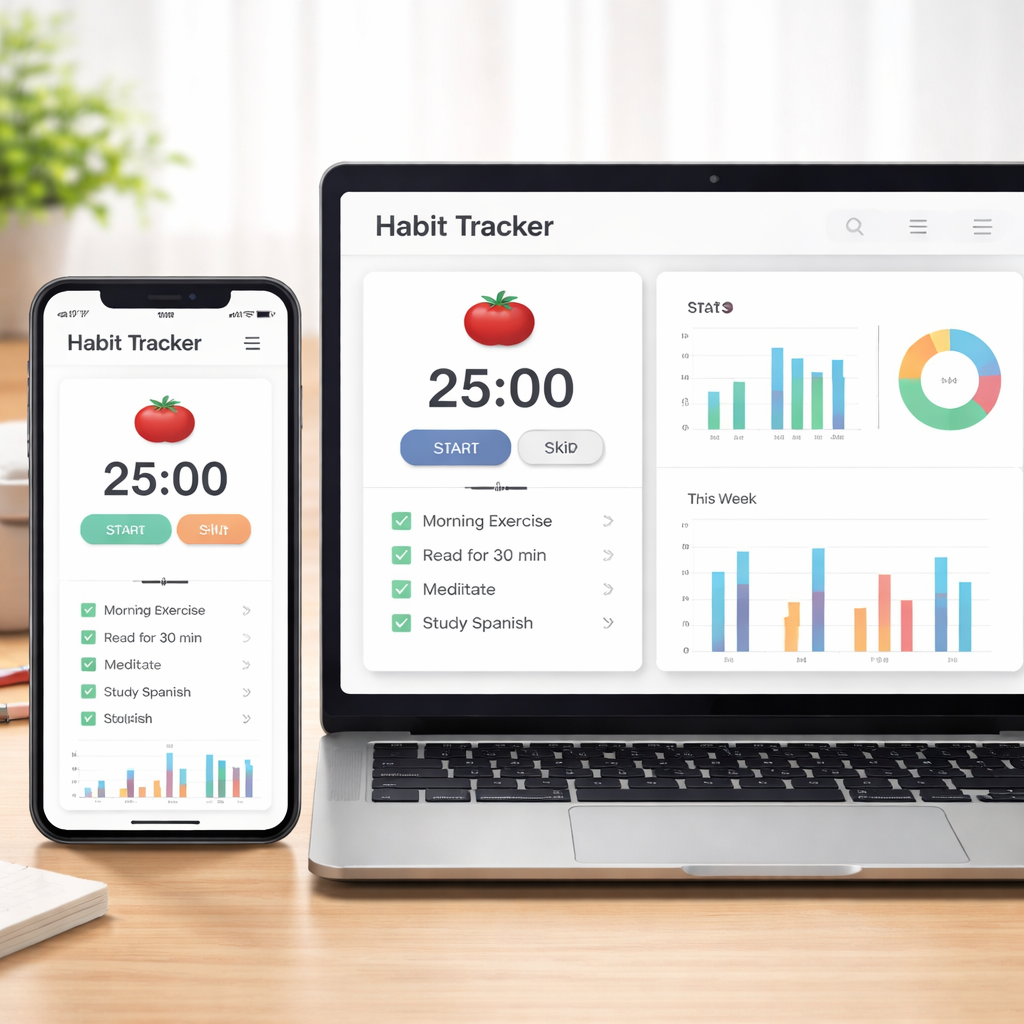
Ever stared at a blank document, set a timer, and then found yourself drifting off after just a few minutes? You’re not alone—many of us hit that wall when we try to blend the Pomodoro Technique with habit tracking. The good news is, you can actually make those 25‑minute bursts stick, turning fleeting focus into a reliable habit.
Think about a student cramming for finals. She starts a Pomodoro, but without a way to see her progress, the motivation fizzles after a couple of sessions. By logging each interval in a habit tracker, she visualizes patterns: maybe she’s most productive at 10 am, or perhaps she needs a short walk after three cycles. That visual cue is the spark that keeps her coming back.
Remote workers face a similar dilemma. One freelancer told us (in a casual Slack chat) that tracking his Pomodoros on a simple spreadsheet helped him spot that late‑night sessions were draining his energy. He switched those to early‑day blocks, and his output jumped by roughly 15 %. Simple data, big impact.
Here’s a quick three‑step starter kit you can try right now:
- Pick a habit‑tracking tool you’re comfortable with—many people love a minimalist app or even a paper journal.
- After each Pomodoro, log the session: date, duration, task, and a quick 1‑word mood tag.
- Review your log weekly. Look for trends, celebrate streaks, and adjust your timer settings accordingly.
Why does this work? Habit tracking feeds the brain’s reward system. Seeing a streak grow releases dopamine, reinforcing the behavior. It also gives you concrete evidence to tweak your routine, rather than guessing what “works”.
If you’re curious about the nuts‑and‑bolts of habit tracking, our guide What is habit tracker? breaks down the basics and shows how you can align it with Pomodoro sessions for maximum impact.
And remember, the tool is only as good as the habit you build around it. Start with one project, track it consistently for two weeks, and you’ll notice the difference. Ready to turn those scattered focus bursts into a solid productivity habit?
TL;DR
Tracking each Pomodoro with a habit tracker lets you see patterns, boost focus, and turn short bursts into lasting productivity habits for students, freelancers, and remote workers. Start logging date, task, and mood in a simple app or journal, review weekly, and watch your efficiency climb by 15 % or more.
Step 1: Choose the Right Habit Tracker App
Alright, let’s talk about the first thing you need to get right: the app you’ll actually use to log those Pomodoro bursts. If the tool feels clunky, you’ll skip it faster than a bad coffee, and the whole habit‑tracking idea collapses.
Think about the last time you tried a new habit app and gave up after a day. Maybe the UI was overwhelming, or the notifications were too pushy. That frustration is exactly why we spend a minute now figuring out what fits you.
Here’s a quick mental checklist. First, ask yourself: do you prefer a minimalist list‑only view, or do you like colorful charts that show streaks at a glance? Students often gravitate toward simple checkboxes so they can tick off each study block without distraction. Remote workers, on the other hand, might appreciate a dashboard that aggregates Pomodoros across projects.
Platform Compatibility
Make sure the app runs on the devices you actually use. If you’re on a MacBook during the day and an iPhone in the evenings, pick something that syncs seamlessly across macOS and iOS. Android users should look for the same cross‑platform reliability. A web‑based option can be a lifesaver when you hop between a work laptop and a personal tablet.
And don’t forget browser extensions. Some habit trackers let you log a Pomodoro directly from the Chrome toolbar, which is a neat shortcut when you’re deep in a research tab.
Customization Options
Customization is where the magic happens. You want to be able to tag each session with a task name, a mood emoji, or even a quick note about distractions. A good habit tracker will let you create custom fields – think “focus level” or “energy”. That way, after a week you can spot patterns like “I’m most alert after a short walk” without pulling a massive spreadsheet.
Freelancers love the ability to assign Pomodoros to multiple projects and then filter the data later. It turns a chaotic day of client work into a clear visual report you can share with a manager or use for invoicing.
Does this feel overwhelming? Not really. Most apps let you start with the default settings and then gradually unlock more features as you get comfortable.
Integration with Existing Tools
If you already use a to‑do list like Todoist or a calendar such as Google Calendar, look for a habit tracker that can sync tasks automatically. That way you won’t have to copy‑paste the same item twice. Some apps even let you start a Pomodoro timer straight from a task card – a tiny time‑saver that adds up.
And for those who love data, check whether the app exports CSV or integrates with services like Notion. Exporting lets you mash the Pomodoro data with other habit logs, giving you a holistic view of your productivity.
So, what should you do next?
Grab a free trial of a couple of apps that meet the criteria above. Spend a day or two with each, and notice which one feels like an extension of your brain rather than a burden.
Take a moment after the video to jot down three things you liked or disliked about the interface. Those notes will become your personal rubric for the final decision.
Once you’ve settled on the app that clicks, the next step is to set up your Pomodoro‑specific fields – date, task, and a one‑word mood tag. That little habit of tagging will pay off when you review your weekly trends.
Ready to make the switch? Choose the app that feels right, sync it across your devices, and start logging. In a week you’ll have a clear picture of when you’re most productive, and that insight is the fuel for the next step of your Pomodoro habit journey.
Step 2: Set Up Pomodoro Intervals and Habit Goals
Alright, you’ve got a habit tracker you like – now it’s time to tell it exactly how you want to work. Think of this step as wiring the lights before you start a movie night: you need the right brightness, the right pauses, and a clear ending so you don’t end up staring at a dark screen.
Pick your Pomodoro length (and break rhythm)
Most people start with the classic 25‑minute work block and a 5‑minute break. It works because it’s short enough to keep your brain from drifting, yet long enough to make progress on a real task. If you’re a student tackling dense reading, you might stretch to 35 minutes; freelancers juggling multiple client briefs often shrink to 20 minutes to stay laser‑focused.
Here’s a quick checklist:
- Choose a work interval that feels challenging but doable.
- Set a short break (3‑5 minutes) for a stretch, a sip of water, or a quick glance at your phone.
- Every fourth session, add a longer break (15‑20 minutes) to reset.
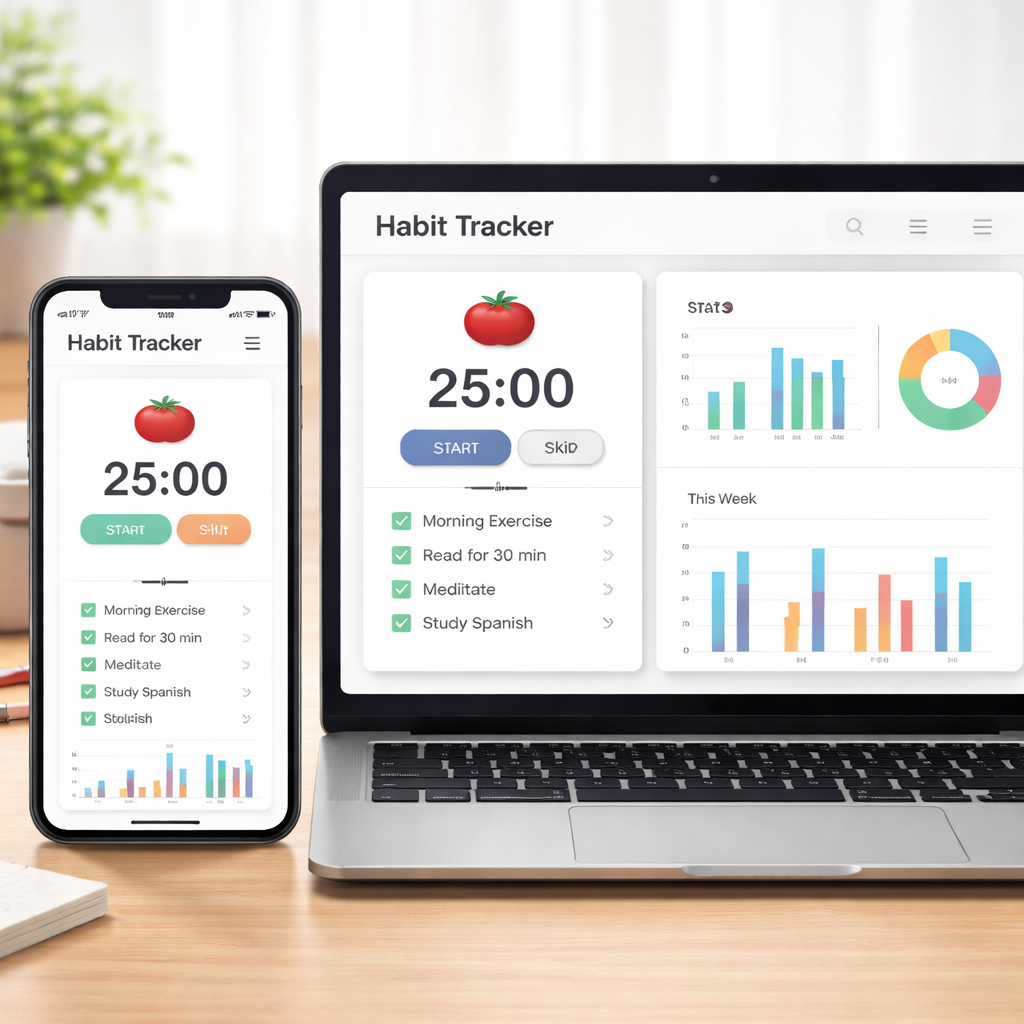
Most habit‑tracking apps let you customise those numbers. Habitify, for example, lets you tap the “Timer” button, pick the Pomodoro tab, and slide the session length left or right before you hit “Start”. It even pauses and resumes without losing your progress.
Define clear habit goals
Now that the clock is set, ask yourself: what does success look like for this habit? It could be “complete three Pomodoros on a study chapter” or “log five Pomodoros on client work each day”. The key is to make the goal measurable and tied to the timer unit (minutes or hours).
Write the goal directly into your tracker. Some apps let you select a goal unit – choose “minutes” if you prefer tracking total focused time, or “sessions” if you like counting each Pomodoro. This way the tracker can auto‑calculate streaks and give you that satisfying green bar when you hit your target.
Sync your habit with your tracker
Once the interval and goal are set, link them together. In the habit’s settings, turn on the Pomodoro option and assign the same tag you’ll use for mood (like “Focused”, “Tired”, or “Flow”). Every time you finish a session, tap “Done” and add the mood tag in one tap. Over time you’ll see a pattern: maybe you’re most “Focused” on Tuesday mornings, or you consistently feel “Tired” after the third Pomodoro of the day.
Because you’re likely hopping between laptop, phone, and maybe a tablet, make sure the app you chose syncs across devices. That way a Pomodoro you start on your desktop carries over to your phone when you head to a coffee shop – no lost data, no broken streaks.
Check your progress and adjust
At the end of each week, open the habit‑tracker’s journal view. Look for three quick signals:
- Which interval length gave you the highest “Focused” count?
- How many long‑break cycles did you actually need?
- Did your goal (sessions vs minutes) match the reality of your workload?
If you notice that 30‑minute blocks give you more “Focused” tags than 25‑minute ones, tweak the timer. If you’re hitting a wall after two short breaks, extend the long break to 25 minutes. The whole point is to treat the setup as a living experiment, not a one‑time decision.
And remember, the habit tracker is only a tool – the real magic happens when you use the data to make small, intentional tweaks. Over a two‑week trial you’ll see whether the visual streaks and mood tags actually push you forward. If they don’t, it’s okay to swap the app; the cost of changing is tiny compared to the productivity boost you’re after.
Bottom line: set a Pomodoro length that feels natural, attach a measurable habit goal, and let your tracker do the heavy lifting. When the numbers line up, you’ll watch your focus grow from a flicker to a steady beam.
Step 3: Integrate Tracking with Daily Routines
Now that your timer and habit goals are set, the real magic happens when the tracker slips into the flow of your day. Think about the last time you grabbed a coffee, checked your phone, and forgot why you opened the app. If that sounds familiar, you’re not alone – that’s why we teach you to make the habit tracker for pomodoro sessions feel as natural as brushing your teeth.
Pair the tracker with existing anchors
Start by linking the log entry to something you already do without thinking. For a student, it could be the moment you close your textbook chapter; for a remote worker, the instant you mute a Slack channel; for a freelancer, the click that sends an invoice draft.
When that cue pops up, tap “Done”, add a one‑word mood tag, and you’ve captured the whole session in less than three seconds. Over time your phone or laptop will start reminding you – “Hey, you just finished a study block, want to log it?” – and that nudge becomes a habit itself.
Bundle tracking with your break ritual
Breaks are the perfect micro‑habit window. Use the five‑minute stretch to glance at the streak calendar. If you see a green line growing, give yourself a quick high‑five or a celebratory sip of water. If the streak stalled, ask yourself what interrupted the flow – maybe a noisy coworker or an unexpected email.
By tying the visual reward to the break, you reinforce the habit loop: cue (end of Pomodoro) → action (log) → reward (streak update). It’s the same psychology behind habit‑forming apps, but you’re the one controlling the loop.
Schedule a “review minute” each day
Pick a consistent time – say right after lunch or before you log off – and spend one minute scanning the day’s entries. Look for patterns: Are you more “Focused” in the morning? Do certain tasks always end with a “Tired” tag? Jot a tiny note in the same tracker or a separate notebook: “Swap 2 pm research for 2 pm email batch.”
That one‑minute habit keeps the data from becoming a static archive and turns it into actionable insight. It’s like a daily stand‑up with yourself.
Automate where you can
If your habit tracker offers shortcuts or integrations (for example, a quick‑add widget on iOS or an Android quick‑tile), place it on your home screen. Some users even create a voice command – “Hey Focus Keeper, log pomodoro” – that records the session without unlocking the phone.
Automation removes friction, and friction is the enemy of consistency. The less you have to think about logging, the more likely you’ll keep the streak alive.
Blend tracking into larger routines
Consider how the pomodoro habit fits into a bigger workflow. A student might schedule three pomodoros before a 30‑minute review session; a freelancer could bundle two pomodoros before a client update call. Write those higher‑level blocks directly in the tracker as “project phases” so you see both the micro‑ and macro‑progress at a glance.
When the bigger picture is visible, it’s easier to say, “I need one more pomodoro to finish this draft,” instead of feeling stuck in an endless loop of “just start another.”
Keep it flexible, not rigid
Life throws curveballs – a sudden meeting, a noisy coffee shop, a power outage. The key is to adapt the logging routine on the fly. If you can’t open the app, jot a quick note on a sticky note and transfer it later. If a break runs longer than planned, log the extra minutes as “Extended break” – the tracker will still count the focused work you did.
Flexibility prevents guilt and keeps the habit sustainable over weeks, months, and beyond.
Bottom line: the habit tracker for pomodoro sessions becomes a silent partner when you embed it into existing cues, break rituals, daily reviews, and broader project plans. By treating the tracker as a natural extension of your routine, you turn data into habit‑fuel, and habit‑fuel into consistent focus.
Step 4: Review Progress with Data Tables
Okay, you’ve logged every Pomodoro, added a mood tag, and maybe even noted the project phase. Now comes the part that turns a scribble into insight: pulling those rows into a data table you can actually read.
Why do tables work better than a long list? Because our brains love patterns. A column of “Focused” tags lined up next to the hour‑of‑day column instantly shows you when you’re in the zone. A row that totals minutes per client tells you whether you’re over‑ or under‑serving a project.
Step‑by‑step: Build a review table you’ll actually use
1. Export or copy the raw log from your habit‑tracker app into a spreadsheet. Most tools let you download a CSV with date, task, duration, and mood.
2. Create three core columns: Date/Time, Pomodoro Length (25 min, 30 min, etc.), and Mood Tag. Add a fourth column called Focus Score where you translate “Focused” = 3, “Okay” = 2, “Tired” = 1.
3. Use a pivot table (or a simple SUMIF formula) to aggregate minutes per day, average mood per task, and total sessions per project phase.
4. Color‑code the mood column – green for 3, yellow for 2, red for 1. The visual cue is the same dopamine hit you get from a streak calendar.
5. Save the sheet in the cloud so it updates whether you log from your laptop or phone. That way the data is always fresh for your end‑of‑day review.
Real‑world examples that make sense
Imagine a university student named Alex who studies biology. Alex logs each Pomodoro as “Read Chapter” with a mood tag. When the table shows a spike of “Tired” scores at 8 pm, Alex shifts the last study block to 6 pm and adds a short walk. Within a week, the average focus score jumps from 2.1 to 2.7, and the exam‑prep deadline feels less scary.
Now picture Maya, a remote‑work developer who tracks client work in three phases: “Planning,” “Coding,” “Review.” Her table reveals that the “Review” phase consistently drops to a mood of 1 on Tuesdays. She experiments by moving review to Thursday when she’s naturally more alert, and her bug‑fix turnaround improves by 20 %.
And think about Sam, a freelancer juggling three clients. By grouping Pomodoros under the client name, Sam’s table highlights that Client B only gets 2 sessions a day, while Client C gets 5. Sam rebalances the load, and the invoice for Client B goes out on time, avoiding a late‑payment penalty.
Tips to keep the habit of reviewing alive
Set a “data‑dump” alarm for the same time each evening – 7 pm works for most people. When the alarm rings, open the table, glance at the colour bars, and jot one tweak for tomorrow.
Don’t over‑analyse. Pick the top metric that matters to you right now – maybe it’s “average focus score” or “total minutes per project.” Focus on that for a week, then switch.
Share a snapshot with a peer or a study buddy. Explaining the numbers out loud forces you to own the insight and often uncovers hidden patterns.
If a row looks empty or a column stays the same for weeks, that’s a sign you’ve hit a plateau. Treat it like a sprint retro: ask why, brainstorm a small change, and record the result in the next table.
Quick reference table
| Metric | How to capture | Actionable insight |
|---|---|---|
| Daily focus score | Average mood tag per day | Identify high‑energy windows to schedule deep work |
| Minutes per project phase | Sum of Pomodoro lengths grouped by phase | Rebalance workload across clients or subjects |
| Break length compliance | Log actual break minutes vs. planned | Adjust break duration to maintain stamina |
When you finish the table, you’ve turned dozens of tiny Pomodoros into a clear map of where your time goes and how you feel while you’re there. That map is the compass you need to steer your habit tracker for pomodoro sessions toward consistent progress.
Give it a try for two weeks, then come back to the table and ask: “What’s one tiny adjustment I can make tomorrow?” That question is the bridge from data back to action, and that bridge is what makes the habit stick.
Step 5: Optimize and Scale Your Pomodoro Habit System
Now that you’ve built a solid log and started spotting patterns, it’s time to push the system a little farther. Optimization isn’t about adding more work; it’s about sharpening what’s already working so the habit tracker for pomodoro sessions becomes a low‑maintenance engine for focus.
Review the data you already have
Grab the table you created last week. Look for the metric that feels most urgent – maybe your average focus score is slipping after the third session, or break compliance is drifting low. Pick one “focus lever” and treat the rest as background noise for now.
Ask yourself: “What tiny tweak could lift that lever by just a few points?” That question keeps the experiment tiny and doable.
Fine‑tune interval lengths
If you notice a dip in mood tags after 25‑minute blocks, try bumping the work interval to 30 minutes and see if the extra stretch gives you a smoother flow. Conversely, if fatigue spikes early, shrink to 20 minutes and add a quick 2‑minute micro‑break.
Log the new length in your habit tracker for pomodoro sessions and give it a three‑day trial. When the data settles, compare the average focus score before and after. A one‑point rise is already a win.
Automate recurring patterns
Most habit‑tracking tools let you create templates. Set up a “Deep‑Work Sprint” template that automatically fills in the task name, pomodoro length, and a default mood tag of “Focused.” Then, when you start a session, you only need to tap “Start.”
This removes friction, and friction is the enemy of consistency.
Scale across projects or subjects
Students juggling multiple courses can create a separate tag for each subject. Remote workers can tag “Client A” versus “Internal Ops.” After a week, run a pivot that sums minutes per tag. If one project consistently hogs 60 % of your pomodoros, schedule a dedicated “focus block” for the under‑served work.
Scaling isn’t about doing more; it’s about balancing the load so you stay energized across the board.
Introduce progressive streak challenges
Instead of a flat “5 days in a row” goal, try a ladder: 3 days, then 5, then 8. Each step unlocks a tiny reward – maybe a favorite podcast episode or a coffee shop visit. Record the reward in the same habit tracker for pomodoro sessions so the system reminds you why the streak matters.
When you hit a plateau, reset the ladder at a lower level. The reset feels like a fresh start rather than a failure.
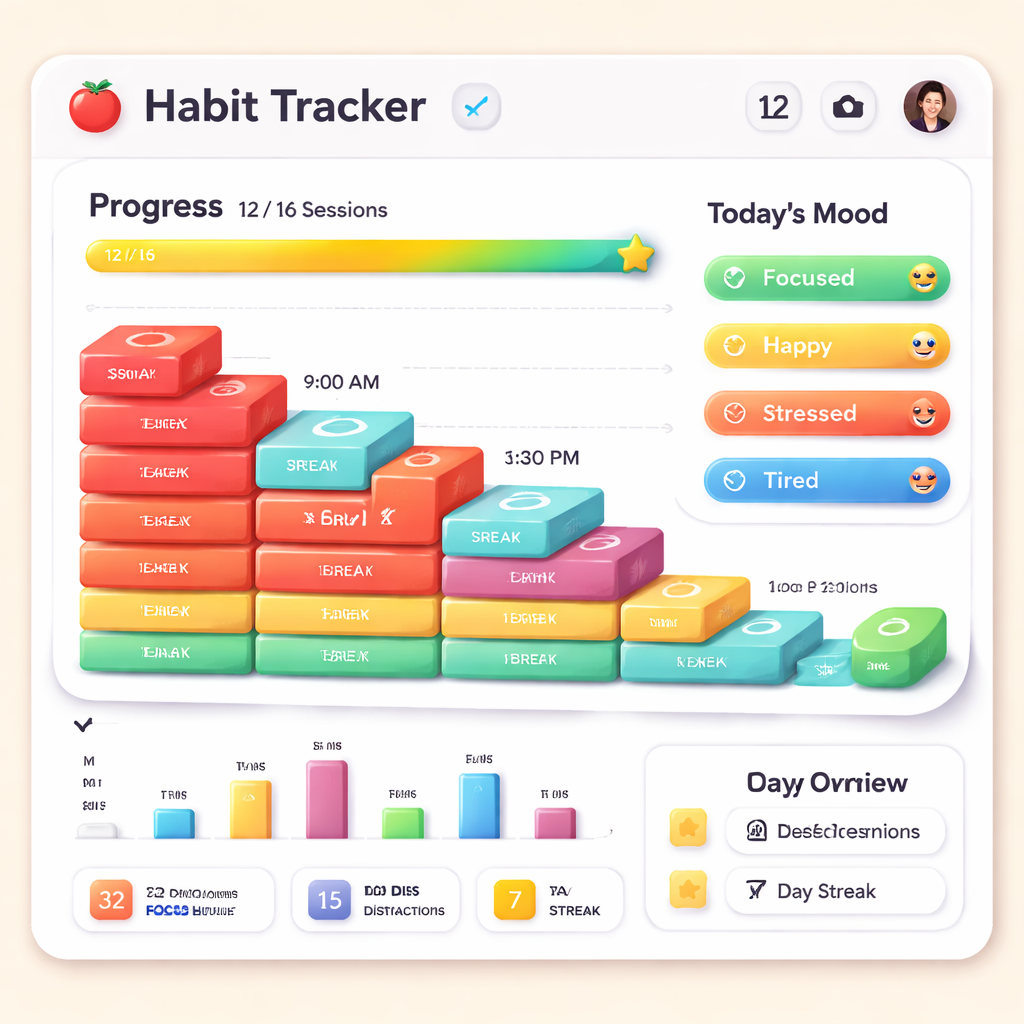
Now, let’s visualise the next level of your system.
Weekly reflection ritual
Pick a consistent time – Friday evening works for most people. Open your habit tracker for pomodoro sessions, glance at the colour‑coded mood column, and write down three observations: what worked, what felt shaky, and one micro‑adjustment for next week.
Keep the notes in the same app if it has a journal feature, or use a simple text file. The key is to close the feedback loop before the insight fades.
Leverage community feedback
If you belong to a study group, a freelancer forum, or a remote‑work Slack channel, share a screenshot of your latest metrics. Ask others what they’d tweak. External perspectives often surface blind spots you missed.
Remember, the habit tracker for pomodoro sessions is a tool, not a rulebook. You have the freedom to experiment, fail, and iterate.
By regularly reviewing data, adjusting intervals, automating repeats, and scaling tags, you turn a simple Pomodoro habit into a robust productivity system that grows with you. Give one of these tweaks a try this week, and watch the momentum build.
Conclusion
We’ve walked through how a habit tracker for pomodoro sessions can turn scattered focus into a steady rhythm. By logging each block, tagging your mood, and reviewing the data weekly, you give your brain the feedback it craves.
So, what’s the next step for you? Maybe you’re a student juggling chapters, a remote worker fighting endless Slack pings, or a freelancer balancing multiple clients. Whatever your hustle, the same simple loop—track, reflect, tweak—still applies.
Remember, the tool is only as good as the habit you build around it. Start small: set a timer, add a one‑word mood, and glance at your streak at the end of the day. In just a week you’ll spot patterns you never noticed before, like that sweet 10 am window where you feel most “Focused”.
Here’s a quick checklist to keep the momentum going:
- Log every Pomodoro in your habit tracker.
- Use a colour‑coded mood tag to spot energy shifts.
- Schedule a 5‑minute review every Friday evening.
- Adjust interval length or break frequency based on what the data shows.
Give one of these tweaks a try this week, and watch how the habit tracker for pomodoro sessions starts working for you—not the other way around. When the habit feels natural, the productivity boost follows.
FAQ
What is a habit tracker for pomodoro sessions and how does it work?
A habit tracker for pomodoro sessions is a lightweight log where every 25‑minute work block gets recorded, usually with a date, task name, and a quick mood note. The tracker turns isolated bursts into a visible streak, giving your brain the dopamine hit that reinforces the habit. Over time you can spot patterns—like the time of day you’re most focused—and tweak the timer or break schedule accordingly.
Do I need a special app or can I use a simple spreadsheet?
You don’t need a fancy paid app to start. A simple spreadsheet with columns for date, task, duration and mood works just fine, and you can export it later if you switch tools. If you prefer a mobile shortcut, most habit‑tracking apps let you add a Pomodoro entry with a single tap. The key is minimizing friction so you log every session without thinking.
How often should I review my pomodoro habit data?
A quick five‑minute review at the end of each workday is enough to catch the biggest trends. Look for the most common mood tag, note any day where you missed a break, and ask yourself whether the session length still feels right. Then, set aside a longer 15‑minute slot once a week—Friday evening works for many—to dive deeper into weekly totals and adjust goals.
What mood tags are most useful for tracking focus?
Start with three simple tags: “Focused,” “Okay,” and “Tired.” They’re easy to apply in a split second and give you enough granularity to see when energy dips. Some people add a fourth “Flow” label for those rare moments when work feels effortless. After a week, compare the frequency of each tag against the time of day and task type to fine‑tune your schedule.
Can I combine a habit tracker with team collaboration?
If you work on shared projects, many habit‑tracking platforms let you create a private team board where each member logs their Pomodoros. This builds collective visibility without turning the tracker into a micromanagement tool. You can export the combined data to spot bottlenecks across the whole team, then run a short stand‑up to discuss where the rhythm needs smoothing.
How do I avoid burnout when my streak gets long?
A long streak can feel like bragging rights, but it shouldn’t come at the cost of fatigue. Schedule a mandatory “reset” day every seventh day where you skip the Pomodoro timer altogether and focus on low‑energy tasks like email triage or light reading. The habit tracker will simply note a zero‑session day, breaking the streak without breaking the habit.
Is there a recommended routine to set up the habit tracker the first week?
Kick‑off week: Day 1 – pick your core task and log a single Pomodoro with a mood tag. Day 2 – add a second session and try a 5‑minute stretch break. Day 3 – experiment with a 30‑minute block if 25 feels too short. Day 4‑5 – keep the rhythm and start noting any distractions. By Day 6 you’ll have a baseline chart you can review on Day 7 and decide which tweaks feel most natural.




