
Ever found yourself sprinting through a stack of lecture notes, then suddenly feeling like your brain’s on autopilot and you’re just scrolling through a page of white‑space? That’s the classic focus‑fading trap most students and remote workers fall into.
What if a single, 25‑minute tweak could keep you on track and actually boost the quality of your work?
In this guide, I’ll show you how a simple 25‑minute timer isn’t just a trick—it’s a proven strategy that turns scattered effort into laser‑focused productivity.
Why 25 minutes? The Pomodoro Technique, born in the 1980s, found that 25‑minute bursts are long enough to dive deep, yet short enough to stave off mental fatigue. Think of it as a sprint in a marathon: you pace yourself, hit a checkpoint, then rest before the next lap.
Take Emma, a sophomore juggling calculus, a part‑time gig, and a student‑government role. She used a 25‑minute timer to chunk her study time into focused intervals, then took a 5‑minute break. Within a month, her quiz scores rose by 12%, and she reported feeling less overwhelmed.
For the remote worker, it’s the same principle. Alex, a freelance copywriter, sets a 25‑minute timer on his phone, writes uninterrupted, then spends the next 5 minutes reviewing progress and stretching. The result? He cuts his email‑check cycles by half and finishes drafts faster.
Here’s a quick play‑by‑play: 1. Set your timer for 25 minutes. 2. Work until the bell rings—no multitasking. 3. When the timer goes off, take a 5‑minute micro‑break: stretch, hydrate, or glance at something unrelated. 4. Repeat the cycle until you hit your target.
Want to dig into the science behind why this works? Check out What is 25 minute timer? for a deeper dive into the Pomodoro method’s roots.
And if you’re already maxing out your 25‑minute blocks, you might also love a tool that condenses lengthy videos into digestible summaries. Try YouTube Video Summarizer with AI to save time on research without missing key insights.
Ready to give your focus a structured boost? Grab a 25‑minute timer, set your first interval, and feel the difference right away.
TL;DR
A 25‑minute timer turns scattered effort into focused bursts, boosting learning and workflow. By setting a 25‑minute block, taking a 5‑minute break, and repeating, you can skyrocket productivity, reduce overwhelm, and finish tasks faster—perfect for students, freelancers, remote workers, and busy pros, and maintain mental clarity, giving you energy today.
Step 1: Choosing the Right Timer – Digital vs. Analog
First things first: do you want a blinking LED or a soft chime? The choice between a digital timer and an analog one isn’t just about nostalgia—it shapes how you’ll feel during a 25‑minute burst.
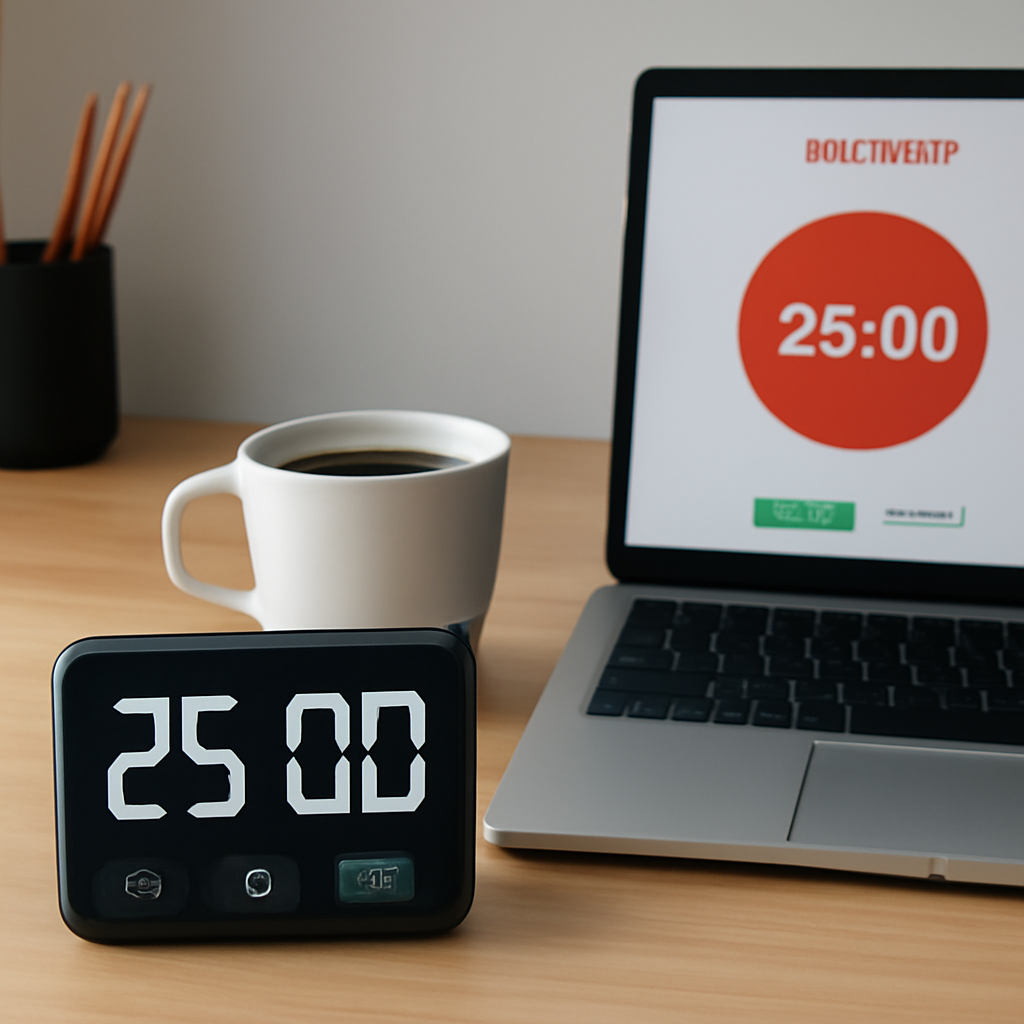
Digital timers give you a clear visual readout, a countdown that’s impossible to miss. For students juggling a stack of lecture notes, that glowing “25:00” keeps the urge to check your phone at bay.
Analog timers, on the other hand, bring a tactile rhythm. Turning a dial or flipping a switch can feel grounding, a little ritual that reminds you you’re in control.
So how do you pick? Let’s break it down:
1. Do you prefer visual cues or tactile cues?
If the blinking LED is your thing, go digital. If you like the satisfying click of a timer reset, go analog.
2. Will you need data?
Digital timers can export logs, share stats, or integrate with calendars. Analog timers are great for a “no‑tech” workspace or for a quick coffee‑break timer.
3. What about portability?
A pocket‑sized digital timer or a mobile app is handy when you’re on the move. An analog wall clock or a kitchen timer is a stable companion at your desk.
Remember, the 25‑minute timer is the core of the Pomodoro technique. If you’re looking for more detail on how this works, check out What is 25 minute timer? for a deep dive.
Now that you’ve decided on the physical side, let’s talk about the tech side of the timer itself. Many of us have tried a simple phone alarm, but what if you could automate the entire cycle without touching your phone again? That’s where the Focus Keeper app shines—automated intervals, auto‑pause for breaks, and a clean dashboard that shows how many Pomodoros you’ve completed today.
Still not convinced? Watch this short demo that shows the app in action:
After you’ve seen the timer at work, you might wonder how to squeeze even more productivity into those 25 minutes. That’s where AI‑powered tools like YouTube Video Summarizer with AI come in handy—condense a whole lecture into a 5‑minute recap so you can hit your next Pomodoro without losing the big picture.
But remember, a timer is only as good as the break you take. Pair your focused bursts with a brief mindfulness practice. XLR8well offers guided breathing sessions that fit perfectly into a 5‑minute micro‑break, helping you reset both mind and body.
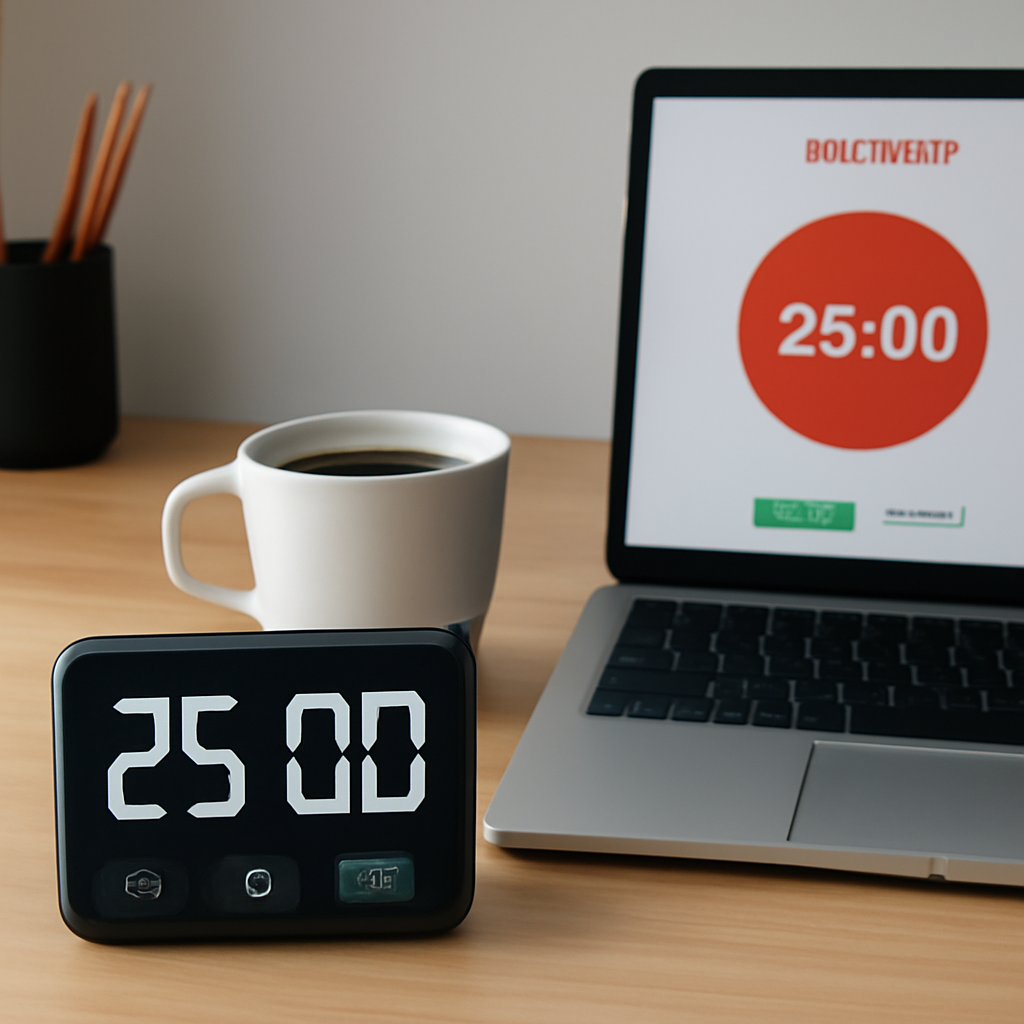
When you’re in the zone, even the smallest adjustments can shift your rhythm. For instance, turning the digital timer to a subtle color change instead of a loud buzz can keep you grounded without breaking the flow. Experiment and notice what feels right.
So, if you’re a student aiming to sharpen focus, a freelancer juggling deadlines, or a busy professional craving structure, the right timer—whether digital or analog—will be your best ally. Start with a quick test: set a 25‑minute countdown, work until the bell rings, take a breath, and repeat. You’ll find that the simple act of choosing the right timer sets the tone for the rest of your day.
Step 2: Setting Up a 25‑Minute Timer for Pomodoro Technique
We’ve already picked the right kind of timer—now let’s set it up so it feels like a teammate, not a chore.
Pick the right device
You can start with a simple phone app, a web timer, or a good‑old kitchen timer. What matters most is that it’s easy to set and won’t distract you.
For the tech‑savvy, this online countdown timer lets you create a 25‑minute slot, share the link with classmates or teammates, and even pause or reset with a tap. If you’re a student who loves a shared study session, the share feature keeps everyone in sync.
Set the interval exactly
Open your chosen timer. If it’s a phone, tap “New timer” or “Pomodoro” mode. If it’s a kitchen timer, twist until the minute hand lands on 25. Keep it simple—no extra bells or fancy sounds that could break focus.
Ask yourself, “Do I want a sound, a vibration, or silence when it rings?” Most students and remote workers prefer a gentle chime so the brain knows the session is done without a full stop. If you’re in a quiet dorm or home office, a low‑volume beep is ideal. If you’re in a noisy coffee shop, a vibration can be more discreet.
Make it a ritual
When you set the timer, say something to yourself: “Okay, 25 minutes, go.” It’s a tiny ritual that trains your brain to expect a start and end. In our experience, students who announce the start of a Pomodoro feel less pressure to start immediately—time is already on their side.
After setting the timer, place it where you’ll see it: on your monitor, in your notebook, or on a sticky note. Visual cues help keep the timer top of mind without having to switch screens.
Test the flow
Run a quick test: set the timer for 25 minutes and actually work. Notice how the countdown feels—does it create a sense of urgency? Does the sound cue feel motivating? If it feels like a partner, you’re good to go.
What if you miss the ring? If you’re in a meeting and the timer stops, consider it a “void.” Start a fresh 25‑minute session once you’re back to focus. The key is consistency, not perfection.
Keep the timer in sync with your life
For freelancers juggling multiple clients, the timer can double as a time‑blocker in your calendar. Label each Pomodoro with the task name—this turns the timer into a quick audit of how many minutes you actually spent on a project.
Remote workers can sync the timer with a team channel. Post the timer link in a shared chat so everyone knows the block starts at the same time. That shared rhythm reduces the “I’m alone” feeling and keeps the team accountable.
When to tweak the length
Some people find 25 minutes too short for creative work; that’s fine. Start with 25, observe how you feel, and if you’re consistently stuck in a flow state, try a 45‑minute block with a 10‑minute break. Remember, the Pomodoro principle is about breaks—longer work means a longer break, not a shorter one.
Wrap it up with a micro‑break
When the timer rings, hit the pause button or switch the kitchen timer off. Step away. Stretch, grab water, or glance at something unrelated. This 5‑minute reset helps your brain consolidate the work you just finished.
So, what’s the next move after a Pomodoro? Take the break, log the session in a quick note, then set the timer again. Repeat until your task feels complete or until you hit four Pomodoros, then take a longer 15‑minute break.
Quick check‑list for setting up a timer
- Choose device (phone, web, kitchen)
- Set 25‑minute interval
- Select sound/vibration preference
- Place timer where you see it
- Announce start to commit
- Test with a real work session
- Sync with calendar or team if needed
- Use a 5‑minute micro‑break after each Pomodoro
If you’re curious how the technique works in practice, check out the video walkthrough that explains the flow step‑by‑step: video walkthrough. It’s short, clear, and gives you visual cues you can apply right away.
Now that you have your 25‑minute timer set up and ready, you’re just a click away from a focused, productive session. Grab that timer, hit start, and let the work flow—without the distraction of constant checking.
Step 3: Using a 25‑Minute Timer with a Comparison of Top Timer Apps
We’ve got the timer ready and the rhythm set. Now we’re talking about picking the right digital buddy to keep that 25‑minute spark alive. Let’s break it down.
What matters most in a timer app
Think of a timer like a coach. It doesn’t have to be flashy, just clear and reliable. In practice, that means three things:
- Visual clarity: A countdown you can see at a glance. No blinking numbers that make you stare into the dark.
- Audio/vibe cue: A gentle chime or a subtle vibration that signals the end without shouting.
- Seamless integration: If you’re juggling a calendar, a team chat, or a to‑do list, the timer should play nicely in that ecosystem.
Our quick‑look comparison
Below is a snapshot of the most common types you’ll see. It’s not an exhaustive list, but it covers the sweet spot for students, remote workers, freelancers, and busy pros.
| App Type | Key Features | Pros | Cons |
|---|---|---|---|
| Built‑in phone timer | Simple countdown, sound or vibration, low battery use | Always on hand, no downloads, free | No pause or custom breaks, limited integration |
| Web‑based timer (browser) | Custom intervals, optional sound, easy sharing | Works on any device, no app install, quick to set up | Dependent on internet, can be distracted by other tabs |
| Chrome extension | In‑browser control, notification, theme options | Runs with your work tab, no switching apps, can lock focus mode | Needs Chrome, may consume memory, requires permissions |
| Focus Keeper (our app) | Pomodoro timer, habit tracker, stats, sync with calendar | All‑in‑one for the Pomodoro workflow, built for students and professionals | Subscription for premium features (but free tier is robust) |
Notice the pattern? The more you need integration—calendars, chats, project boards—the more you’ll appreciate an app that plugs into those tools.
For example, if you’re a freelancer who checks Trello every 15 minutes, a browser extension that can push a break reminder into your Trello board is a game changer.
Step‑by‑step: how to set up your 25‑minute session
1️⃣ Pick your platform. If you’re a student who wants a quick on‑go timer, the phone’s built‑in timer does the trick.
2️⃣ Set 25 minutes. Open the timer, type “25”, choose a gentle sound. If you’re in a quiet dorm, a soft beep is enough; in a coffee shop, a vibration keeps the buzz subtle.
3️⃣ Define the break. Many apps let you set a 5‑minute break right after. If yours doesn’t, write a quick note in your planner: “5‑min stretch” and mark it when the timer rings.
4️⃣ Lock it in. Some tools let you lock the timer so it can’t be paused mid‑session. If yours doesn’t, keep the phone out of reach or use a timer that can’t be tampered with (e.g., a kitchen timer).
5️⃣ Track the session. After each Pomodoro, jot down a quick log: what you finished, any roadblocks. That habit turns a simple timer into a data source for future planning.
Real‑world example: the student’s corner
Anna, a sophomore studying biology, uses the web‑based timer because she works on a laptop all day. She sets 25 minutes for reading a paper, 5 for a quick walk, then another 25 for summarizing notes. After four cycles, she logs her time in a spreadsheet. The next day, she sees she spent 120 minutes on that chapter, which matches her study goal.
For freelancers, think of a designer who sets a 25‑minute block to sketch, then uses the break to check the client’s feedback email. The timer keeps the creative flow from bleeding into email spam.
Quick checklist before you hit start
- Confirm sound/vibration preference.
- Place the timer where you can’t miss it.
- Set a 5‑minute break cue.
- Write a micro‑break plan (stretch, hydrate).
- Make a note of the task in your task list.
Remember, the goal isn’t a perfect mechanical loop. It’s a tool to remind you that focus is a muscle that needs rest. By choosing the right timer—whether it’s the built‑in phone timer, a web app, a Chrome extension, or Focus Keeper—you’re giving yourself the structure that turns effort into results.
Step 4: Integrating a 25‑Minute Timer into Your Daily Routine
We’ve already picked the right kind of timer—now it’s time to make it a habit that sticks with you every day. Think of the timer as your personal coach, quietly nudging you into a rhythm that feels almost like breathing.
Set a Daily “Timer Anchor” Time
Pick a fixed moment in your morning—say, 9 am or 10 am—when you always start a 25‑minute Pomodoro. That anchor time becomes a cue: your brain knows a focused burst is coming, and you’re less likely to be dragged into the endless scroll of email.
Batch Similar Tasks Together
Group related activities so the timer can run uninterrupted. For students, block all reading and note‑taking into one session. For freelancers, tackle a design sketch or copy draft before the client chat. This reduces context switching and lets the timer do its magic.
Create a Micro‑Break Plan
- When the timer rings, stand up, stretch, or walk to the kitchen.
- Hydrate: sip a glass of water or enjoy a quick tea.
- Quick mental reset: look out the window, breathe, then return.
These 5‑minute breaks recharge your brain, keeping the next 25‑minute block fresh.
Log Your Sessions (Even if It’s Just a Note)
After each Pomodoro, jot down what you finished—no need for fancy logs. A simple line like “Read chapter 3 of Biology Textbook” in a notebook or a note app is enough. Over a week, you’ll see a clear pattern of what you actually get done.
Leverage Tool‑Specific Features
If you’re using a digital timer that syncs with your calendar—like Clockii—schedule your Pomodoro blocks as calendar events. That way, your phone nudges you, and you never miss the start time.
Why Calendar Sync Works
Calendar events create a visual reminder on your screen and allow you to see how the Pomodoros fit into your day. It’s especially handy for remote workers juggling client calls and solo projects.
For those who prefer a more visual approach, a workspace that keeps tasks and timers together—like AFFiNE—lets you drag the timer onto your to‑do list, turning focus sessions into tangible items on your board.
Adjust on the Fly
Every week, review what worked and what didn’t. Maybe you find a 30‑minute block feels more natural for creative work. That’s okay—use the same rhythm, just tweak the length. The key is the consistent break after each block, not the exact 25 minutes.
Remember, the timer isn’t a boss; it’s a tool. Treat it like a friendly reminder that you’re giving yourself a clear start and finish.

Step 5: Advanced Customization and Break Management Techniques
Now that you’ve got your timer set and your daily rhythm humming, it’s time to tweak it so it feels like a personal coach that knows exactly when you need a stretch or a caffeine boost. Think of the 25‑minute timer as a blank canvas—your job is to paint the colors that match your energy, deadlines, and vibe.
First off, grab the clean, minimal interface that keeps you focused on what matters—no clutter, no extra buttons, just the pure 25‑minute work block and the 5‑minute break that follows. That’s the sweet spot we’re talking about.
1️⃣ Pick the Right Work‑Break Ratio
Most people start with 25‑minutes of work and 5‑minutes of rest, but the beauty of the technique is its flexibility. If you’re a creative writer who gets lost in the flow, try 30‑minutes of work followed by a 6‑minute pause. If your focus feels drained after 20 minutes, trim it to 18‑minutes and take a 4‑minute recharge.
Experiment for a week, then look back: did you finish more pages? Did your notes feel tighter? The data you collect will tell you which ratio keeps your brain in the zone without burning out.
2️⃣ Sync Breaks with Physical Movement
Breaks are not just mental pauses—they’re a chance to move. If you sit at a desk all day, a 5‑minute walk or a quick stretch routine can reset the nervous system. For students, a 3‑minute desk‑stretch before the next block can be a game‑changer.
Here’s a quick micro‑break routine that works for everyone: stand up, touch your toes, do a 30‑second shoulder roll, and inhale through the nose. Finish with a deep breath and a sip of water. Repeat before each 25‑minute burst.
3️⃣ Use Custom Alerts to Keep the Flow
Not every notification feels the same. If a bright “ding” startles you, switch to a gentle chime or a subtle vibration. The guide on time‑management methods notes that non‑intrusive alerts keep your workflow smooth without breaking concentration.
For remote workers who share a screen with a client, a soft tone that can be muted in the background keeps the client focused while you still get the cue to pause.
4️⃣ Layer in Long Breaks for Deep Work Sessions
After four 25‑minute blocks, take a 15‑minute break. Use that time to truly recharge—walk outside, make coffee, or do a 5‑minute meditation. The long break restores the mental bandwidth needed for the next round.
Freelancers juggling multiple projects can use the long break to switch context—review the next client’s brief, or check a quick email, then get back to the 25‑minute grind.
5️⃣ Build a Mini‑Dashboard to Track Energy
Write down the time you start and end each block. Add a quick note: “Focused on drafting the proposal” or “Reading the research paper.” Over a month, you’ll spot patterns—perhaps you’re most productive in the morning or during lunch breaks.
Keep it simple: a sheet with columns for date, block, task, and notes is enough. No dashboards, just data that feels like a conversation with yourself.
6️⃣ Adjust on the Fly—Don’t Let the Timer Be a Boss
Sometimes a 25‑minute block feels too rigid—maybe the math assignment needs 40 minutes, or you’re in a deep creative flow that lasts 35. In those cases, pause the timer, jot down how long you actually stayed focused, then decide if you need a longer or shorter block next time.
Remember: the timer is a tool, not a tyrant. Treat it as a friendly reminder that you’re carving out time, not a hard schedule that demands compliance.
7️⃣ Wrap Up With a Quick Reflection
End each day with a 2‑minute reflection: what worked, what didn’t, and one tweak for tomorrow. This habit turns the 25‑minute timer from a mechanical routine into a personalized productivity engine.
By now you know how to fine‑tune your timer, match your energy, and give your breaks meaning. Keep experimenting, stay curious, and watch your focus shift from “busy” to “productive.”
Step 6: Common Pitfalls and How to Avoid Them
We’ve already got the timer set and the rhythm humming. Now it’s time to keep the system from crumbling. Most people hit the same snags, and catching them early saves hours of frustration.
1️⃣ Over‑Rigidity
Putting a 25‑minute block on the calendar and treating it like a deadline can backfire. If you’re in a flow state when the timer rings, you’ll feel rushed. The trick? Treat the timer as a friendly nudge, not a boss. When a block ends, jot down how long you actually stayed focused. If 30 minutes feels more natural, extend that next time.
Do you ever feel the timer shouting “stop” just as you hit a breakthrough?
2️⃣ Skipping the Break
It’s tempting to push a 5‑minute pause for a quick coffee, but those micro‑breaks are the glue that holds focus together. Skipping them turns the cycle into a marathon with no rest. Give yourself that short reset—stand up, stretch, breathe. The brain needs those moments to re‑energize.
What happens if you keep grinding without a breather?
3️⃣ Multitasking During the Session
Opening a new tab, scrolling through email, or answering a text is a silent productivity killer. A 25‑minute timer works best when the work is singular. Create a “focus list” for the session and set your phone to Do‑Not‑Disturb. That small boundary cuts out the noise.
Can you picture the mental load of juggling two tasks at once?
4️⃣ Poor Physical Setup
Even the best timer can’t fix a cluttered desk or a noisy room. Your environment should mirror the calm of a 25‑minute sprint—clear space, comfortable chair, minimal distractions. If you’re in a hybrid setting, use headphones with a quiet‑mode cue so others know you’re in focus mode.
Have you tried rearranging your workspace just once and felt the difference?
5️⃣ Forgetting to Log
Not noting what you completed after each block turns data into a vague memory. A quick line—“drafted intro paragraph” or “summarized chapter 4”—gives you a roadmap for the next day. Over a week, patterns emerge, and you’ll spot when you’re most productive.
Would a simple log change how you plan tomorrow?
6️⃣ Ignoring the Human Element
Every timer is just a tool. Your mood, fatigue, and external stressors still play a big role. If a 25‑minute block feels impossible one day, consider a 15‑minute sprint instead. Adaptation keeps the rhythm alive without burning out.
How often do you notice your energy dip before the timer ends?
7️⃣ Not Reviewing the Results
At the end of the week, take two minutes to scan the notes from each block. Celebrate the wins, and flag the blocks that slipped. This reflection turns the timer into a learning loop, not just a schedule.
What will you tweak after this quick review?
For teams, the same principles apply—share a common focus calendar, set shared break times, and encourage everyone to log their work. When the whole crew follows the same rhythm, meetings stay tight, and deep work becomes the norm.
Remember, a 25‑minute timer is a catalyst, not a cure. Use it as a partner that nudges you toward the task, not a tyrant that forces you. With these anti‑pitfall habits in place, you’ll keep the flow steady and the output high.
To see how the timer’s rhythm translates into real data, check out WhatPulse’s guide on 25‑minute timers.
Conclusion
So here’s the skinny: a 25‑minute timer isn’t a magic wand—it’s a habit that nudges you into focus. If you’ve stuck to those bursts, you’ll notice the clock becoming a silent coach instead of a looming deadline.
What’s the secret sauce? It’s the rhythm: 25 minutes of pure work, 5 minutes of breathing room. When that bell rings, make it a ritual—stretch, jot one win, and slide back into the next block. That loop trains your brain to finish what it starts.
Students, remote workers, freelancers, busy pros—every one of you can tweak the numbers a bit. Need 30 minutes to draft a report? Extend the work interval, keep the break proportional. The trick is consistency, not perfection.
Remember, the timer is a partner, not a boss. When it chimes, celebrate the small victory; when it doesn’t, pause, note the distraction, and adjust. In our experience, that simple feedback loop keeps the flow alive.
So, what’s your next move? Pick a time of day that feels natural, set the timer, and commit to the cycle.
Let the 25‑minute rhythm rewrite your productivity story—one burst at a time. Give yourself that one extra minute to breathe before the next burst.
FAQ
How do I choose the right 25 minute timer for my workflow?
Think of the timer like a pair of shoes: you want something that feels comfortable and fits the task. If you’re a remote worker, a quiet vibration on a phone is great—no loud chime that throws off a video call. For a student in a noisy dorm, a small kitchen timer with a visual dial can be surprisingly grounding. Test a couple of options; the one that feels almost invisible while you work is your best pick.
Can I combine the 25 minute timer with other productivity methods?
Absolutely. Many people layer the timer over a broader system like the Eisenhower Matrix or a simple to‑do list. Set the timer for 25 minutes, then use the 5 minute break to jot a quick priority note. That way the timer keeps the flow, and your other method keeps the context. It’s like having a coffee break that also reminds you to review your daily goals.
What should I do if the timer rings too early or too late?
When it rings early, pause the timer, jot the exact time, and note if you felt fully immersed. If it’s late, check if you were distracted by a quick email or chat. Adjust the interval: maybe 30 minutes is better for creative bursts. Keep a tiny log—just the start and finish times—and tweak until the rhythm feels natural.
How can I use the 25 minute timer to stay focused during long projects?
Break the big project into bite‑sized chunks. Each 25 minute block should tackle a single sub‑task—write a paragraph, outline a section, or review code. After the 5 minute break, add a 15 minute stretch or quick walk if you’ve hit four cycles. This layered approach keeps the mind from burning out while the timer keeps the momentum going.
Is it okay to skip the 5 minute break sometimes?
Skipping the break might feel efficient, but the brain needs a reset to stay sharp. Think of it like refueling a car: if you drive nonstop, the engine overheats. Even a quick glance at the window or a sip of water can recharge your focus. If you must skip, schedule a longer break later—think of it as a pit stop.
What are common mistakes people make with the 25 minute timer?
Many jump straight into work, then feel rattled when the timer rings. The trick is to set a clear intention before you start—know exactly what you’re tackling. Another slip is letting notifications invade the block; switch your phone to Do‑Not‑Disturb. Finally, forgetting to log progress turns the timer into a ritual without insight. A simple post‑session note keeps the data useful.




