
Focus is tough these days, right? Between all the notifications and endless tabs, it feels like a real battle to get anything done. But what if there was a simple way to help? Enter the Pomodoro Technique. It’s all about short bursts of focused work followed by quick breaks, building a rhythm that helps you actually get stuff done. We’ve checked out a bunch of apps to see which ones are the best study timer app options out there for 2026 to help you find your flow.
Key Takeaways
- Reclaim.ai uses AI to automatically schedule focus time and block distractions, making it great for busy professionals who want to protect their work hours.
- Focus To-Do combines task management with a Pomodoro timer, perfect for those who like to check items off a list and see their progress visually.
- Forest gamifies focus by having you grow a virtual tree during work sessions, offering a visual reward for staying on task.
- Toggl Track is a solid choice for freelancers or teams needing to track time, as it links Pomodoro sessions to billable hours and provides detailed reports.
- Be Focused offers a clean, native experience for Apple users, syncing across macOS and iOS devices with a straightforward interface.
Reclaim.ai
Reclaim.ai isn’t just another timer; it’s like having an AI assistant dedicated to protecting your focus time. It takes the classic Pomodoro Technique and gives it a modern twist, helping you manage your work intervals, organize tasks, and even block out distractions. Think of it as a smart tool that defends your most productive hours.
What’s cool is how it integrates with your existing calendar, automatically scheduling focus blocks so you don’t have to manually carve out time. It also syncs with Slack to update your status, letting others know when you’re in deep work mode. This helps prevent those random interruptions that can totally derail your flow.
Reclaim.ai offers some pretty detailed analytics too. You can track your Pomodoros, breaks, tasks, and see your progress over time. This data can really help you figure out your personal productivity patterns. Plus, the interface is pretty slick and easy to use, with options to customize your work and break times, set alert sounds, and even play background audio to help you concentrate.
- AI-powered focus block scheduling
- Distraction blocking via Slack status sync
- In-depth productivity analytics
- Customizable Pomodoro intervals and alerts
While Reclaim.ai offers a robust free version, its true power shines when paired with its AI calendar features for automated time blocking and interruption management. It’s a solid choice for anyone looking to automate their focus and understand their work habits better.
Focus To-Do
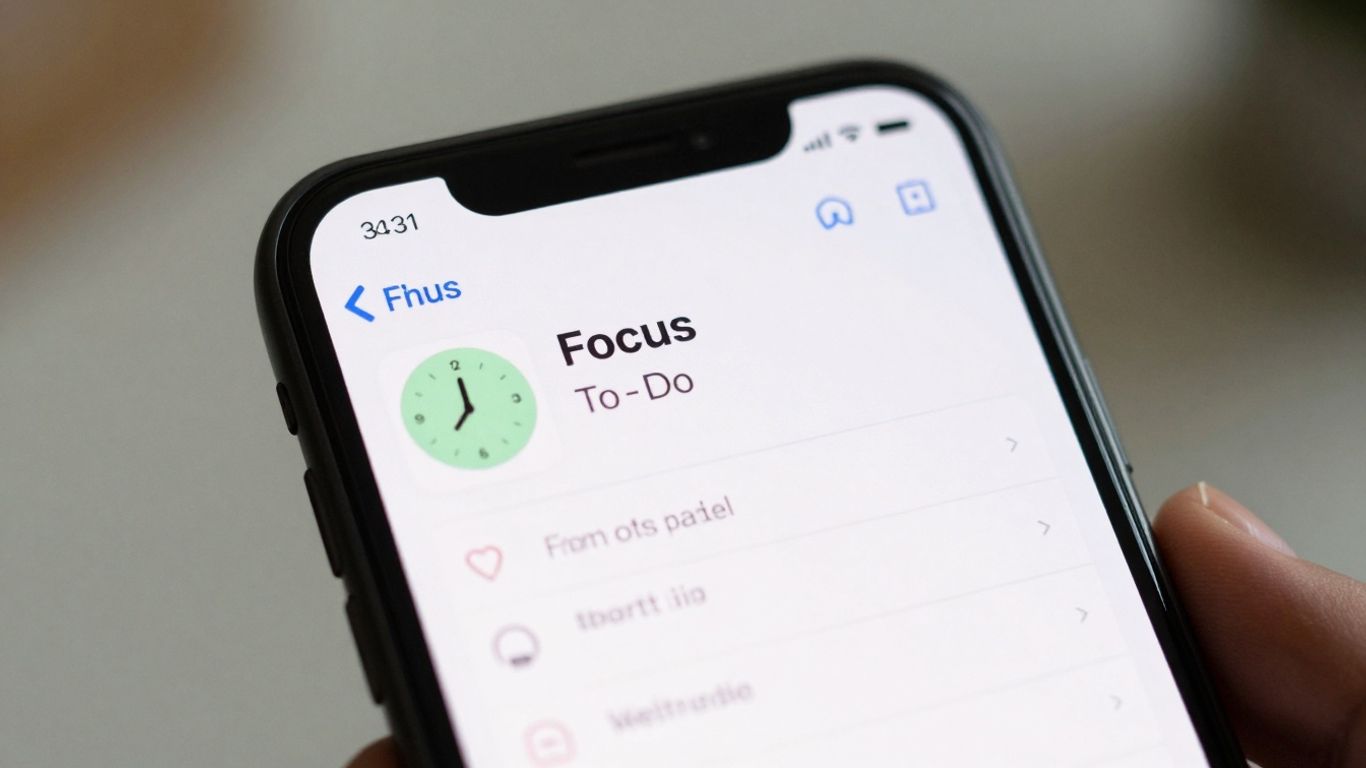
Focus To-Do is a pretty neat app because it doesn’t just do the Pomodoro thing; it also helps you manage your actual tasks. So, you can set up your work intervals, but you also have a to-do list right there. It’s like having a timer and a planner all rolled into one, which is super handy if you’re trying to keep track of what you need to get done and when.
It syncs across different devices, which is a big plus. I’ve lost count of how many times I’ve started a task on my computer and then needed to check it on my phone later. This app makes that easy.
Here’s a quick look at what it offers:
- Pomodoro Timer: You can set your work and break times, just like with any other Pomodoro app.
- Task Management: Create to-do lists, group them into projects, and set due dates. It’s more than just a timer; it’s a mini project manager.
- Reporting: It tracks how much time you spend on tasks and how many you complete. Seeing those numbers can be pretty motivating.
- Reminders: You can set reminders for tasks so you don’t forget important deadlines.
The app aims to combine the focus-boosting power of the Pomodoro Technique with practical task management. This means you’re not just timing yourself; you’re actively organizing and completing your work.
While the free version is quite capable, there’s a premium option if you want more advanced features like unlimited projects and detailed reports. It’s got a solid rating, and people seem to like how it brings together timing and task organization. It’s available on pretty much everything – phones, computers, even your watch.
Forest
Forest takes a different approach to keeping you on task. Instead of just a ticking clock, it turns your focus sessions into a little game. You plant a virtual tree when you start a study period. If you manage to stay off your phone and focused, that tree grows and thrives. But if you get distracted and leave the app, your tree withers and dies. It’s a pretty simple concept, but it really works for some people.
Over time, you build up a whole digital forest. It’s kind of satisfying to see your collection of healthy trees grow. Plus, Forest has partnered with an organization called Trees for the Future. So, when you focus, you can actually help plant real trees in the world. That’s a pretty cool bonus.
Here’s how it generally works:
- Start a focus session in the app.
- Plant a virtual tree.
- Stay off your phone to let the tree grow.
- If you leave the app, the tree dies.
- Build your forest over time.
Forest is great for anyone who needs a little extra motivation or enjoys the idea of gamifying their study habits. It feels less like a strict timer and more like a gentle nudge to stay present. It’s also nice that it works offline, so you don’t need a constant internet connection to use it. The design is clean and easy to remember, which helps you want to use it again and again.
While it’s not packed with tons of complex features, its strength lies in its simplicity and the emotional reward it provides. It’s a good choice if you find traditional timers a bit boring or if you’re easily tempted by your phone.
Toggl Track
Toggl Track is a bit of a powerhouse when it comes to keeping tabs on your time, and it’s got a Pomodoro timer built right in. If you’re someone who needs to know exactly where your hours are going, maybe for billing clients or just understanding your own work habits, this app really shines. It’s not just a simple timer; it’s a full-blown time-tracking system that can handle projects, billable hours, and give you detailed reports.
The real strength of Toggl Track lies in its ability to integrate its Pomodoro feature directly into your workflow. You can start a focus session right from a task in apps like Trello or Asana, which is pretty neat. It means your focused work time gets logged automatically, no extra steps needed. Plus, it syncs across your computer, phone, and web browser, so you can track time from anywhere.
Here’s a quick look at what it offers:
- Pomodoro Timer Mode: A built-in timer to help you work in focused bursts with scheduled breaks.
- Time Tracking: Start and stop tracking your work in real-time, with idle detection to keep your logs accurate.
- Reporting & Analytics: Get clear, automated reports to see how your time is spent across different projects and tasks.
- Integrations: Connects with a ton of other popular productivity tools like Google Calendar, Slack, and GitHub.
It’s definitely more than just a timer. If you’re a freelancer, part of a team, or just someone who likes having solid data on their productivity, Toggl Track is worth a serious look. It might feel like a lot if you only want a basic timer, but for serious time management, it’s a solid choice.
While Toggl Track is primarily a time-tracking tool, its integrated Pomodoro timer makes it a strong contender for focused work sessions. It’s especially useful if you need to track billable hours or analyze project time in detail.
Be Focused
If you’re an Apple user, Be Focused might just be your new best friend for getting things done. It’s built specifically for macOS and iOS, so it feels right at home on your devices. Think of it as a straightforward Pomodoro timer that syncs across your iPhone and Mac using iCloud. No complicated setups, just a clean interface to help you manage your work sessions and breaks.
The app’s strength lies in its simplicity and native integration within the Apple ecosystem. It doesn’t try to do too much, which is exactly why it works so well for people who just want a reliable timer without a lot of fuss. You can set up your work intervals and break times, and then just let it run.
Here’s a quick look at how it helps:
- Customizable Sessions: Set your preferred work and break durations. Want 25 minutes of work and 5 minutes of break? Easy. Need longer focus blocks? You can adjust that too.
- Task Management: While it’s primarily a timer, you can add simple to-do lists to keep track of what you need to accomplish during your sessions.
- Progress Tracking: See how much time you’ve dedicated to your tasks over days, weeks, or months. It’s a nice way to see your productivity build up.
- iCloud Sync: Start a session on your Mac and pick up right where you left off on your iPhone, or vice versa. This makes it super convenient if you switch between devices.
Be Focused is all about making the Pomodoro Technique accessible and easy to use, especially for those who prefer a minimalist approach and are already invested in Apple products. It avoids overwhelming users with too many features, focusing instead on core functionality that supports sustained concentration.
It’s a solid choice if you’re looking to implement time management techniques like the Pomodoro method and want something that just works without a steep learning curve. You can even explore using iOS app limits alongside it to further enhance focus throughout the year.
RoundPie
RoundPie is a bit different from the others on this list. It’s built to work with your existing project management tools, not just alongside them. Think Trello, Asana, Todoist, ClickUp, and even Jira. The idea is that you can start a Pomodoro timer directly from a task you’re already looking at.
This makes it super handy if you’re already deep into a workflow and don’t want to switch apps or copy-paste task names. The timers just attach themselves to the tasks, which is pretty neat for keeping track of where your time actually goes. You get reports that break down your time by project, and you can export that data too, which is great for showing what you’ve been up to.
It’s definitely geared more towards people who manage projects or have a lot of tasks to juggle. The interface is more about getting the job done than looking pretty, so it might take a little getting used to if you’re new to this kind of setup. The mobile app isn’t quite as slick as the desktop version, and some of the best features, like longer history or certain integrations, are behind a paywall.
- Integrates directly with popular task managers
- Timers link automatically to specific tasks
- Detailed reports for time spent on projects
- Data export for accountability
If you live and breathe by your project management software, RoundPie could be the missing piece to add structured focus without disrupting your current system. It’s less about a standalone timer and more about bringing focus into your existing work environment.
Pomofocus
Pomofocus is a straightforward tool that uses the Pomodoro Technique to help you manage your study or work time. It’s pretty simple to get started with, which is nice when you just want to get down to business without a lot of fuss. You set your work intervals, your short breaks, and your longer breaks, and then you just hit start. The app is designed to be minimal, so it doesn’t distract you with a bunch of extra features.
It’s a good option if you’re looking for a basic timer that does its job well. You can track your sessions and see how much time you’ve dedicated to focused work. While it doesn’t have all the bells and whistles of some other apps, its simplicity is its strength. It’s available on the App Store, though it might not have many reviews yet.
Here’s a quick look at how it works:
- Set your desired work session length (e.g., 25 minutes).
- Configure your short break duration (e.g., 5 minutes).
- Determine the length of your longer breaks (e.g., 15-30 minutes).
- Start your timer and begin your focused work.
Sometimes, all you need is a simple countdown. Pomofocus strips away the complexity, letting you concentrate on the task at hand without feeling overwhelmed by options. It’s a tool that respects your time and your focus.
If you’re new to time management techniques or just want a no-nonsense timer, Pomofocus is definitely worth checking out. It’s a solid choice for anyone wanting to build better study habits. You can find it on the App Store for your iOS devices.
Focus Keeper
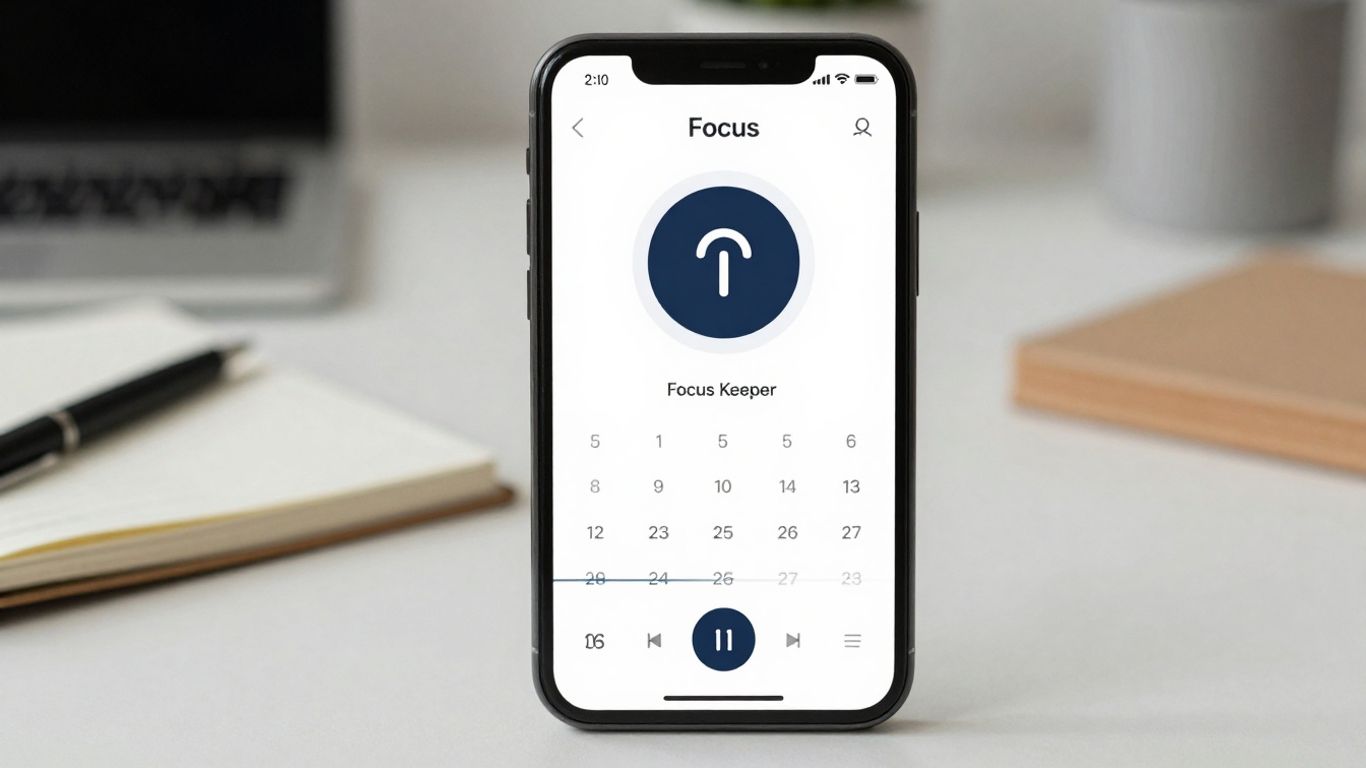
Focus Keeper is a pretty straightforward app that uses the Pomodoro Technique to help you get stuff done. It’s got this colorful, almost tactile design that feels more like you’re adjusting a dial than just starting a timer. Honestly, it makes focusing feel less like a chore and more like a game.
What I really liked was how encouraging it felt. The simple charts and satisfying sounds make each work session feel like a win, even if it’s just a short one. It’s a good choice if you’re new to the whole Pomodoro thing or just want a simple way to build a routine without getting bogged down in complicated menus. The app’s “timer wheel” is a neat visual cue that gives you a sense of progress, and the optional reminders and streak tracking are just enough to keep you going.
Here’s a quick rundown of what makes it stand out:
- Intuitive interface: The “timer wheel” is easy to understand and use.
- Motivation tools: Progress charts and streak tracking help you stay on track.
- Simple sounds: Optional ticking sounds can help maintain a steady pace.
It’s not packed with super advanced analytics or a ton of integrations, but that’s kind of the point. It keeps things simple and effective. Focus Keeper makes productivity feel simple and approachable. The free version does have some limits on sessions and features, but you can always upgrade if you find yourself using it a lot. It’s a solid option for anyone looking for a friendly, visual way to start using the Pomodoro Technique without any fuss. You can check out other Pomodoro timer apps if you want to compare.
Minimalist
Minimalist lives up to its name, offering a stripped-down, design-focused approach to time management. If you find yourself easily distracted by too many options or a cluttered interface, this app might be your new best friend. It really pares down the whole process to just the essentials: a task list and a timer. The whole point is to get out of your own way and just get work done.
It’s perfect for people who appreciate a clean aesthetic and want their tools to support, not complicate, their workflow. You won’t find a ton of fancy analytics or integrations here, and that’s kind of the beauty of it. It’s about creating a calm space for focused work. The interface is really soothing, which helps a lot when you’re trying to concentrate.
Here’s what you can expect:
- A clean, simple task list to keep track of what needs doing.
- A straightforward timer that’s easy to start and manage.
- A focus on aesthetics that makes using the app a pleasant experience.
This app is a good choice if you’re tired of feature bloat and just want a tool that does one thing well: help you focus without fuss. It’s about the quiet satisfaction of ticking off tasks and moving through your day with intention.
While it doesn’t offer the deep analytics you might find in other apps, it does provide basic task tracking and goal setting for your day. It’s a solid option if you’re looking for a simple, elegant way to manage your time and tasks, especially if you’re already using other tools to manage your projects.
Flocus
Flocus takes a slightly different approach to the whole focus timer thing. Instead of just being a strict timer, it tries to make focusing feel more like a calm, relaxing activity. It does this by mixing the Pomodoro technique with nice ambient sounds and soft visuals. It’s less about forcing yourself to concentrate and more about creating a peaceful environment for your work.
This app is really good if you care about how your study space looks and feels. It’s pretty to look at, and you can change up the themes to suit your mood. Plus, the built-in background sounds are a nice touch for drowning out distractions without being jarring. It feels light and easy to use, which is great when you just want to get started without a fuss.
- Visually pleasing interface with customizable themes
- Built-in ambient audio and background soundscapes
- Gentle onboarding and lightweight design
While Flocus is great for setting a mood, it’s not the most feature-packed option out there. You won’t find super detailed analytics or the ability to sync across different devices easily. Also, some users have noted that it can slow down a bit if you have a lot of browser tabs open, and the mobile app situation can be a bit hit or miss depending on the version.
Flocus is a good choice for people who want their study timer to be as much about the atmosphere as it is about the time. It’s designed to make focus feel less like a chore and more like a pleasant state of mind.
Wrapping Up Your Focus Journey
So, there you have it – five solid apps that can really help you get more done by keeping you focused. Whether you’re a student cramming for exams, a freelancer juggling clients, or just someone trying to get through their to-do list without getting sidetracked by cat videos, there’s likely an app here for you. Remember, the best tool is the one you’ll actually use, so give a few a try and see which one clicks. Finding your flow state might just be a download away. Happy focusing!
Frequently Asked Questions
What exactly is the Pomodoro Technique?
The Pomodoro Technique is a cool way to study or work. You set a timer for a short period, like 25 minutes, and focus hard on one thing. After the timer goes off, you take a quick break, maybe 5 minutes. After a few of these work-and-break cycles, you take a longer break. It’s like breaking down big tasks into smaller, easier chunks so you don’t get overwhelmed.
Why should I use a study timer app instead of a regular timer?
Study timer apps often do more than just count down. Many have features like tracking how long you’ve focused, letting you set different work and break times, and even offering fun ways to stay motivated, like growing a virtual tree. They can also help you see patterns in your study habits.
Are these apps hard to use for someone new to them?
Most of these apps are designed to be super simple. You usually just hit a button to start your focus time. They have clean looks and don’t have too many confusing options. Think of them as easy tools to help you get right to your work without fuss.
Can I use these timers for more than just studying?
Absolutely! These timers are great for any kind of focused work. Whether you’re studying for a test, writing a report, coding, or even doing chores, the Pomodoro Technique can help you concentrate and get things done more efficiently.
Do I need to pay for these apps to get the best features?
Many of these apps offer a free version that works really well for most people. Some have paid options that unlock extra cool stuff like more detailed reports, special themes, or the ability to connect with other apps. But you can definitely get a lot done with the free versions.
How do these apps help me avoid distractions?
Some apps have features that help block distracting websites or apps while your timer is running. Others use gamification, like growing a virtual forest, to make you want to stay focused so you don’t ‘kill’ your plants. The simple act of setting a timer also makes you more aware of when you’re getting sidetracked.




