
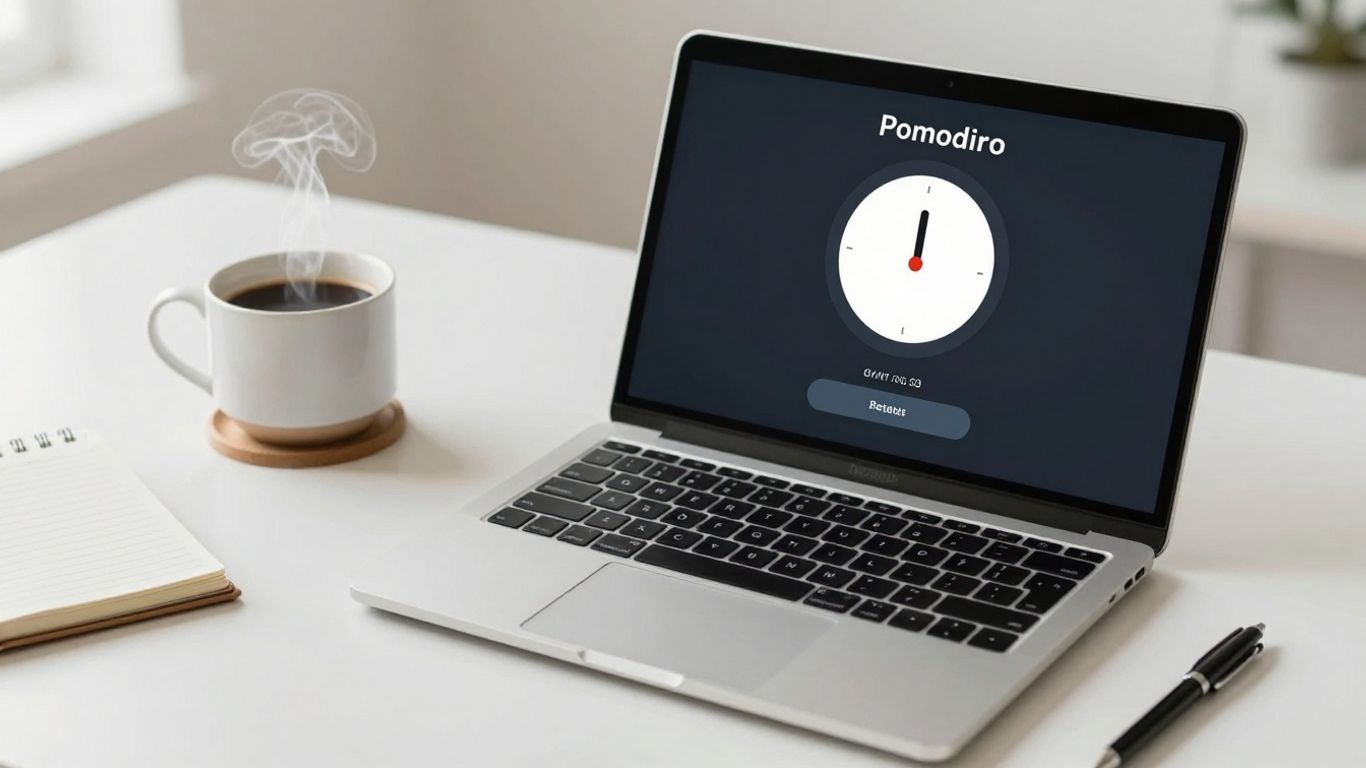
We’ve all been there. One minute you’re focused, the next you’re lost in a rabbit hole of online distractions. It’s tough to get things done sometimes, right? The Pomodoro Technique is a pretty neat way to get back on track. It’s all about working in short bursts, usually 25 minutes, followed by a quick break. After a few of these, you get a longer rest. The trick to making it work smoothly is finding a good app. We’ve checked out a bunch, and here are some of the best pomodoro timer app options out there for 2026 to help you get more done.
Key Takeaways
- The Pomodoro Technique involves working in focused 25-minute intervals with short breaks in between.
- Dedicated Pomodoro apps can automate the work/break cycles and track your progress.
- Look for apps with customizable timers and options for task management.
- Some apps offer extra features like white noise or gamification to help you stay focused.
- The best pomodoro timer app for you will depend on your personal workflow and needs.
1. ClickUp
ClickUp is more than just a Pomodoro timer; it’s a full-blown productivity suite that aims to be the ‘one app to replace them all.’ If you’re looking for a tool that integrates task management, project planning, and time tracking, ClickUp might be your answer. It helps you break down big projects into smaller, manageable tasks, which is a great starting point for applying the Pomodoro Technique. You can set estimated times for tasks, which helps in planning your focus sessions.
ClickUp really shines with its ability to keep you accountable and in sync with your to-do list expectations. It offers various ways to visualize your work, like List View, Board View, and even Whiteboards for a more dynamic, collaborative approach. For those who like a bit of AI help, ClickUp Brain can assist in setting up Pomodoro intervals and automating focus sessions.
Here’s a quick look at some of its strengths:
- Task Breakdown: Easily split large projects into subtasks.
- Time Tracking: Log time spent on tasks and projects with a Chrome extension.
- Custom Views: Visualize your tasks using Gantt, Calendar, or List formats.
- Automations: Set up reminders and triggers for repetitive actions.
While ClickUp is incredibly powerful, it does come with a bit of a learning curve. It might be overkill if you only need a simple timer, but for anyone juggling multiple projects and teams, it’s a solid contender.
ClickUp’s strength lies in its versatility. It’s designed to handle complex workflows, making it suitable for individuals and teams who need a centralized hub for all their work, including focused work sessions using the Pomodoro method.
2. Toggl Track
If you’re really into tracking where every single minute of your day goes, Toggl Track is a solid choice. It’s primarily a time-tracking tool, but it has a built-in Pomodoro mode that fits right in. This means your focused work sessions can be logged alongside everything else you’re tracking, which is pretty neat if you need detailed reports or bill clients.
The Pomodoro feature in Toggl Track doesn’t feel like an afterthought; it’s integrated smoothly. You can start and stop timers with just one click, and it even works offline. Plus, it syncs across your devices and browser extensions, so you’re covered whether you’re on your computer or on the go.
Here’s a quick look at what makes it stand out:
- Effortless Time Logging: Start and stop Pomodoro timers with a single click, even when you’re not connected to the internet.
- Detailed Insights: Get a clear picture of how you spend your time with auto-tracking of app and browser activity.
- Calendar Integration: View your Google and Outlook calendar events directly within Toggl Track.
- Project Management: Assign tasks, set billable rates, and generate reports based on your tracked Pomodoro sessions.
It’s worth noting that Toggl Track is a lot more than just a Pomodoro timer. If you don’t need its extensive time-tracking and invoicing capabilities, a simpler app might be better. But if you want to track billable hours or already use Toggl for work, this is a great way to incorporate the Pomodoro Technique.
While Toggl Track offers a robust suite of features for time management, its Pomodoro functionality is seamlessly woven into the broader time-tracking system. This makes it particularly useful for professionals who need to account for every minute of their workday and integrate focused work sessions directly into their billing and reporting.
Toggl Track has a free version that’s pretty capable for basic time tracking and Pomodoro use. Paid plans start at $9 per user per month if you need more advanced features like billable rates and time rounding. You can find out more about how to automate your workflow with Toggl Track.
3. FocusList
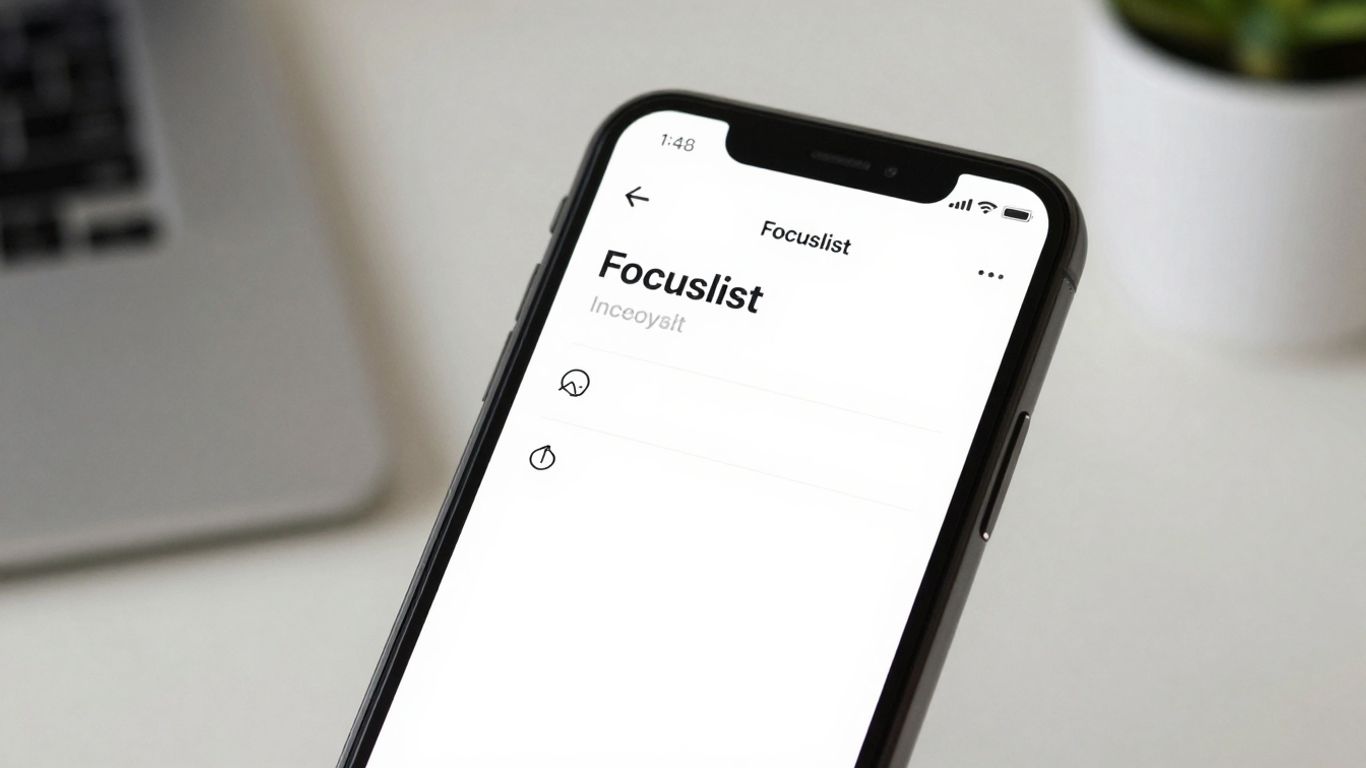
If you’re all about the Apple ecosystem – think iPhone, Mac, and Apple Watch – and you want a really clean, no-fuss way to get into deep work, FocusList is a solid choice. It’s built to help you plan your day and figure out how long tasks might take, all without a bunch of distracting bells and whistles. The app’s strength lies in its simplicity and its focus on helping you timebox your entire day.
Here’s how it helps you get things done:
- Plan Your Day: You can lay out your tasks, break bigger projects into smaller steps, and get a clear picture of what needs doing.
- Timebox Everything: Assigning a time limit to each task helps you see your day laid out and manage your expectations about what’s achievable.
- Stay Focused: By concentrating on just one task at a time during each Pomodoro session, you cut down on distractions and get more done.
- Review Your Progress: The built-in tracker lets you look back at your sessions, so you can see where your time went and how productive you were.
FocusList is designed to keep things straightforward. It’s not trying to be a massive project management tool, but rather a dedicated space for focused work sessions. If you prefer an app that gets out of your way and lets you concentrate on the task at hand, this is definitely one to consider.
One thing to keep in mind is that FocusList is currently only available on Apple devices. So, if you’re rocking an Android or Windows machine, this one might not be for you. It also doesn’t have an offline mode, so you’ll need an internet connection to use it.
4. Focus Keeper
If you’re looking for a straightforward way to use the Pomodoro Technique without all the bells and whistles, Focus Keeper is a solid choice. It’s designed for folks who just want a timer that works, whether you’re a student cramming for exams or a remote worker trying to stay on track. The main screen gives you quick access to common break lengths, like 5 minutes or 30 minutes, and you can also set up custom long breaks if that fits your workflow better.
Focus Keeper really shines with its customizable timer options. You can tweak the work and break durations to match your personal rhythm. Plus, it lets you set up your tasks right within the app and keep an eye on how you’re doing with its built-in tracker. Reviewing your session history can give you a good idea of your work patterns, helping you figure out where you can improve.
However, it’s not the best if you need advanced features for managing big projects or collaborating with a team. It keeps things simple, which is its strength, but also its limitation.
- Customizable Work/Break Times: Adjust intervals to suit your needs.
- Task Management: List and track tasks directly in the app.
- Productivity Insights: Review session history to understand your work habits.
Focus Keeper offers a clean, no-fuss approach to the Pomodoro Technique. It’s ideal for individuals who want a dedicated timer that’s easy to adjust and provides basic tracking without overwhelming them with complex project management tools.
5. TickTick
TickTick is a pretty solid all-around productivity app that doesn’t just offer a Pomodoro timer, but a whole suite of tools to get your day organized. If you’re someone who likes to have tasks, habits, and your calendar all in one place, this might be the one for you. It’s not just about timing your work sessions; it’s about managing the work itself.
What makes TickTick stand out is how it blends task management with time blocking. You can set up your tasks, assign them deadlines, and then use the built-in Pomodoro timer to focus on them. It feels like it’s designed for people who want to get a lot done without feeling overwhelmed.
Here’s a quick look at what it offers:
- Integrated Pomodoro Timer: Easily start and stop focus sessions directly within the app.
- Task Management: Create, organize, and prioritize your to-dos with lists, tags, and due dates.
- Habit Tracker: Build and monitor good habits alongside your tasks.
- Calendar View: See your tasks and events in a clear calendar format, with drag-and-drop functionality.
- Cross-Platform Sync: Keep your data updated across all your devices.
The ability to sync tasks with your Google Calendar is a big plus. It means you can see your appointments and your focused work blocks all in one view, which really helps in planning out your day realistically. No more jumping between apps to figure out what’s next.
TickTick has a free version that’s quite capable, but if you want things like more attachments or advanced features, the Premium plan is really affordable. It’s a good option if you’re looking for a single app to handle most of your productivity needs.
6. Forest
Okay, so if you’re someone who gets easily bored with standard timers or maybe you just need a little extra push to stay off your phone, Forest might be your jam. The whole idea is pretty neat: you plant a virtual tree when you want to focus. As your timer runs, the tree grows. If you get distracted and leave the app, well, your tree withers and dies. It’s a surprisingly effective way to make you think twice before checking social media.
The coolest part is that completing focus sessions helps you build a virtual forest, and you can even use earned coins to plant real trees through their partnership with Trees for the Future. It’s a nice little bonus that makes your work sessions feel like they’re contributing to something bigger.
Here’s a quick look at what Forest offers:
- Gamified Focus: Turn your work sessions into a game of growing a forest.
- Real-World Impact: Earn coins to plant actual trees.
- Deep Focus Mode: Blocks you from using other apps on your phone during your focus time.
- Cross-Device Sync: Keep your forest growing across your devices.
It’s not exactly a traditional Pomodoro app since you can set your own focus times, but the core principle of dedicated work intervals is there. It’s a fun twist on time management that actually works for a lot of people, especially if you’re motivated by visual progress and a good cause.
7. Pomello
Pomello is a neat little app that really shines if you’re already using Trello for your task management. It basically takes your Trello cards and turns them into focused work sessions. You pick a card, start a Pomodoro timer, and get to work. It’s pretty straightforward.
What I like about Pomello is its simplicity. It doesn’t try to be overly complicated with a bunch of extra features you might not need. The interface is clean, which helps you avoid getting distracted by the app itself. It keeps track of how many Pomodoros you complete, giving you a basic idea of your productivity over time. Plus, if you’re in the middle of a task and realize you need a bit more time, or maybe you want to cut a break short, it’s easy to adjust things on the fly.
Pomello is a good choice for Trello users who want a simple way to integrate the Pomodoro Technique directly into their existing workflow without a steep learning curve.
Here’s a quick look at what it offers:
- Transform Trello cards into focused work sessions.
- Minimalist interface to reduce distractions.
- Tracks completed Pomodoro sessions for basic productivity insights.
- Easy to adjust work and break times as needed.
It’s worth noting that Pomello works best when paired with Trello. If you’re not a Trello user, you might find it a bit limited compared to other options out there. But for those who are, it’s a solid, no-fuss way to boost focus.
8. Focus To-Do
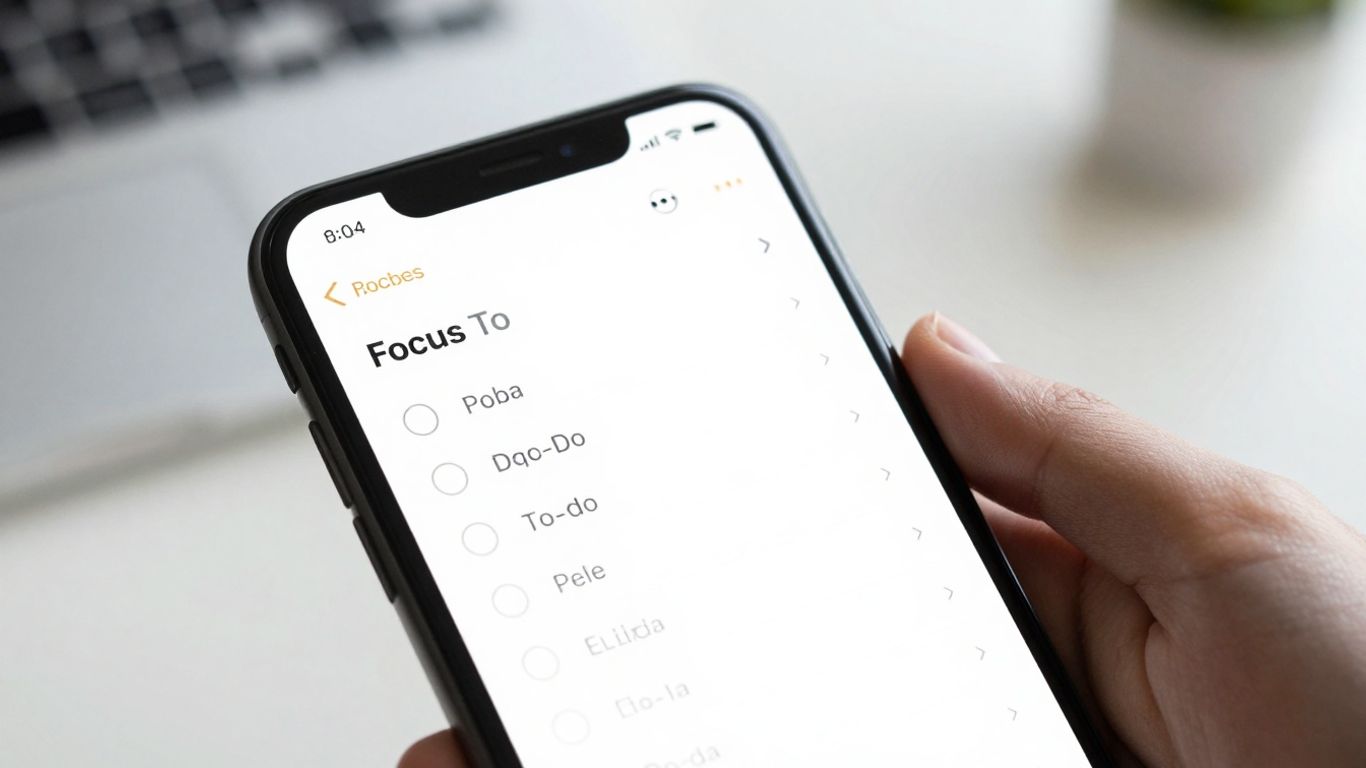
Focus To-Do really shines when you want to keep your tasks and your Pomodoro timer all in one place. It’s a pretty solid app for managing your to-do list and then jumping right into focused work sessions without switching between different programs. You can set up your tasks, give them deadlines, and then start a timer for them, all within the app.
This app is a good choice if you’re looking for a unified system to handle both task organization and time management.
Here’s what makes Focus To-Do stand out:
- Customizable Timers: You can tweak the work and break lengths to match how you actually work, not just stick to the standard 25-minute intervals.
- Distraction Reduction: It offers white noise options to help you concentrate better during your focus periods.
- Detailed Reporting: The app provides reports that break down your work time and how much you’ve accomplished, showing you daily, weekly, and monthly progress.
- Task Organization: You can sort your tasks into different lists, set reminders, and assign due dates so nothing slips through the cracks.
It’s not all perfect, though. Some users find it takes a bit of time to get used to all the features, especially if you’re new to this kind of productivity setup. And if you want to use some of the more advanced tools, you’ll likely need to go for a premium subscription.
For those who prefer a single application to manage their workflow from task creation to focused execution, Focus To-Do offers a compelling solution. It bridges the gap between planning and doing, making it easier to stay on track with your goals.
9. Marinara Timer
Marinara Timer is a solid choice if you’re looking for a straightforward, web-based Pomodoro tool that doesn’t get bogged down with a lot of extra stuff. It’s great because you can skip the usual 25-minute work, 5-minute break routine if that’s not your jam. You can totally tweak the work and break times to match how you actually get things done.
One of the coolest things about Marinara Timer is its shareability. You can easily set up synchronized work sessions with others, which is pretty handy if you’re working on a project with a team or even just want to have a focused study session with a friend. It’s a simple way to keep everyone on the same page.
Here’s a quick look at what it offers:
- Customizable Intervals: Set your own work and break durations.
- Shareable Timers: Work alongside others by sharing your timer link.
- Instant Use: No need to sign up or download anything to get started.
- Web-Based: Accessible from any browser with an internet connection.
It’s a no-frills option that gets the job done without any fuss. If you just need a reliable timer that you can adjust and share, Marinara Timer is definitely worth checking out.
10. Tomato Timers
Tomato Timers is the kind of app that just gets straight to the point. If you’re looking for something super simple to get you started with the Pomodoro Technique without a bunch of bells and whistles, this is a solid choice. You can jump right in and start using it without needing to create an account or download anything, which is pretty handy when you just want to get to work.
It lets you set your work and break times, and it just keeps cycling through them. You can also mark tasks as done after each session, which gives you a little visual cue of your progress. It’s not going to manage your entire life, but for focusing on a specific task or study block, it does the job.
Here’s a quick look at what it offers:
- Instant start from any browser – No downloads or sign-ups needed.
- Adjustable timer durations – Customize your work and break intervals.
- Task completion tracking – Mark tasks as finished after each Pomodoro.
While Tomato Timers keeps things basic, its strength lies in its no-fuss approach. It’s designed for those who want a dedicated timer without the complexity of full project management tools. Sometimes, all you need is a simple countdown.
It’s completely free to use, which is always a plus. The main drawback is that it does require an internet connection to work, and you can’t share your timers with others for synchronized work sessions like some other apps allow. But for personal use, it’s a straightforward way to implement the Pomodoro method.
Wrapping Up Your Productivity Journey
So, there you have it. Finding the right Pomodoro app can really make a difference in how you get things done. Whether you’re looking for something super simple or an app packed with features, there’s definitely an option out there for you. Remember, the goal isn’t just to use a timer; it’s about building better work habits. Give a few of these a try and see which one clicks with your workflow. You might be surprised at how much more you can accomplish when you break your work down into focused bursts. Happy timing!
Frequently Asked Questions
What exactly is the Pomodoro Technique?
The Pomodoro Technique is a way to manage your time by breaking work into focused chunks. You work hard for about 25 minutes, then take a short break. After a few of these work sessions, you get a longer break. It’s like running in short sprints instead of a long marathon.
Why should I use a Pomodoro app instead of a regular timer?
While any timer works, Pomodoro apps make things easier. They automatically switch between work and break times, keep track of how many sessions you’ve done, and often have extra features like task lists or focus music to help you stay on track without getting distracted.
Can I change the work and break times?
Yes, most apps let you change the timer lengths. The classic is 25 minutes of work and 5 minutes of break, but you can adjust these to fit what works best for you. Some people prefer longer work periods, especially for tasks that require deep focus.
Are these apps only for studying?
Not at all! The Pomodoro Technique is great for anyone who needs to focus. Whether you’re a student, a writer, a programmer, or just trying to get through your daily tasks, these apps can help you manage your time better and get more done.
Do I need to pay for these apps?
Many of these apps offer a free version that works really well for the basics. Some have paid options that unlock extra features like detailed reports, advanced customization, or team collaboration tools. You can usually try them out for free to see if you like them.
What if I get distracted during a work session?
That happens! The Pomodoro Technique is designed to help you get back on track quickly. If you get distracted, just make a note of what pulled you away and try to return to your task. The short breaks are there to help you reset, and the longer breaks prevent burnout.




