
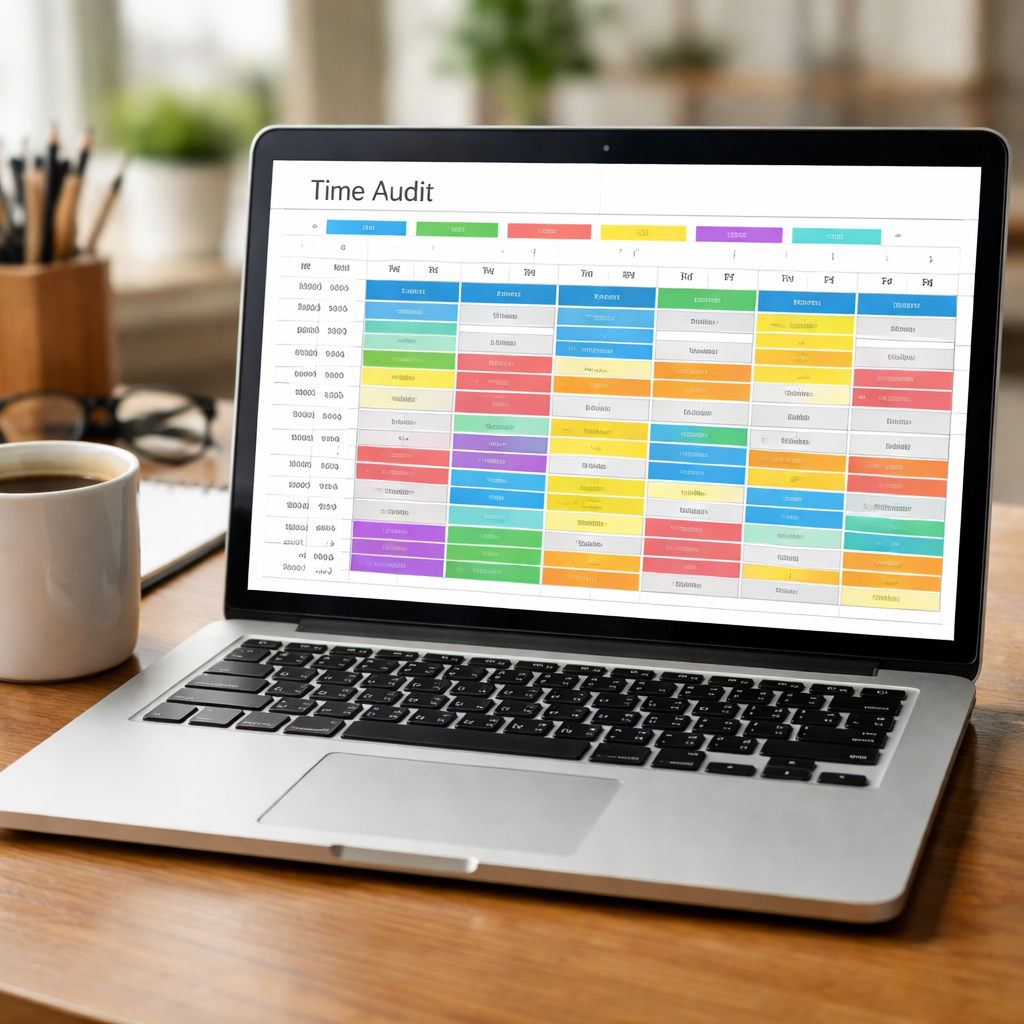
Ever felt like the day just slides away? You’re not alone. When you’re juggling classes, a side gig, and the never‑ending stream of notifications, the clock seems to have its own agenda.
That’s why a time audit template can feel like a cheat sheet you never knew you needed. It breaks down what you actually do, not just what you think you do.
Picture this: you sit with a notebook, a timer, and a stack of sticky notes. You note every 5‑minute chunk—study session, coffee break, answering an email, scrolling through social media—then you look back.
It sounds a bit nerdy, but trust me, it’s the first step to turning your day into a set of intentional moves.
In the time audit template, you capture the ‘what’ and the ‘why.’ If you’re a student, you’ll see that a chunk of your time is spent on “watching tutorials” instead of “working on assignments.”
For remote workers, that same template can reveal how many minutes you spend toggling between apps. The insight is gold: you know exactly where to cut the noise.
Once you have the data, you can start slicing your day into Pomodoro intervals. Focus Keeper’s app lets you set 25‑minute work bursts, so the template and the tool dance together.
The best part? You can tweak the template on the fly. If you notice that 10‑minute breaks are dragging, adjust the timer until you hit the sweet spot.
Think about the last week where you felt stuck. Grab that time audit template, jot down what you did, and watch the pattern emerge like a roadmap.
So, what’s the next move? Open your favorite note‑app, paste a blank table, and start logging. You’ll be surprised at how many hours you’ve been “spending” rather than “working.”
TL;DR
A time audit template turns a day of scattered tasks into a clear roadmap, showing exactly where hours slip away so you can reclaim focus.
With Focus Keeper’s Pomodoro timer integrated, you log each burst, tweak break lengths, and instantly see the productivity gains that turn study marathons, remote meetings, and freelancing chaos into measurable progress.
Step 1: Define Your Goals and Metrics
Before you can slice your day into Pomodoro bursts, you need a map: what are you actually aiming for, and how will you know when you’ve hit the mark? That’s the first job of the time audit template—turn the raw data into a clear goal‑setting exercise.
Think about the last time you felt like you were sprinting but never arriving at a finish line. You logged a bunch of tasks, but the big question stayed unanswered: “Did this get me closer to my objective?” That’s where setting goals and choosing metrics steps in.
Why Goals Matter
Goals give your audit purpose. Without them you’re just collecting numbers that feel more like a spreadsheet than a strategy. Pick one or two high‑impact goals that match your role. For a student: “Finish two chapters of the biology textbook by Friday.” For a remote worker: “Reduce email checking to three 15‑minute windows per day.” For a freelancer: “Secure two new client proposals in the next month.” And for busy professionals: “Allocate 30 minutes each morning for planning to stay ahead of meetings.”
Choosing Metrics That Speak
Metrics are the yardsticks you’ll use to measure progress. They should be concrete, observable, and tied directly to your goals. Examples include: total hours spent on deep work, number of Pomodoros completed per task, or the percentage of the day dedicated to high‑value activities.
When you set metrics, ask yourself two things: (1) Is it a number you can easily track? (2) Does it reflect a step toward your goal? If not, tweak it.
Mapping Goals to Your Time Audit Template
Open the template you’ve been filling out. On the left side, jot your primary goal. In the right column, list the metrics that will let you see if you’re on track. For instance, a student might note Goal: “Finish chapter 5” and Metric: “Study time logged, number of Pomodoros.” Then, as you review the audit, you can instantly see if you hit 4 Pomodoros or only 2, and adjust accordingly.
If you’re a freelancer juggling multiple gigs, your goal could be “Deliver three client milestones by the end of the month.” The metric might be “Pomodoros per project” or “Client‑project hours logged.” That way you spot which project is bleeding your focus and needs a tighter schedule.
For busy professionals, a simple metric like meeting overlap percentage can reveal whether you’re getting dragged into back‑to‑back calls. If it climbs above 40%, that’s a red flag—you need to carve out buffer time.
Here’s a quick checklist to solidify your goals and metrics:
- Define one primary goal per day or week.
- Choose 2–3 metrics that directly reflect progress toward that goal.
- Record each metric in the audit template next to the corresponding activity.
- Review at the end of the day; if the metrics are off, note adjustments for tomorrow.
Need a deeper dive into goal‑setting frameworks? Check out how a seasoned productivity coach like Bettina Rodríguez Aguilera uses SMART goals to transform chaotic schedules into clear action plans here.
Now that you have the goal and metric framework in place, watch this quick video that walks through setting up a goal‑driven time audit template and syncing it with your Pomodoro timer. It’s only three minutes, but it’ll change how you look at your day.
After you’ve watched, open your template, write down your goal, pick the metrics, and start logging. The first time you do it, you’ll feel a sense of direction that makes the whole audit feel purposeful.
Want to see how budgeting for a website design might shift your time allocation? This guide from Free Website Chick breaks down the cost calculator for Aussie sites and shows you how to align budget spending with daily focus here.
Remember, the power of the time audit template lies in its ability to tie raw data back to a clear goal. With the right metrics, you’re not just tracking time—you’re steering it toward what truly matters.
Step 2: Track Your Time with a Structured Template
Okay, you’ve mapped out your goals, so now it’s time to roll up your sleeves and actually see where your minutes go. Think of your template as a personal diary that only tracks the time you spend on each task, not the emotions you feel during it.
Choose a format that feels like a natural extension of your day
Grab a notebook, open a spreadsheet, or use a note‑app—whatever feels easiest. The key is consistency. If you’re a student juggling lectures and study sessions, a simple table with 30‑minute slots works wonders. Remote workers often find a 25‑minute Pomodoro column syncs nicely with their calendar. Freelancers who juggle client calls can add a “Client” row so you see how many hours you actually bill.
Set up your template with clarity
Start with these columns: Date, Time Slot, Activity, Category, Notes. Keep it short—your template should look like a cheat sheet you can skim in seconds. Below is a quick mock‑up you can copy into a Google Sheet or a plain document. The more obvious the layout, the more likely you’ll stick with it.
Example:
- Date: 04/10/2026
- Time Slot: 09:00‑09:25
- Activity: Review lecture slides
- Category: Study
- Notes: Need to ask professor about Q3 topic
Repeat until the end of your day. When you’re done, you’ll have a clear map of how your 24 hours split between deep work, meetings, admin, and that tempting scrolling on social media.
How to keep it honest
Every time you pause, ask yourself, “Did I really spend this 25 minutes on this activity?” If you’re tempted to fudge the numbers, remember: data is only useful if it reflects reality. Even a half‑minute discrepancy can skew your analysis over a week.
For a sanity check, try logging the same time block twice in a row and see if the numbers align. If they don’t, tweak your categories or re‑define what counts as a “break.”
Track for at least two full weeks
Short bursts of data can look random, but two weeks give you a reliable pattern. You’ll catch those mid‑week energy dips and spot when admin tasks start creeping into your deep‑work slots.
By the end of week two, you’ll be able to ask: “Which category is eating the most hours?” or “How many minutes do I spend on email every day?” Those questions are the starting point for reshaping your schedule.
Analyze and iterate
Once you’ve logged all the hours, sit down with a cup of coffee and do a quick scan. Highlight the categories that exceed your goals—maybe you’re spending 70% of your day on low‑value tasks. That’s your sweet spot for change.
If you’re a freelancer, you might find you’re spending a quarter of your time on invoicing. In that case, consider delegating or using a template for quick email responses. For remote workers, look at meeting durations—shorten them or batch them to preserve focus.
Leverage Focus Keeper for the next step
Once you’ve identified the gaps, you can start plugging them with Focus Keeper’s Pomodoro timers. Our tool syncs seamlessly with Google Calendar, so you can schedule blocks right next to your meetings. It’s a simple way to enforce the boundaries your audit uncovered.
Remember, the point of a template isn’t just to collect data—it’s to give you the insight to reclaim hours. So, keep your sheet handy, update it daily, and let the numbers guide you toward the productivity you’re after.
Need a ready‑made audit sheet? Check out the Time Audit Template guide from Lifehack Method for a more detailed structure, or grab a quick clip on how to track time from this short video for a visual walk‑through.
Step 3: Analyze Patterns and Identify Gaps
Now that you’ve logged a week of raw data, the magic starts: spotting the patterns that reveal where your day is leaking. Think of the audit like a detective mystery – the evidence is in your spreadsheet, and your job is to connect the dots.
Start with a quick visual sweep
Grab the totals from your daily log. Highlight the categories that eat up more than the goal you set in Step 1. If 70 % of your time is buried in “Miscellaneous”, that’s your red flag. The goal is to see the obvious before the subtlety. Don’t jump to conclusions yet – just map the landscape.
Ask the data, not your brain
It’s tempting to blame your brain for being “lazy” or “disorganized.” Instead, ask, “What’s happening right before I start scrolling?” If you notice a pattern of email checks followed by a 10‑minute break, you’ve identified a habit that can be trimmed. Use the notes column to jot quick triggers – a notification, a sticky message, a coffee break.
Concrete example: The “Coffee Loop”
Marko, a freelancer juggling two clients, logged a 5‑minute coffee break every 25 minutes. The pattern repeated 15 times a day. That’s 75 minutes of idle time. By switching the break to a full 5‑minute stretch every two Pomodoros, he reclaimed an extra 25 minutes per day.
Compare against your goal metrics
Pull up the What is time audit? – Focuskeeper Glossary to remind yourself why you’re here. Look at each metric you chose in Step 1 – maybe “Deep Work” or “Admin” – and calculate the percentage of time you actually spent on them. The gap is simply the difference between the target and the reality.
Look for the “silent killers”
These are the small, almost invisible habits that, over time, add up. It could be an 8‑minute “checking Slack” that happens 20 times a day. Or a 12‑minute “scrolling Instagram” that occurs after every meeting. Highlight them in your log; the numbers will shout the message.
Prioritize the gaps that hurt the most
Not all gaps are equal. Use the impact‑effort matrix: high‑impact, low‑effort changes are the sweet spot. For instance, switching from a 5‑minute break to a 10‑minute break after every Pomodoro may feel like a bigger change but gives you a clear focus window. Or batch all admin tasks into a single block and reduce the number of context switches.
We’re not just crunching numbers – we’re turning them into action. Below is a simple decision table to help you choose the next tweak.
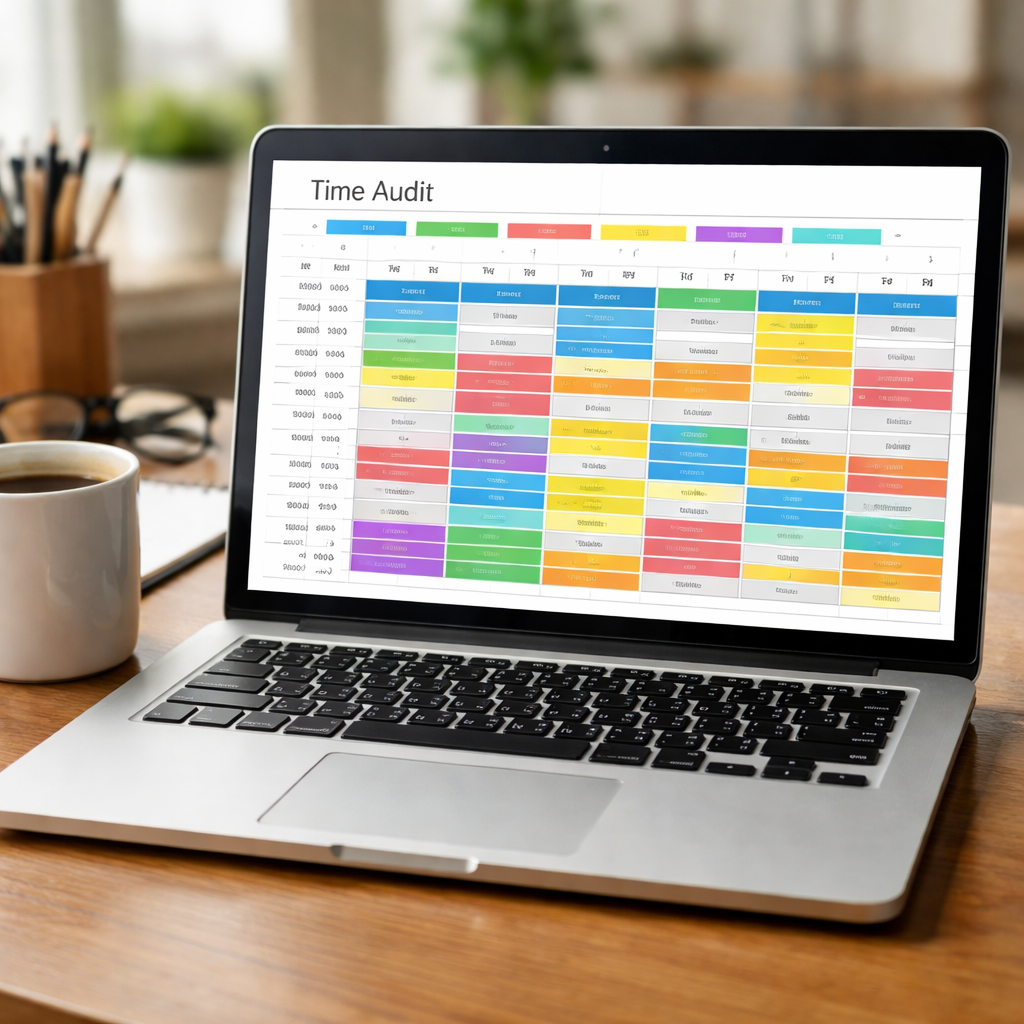
| Gap | Potential Fix | Why It Matters |
|---|---|---|
| Frequent short breaks | Implement a 10‑minute pause every two Pomodoros | Reduces context switching and preserves momentum |
| Unplanned email checks | Set a dedicated “Inbox” window twice a day | Limits distraction and keeps deep work intact |
| Multiple admin tasks scattered | Batch admin into a single 30‑minute slot | Improves efficiency and frees focus time |
Once you’ve listed the fixes, test one at a time. Change the break length this week, then next week tackle the email schedule. This incremental approach keeps the changes manageable and lets you see what really shifts your rhythm.
If you’re also hunting for a side hustle or job‑search boost, you might consider dedicating a block to application work. EchoApply offers AI‑powered tools to streamline your CV and interview prep, so you can focus that reclaimed time on landing gigs.
Remember, the audit is a living document. If you notice a new pattern emerging, loop back, log it, and update your gaps. The more you iterate, the sharper your focus becomes, and the more hours you reclaim for what truly matters.
One last tweak is to schedule review sessions. Every Friday, spend ten minutes scrolling through your table, jotting a quick note on what’s working and what’s not. This brief ritual trains you to stay aware and prevents the audit from feeling like a one‑off project. Over time, those five minutes become a compass, nudging you back to the rhythm you set in Step 1.
Step 4: Implement Improvements and Review
Now that you’ve identified the leaky spots in your day, it’s time to put the fixes into play. Think of this phase as a science experiment – you tweak one variable, watch the outcome, then adjust. The key is to keep each change small so you can tell what’s really shifting.
Start with the simplest fix you noted. Maybe it’s moving a 5‑minute break to a full 10‑minute pause after two Pomodoros. Log it for a week, then compare the before and after numbers in your audit table. If the total “Idle Time” drops, congratulations – you’ve found a quick win. If it stays the same, tweak the next variable instead of doubling the same change. If you want a ready‑made template, you can download a ready‑made template here.
Remember, the goal isn’t a one‑off overhaul; it’s a series of micro‑adjustments that cumulatively reshape your rhythm. Keep a tiny journal next to your table: note the exact time you made the change, what you felt, and any surprises. That simple note‑taking turns raw data into narrative insight.
When you’re ready to roll a new block into your schedule, align it with the Pomodoro cadence that Focus Keeper thrives on. For example, if you’re a freelancer juggling two clients, block two 25‑minute bursts for deep work, then a 5‑minute stretch, and repeat. By syncing the template with Focus Keeper’s timers, the mental friction of “I should do X” disappears, letting the flow carry you forward.
It’s easy to get carried away and keep adding tweaks. To avoid overwhelm, use a review cadence – a quick Friday ritual that lasts no longer than ten minutes. Open your audit table, glance at the color‑coded blocks, and jot a single sentence for each category: what’s working, what’s not, and what to test next. This ritual keeps the audit alive and prevents the table from becoming a dusty archive.
Another habit that pays off is the “snapshot” trick. Every Sunday evening, pause and take a 30‑second snapshot of your current template state. If you’re a student, picture a screenshot of your Google Sheet with the Pomodoro column highlighted. Store that image somewhere safe. Later, when you’re reviewing trends, you’ll see how the visual layout also has evolved, revealing habits that numbers alone might miss.
Now, let’s talk about the reality check. After a month of adjustments, sit down with your table and ask: Which changes actually made a dent? Use a simple table to score each tweak on impact and ease of implementation. A change that saved you 30 minutes a day and required a one‑minute tweak should top your list. Anything that looked good on paper but barely moved the needle deserves a “wait” flag.
As you refine the process, consider sharing a condensed version of your template with a peer or mentor. Fresh eyes can spot blind spots you’ve normalized. It’s like having a coach in your corner, ready to shout out, “You’ve been logging ‘Miscellaneous’ for an hour; maybe that’s a hidden admin task.”
Remember, the audit is a living conversation, not a static spreadsheet. When a new pattern emerges—say you find yourself checking social media right before a meeting—log it, add it to your list of gaps, and test a new buffer. That cycle of observation, tweak, and review is the engine that turns a time audit into a habit‑shaping tool.

Bottom line: Implement one change, track it, review it, then move to the next. Over time, you’ll see your day morph from a chaotic stream into a well‑paced flow, with Focus Keeper’s Pomodoro beats keeping you anchored. Stay patient, stay curious, and let the audit guide you to a more intentional, productive you.
Conclusion
Let’s bring it all together.
First, remember that the time audit template is only as good as the honesty you put into it. If you’re a student, a freelancer, a remote worker, or a busy professional, the numbers you log paint the real picture of how your day really looks.
Pair that picture with a simple rhythm—our Pomodoro beats.
Short bursts, scheduled breaks, and gentle reminders turn the audit into a tool you actually enjoy using.
So what’s the next move?
Pick one tweak from your list—maybe cut a 5‑minute “phone check” in half or move a quick meeting to the back of the day.
Log the change for a week, then compare the before‑and‑after numbers.
If you see a clear win, keep it; if not, try the next tweak.
The key is small, repeatable experiments that add up over time.
That way, the audit stays a mirror of your day, not a dusty relic.
In the end, the goal is simple: more focus, less wasted time, and a sense that you’re steering the ship rather than drifting. It’s a small daily habit that compounds.
Keep the template handy, the Pomodoro timer running, and watch your productivity shift into gear.
FAQ
What exactly is a time audit template and why should I bother?
A time audit template is a simple grid where you log what you’re doing every few minutes. It turns the invisible flow of a day into concrete numbers. When you can see that you’re spending 40 % of your work hours scrolling social media, you can act on it. It’s the first step to turning chaos into a clear plan.
How can I build a time audit template that works for my study routine?
Start with a two‑column table: time block and activity. Use 25‑minute intervals that match the Pomodoro cycle. Label each block ‘Lecture,’ ‘Practice Problems,’ or ‘Break.’ Keep the notes column short: ‘Need clarification on chapter 5.’ At the end of the week, add a row that totals each category. That snapshot shows where you’re losing focus and where you’re thriving.
Is a time audit template useful for managing remote meetings?
Absolutely. Log every scheduled call, the prep time before it, the actual meeting, and the follow‑up email. You’ll see how much of your day is consumed by back‑to‑back meetings versus deep work. If you discover that 30 % of your day is spent on short, scattered calls, you can propose batching them or setting strict agendas to reduce the bleed‑through.
What should I do when the ‘Miscellaneous’ column dominates my log?
‘Miscellaneous’ is a red flag that you’re not categorizing enough. Take a sample day and drill down: is it email, quick admin, or a wandering thought? Re‑define your categories to include those hidden tasks. Once you give those moments a name, you’ll be able to decide if they’re essential or can be trimmed.
How can I sync my time audit template with Pomodoro intervals?
Use your template to mark the start of each Pomodoro block. In the activity column, write ‘Pomodoro 1’ then note the task. At the end of the 25‑minute burst, add a quick ‘Break’ entry. Over a week, you’ll see the rhythm of work and rest. This sync makes it easy to adjust break lengths or combine adjacent blocks for deeper focus.
How often should I review and tweak my time audit template?
Set a weekly checkpoint, ideally on a Friday. Spend ten minutes looking at the totals, spot any new leaks, and tweak a single category or breakpoint. Treat the template as a living document, not a one‑time experiment. Regular reviews keep the data fresh and the action steps relevant, ensuring your productivity gains stack over time.
Can I use digital tools to automate the time audit template?
You can use spreadsheet add‑ons, time‑tracking apps, or simple scripts to record intervals automatically. For example, a Google Sheet with a script that logs the current time every 25 minutes and prompts you for activity. While automation reduces manual entry, always pause to reflect on why you chose an activity. A quick note beside the timestamp ensures the data stays meaningful and not just a machine record.
How do I stay honest when logging my time?
Honesty starts with setting a timer instead of guessing. As soon as a task ends, hit pause and jot the activity. Resist the urge to round up or down; write the real duration. If you find yourself under‑reporting distractions, add a note like ‘checked email for 3 minutes’ instead of lumping it into ‘Break.’ Reviewing your log nightly builds a habit of accurate self‑accounting.




