

Feeling like time just slips through your fingers? If you’re dealing with ADHD, you know how tough it can be to stay on track. Deadlines sneak up, tasks pile up, and focus feels like a moving target. But what if there was a way to bring some order to the chaos? This article is all about using a focus timer for ADHD, combined with smart time blocking, to help you get more done and feel less scattered. We’ll explore how simple tools and techniques can make a big difference in your day.
Key Takeaways
- Time blocking means dividing your day into specific chunks for specific tasks, which provides structure and can really help manage ADHD challenges like distraction and time blindness.
- Using a focus timer for ADHD alongside time blocking helps make abstract time more concrete, aiding in task completion and reducing overwhelm.
- Start time blocking by doing a ‘brain dump’ of all your tasks, then prioritize and set realistic goals, remembering to add buffer time for smooth transitions.
- To minimize distractions, create a focused environment, use visual cues like timers, and have a plan for managing wandering thoughts during work blocks.
- Advanced techniques like color-coding, theme days, and combining time blocking with other methods can further boost productivity and help plan for future goals.
Understanding Time Blocking for ADHD
What is Time Blocking?
So, what exactly is time blocking? Basically, it’s a way to manage your day by dividing it up into specific chunks, and then assigning a particular task or activity to each chunk. Think of it like scheduling appointments, but for everything you need to get done. Instead of just having a to-do list that you sort of glance at, you’re actually putting tasks into your calendar at specific times. For folks with ADHD, this can be a real game-changer. It gives you a clear roadmap for your day, which helps cut down on that feeling of being totally overwhelmed.
Why Time Blocking Helps Manage ADHD Challenges
ADHD can make things like focusing, staying organized, and just generally knowing what to do next feel like a constant uphill battle. Time blocking tackles these issues head-on. It provides a visual structure that makes your day feel more predictable. When you know you have a set amount of time for a specific task, it’s easier to get started and stay on track. Plus, it helps with something called ‘time blindness’ – that weird feeling where time just seems to vanish or you completely misjudge how long something will take. By assigning concrete time slots, you’re essentially making time visible and manageable.
Here’s a quick look at how it helps:
- Structure and Predictability: Knowing what’s coming next reduces anxiety.
- Reduced Overwhelm: Breaking down the day into smaller, manageable blocks makes big tasks feel less daunting.
- Combats Time Blindness: Visualizing time in blocks helps you get a better sense of how long things actually take.
- Improved Focus: Dedicating a specific block to a task minimizes the temptation to multitask or get sidetracked.
For many with ADHD, the brain struggles with executive functions like planning, prioritizing, and transitioning between activities. Time blocking acts as an external support system, externalizing these functions so you don’t have to rely solely on internal organization, which can be unreliable.
The Science Behind Time Blocking and ADHD
It’s not just a trendy productivity hack; there’s actual science behind why time blocking works so well for ADHD brains. Our brains are wired a bit differently, and this affects how we process time and manage tasks. Studies show that people with ADHD often have a harder time with what’s called ‘future orientation’ – that’s the ability to think about and plan for future events or tasks. This can lead to procrastination and difficulty estimating how long things will take. Time blocking helps bridge this gap. By creating a concrete schedule, you’re essentially making the future more present and tangible. It helps build those executive function muscles, making it easier to initiate tasks, stay focused, and transition smoothly from one thing to the next. It’s like giving your brain a helpful blueprint to follow, reducing the mental load of constant decision-making and planning.
Getting Started with Time Blocking
So, you’ve heard about time blocking and think it might help with ADHD, but where do you even begin? It’s not as complicated as it sounds, honestly. The main idea is to take your day, which can sometimes feel like a big, messy blob of ‘stuff to do,’ and chop it up into smaller, manageable chunks. Each chunk gets assigned a specific task. This gives your brain a clear roadmap, which is super helpful when executive function feels a bit wobbly.
Brain Dump: The First Step to Clarity
Before you can block out time, you need to know what you’re actually going to do with that time. This is where the brain dump comes in. Grab a notebook, a document, whatever works for you, and just write down everything that’s floating around in your head. All the tasks, appointments, errands, ideas, worries – get it all out. Don’t censor yourself, don’t organize it yet. Just dump it. This clears out the mental clutter and gives you a real picture of what’s on your plate. It’s like cleaning out your junk drawer; you might find some surprises, but at least you know what you’re working with.
Prioritizing Tasks and Setting Realistic Goals
Once you have your giant list from the brain dump, it’s time to sort through it. Look at each item and ask yourself: How important is this? When does it absolutely need to be done? For ADHD brains, setting realistic goals is key. We tend to overestimate what we can do in a given time. So, when you assign a task to a time block, be generous. It’s way better to finish early and have extra time than to constantly feel behind. Try to identify your top 1-3 priorities for the day and focus on those first. You can always add more if you have the energy and time.
Here’s a simple way to think about priorities:
- Urgent & Important: Do these first. Think deadlines, critical appointments.
- Important, Not Urgent: Schedule these. These are often the tasks that move you towards bigger goals.
- Urgent, Not Important: Delegate or minimize. These are often interruptions or tasks that others could handle.
- Not Urgent & Not Important: Eliminate or do last. These are time-wasters.
Incorporating Buffer Time for Smooth Transitions
This is a big one, especially for ADHD. We often underestimate how long it takes to switch gears. You finish one task, and then what? Do you immediately jump into the next? For most of us, that’s a recipe for feeling rushed and overwhelmed. Buffer time is that little bit of breathing room you build into your schedule between tasks. It could be 5-15 minutes. Use it to stretch, grab a drink, use the restroom, or just mentally reset before diving into the next thing. It makes transitions so much smoother and prevents that feeling of constantly playing catch-up. It’s about making your schedule work with your brain, not against it. This approach can really help you manage ADHD challenges.
Building buffer time into your schedule isn’t a sign of inefficiency; it’s a smart strategy for managing energy and focus. It acknowledges that transitions take time and mental effort, especially when you have ADHD. By giving yourself these small pauses, you reduce the friction of switching tasks, making it easier to maintain momentum and avoid burnout throughout the day.
Leveraging Focus Timers for ADHD
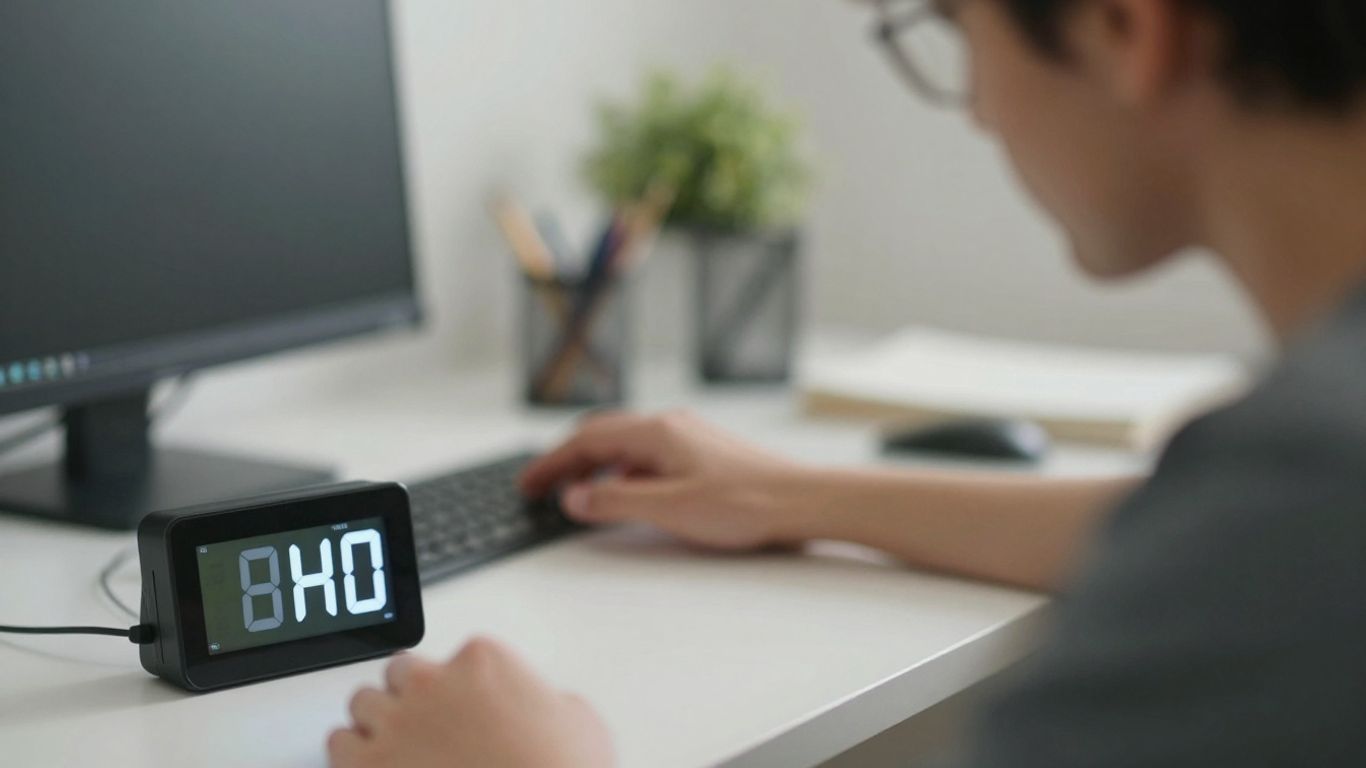
Okay, so we’ve talked about blocking out your day, but how do you actually stick to those blocks when your brain feels like a pinball machine? That’s where focus timers come in. They’re not just fancy gadgets; they’re like a little nudge, a friendly reminder that time is ticking and it’s time to switch gears or buckle down.
Using Visual Timers to Combat Time Blindness
Time blindness is a real thing for many of us with ADHD. You know, you sit down to do something, and suddenly it’s three hours later, and you have no idea where the time went? Or maybe you think a task will take 15 minutes, and it ends up taking an hour. Visual timers are fantastic for this. They show you time passing, not just with numbers, but with a disappearing color or a moving hand. It makes time feel more concrete, less like this abstract concept that just slips through your fingers. Seeing that red bar shrink can be way more effective than just a number on a clock.
- See Time Vanish: A visual representation makes the passage of time obvious.
- Externalize Time: It takes the pressure off your internal clock, which isn’t always reliable.
- Reduce Anxiety: Knowing how much time is left can make a task feel less daunting.
For many with ADHD, the internal sense of time is just… off. Visual timers act as an external anchor, grounding you in the present moment and giving you a tangible way to track progress without constant mental effort.
Setting Alarms for Task Transitions
This is probably the most straightforward use of a timer, but it’s super important. You’ve got your time block for ‘Work on Report,’ and then your next block is ‘Check Emails.’ An alarm is your signal to wrap up the report and get ready to switch. Without it, you might just keep going on the report, or get lost in emails for way too long. It helps with task switching, which can be a real hurdle.
Here’s a simple way to set this up:
- Set the Alarm: Set your timer for the end of your current work block.
- Transition Prompt: When the alarm goes off, take a minute to finish your current thought or jot down where you left off.
- Switch Gears: Move on to the next scheduled task. Don’t overthink it.
The Role of Timers in Enhancing Focus
So, how does a simple timer actually help you focus? Well, it creates a sense of urgency, but in a good way. Knowing you only have a set amount of time for a specific task can make you more determined to use that time wisely. It’s like a mini-challenge. Plus, it breaks down your workday into smaller, more manageable chunks. Instead of facing a whole day of work, you’re just focusing on getting through the next 25 minutes, or 45 minutes. This makes the overall task of ‘getting work done’ feel a lot less overwhelming.
- Creates Urgency: A deadline, even a self-imposed one, can boost motivation.
- Breaks Down Work: Large tasks become less intimidating when tackled in short bursts.
- Provides Structure: It reinforces your time blocks and keeps you on track.
Think of it like this: a timer gives your brain a clear target. It says, "Okay, for this next period, this is what we’re doing." It helps quiet down all the other distracting thoughts because there’s a defined mission for a defined period. It’s a simple tool, but it can make a big difference in staying present and productive.
Strategies to Enhance Productivity with Time Blocking
Once you’ve got the hang of the basics, there are some neat ways to really make your time blocking work harder for you. Think about grouping similar tasks together. This is like finding a productivity cheat code, seriously. It saves a ton of mental energy because your brain doesn’t have to do that annoying switch-up between different kinds of thinking every single time. If you have a bunch of emails to answer, just put them all in one "email block." It helps you zip through them way faster and stops that feeling of being totally swamped.
Batching Similar Tasks for Efficiency
This is a big one. When you group tasks that use the same mental muscles, you cut down on the energy drain that comes from constantly changing gears. For example, instead of checking emails sporadically throughout the day, dedicate a specific block just for emails. This way, you’re not interrupting your flow state multiple times. It’s about working smarter, not just harder.
- Dedicate specific time slots for recurring tasks.
- Group administrative duties together.
- Schedule creative work in focused blocks.
The ‘What’s On Fire?’ Triage Method
Sometimes, life throws curveballs, and your carefully planned schedule goes out the window. That’s where a "What’s On Fire?" approach comes in handy. It’s basically a quick way to figure out what absolutely needs your attention right now and what can wait. Don’t get bogged down trying to stick to a rigid plan if a real emergency pops up. Just pause, assess what’s truly urgent, handle it, and then figure out how to adjust your blocks for the rest of the day. Flexibility is your friend here.
It’s easy to get stuck thinking your schedule is set in stone. But the truth is, life happens. Being able to quickly reassess and move things around without feeling like a failure is key to making time blocking stick.
Breaking Down Large Tasks into Manageable Steps
Big projects can feel like climbing Mount Everest. Trying to tackle them all at once is a recipe for overwhelm. The trick is to break them down into smaller, bite-sized pieces. Instead of a block for "Write Report," have blocks for "Outline Report," "Research Section 1," "Draft Section 1," and so on. This makes the task feel much less daunting and gives you a sense of accomplishment as you tick off each small step. It’s progress, not perfection, that we’re aiming for here.
Minimizing Distractions with a Focus Timer for ADHD
Distractions are everywhere, right? Especially when you’ve got ADHD. Your phone buzzes, a notification pops up, or your brain just decides it’s time to think about that one embarrassing thing you did in 2010. It’s easy to get pulled away from what you’re supposed to be doing. Time blocking helps by giving you a clear, dedicated time slot for each specific task, making it easier to stay focused and ignore those pesky distractions.
Creating a Distraction-Proof Environment
Okay, so you’ve got your time blocks set up. Now, how do you actually use them without getting sidetracked? First, let’s talk about your space. Think about what usually pulls your attention. Is it your phone? Close those social media apps or even put your phone in another room. Computer notifications? Turn them off. Maybe your workspace is just too cluttered. A quick tidy-up can make a surprising difference.
- Silence your phone: Put it on ‘Do Not Disturb’ or airplane mode. Better yet, leave it somewhere you can’t easily see or reach it.
- Close unnecessary tabs: Seriously, how many browser tabs do you really need open? Stick to just the ones for your current task.
- Clear your physical space: A messy desk can lead to a messy mind. Spend a few minutes tidying up before you start a focus block.
- Communicate with others: If you live or work with people, let them know when you’re in a focus block and ask them not to interrupt unless it’s an emergency.
Setting up your environment for success is like building a little fortress around your focus time. It’s about proactively removing the things that usually derail you before they even have a chance to.
Using Visual Cues to Signal Focus Time
Sometimes, a simple sign can do wonders. Visual cues are great for reminding yourself and others that you’re in a focused work period. This could be as simple as putting on a specific hat, wearing headphones (even if you’re not listening to anything), or placing a small "Focus Time" sign on your desk. These visual signals act as a mental trigger, helping you get into the right headspace and signaling to others that you’re not available for casual chat.
Managing Wandering Thoughts During Work Blocks
Even with the best setup, your mind will still wander. It’s totally normal, especially with ADHD. The trick isn’t to stop the thoughts, but to manage them without letting them hijack your entire work block. When a distracting thought pops up – maybe a reminder about groceries, or a random idea – don’t just let it spin around in your head. Keep a notepad or a digital note-taking app handy. Quickly jot down the thought, then gently redirect your attention back to your task. This act of writing it down acknowledges the thought without letting it take over. You can review your notes later when you have a break or after your focus block is done. It’s like parking the thought for later, so it doesn’t keep interrupting your flow.
Advanced Time Blocking Techniques
Color-Coding and Theme Days for Clarity
Once you’ve got the hang of basic time blocking, you can really jazz things up. Think about using colors on your calendar. Different colors can mean different things – maybe blue for work tasks, green for personal appointments, and yellow for creative projects. It makes your schedule pop and easier to see what’s what at a glance. This visual trick helps you make sure you’re not just working all the time, but also making space for yourself.
Another cool trick is theme days. You could make Mondays all about getting administrative stuff done, like emails and paperwork. Then maybe Fridays are for brainstorming and creative work. This way, your brain gets into a groove for a certain type of task, and you don’t have to switch gears as much. It cuts down on that mental fatigue from constantly deciding what to do next.
Combining Time Blocking with Other Methods
Time blocking doesn’t have to be a solo act. You can mix it with other productivity strategies. For example, you could use the Pomodoro Technique within your time blocks. That means working for 25 minutes, then taking a 5-minute break. If you have a big task, you can break it down into several 25-minute Pomodoro sessions, all fitting neatly into one of your scheduled time blocks. It makes those big projects feel way less scary.
Planning for Future Goals with Time Blocks
Don’t just use time blocking for your to-do list. Use it to plan for the bigger picture, too. Set aside regular time slots for thinking about your long-term goals. Maybe you block out an hour every Sunday to review what you accomplished that week and plan for the next. Or perhaps you schedule a longer block once a month to think about career development or personal projects. This forward-thinking approach turns time blocking from just a task manager into a goal achievement tool.
When things don’t go exactly as planned, and they won’t, don’t get discouraged. Life happens. The key is to be flexible. If a meeting runs long or a task takes more time than you thought, just shift your blocks around. It’s not about sticking to a rigid schedule, but about having a flexible plan that helps you get back on track quickly.
Tools and Resources for Effective Time Management
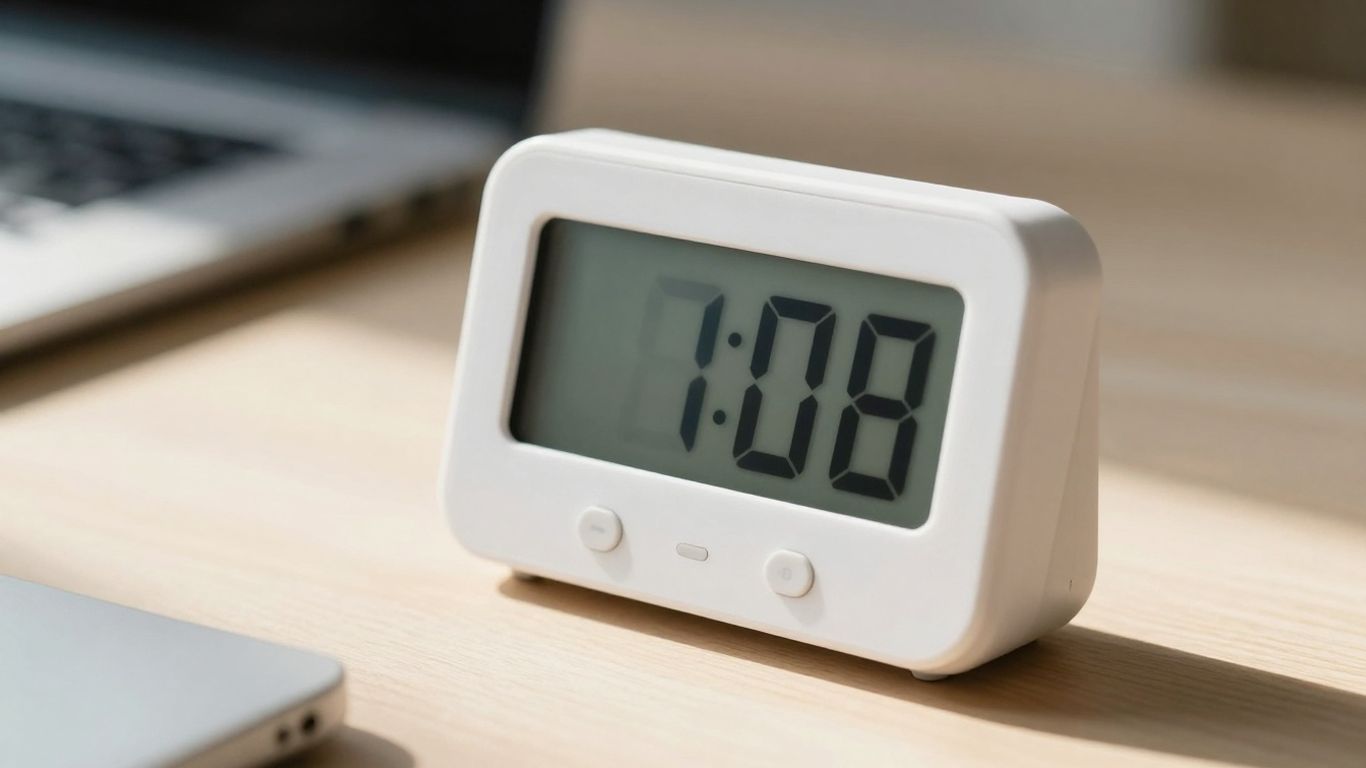
Okay, so you’ve got your time blocks all mapped out, but how do you actually make them stick, especially when your brain feels like a pinball machine? That’s where the right tools and resources come in. Think of them as your trusty sidekicks in the battle against distraction and time blindness.
Digital Tools for Customizing Productivity Workflows
There are some pretty neat apps out there that can really help tailor your time blocking to how your brain works. For instance, Amazing Marvin is a powerhouse. You can tweak it endlessly to fit your specific needs, which is fantastic because ADHD brains aren’t one-size-fits-all, right? It lets you build custom workflows, so you’re not just staring at a generic to-do list. Another one, TickTick, is great because it has a built-in Pomodoro timer and lets you estimate how long tasks will take. This can be super helpful for getting a grip on how much you can realistically do in a block.
Visual Aids to Reinforce Time Awareness
Sometimes, you just need to see time passing. Digital tools are great, but don’t underestimate the power of simple visual aids. Having a physical timer on your desk, maybe one with a countdown that you can actually watch, can be a game-changer for time blindness. It’s a constant, gentle reminder of how much time you have left in a block. Color-coded calendars are also a lifesaver. Assigning different colors to different types of tasks – say, blue for deep work, green for meetings, and yellow for personal stuff – makes your schedule pop and easier to understand at a glance. It’s like a visual cheat sheet for your day.
Integrating Timers into Your Scheduling System
This is where the magic really happens. It’s not just about having a timer; it’s about making it a non-negotiable part of your time blocks. When a block starts, the timer starts. When it ends, you transition. This creates a rhythm. You can set alarms not just for the end of a block, but for the start of the next task. So, if you have a "Deep Work" block followed by a "Respond to Emails" block, set an alarm for the end of deep work, and then another one a minute or two later to signal it’s time to switch gears. It externalizes the urgency that ADHD brains often struggle to generate internally. It breaks down the day into manageable, timed segments, making it feel less like one giant, overwhelming task.
Keep Going, You’ve Got This!
So, we’ve talked a lot about how focus timers and time blocking can really help when your brain works a bit differently, like with ADHD. It’s not about magically fixing everything overnight, but more about finding tools that work with your brain, not against it. Remember, it takes practice to get these systems down. Don’t get discouraged if some days are harder than others. Just keep trying, adjust as you go, and celebrate the small wins. You’re building a more organized and less stressful day, one timed block at a time. You can totally do this.
Frequently Asked Questions
What exactly is time blocking, and how does it help with ADHD?
Time blocking is like giving your day a clear map. You divide your day into specific chunks of time and assign a task to each chunk. For people with ADHD, this is super helpful because it provides a clear structure, making it easier to know what to do next and reducing that feeling of being overwhelmed. It helps combat ‘time blindness,’ which is when it’s hard to tell how much time has passed or how long things will take.
How can I start time blocking if I have ADHD?
First, do a ‘brain dump’ – write down everything you need to do. Then, figure out what’s most important. Start small by blocking out time for just a few tasks. Don’t forget to add ‘buffer time’ between tasks for breaks or unexpected delays. It’s all about creating a plan that works for you, not a perfect one.
What’s ‘time blindness,’ and how do focus timers help with it?
Time blindness means you often lose track of time or can’t guess how long tasks will take. Focus timers, like a kitchen timer or an app on your phone, act as a visual reminder of how much time you have. Seeing the timer count down or up helps you stay aware of time passing, so you’re less likely to get lost in a task or underestimate how long it will take.
How can I make sure I actually stick to my time blocks and don’t get distracted?
Try to make your workspace as distraction-free as possible. Turn off phone notifications and close extra browser tabs. You can also use visual cues, like putting on headphones or a sign, to let others know you’re in focus mode. If your mind wanders, quickly write down the thought to deal with later. The key is to gently guide yourself back to your task.
What are some advanced ways to use time blocking?
You can get creative! Try color-coding your calendar blocks for different types of activities (like work, chores, or fun). You could also try ‘theme days,’ where you dedicate a whole day to a certain type of task, like ‘writing day’ or ‘errand day.’ This helps your brain get into a specific groove.
Are there any specific tools that are good for time blocking with ADHD?
Yes! There are many apps that let you customize your schedule, like Amazing Marvin or TickTick, which often have built-in timers. Simple visual timers, alarms on your phone, and even color-coded calendars can be really helpful. The best tool is the one that you’ll actually use consistently.




