
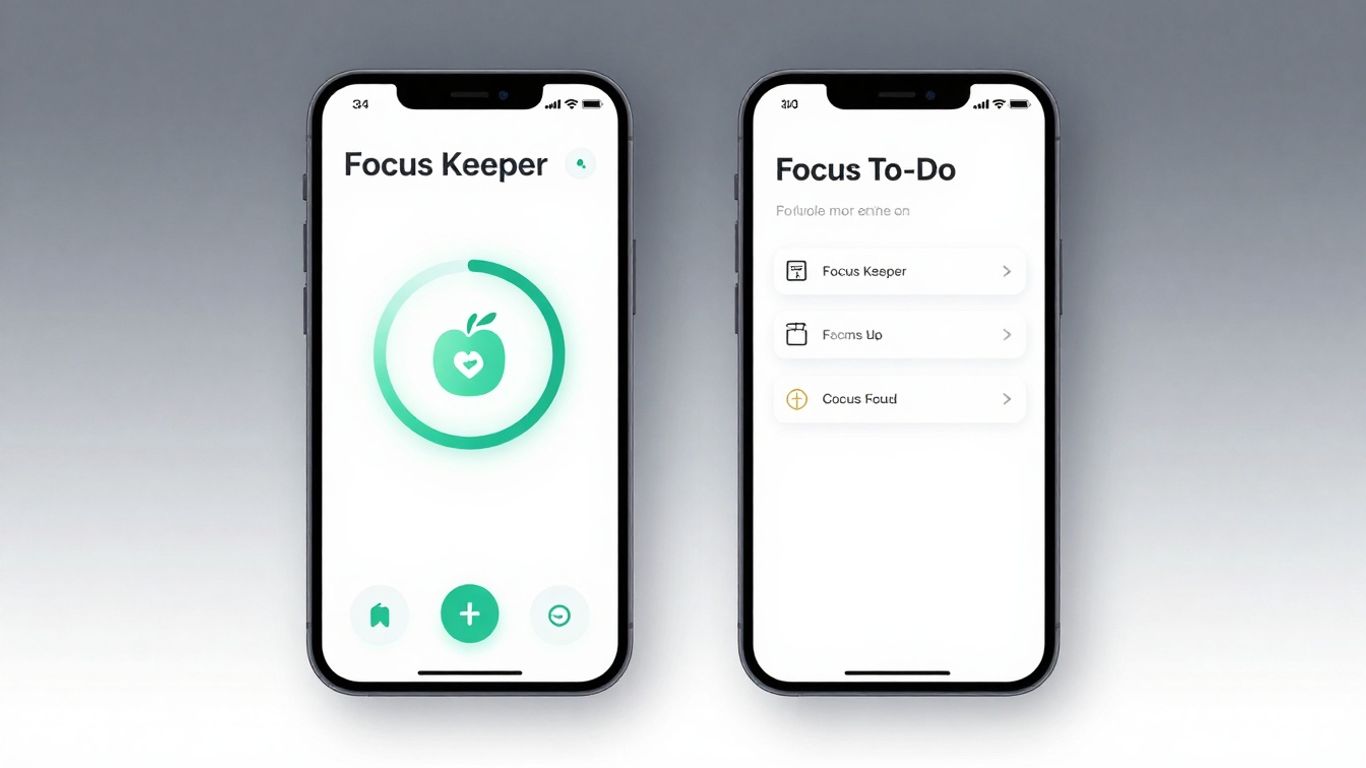
Trying to get stuff done can be a real pain, right? Especially with all the pings and notifications flying around. That’s where apps designed to help you focus come in. We’re going to look at two popular ones, Focus Keeper and Focus To-Do, to see which one might be the better pick for you in 2026. It’s like comparing two different kinds of tools for the same job – they both aim to help, but they go about it in their own ways.
Key Takeaways
- Both Focus Keeper and Focus To-Do use the Pomodoro Technique, but they offer different ways to manage your tasks alongside your focus sessions.
- Focus Keeper tends to be simpler, focusing more on the timer aspect, while Focus To-Do packs in more task management features.
- When it comes to looks and how easy they are to use, Focus Keeper might feel a bit more straightforward, but Focus To-Do tries to give you more options.
- If you need to really organize your work with lists, priorities, and maybe even share tasks, Focus To-Do seems to have the edge.
- Both apps have different pricing plans, so checking out what you get for free versus what you pay for is a good idea before you commit.
Focus Keeper vs Focus To-Do: Core Functionality
When you’re trying to get work done, having the right tools makes a big difference. Focus Keeper and Focus To-Do are two popular apps that aim to help you stay on track, but they go about it in slightly different ways. Let’s break down what they actually do at their core.
Understanding the Pomodoro Technique
The Pomodoro Technique is a time management method that breaks work down into intervals, traditionally 25 minutes in length, separated by short breaks. After about four "Pomodoros," you take a longer break. The idea is that working in focused bursts helps prevent burnout and keeps your mind sharp. It’s a simple concept, but it can be surprisingly effective for tackling tasks that feel overwhelming.
- Focused Work Intervals: Short, dedicated periods for deep work.
- Scheduled Breaks: Regular short breaks to rest your mind.
- Longer Breaks: Extended rest after a set number of work intervals.
- Reduced Distractions: Encourages minimizing interruptions during work times.
This technique is all about creating a rhythm for your workday. It’s not just about working hard, but working smart by giving your brain regular chances to recharge.
Key Features of Focus Keeper
Focus Keeper is pretty straightforward. Its main job is to be your Pomodoro timer. You set your work and break times, hit start, and it keeps track. It’s designed to be simple and get out of your way.
- Customizable Timers: Adjust work and break durations to fit your needs.
- Session Tracking: See how many Pomodoro sessions you’ve completed.
- Basic Notifications: Alerts for the start and end of work and break periods.
- Minimalist Interface: Easy to understand and use without a steep learning curve.
Key Features of Focus To-Do
Focus To-Do takes things a bit further. While it absolutely includes a Pomodoro timer, it also integrates task management. This means you can not only time your work sessions but also link them directly to specific tasks you need to accomplish.
- Integrated Pomodoro Timer: Built-in timer with customizable intervals.
- Task Management: Create, organize, and prioritize to-do lists.
- Task-Timer Linking: Associate Pomodoro sessions with specific tasks.
- Reporting and Statistics: Track your productivity over time, including completed tasks and focus hours.
- Cross-Platform Syncing: Access your data across different devices (more on this later).
The biggest difference is that Focus Keeper is primarily a timer, while Focus To-Do is a productivity suite that combines timing with task organization.
User Experience and Interface Design
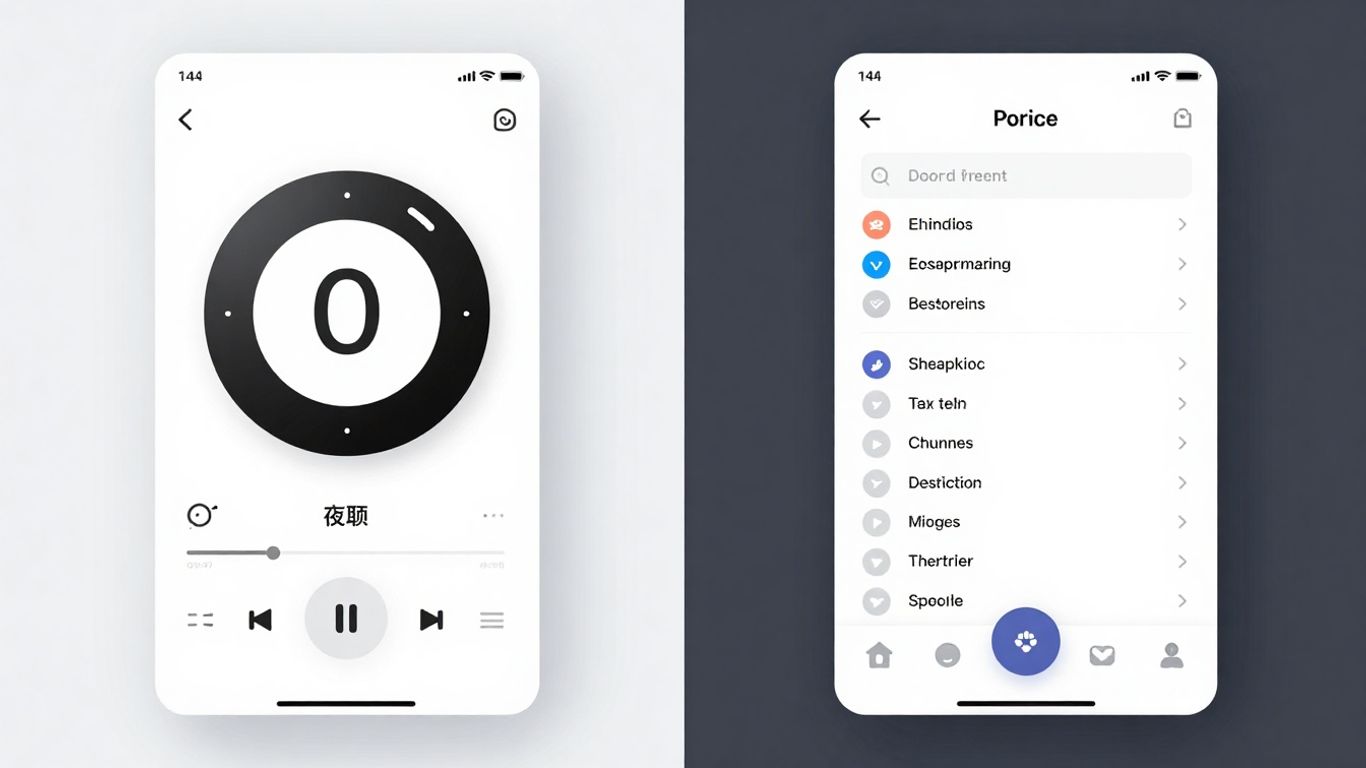
When you’re trying to get work done, the last thing you want is an app that’s confusing or just plain annoying to use. Both Focus Keeper and Focus To-Do aim to help you concentrate, but they go about it in pretty different ways when it comes to how they look and feel.
Navigating Focus Keeper’s Interface
Focus Keeper feels pretty straightforward. It’s built around the core Pomodoro timer, so you’ll see a big timer front and center. Setting up your work and break intervals is usually just a few taps. It doesn’t try to do too much, which can be a good thing if you just want a simple timer. The menus are generally where you’d expect them to be, and it’s not hard to figure out how to start, stop, or reset a session. It’s the kind of app you can open up and start using without much thought.
Exploring Focus To-Do’s Design
Focus To-Do takes a different approach. It bundles task management right alongside the Pomodoro timer. This means the interface has more going on. You’ve got your task lists, project views, and then the timer itself. It can feel a bit busier than Focus Keeper, but it also means you can see your tasks and start a focus session for one of them all in the same place. The design is generally clean, but with more features, there’s a bit more to learn initially. Think of it like a well-organized desk versus a minimalist one.
Ease of Use for Beginners
For someone who’s brand new to the Pomodoro technique or just wants a simple timer, Focus Keeper is probably the easier one to jump into. Its focus on just the timer makes it very accessible. You don’t need to worry about organizing tasks or setting up complex projects right away. Focus To-Do, while powerful, might have a slightly steeper learning curve for absolute beginners because it tries to do more. However, if you’re someone who likes to have your to-do list and your timer in one spot from the get-go, Focus To-Do might feel more intuitive once you get the hang of it.
The best interface is one that gets out of your way. Whether an app is simple or feature-rich, it should feel natural to use, allowing you to focus on the work, not the tool itself. A cluttered or confusing design can quickly become a distraction, defeating the purpose of a focus app.
Here’s a quick look at how they stack up:
| Feature | Focus Keeper | Focus To-Do |
|---|---|---|
| Primary Focus | Timer | Timer + Tasks |
| Initial Learning | Low | Medium |
| Visual Clutter | Low | Medium |
| Task Integration | Minimal | High |
Task Management Capabilities
When you’re trying to get work done, just having a timer isn’t always enough. You need to know what you’re supposed to be doing. Both Focus Keeper and Focus To-Do try to help with this, but they go about it a little differently.
Integrating Tasks with Focus Sessions
Focus Keeper is pretty straightforward. It’s mainly a timer, so task management isn’t its strong suit. You can add a task name to your timer session, which is nice for quick notes, but that’s about it. It doesn’t really help you organize or plan out your tasks beyond that single session. It’s like having a notepad next to your timer – handy for jotting things down, but not a full-blown organizer.
Focus To-Do, on the other hand, is built with task management right into its core. You can create tasks, break them down into subtasks, set due dates, and then link those tasks directly to your Pomodoro sessions. This means when you start a timer, you know exactly what you’re working on and why. It makes the whole process feel more connected and purposeful. You can even see how much time you’ve spent on each task, which is pretty neat for tracking your progress.
Task Prioritization and Organization
This is where Focus To-Do really pulls ahead. It offers more robust ways to keep your tasks in order. You can:
- Create different projects to group related tasks.
- Assign priority levels (like high, medium, low) to tasks.
- Use tags to categorize tasks further (e.g., ‘urgent’, ‘personal’, ‘work’).
Focus Keeper doesn’t really have these features. You’re left to manage your task list outside the app and just use the timer for whatever you decide to work on. It works if you already have a system, but if you’re looking for an app to help you organize and focus, Focus Keeper falls short.
Managing your tasks effectively is key to making any time management technique work. Without a clear plan of what needs to be done, even the best timer can feel a bit aimless. Having a system to sort and prioritize your work means you’re not just busy, you’re productive.
Collaboration and Delegation Features
Neither app is really designed for heavy team collaboration or delegation. Focus Keeper is strictly a solo tool. Focus To-Do has some basic sharing capabilities, allowing you to share a task list with others. However, it’s not a full project management suite. You won’t find features like assigning complex roles, detailed team progress reports, or advanced permission settings. If you need to manage a team’s workload, you’d likely need a more specialized tool. For individual use, though, Focus To-Do’s task management is a big step up from Focus Keeper, making it easier to organize your work.
Customization and Personalization Options
Sometimes, the default settings just don’t cut it, right? Both Focus Keeper and Focus To-Do get this, offering ways to tweak things so they fit your personal style and workflow. It’s not just about setting a timer; it’s about making the tool work for you.
Tailoring Focus Keeper Settings
Focus Keeper is pretty straightforward when it comes to customization. You can adjust the length of your focus sessions and breaks, which is the core of the Pomodoro technique. You can also set up how many Pomodoro cycles you want to complete before taking a longer break. It’s all about finding that rhythm that keeps you productive without burning out. The app also lets you choose different alert sounds for when a session ends, so you don’t miss that crucial transition time. The visual aspect is also customizable, with options to change the background color to something that suits your mood or the time of day. This helps in creating a more engaging environment. For example, you might prefer a calming blue for deep work sessions and a brighter color for shorter breaks.
Personalizing Focus To-Do Workflows
Focus To-Do takes personalization a step further, especially since it blends task management with the Pomodoro timer. You can customize task priorities, set deadlines, and add detailed notes, which is great for keeping track of what needs doing. Beyond that, you can adjust the Pomodoro timer settings just like in Focus Keeper – session length, break length, and cycle count. What’s really neat is how you can assign tasks to specific projects and then track your Pomodoro time against those projects. This gives you a clear picture of where your time is actually going. You can also set recurring tasks, which is a lifesaver for those daily or weekly to-dos that always seem to sneak up on you.
Soundscapes and Ambient Noise Options
This is where things get interesting for creating your ideal focus zone. Focus Keeper offers a selection of built-in alert sounds. While not extensive, they are functional and get the job done. Focus To-Do, however, often integrates with or offers a wider range of ambient sound options. Think rain sounds, white noise, or even gentle cafe chatter. These aren’t just random noises; they’re designed to mask distracting background sounds and help you get into a flow state. Some users find that a consistent, unobtrusive sound can make a huge difference in their ability to concentrate for extended periods. It’s like building a personal sound bubble.
The ability to fine-tune your productivity tools is what separates a good app from a great one. It’s about making the software adapt to your unique way of working, not the other way around. Whether it’s adjusting timer lengths, organizing tasks, or choosing the right background noise, personalization makes the difference between just using an app and truly benefiting from it.
Trying out different settings is key. Most apps, including these, allow you to experiment freely. You can test out different timer durations or try various ambient sounds to see what helps you concentrate best. Remember, what works for one person might not work for another, so don’t be afraid to play around until you find your perfect setup. You can often find free trials for apps like these, giving you ample time to test their features and see if they meet your needs before committing to a management app.
Platform Availability and Syncing
When you’re juggling tasks and trying to stay focused, having your productivity tools available wherever you are is a big deal. Nobody wants to be stuck on their phone without access to the same data they have on their laptop, right? It’s all about making sure your workflow isn’t interrupted, no matter what device you’re using.
Cross-Platform Compatibility
Both Focus Keeper and Focus To-Do understand that people don’t stick to just one device anymore. They’ve made sure their apps work across the board.
- Focus Keeper: You can find it on iOS and Android. It’s pretty straightforward, focusing on the core Pomodoro timer experience.
- Focus To-Do: This one goes a bit further, offering apps for iOS, Android, Windows, and macOS. This wider reach means you can really use it on any computer you might be working on.
The ability to use an app on multiple operating systems is a huge plus for consistency. It means the way you interact with the app stays pretty much the same, whether you’re on your phone or your desktop.
Real-time Data Synchronization
This is where things get really interesting. Having your data sync up instantly is what makes using multiple devices actually work.
- Focus Keeper: Syncing is available, but it’s generally tied to their cloud service, which might require a premium subscription for full functionality.
- Focus To-Do: Real-time syncing is a core feature. Any task you add, any timer you complete, it all updates across all your logged-in devices almost immediately. This is super handy if you start a task on your computer and then want to check its status on your phone later.
Syncing is the glue that holds your productivity together across different devices. Without it, you’re essentially managing separate lists and timers, which defeats the purpose of having an integrated system.
Mobile Management on the Go
Let’s be real, a lot of our lives happen on our phones these days. So, how do these apps handle being managed from your pocket?
- Focus Keeper: The mobile app is solid for starting and stopping timers, and managing basic tasks. It’s designed to be quick and easy to use when you’re out and about.
- Focus To-Do: The mobile version is quite robust. You can manage your entire task list, start focus sessions, and see your progress, much like you would on the desktop. It really feels like a complete tool, not just a companion app. You can even find other great Pomodoro timer apps that offer similar mobile functionality.
Ultimately, both apps aim to keep you productive, but Focus To-Do seems to have a slight edge when it comes to making sure your entire workflow is connected and accessible, no matter where you are or what device you’re holding.
Pricing and Value Proposition
When you’re looking at productivity apps like Focus Keeper and Focus To-Do, the cost is definitely something to consider. It’s not just about the sticker price, though; it’s about what you get for your money and if it actually helps you get more done without breaking the bank.
Focus Keeper’s Cost Structure
Focus Keeper keeps things pretty straightforward. The app itself is free to download and use, which is a big plus. You get the core Pomodoro timer functionality, basic task lists, and the ability to track your focus sessions. It’s a solid option if you just need a simple timer to keep you on track. However, if you want to unlock more advanced features, like detailed statistics on your work habits or different sound options for your focus sessions, you’ll need to look at their premium version. This usually involves a one-time purchase or a subscription, depending on how they’ve structured it for 2026.
Focus To-Do’s Subscription Tiers
Focus To-Do tends to offer a more tiered approach. They usually have a free version that gives you access to the basic Pomodoro timer and task management features. This is great for individuals or small teams just starting out. But to really get the most out of Focus To-Do, especially if you’re looking for things like advanced reporting, cloud syncing across multiple devices, or team collaboration tools, you’ll likely need to upgrade to one of their paid plans. They often have different levels, like a ‘Pro’ version for individuals and a ‘Team’ or ‘Business’ plan for groups, each with a different price point and feature set. This means you can pick a plan that fits your specific needs and budget.
Evaluating the Free Trial Options
Before you commit to any paid plan, it’s always a smart move to take advantage of free trials. Most apps, including both Focus Keeper and Focus To-Do, will offer a trial period for their premium features. This is your chance to really test drive the app and see if it’s the right fit for your workflow. You can check out all the bells and whistles, see how well the task management integrates with your focus sessions, and figure out if the interface makes sense for you. Don’t skip the free trial; it’s the best way to avoid buyer’s remorse.
Here’s a general idea of what you might find:
- Free Version: Basic Pomodoro timer, simple task list, session tracking.
- Premium/Pro Version: Advanced statistics, more customization options, cloud sync, potentially more soundscapes.
- Team/Business Version: All Pro features plus collaboration tools, user management, shared task lists.
Trying out the full capabilities of an app during its trial period is key. It lets you see firsthand if the advanced features justify the cost and if the overall experience aligns with how you like to work. You might find that the free version is perfectly adequate, or you might discover that the paid features are a game-changer for your productivity.
So, Which App Wins?
Alright, so we’ve looked at Focus Keeper and Focus To-Do, and honestly, picking a single winner for 2026 feels a bit like choosing your favorite flavor of ice cream – it really depends on what you’re craving. Focus Keeper is great if you just want a straightforward Pomodoro timer without a lot of fuss. It does its job, helps you get those focused bursts in, and doesn’t ask for much. On the other hand, Focus To-Do packs in more features, like task management, which can be super handy if you want everything in one place. It’s a bit more involved, but for some, that all-in-one approach is exactly what they need to really get things done. Ultimately, the best app is the one you’ll actually use consistently. Give both a spin and see which one clicks with your personal workflow. Happy focusing!
Frequently Asked Questions
What is the main idea behind the Pomodoro Technique?
The Pomodoro Technique is like a timer for your brain! You work really hard on one thing for a short time, like 25 minutes, and then you get a short break. It helps you focus better and stops you from getting too tired.
Can Focus Keeper help me manage my to-do list?
Focus Keeper is mostly about timing your work sessions. While it helps you concentrate, it doesn’t have a built-in way to list and manage your tasks. You might need another app for that.
Does Focus To-Do let me organize my tasks?
Yes, Focus To-Do is designed to help with both focusing and managing your tasks. You can add your tasks, set deadlines, and even group them, making it easier to see what you need to do.
Are these apps hard to use for someone new to them?
Both apps try to be easy to use. Focus Keeper is quite simple, mainly focusing on the timer. Focus To-Do has more features for tasks, so it might take a little longer to learn, but it’s still pretty straightforward.
Can I use these apps on my phone and computer?
Many apps like these work on different devices, like phones and computers. This means you can keep track of your work and focus time no matter where you are.
Do I have to pay to use Focus Keeper or Focus To-Do?
Often, these apps have a free version with basic features. If you want more advanced options, like extra customization or detailed reports, there might be a paid version. It’s usually a good idea to try the free version first!




